
- Overview
- Scorecard
- Updates10
obsidian-soundboard is a plugin for Obsidian that allows you to use local sound files to create soundboards and playlists for tracks, ambiance and sound effects.
But... why?
Because I use Obsidian on my laptop to run an offline D&D campaign (thanks to @javalent excellent suite of plugins), and use background music, ambiance, and sound effects. I couln't find anything that would fit my needs: no internet access required, ability to use custom tracks, and light on battery usage.
So I decided to add my soundtracks to my D&D vault, and started building a weird soundboard / playlist mix.
This plugin is probably not for you. But if it is, I hope you find it useful and it helps you run some memorable games!
Installation
You can add the plugin from the obsidian community plugins soundboard page, or use BRAT to install directly from github releases.
Remember to enable the plugin after installation!
Usage
- Create a folder in your vault to keep your audio files in (optional)
- Go into Settings -> Community Plugins -> Soundboard, and set your root folder. Only audio files in this folder will be available for
obsidian-soundboardto use- Only files with the extension
.flac,.mp3,.mp4,.ogg, or.wavwill be available for usage.
- Only files with the extension
- Show the Soundboard view by:
- Clicking the plugin icon on the left toolbar:

- Using the
Soundboard: Opencommand.
- Clicking the plugin icon on the left toolbar:
Optional
- Enable and create sections
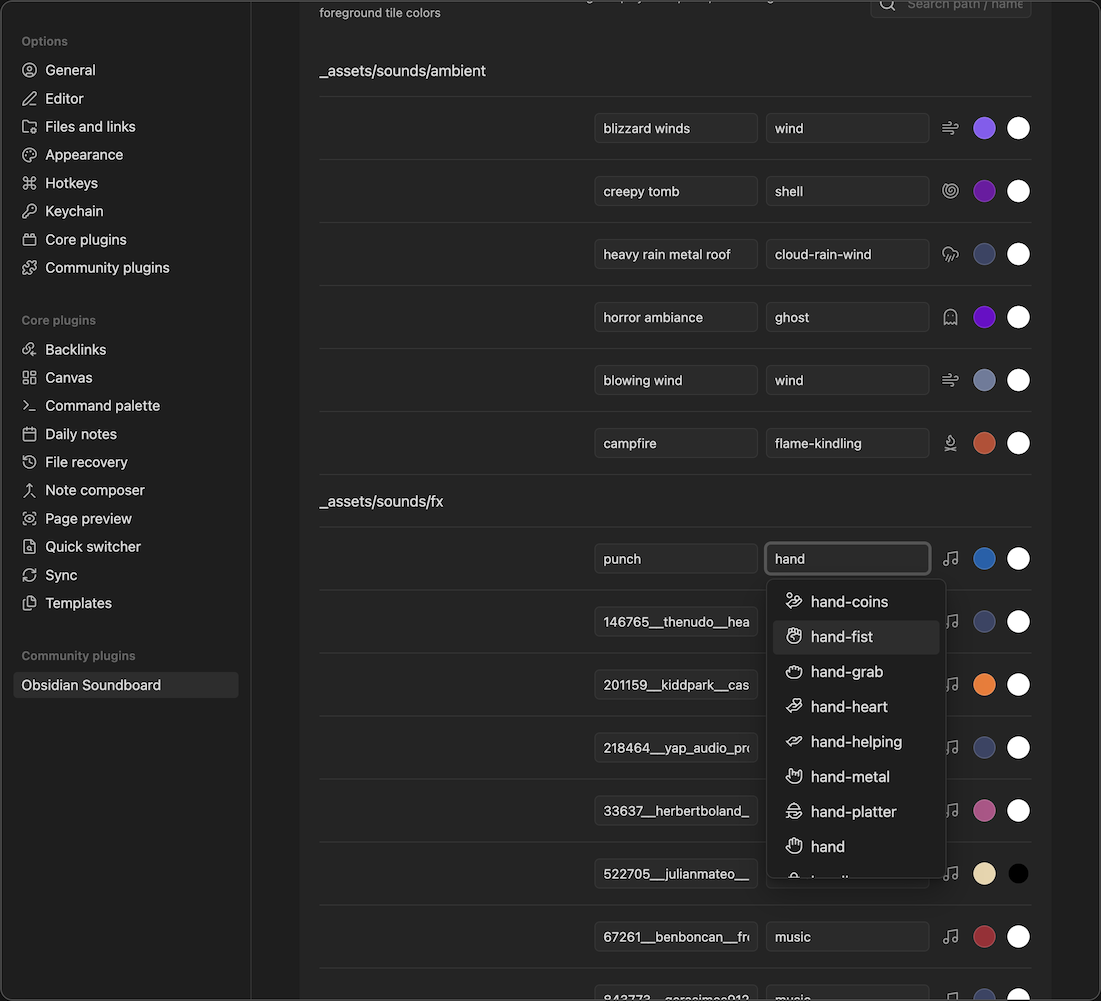
- Update track name, icon, and tile colors (background and foreground / text)
Features
Tile based organization
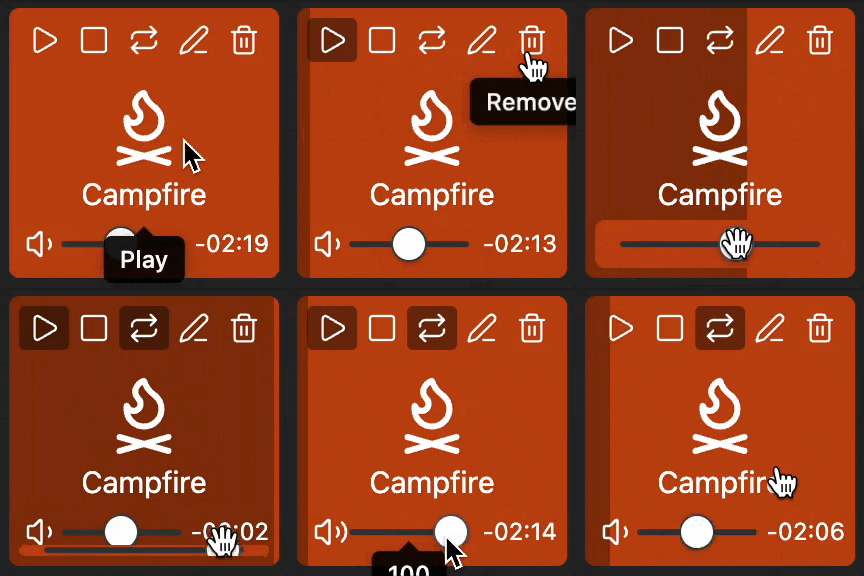
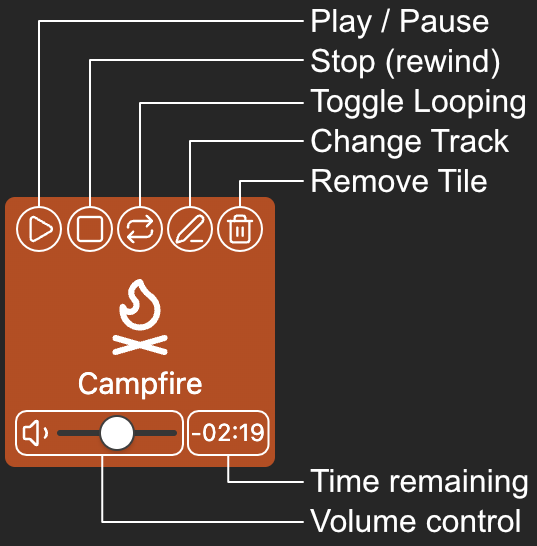
Load audio tracks into tiles that can be independently controlled:
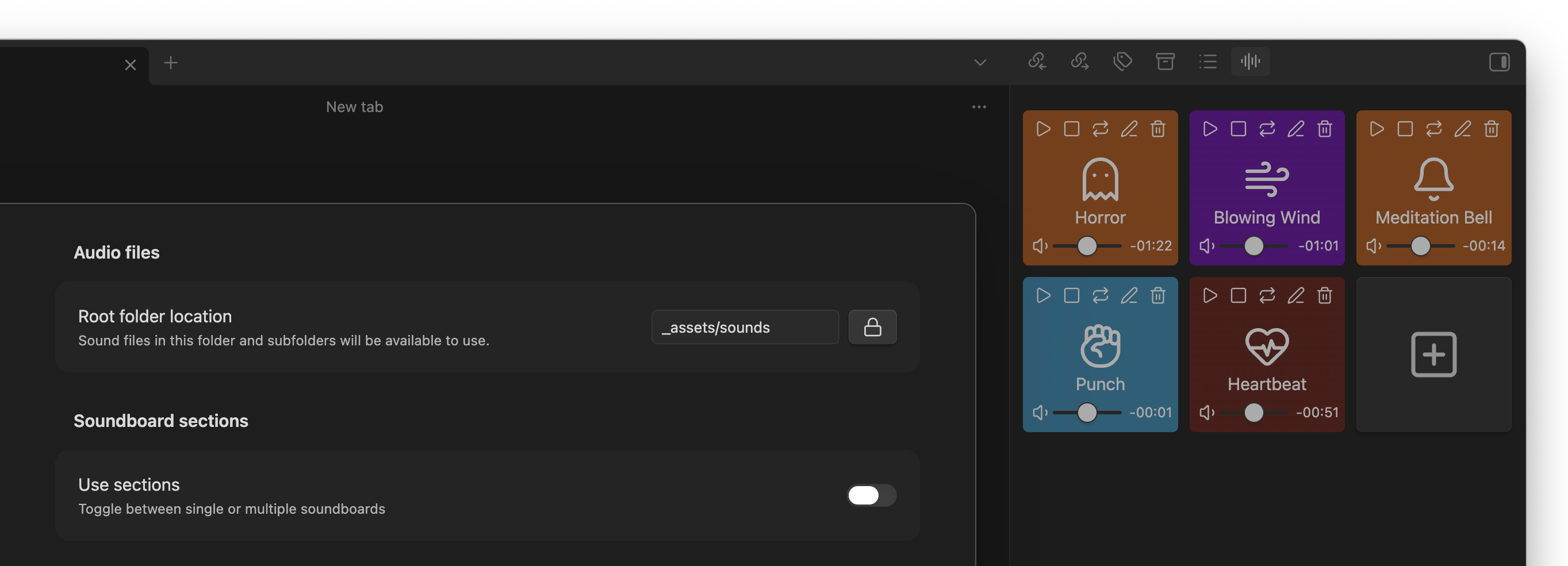
Switch between single soundboard...
Single soundboard without any limits. Add, update, remove tiles as needed:
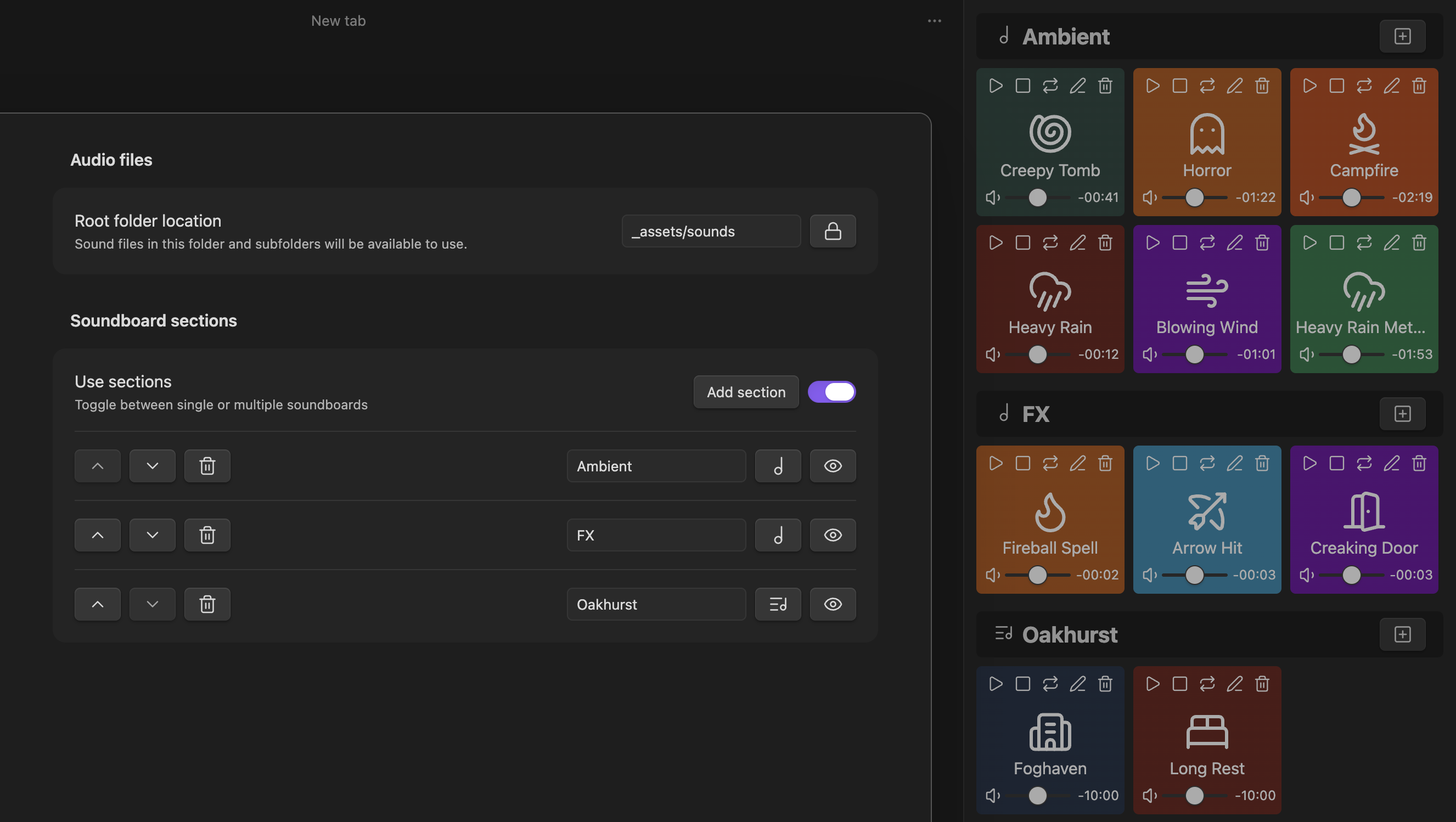
...or a board with multiple sections
Organize your tiles into sections / playlists that you can re-order, show / hide, and change playback mode (one-shot, or looping playlist)
Customize track names, icon, and colors
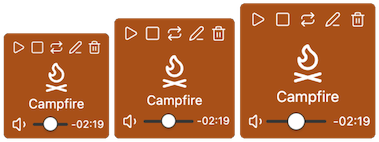
Toggle between 3 tile sizes
Development
This project aims to have no runtime dependencies other than obsidian and zod.
The custom soundboard view uses Svelte 5.
Obsidian API Documentation
Releasing new versions
- Ensure all tests, linters, and build have no issues.
- Run
npm version <major|minor|patch>;- This will update the versions in
package.json,package-lock.json,manifest.json,versions.jsonas well as generate the latest version ofCHANGELOG.mdand create a new git tag and commit where the commit message is the new version, inmajor.minor.patchformat.
- This will update the versions in
git push origin maingit push origin --tags- The
.github/workflows/releasewill then be run when this new tag is pushed, and create a draft release