Checklist
 delashum459k downloads
Consolidate checklists across all files into a single view.
- Overview
- Scorecard
- Updates40
LOOKING FOR ANOTHER MAINTAINER TO HELP OUT There's quite a bit of work to do on this plugin still and i've been neglecting it because work is too busy. I would love some help, or at least someone who could approve PRs and triage issues. Send me an email at [email protected] if you're interested.
obsidian-checklist-plugin
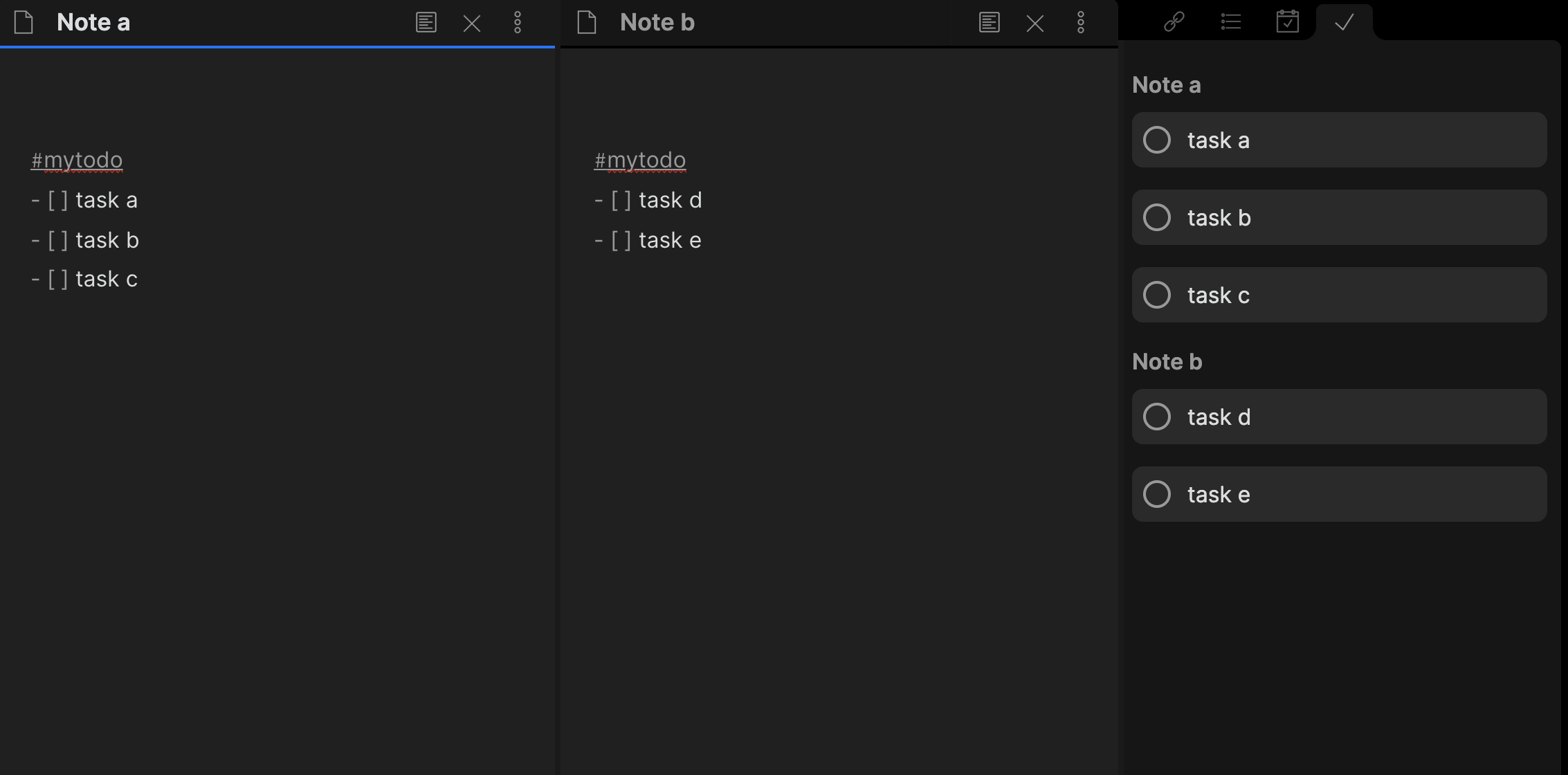
This plugin consolidates checklists from across files into a single view.
Usage
After enabling this plugin, you will see the checklist appear in the right sidebar. If you do not you can run the Checklist: Open View command from the command palette to get it to appear.
By default block of checklist items you tag with #todo will appear in this sidebar.
You can complete checklist items by checking them off in your editor (e.g. - [ ] -> - [x]) or by clicking a checklist item in the sidebar which will update your .md file for you
Configuration
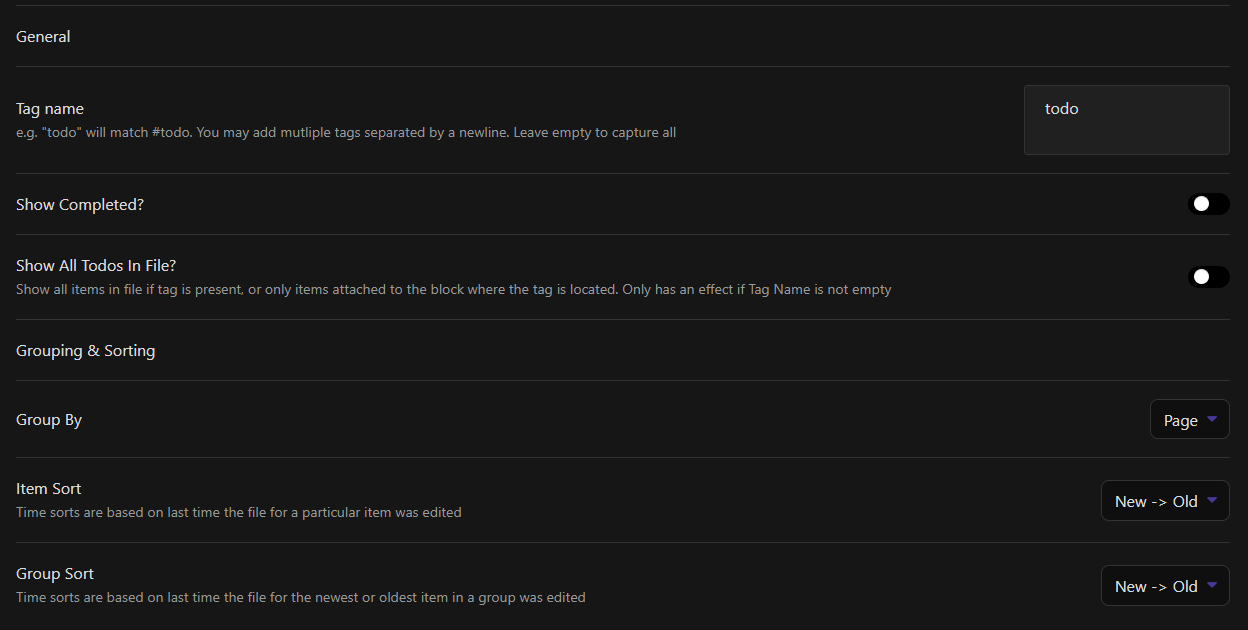
Tag name: The default tag to lookup checklist items by is #todo, but may be changed to whatever you like
Show completed?: By default the plugin will only show uncompleted tasks, and as tasks are completed they will filter out of the sidebar. You may choose to show all tasks
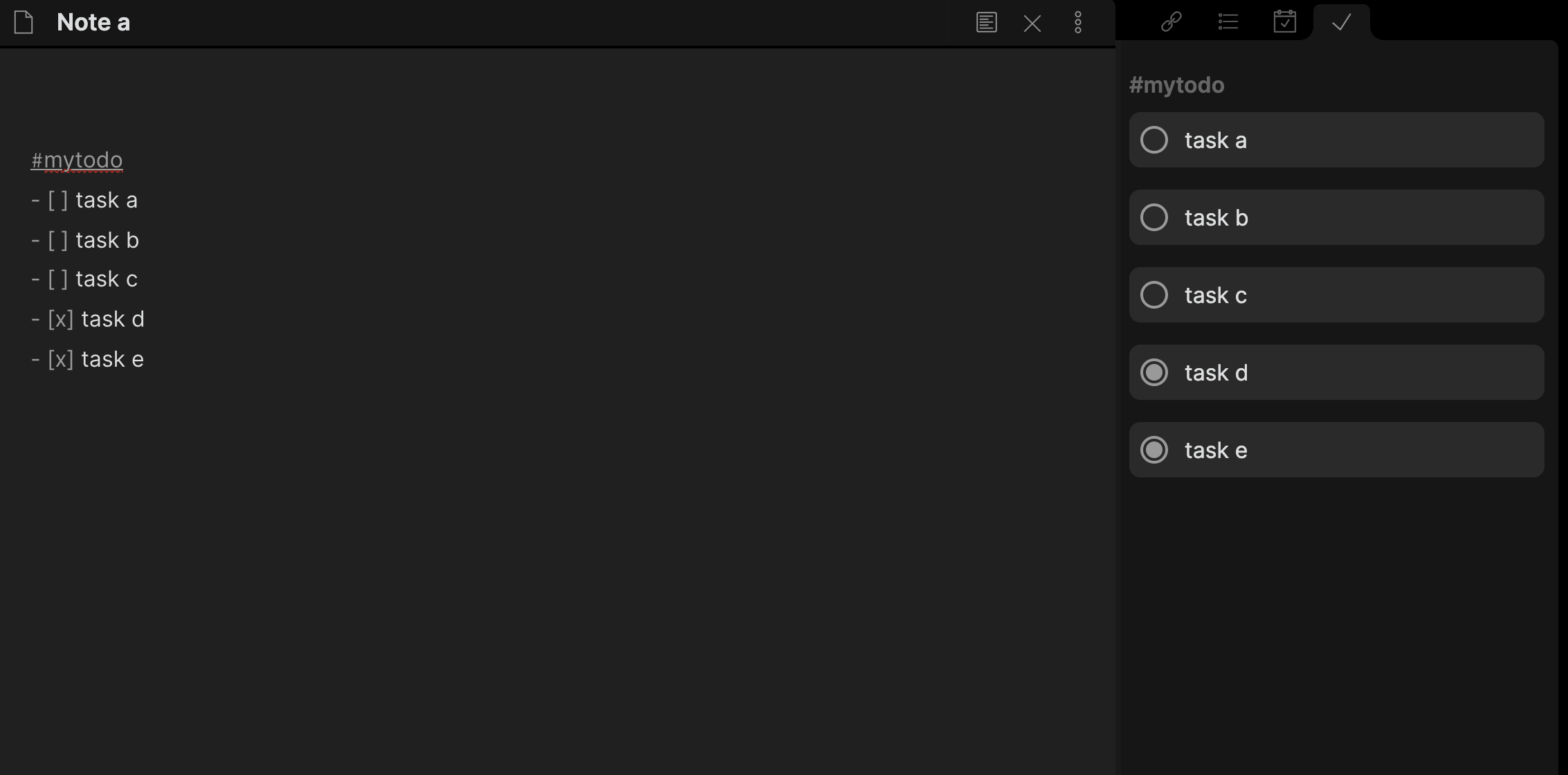
Show All Todos In File?: By default the plugin will only show tasks in the block that is tagged - changing this will show all tasks present in a file if the tag is present anywhere on the page.
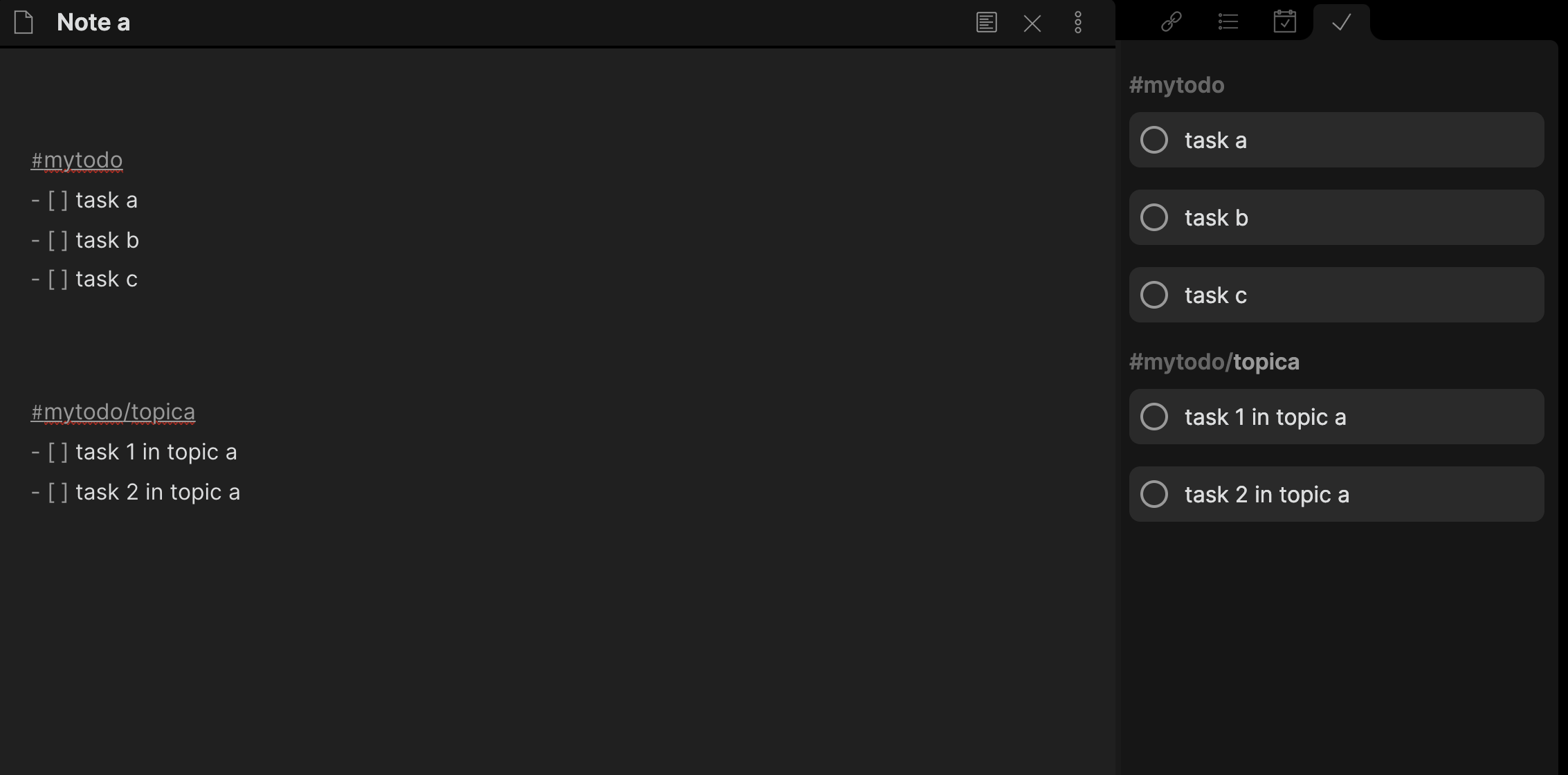
Group by: You can group by either file or tagname. If you choose to group by tag name they will appear in the order that they first appear in your files (or last depending on sort order)
Sort order: By default checklist items will appear in the order they appear in the file, with files ordered with the oldest at the top. This can be changed to show the newest files at the top.
Glob File Matching
The "Include Files" setting uses Glob file matching. Specifically the plugin uses minimatch to match the file pattern - so any specific oddities will come from that plugin.
Couple of common examples to help structure your glob:
!{_templates/**,_archive/**}will include everything except for the two directories_templatesand_archive.{Daily/**,Weekly/**}will only include files in theDaily&Weeklydirectories
I recommend the Digital Ocean Glob Tool for figuring out how globs work - although the implementation is not identical to minimatch so there might be slight differences.