Ultimate Slides
 To Trieu43 downloads
Create markdown-based presentations with reveal.js. 36+ templates, Mermaid diagrams, live preview, and more.
- Overview
- Scorecard
- Updates9
Create beautiful markdown-based presentations with reveal.js directly in Obsidian.
Forked from Slides Extended by Erin Schnabel
Features
- Live Preview - See changes instantly while editing
- 36+ Built-in Templates - Quick-insert slide layouts, data visualizations, and Mermaid diagrams
- Mermaid Diagrams - Full support for flowcharts, sequence diagrams, mind maps, timelines, and more
- Rich Layouts - Grid system, split views, columns, and responsive designs
- Themes - Multiple reveal.js themes included
- Export - PDF and standalone HTML export
- Full Obsidian Syntax - Links, embeds, callouts, and more
What's New in Ultimate Slides
- Navigator Panel - Sidebar with thumbnail previews and outline view (press
N) - Template Inserter - Command palette (
Cmd/Ctrl+P→ "Insert slide template") with visual preview - Markdown Layout Directives - Use
columns-2,columns-3,timeline,grid-2x2for easy layouts - Fixed Mermaid Rendering - Diagrams now render at full size
- Bundled Assets - No external downloads required
- Simplified Setup - Works out of the box
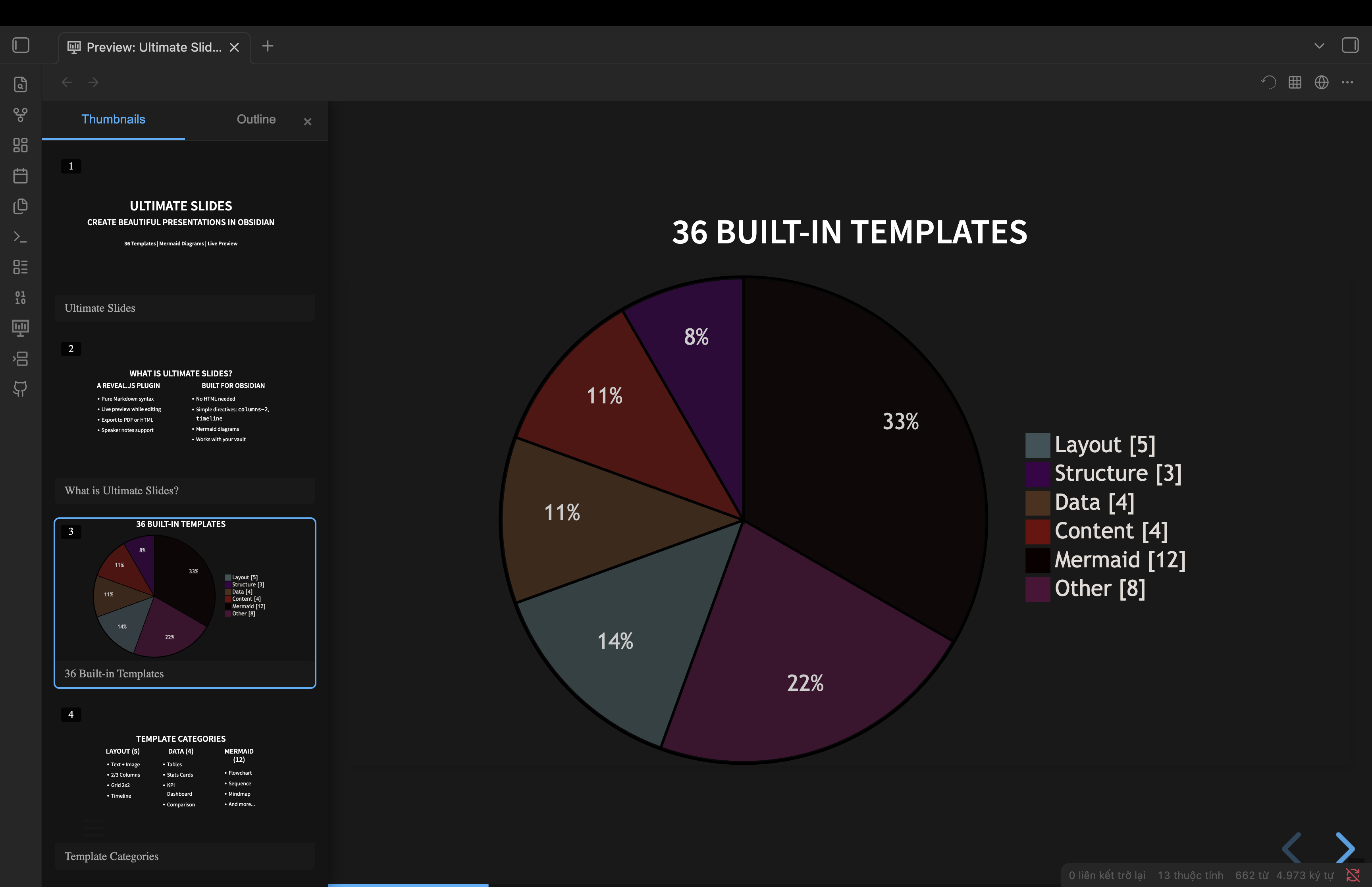
Navigator Panel
Resizable sidebar with thumbnail previews and outline navigation. Press N or click the ☰ button:
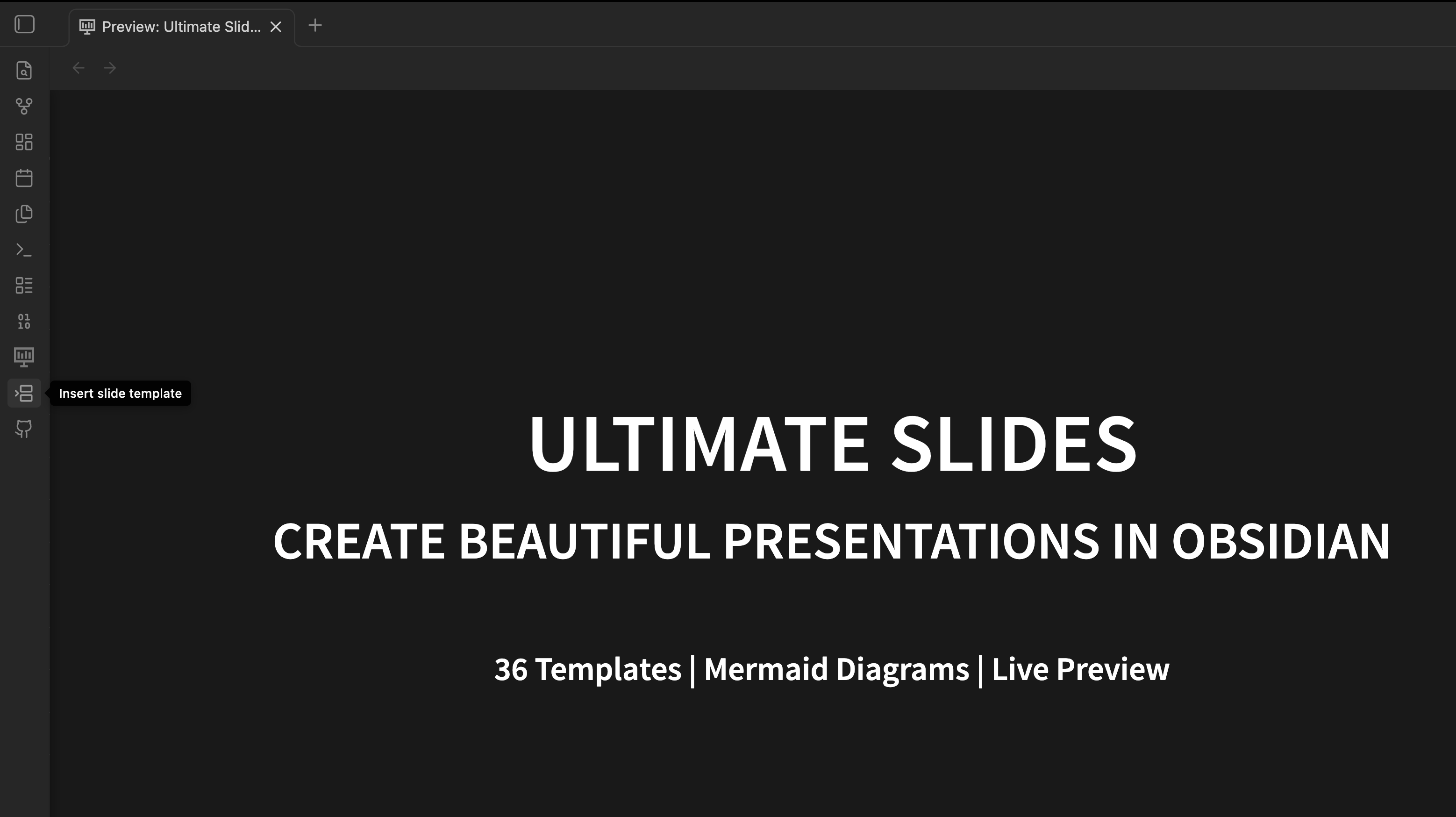
Template Inserter
Click the template icon in the ribbon or use Command Palette to insert templates:
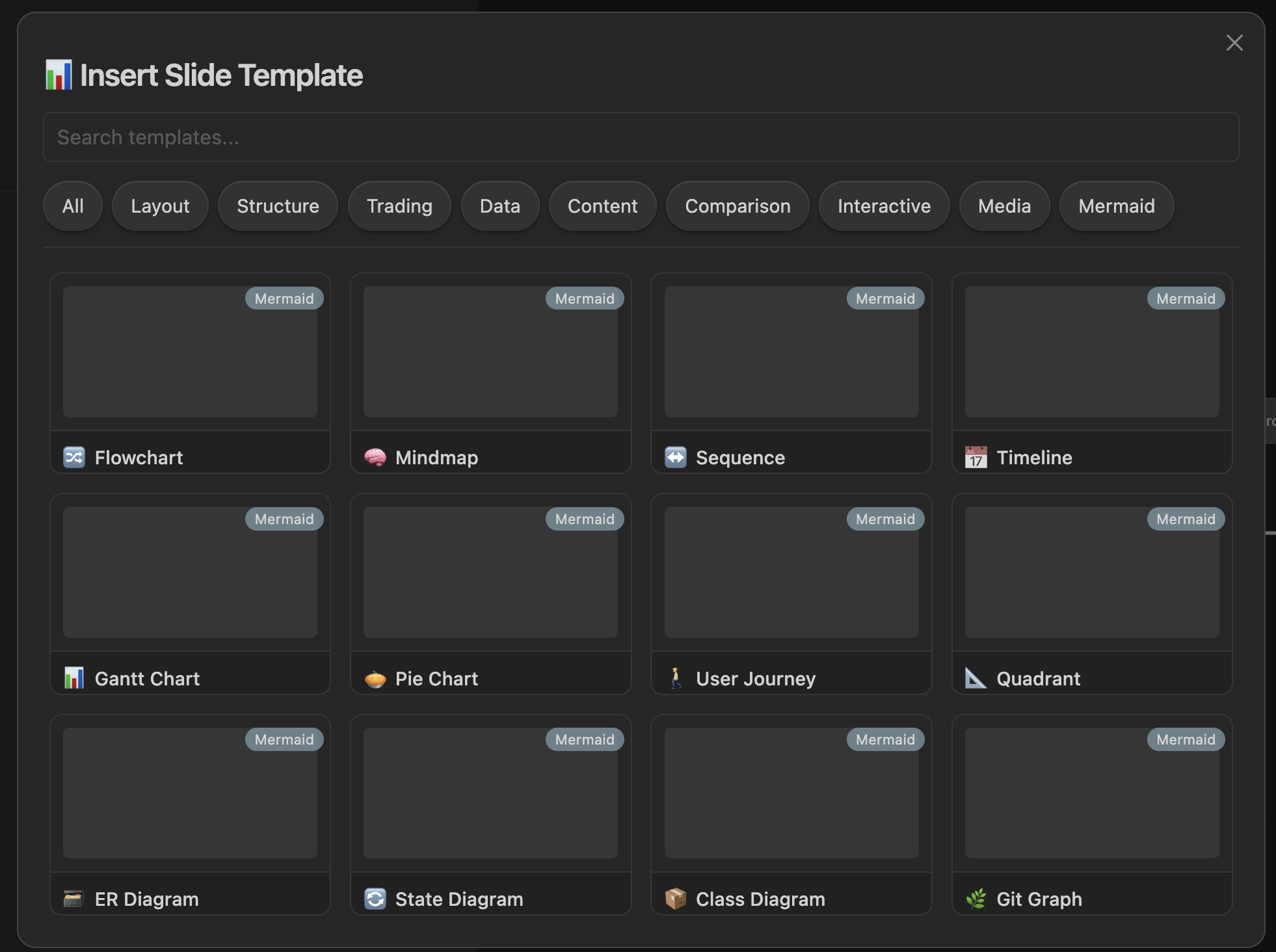
36 Built-in Templates
Browse and insert from layout, data, content, and Mermaid diagram templates:
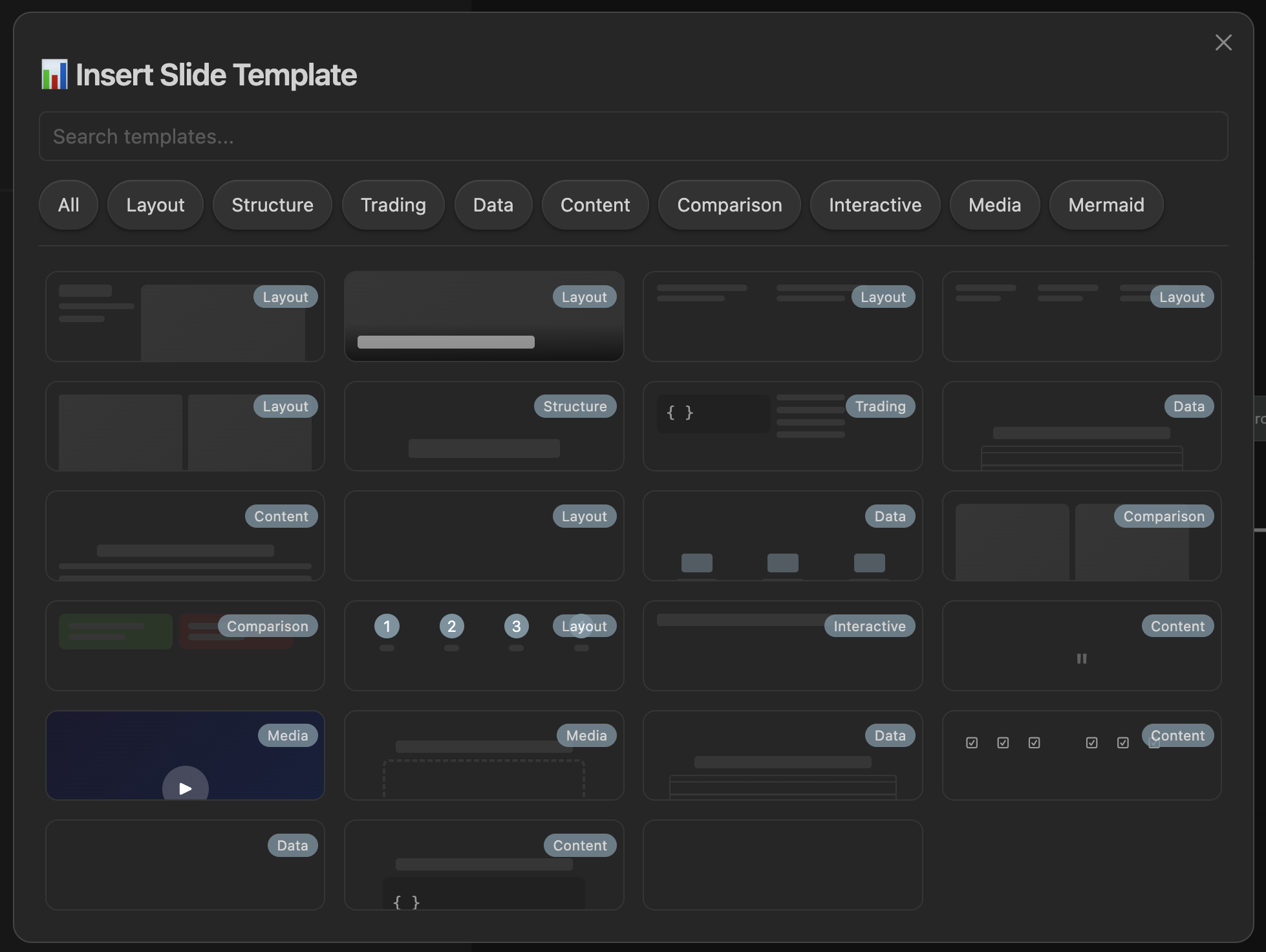
Mermaid Diagrams
12 Mermaid diagram templates with proper sizing and dark theme:
Installation
From Community Plugins
- Open Obsidian Settings → Community Plugins
- Search for "Ultimate Slides"
- Install and enable
Manual Installation (BRAT)
- Download the latest release from Releases
- Extract to
.obsidian/plugins/ultimate-slides/ - Restart Obsidian and enable the plugin
Quick Start
- Create a new markdown file
- Add frontmatter:
--- theme: black transition: fade --- - Use
---to separate slides - Click the presentation icon or use
Cmd/Ctrl+P→ "Open slide preview"
Templates (36 Total)
Access via Command Palette → "Insert slide template":
Layout (5)
- Text + Image (1/3 + 2/3)
- Image Overlay Bottom
- 2 Columns / 3 Columns
- Grid 2x2
- Timeline
Structure (3)
- Section Header
- Call to Action
- Thank You
Data (4)
- Table
- Stats Cards
- KPI Dashboard
- Comparison Table
Content (4)
- Fragment List
- Quote
- Checklist
- Code Highlight
Comparison (2)
- Before/After
- Pros/Cons
Interactive (1)
- Quiz
Media (2)
- Video Background
- Iframe Embed
Trading (1)
- Key Levels
Mermaid Diagrams (12)
- Flowchart
- Mindmap
- Sequence Diagram
- Timeline
- Gantt Chart
- Pie Chart
- User Journey
- Quadrant Chart
- ER Diagram
- State Diagram
- Class Diagram
- Git Graph
Slide Syntax
Basic Slide
---

## Slide Title

Content here

---
Grid Layout
<grid drag="50 80" drop="5 10">
Content in a positioned box
</grid>
Split View
<split even>
Left content
+++
Right content
</split>
Layout Directives (NEW)
Use simple markdown directives instead of HTML:
columns-3
### Column 1
First column content

### Column 2
Second column content

### Column 3
Third column content
Supported directives:
columns-2,columns-3,columns-4- Multi-column layoutstimeline- Horizontal timeline viewgrid-2x2- 2×2 grid layout
Fragments (Animations)
<!-- element class="fragment" -->
This appears on click
Speaker Notes
note: These are speaker notes
Themes
Available themes: black, white, league, beige, sky, night, serif, simple, solarized, blood, moon
---
theme: black
highlightTheme: zenburn
---
Configuration
| Option | Default | Description |
|---|---|---|
theme |
black |
Slide theme |
transition |
slide |
Transition effect |
width |
960 |
Slide width |
height |
700 |
Slide height |
controls |
true |
Show navigation controls |
progress |
true |
Show progress bar |
Credits
- Original Slides Extended by Erin Schnabel
- Based on Advanced Slides by MSzturc
- Powered by reveal.js
License
MIT License - see LICENSE for details