Maps
 Obsidian62k downloads
Adds a map layout to bases so you can display notes as an interactive map view.
- Overview
- Scorecard
- Updates9
Adds a map layout to Obsidian Bases so you can display notes as an interactive map view.
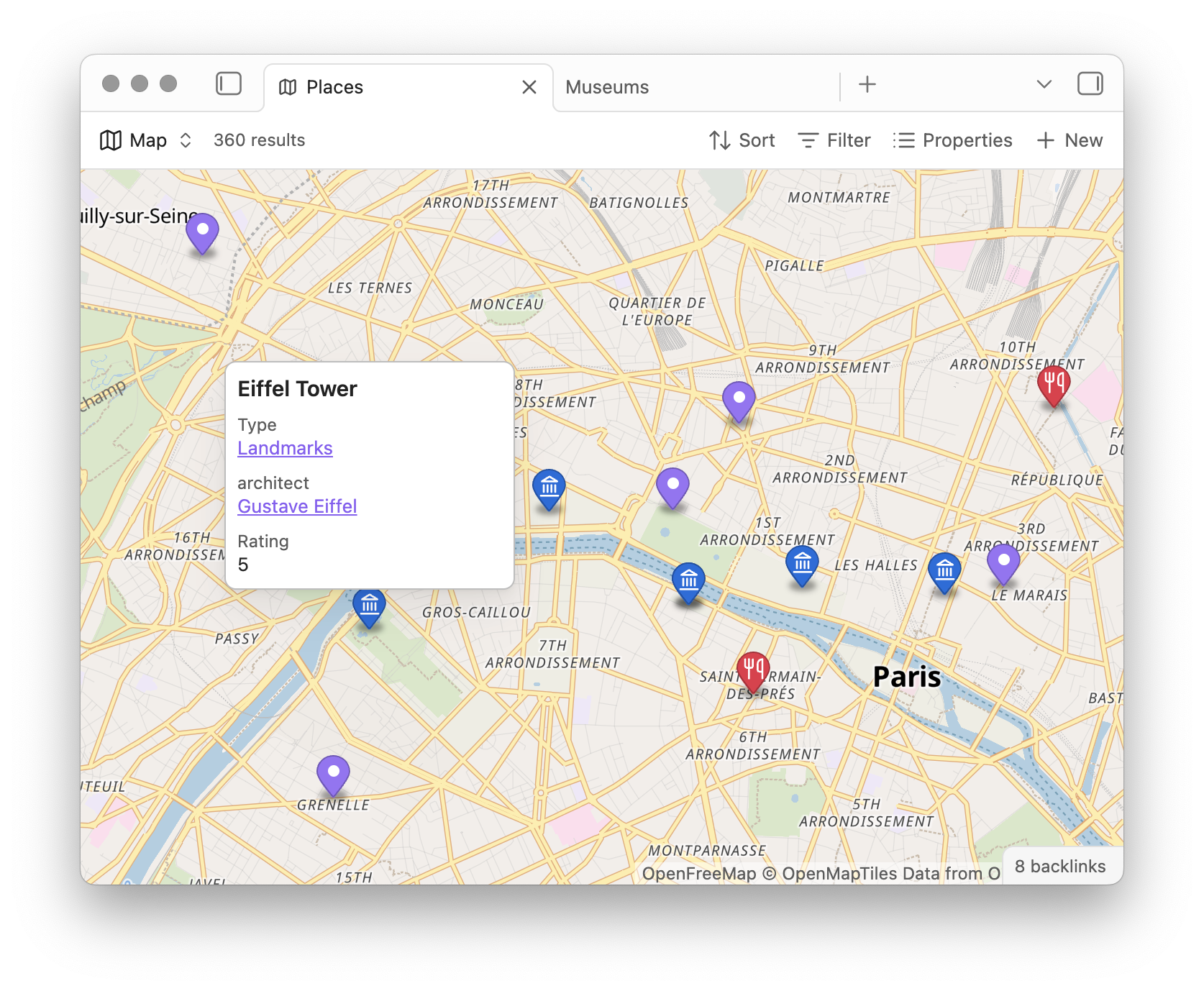
- Dynamically display markers that match your filters.
- Use marker icons and colors defined by properties.
- Load custom background tiles.
- Define default zoom options.
Installation
- Open Settings → Community plugins.
- Select Browse, then search for Maps.
- Select Install, then Enable.
Usage
Add a coordinates property to each note you want to appear on the map. Both a text property and a list property work:
location: 34.13956, -118.38710
location:
  - 34.13956
  - -118.38710
Then open a base, add a view, and set its type to Map. In the view options, set Marker coordinates to your property. Markers appear for every note matching the view's filters, and update as those filters change.
The remaining view options let you set the center coordinates, default zoom, and zoom limits, and choose properties to drive each marker's icon and color.
Backgrounds
Maps use OpenFreeMap tiles by default. To use different tiles, go to Settings → Maps and add a background with a tile URL or style URL. You can set a separate URL for dark mode.
See the full documentation on the Obsidian Help site for examples, tips, and troubleshooting.