Fast Note Sync
 HaierKeys155k downloads
Real-time sync of your vaults across server, mobile, and web; shareable with anyone; supports REST and MCP integrations to build your personal AI knowledge base.
- Overview
- Scorecard
- Updates187
简体中文 / English / 日本語 / 한국어 / 繁體中文
If you have any questions, please create a new issue, or join the Telegram group for help: https://t.me/obsidian_users
For users in Mainland China, it is recommended to use the Tencent cnb.cool mirror: https://cnb.cool/haierkeys/obsidian-fast-note-sync
Fast Note Sync For Obsidian
Fast multi-device sync, automatic backup, trackable version history, and shareable collaboration note sync plugin for Obsidian
Sync your notes in real-time across multiple devices (PC, mobile, web) anytime, anywhere. One-click generation of sharing links to share with friends, easily trace modification history or restore trash bin contents; also supports backup, mirroring, and Git synchronization. With the REST/MCP services of Fast Note Sync Service, you can quickly build your own personal knowledge base.
Requires a standalone server: Fast Note Sync Service
✨ Features
- 🚀 Minimalist Configuration:
- No tedious setup required, just paste the remote service configuration to start using it out of the box.
- Can also use one-click import on the desktop app to automatically complete authorization.
- 📗 Real-time Note Sync:
- Automatically monitors and syncs the creation, update, and deletion of all notes inside the Vault (repository).
- 🖼️ Full Attachment Support:
- Syncs images, videos, audio, and all other non-configuration files in real-time.
⚠️ Note: Requires v1.0+, Server v0.9+. Please manage attachment file sizes; large files may cause synchronization delays.
- Syncs images, videos, audio, and all other non-configuration files in real-time.
- ⚙️ Configuration Sync:
- Provides configuration sync, supporting config synchronization across multiple devices. Say goodbye to the pain of manually copying configuration files to multiple devices.
⚠️ Note: Requires v1.4+, Server v1.0+. Currently in the testing phase, please use with caution.
- Provides configuration sync, supporting config synchronization across multiple devices. Say goodbye to the pain of manually copying configuration files to multiple devices.
- 🛂 Sync Exclusions & Whitelist:
- Provides sync exclusion and whitelist functions, allowing you to customize your own sync strategies.
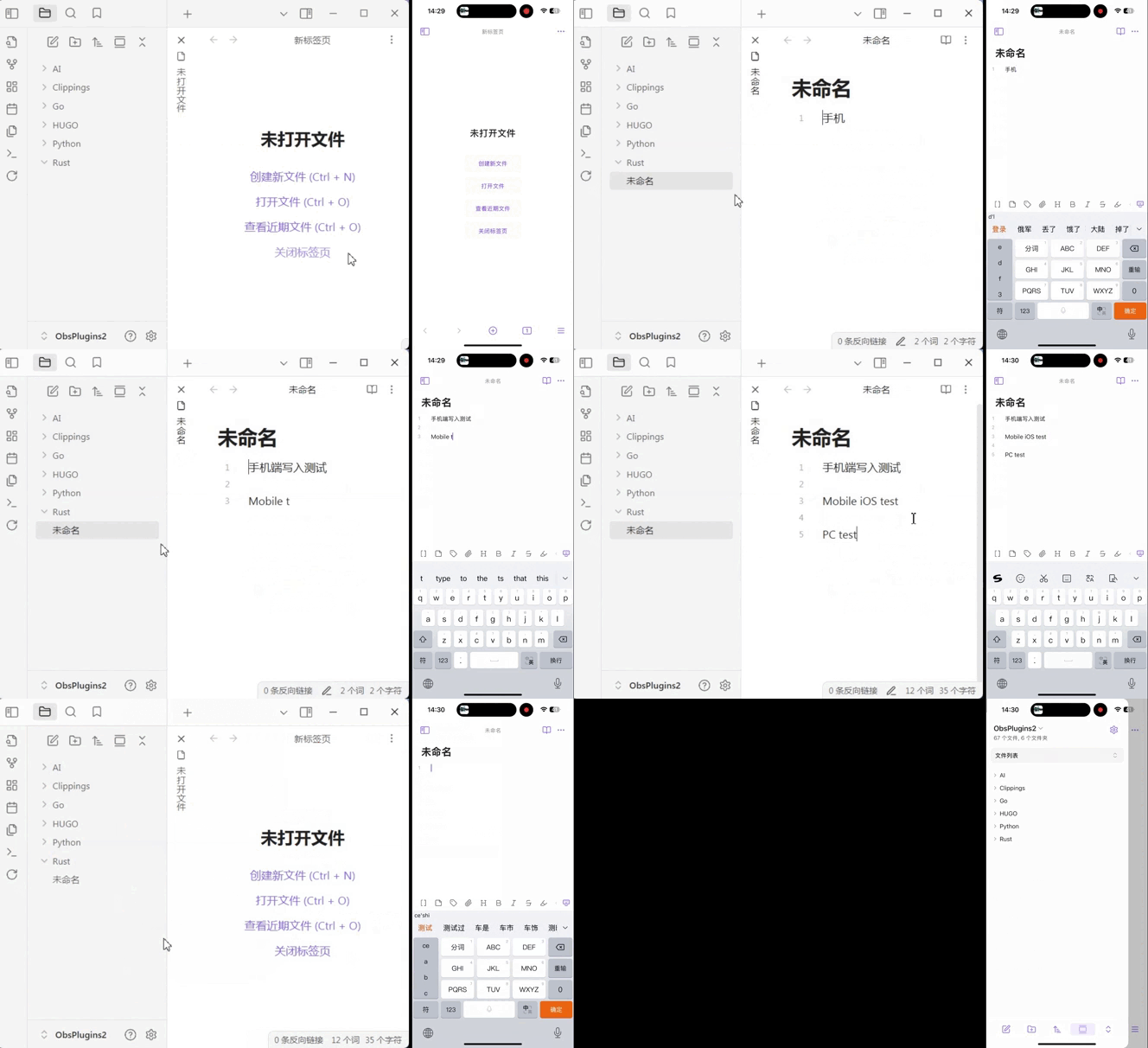
- 🔄 Multi-device Sync:
- Supports Mac, Windows, Android, iOS, and other platforms.
- 📝 Note History:
- Provides note history functionality, letting you view detailed historical modification records of your notes.
- You can restore notes to historical versions.
- 🛡️ Offline Note Editing Auto-Merge:
- Automatically merges note modifications made on offline devices when reconnecting to the server, avoiding data loss caused by keeping only the latest update.
- 🚫 Offline Deletion Sync & Completion:
- Deletions of notes, attachments, and configurations during offline periods will be automatically synced to the server or completed from the server upon the next connection.
- 🔍 Version Detection:
- Provides version detection functionality, allowing you to quickly get the latest version info of the plugin and the server for easy upgrading.
- ☁️ Cloud Preview of Attachments:
- Provides online attachment preview, meaning attachments do not need to be synced to the local device, thereby saving local storage space.
Combined with the plugin's exclusion settings, you can directly use a third-party repository (like WebDav) for certain types of attachments without uploading via the server.
- Provides online attachment preview, meaning attachments do not need to be synced to the local device, thereby saving local storage space.
- 🗒️ Sync Logs:
- Provides sync log functionality, making it easy to view detailed information for each synchronization.
- Cloud Backup: Provides cloud backup functionality to protect your note data from being lost.
🗺️ Roadmap
We are continuously improving, and the following are future development plans:
- End-to-End Encryption: Provide end-to-end encryption to ensure your note data is safe wherever it is stored.
- AI Notes: Explore innovative ways to use AI with notes, awaiting your valuable suggestions.
If you have improvement suggestions or new ideas, feel free to share them with us by submitting an issue — we will carefully evaluate and adopt suitable suggestions.
💖 Sponsorship & Support
If you find this plugin very useful and would like it to continue development, please support us in the following ways. Thank you for supporting open-source software:
Ko-fi Non-China Region WeChat Pay China Region or 
Supported List:
🚀 Quick Start
Step 1: Get the Plugin
- Store Search: Open Obsidian Settings > Community Plugins > Browse, search for
Fast Note Syncto install. (Note: If not listed in the store, please choose manual installation) - Manual Download: Download
main.js,styles.css,manifest.jsonfrom the GitHub Releases Page and place them in the.obsidian/plugins/fast-note-syncfolder.
Step 2: Authorize Sync
- Access the Web interface of your deployed Fast Note Sync Service.
- Select "Note Vaults" from the left navigation bar.
- Click "One-click Authorization for Obsidian". The system will automatically wake up Obsidian and complete the transfer of authorization information. Of course, you can also manually copy the authorization information into the plugin.
📦 Server Deployment
For backend service settings, please refer to: