Templify
 Boninall8k downloads
Enables flexible conversion of note views into various layout (Closed source).
- Overview
- Scorecard
- Updates24

Templify [/ˈtem.plɪ.faɪ/]: make your notes into different layouts.
[!warning] The Templify plugin is not open-source. However, the Obsidian team has the authority to review the source code of Templify.
A more detailed video tutorial is available here.
Features
Render your notes with different layouts based on the selected template.
Templify Embed
You can copy view state via any view's header menu and paste it into Templify codeblock, like this:
```templify-embed
{"state":{"query":"templify","matchingCase":false,"explainSearch":true,"collapseAll":true,"extraContext":true,"sortOrder":"byCreatedTime"},"type":"search"}
```
Or :
You need to open the project/graph/kanban/canvas/etc. view in another tab, then go back to the note you want to embed it into, and then you can run the Embed view into current note command where you can select that tab. And you can close it afterwards. Or right-click on the editor and select Embed view.
And it will be rendered like:

Current Templates
- Cornell template: The Cornell method provides a systematic format for condensing and organizing notes.
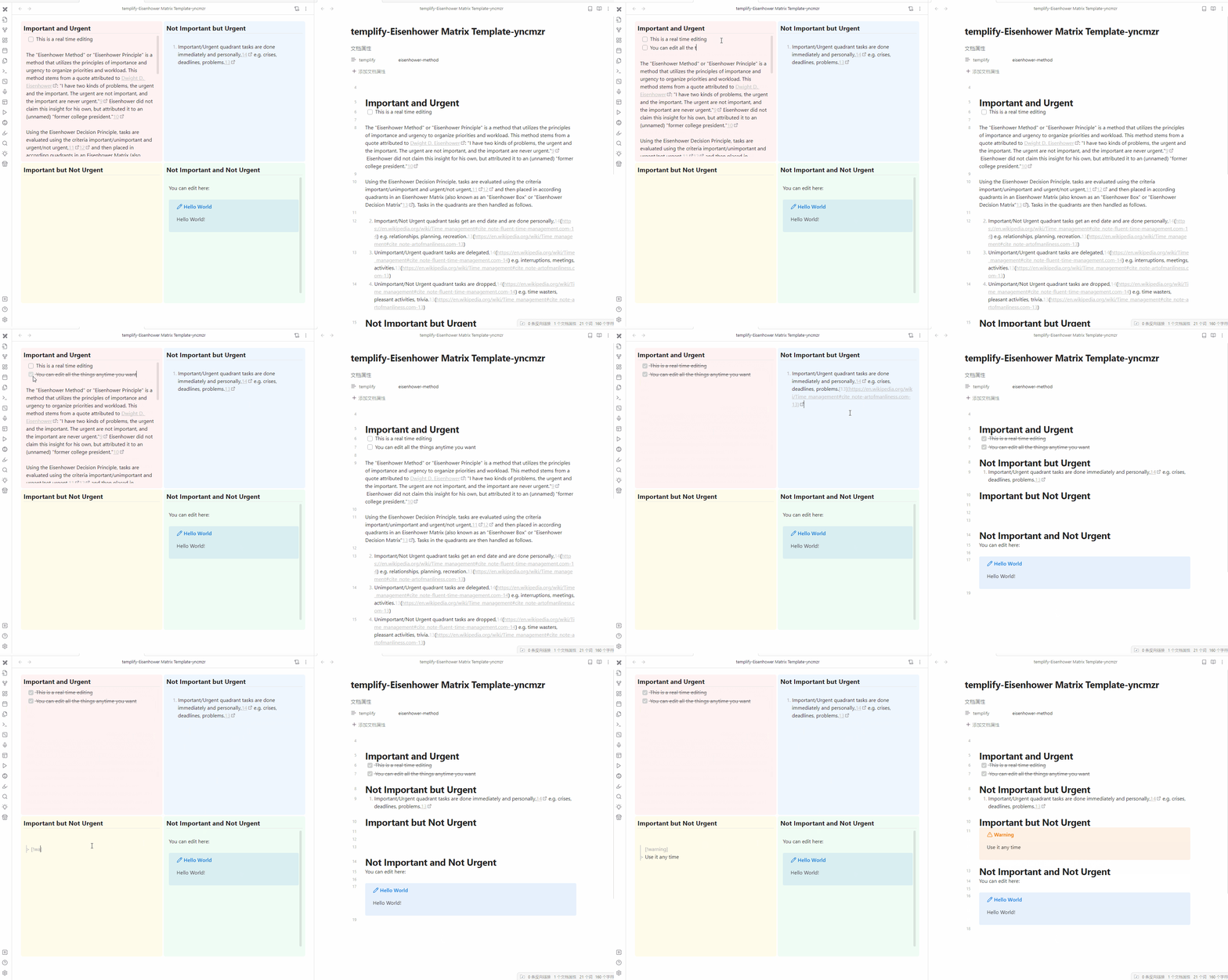
- Eisenhower template: The Eisenhower Matrix is a method for organizing your tasks. It is a simple 2x2 matrix that helps you prioritize tasks based on their urgency and importance.
- Custom template: You can create your own template by using the
Templifyplugin.
How to create a custom template
Not yet available
Verification
Some features of Templify require a PKMer account. To unlock these features:
- Register an account at pkmer.cn.
- Open the Templify plugin settings in Obsidian.
- Click Login with PKMer and follow the authentication flow.
- Once logged in, all premium features will be available.
How to use
- Open the plugin by clicking the Templify icon in the left sidebar.
- Choose a template from the list.
- Click to create a new note with the selected template.
- Now the note is rendered with layout and content based on the selected template.
- You can start taking notes in the new note.
How to install
From Obsidian
Not yet available
From GitHub
- Download the
main.js,styles.cssandmanifest.jsonfrom the latest release. - Copy these files into your Obsidian vault folder under
.obsidian/plugins/templify/. - Reload plugins in Obsidian.
- Go to the Community plugins tab in the settings and enable the Templify plugin.
- The Templify plugin should now be available in the left sidebar.