
- Overview
- Scorecard
- Updates3

StoneGate protects your Obsidian vault and individual folders with password authentication, idle timeouts, brute-force lockouts, and an optional stealth mode that hides protected folders entirely.

 Installation
From Community Plugins (recommended)
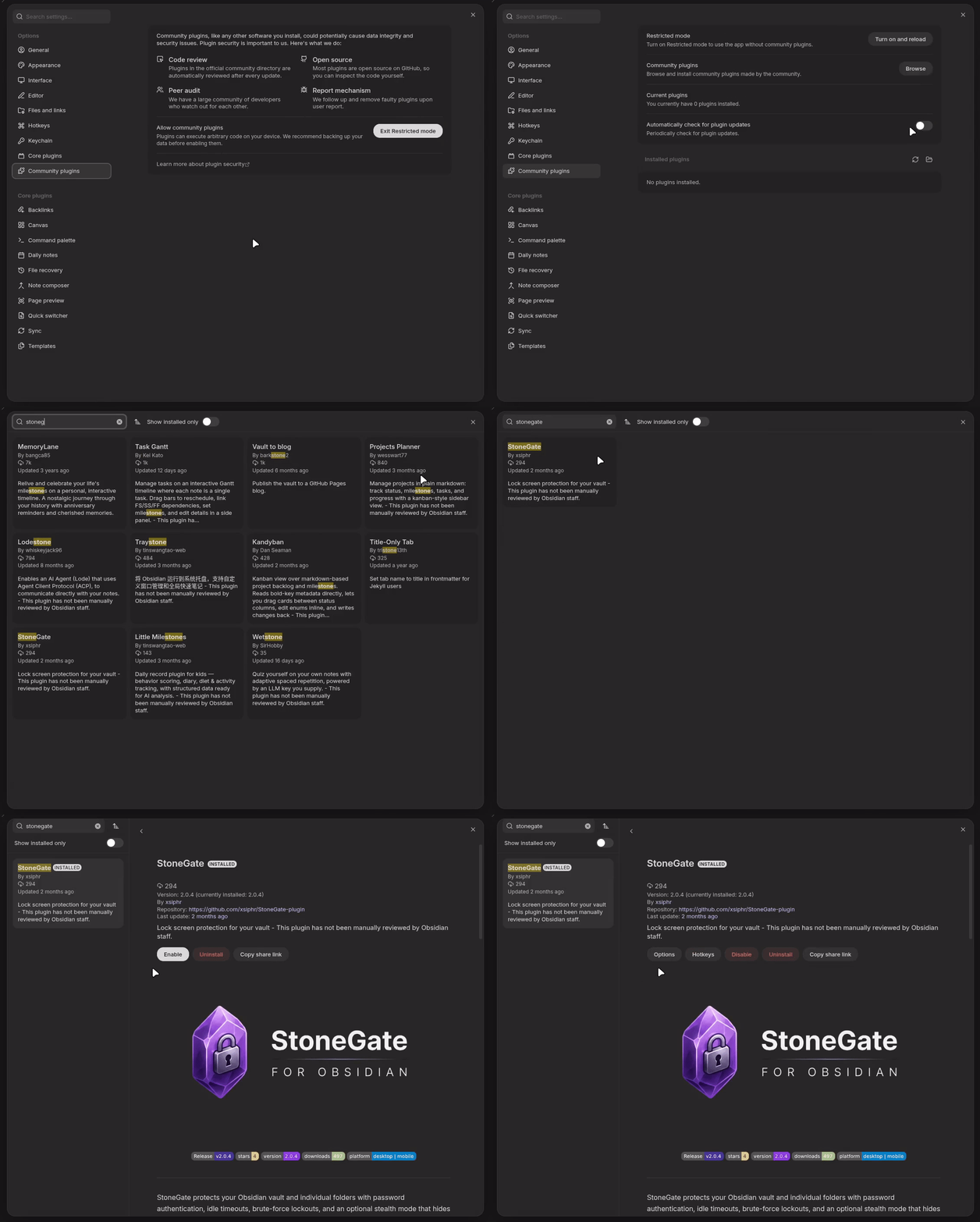
- Open Obsidian's Settings → Community plugins.
- Make sure Restricted mode is turned off.
- Click Browse and search for "StoneGate".
- Click Install, then Enable the plugin.
Manual installation
- Download
main.js,manifest.json, andstyles.cssfrom the latest release. - Create a folder named
stonegateinside your vault's.obsidian/plugins/directory. - Copy the three downloaded files into that folder.
- Reload Obsidian and enable StoneGate from Settings → Community plugins.
Features
Vault & Folder Protection Lock your entire vault or specific sensitive folders, each with its own password.
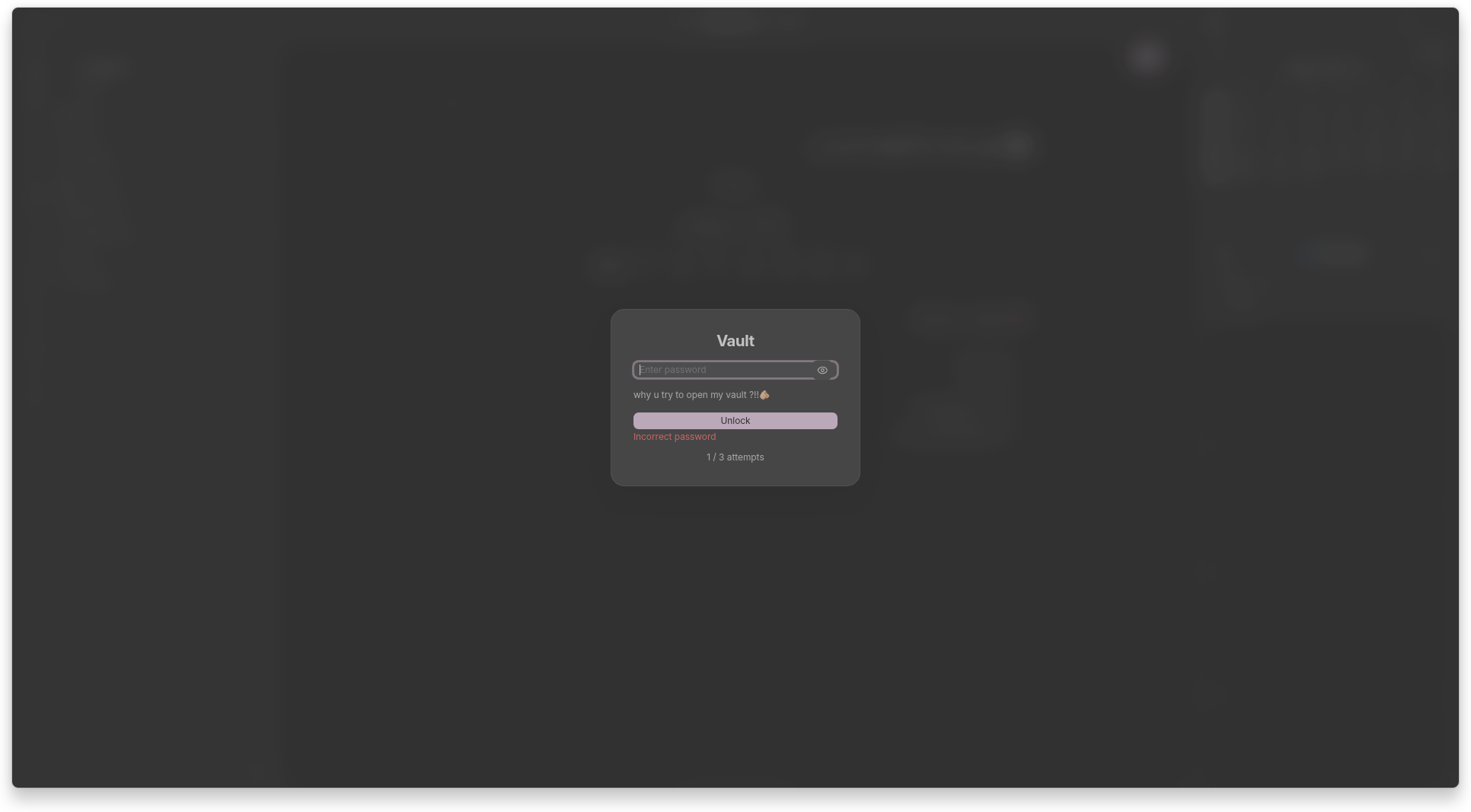
Idle Timeout Automatically re-lock a path after a configurable period of inactivity.
Persistent Lockout Blocks further attempts for a cooldown period after repeated failed passwords.
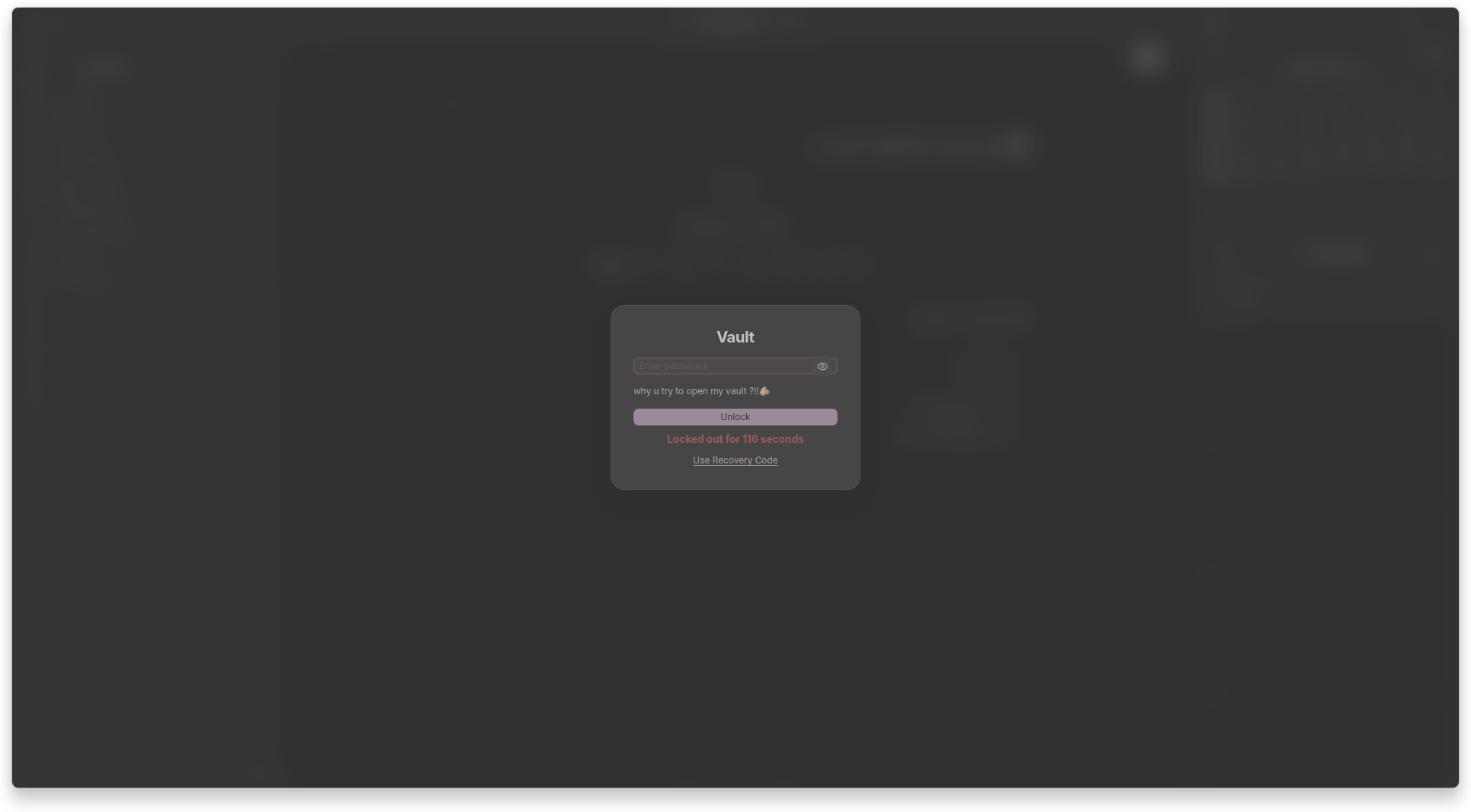
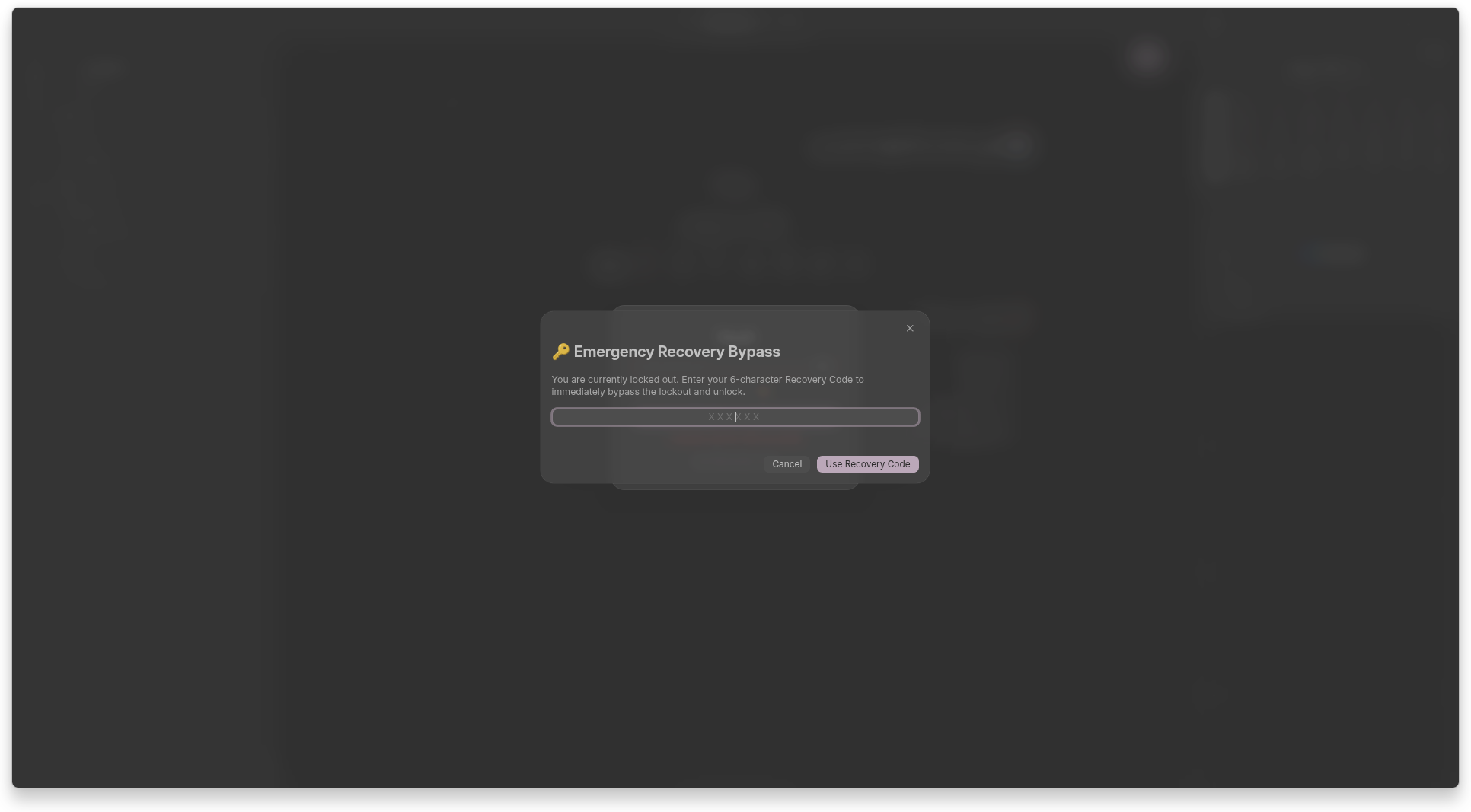
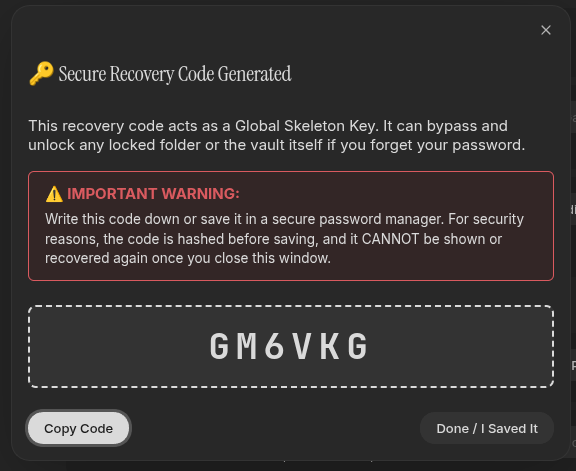
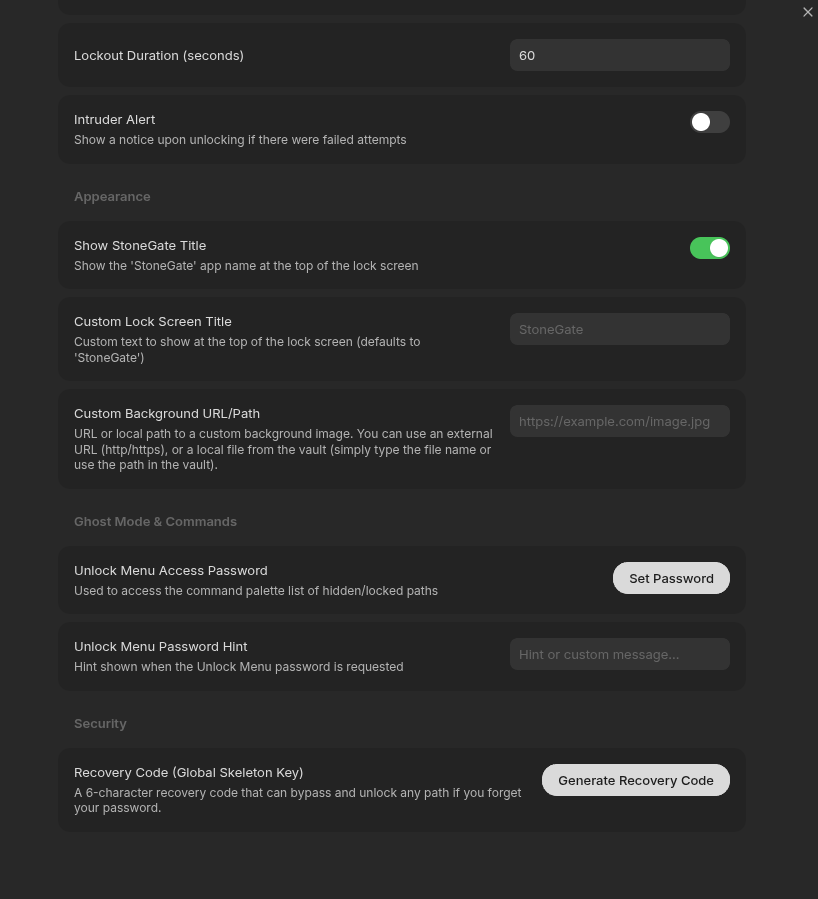
Emergency Recovery Generate a one-time recovery code to regain access if you forget your password.
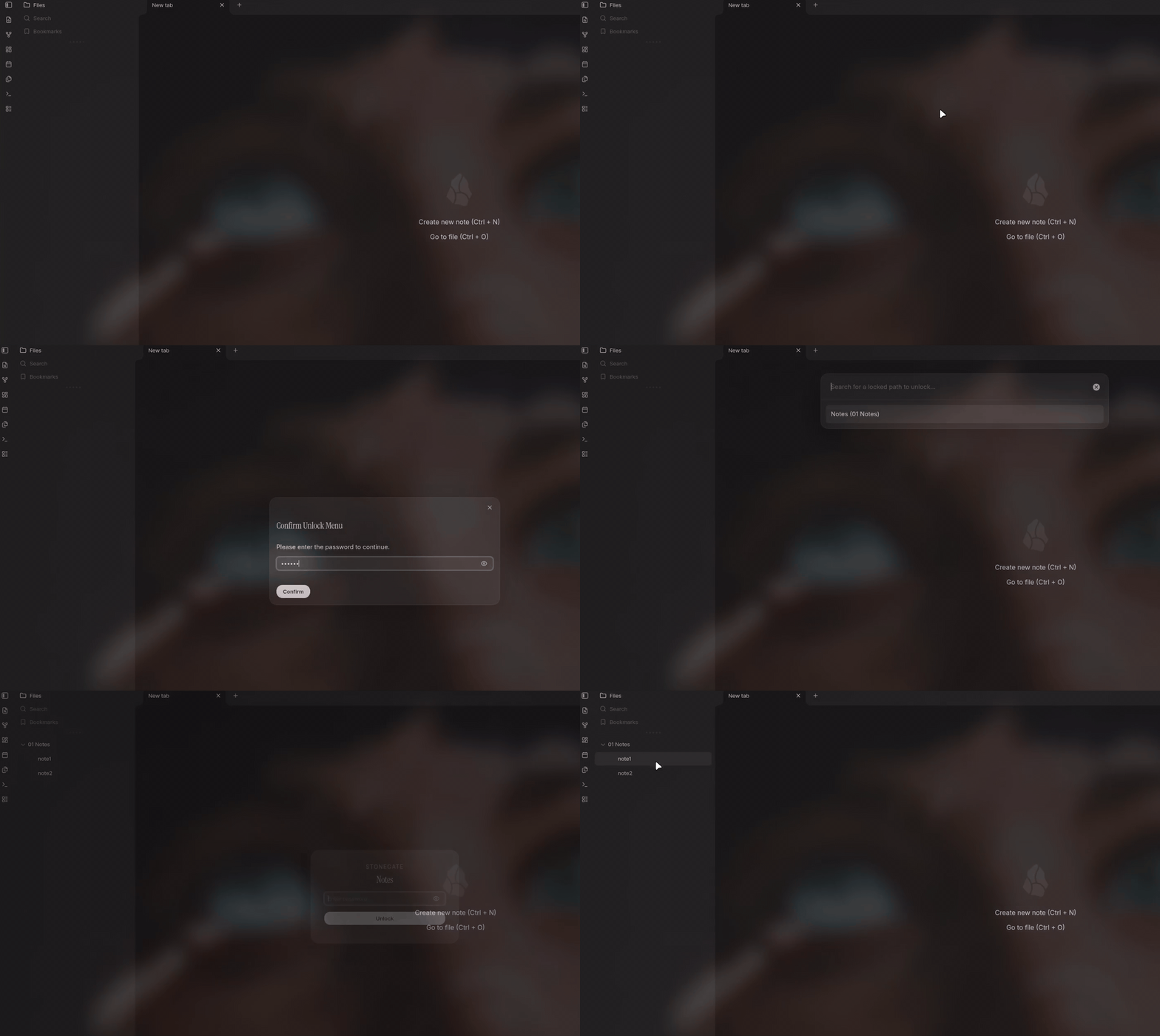
Ghost Mode Hide protected folders from the File Explorer entirely until unlocked.
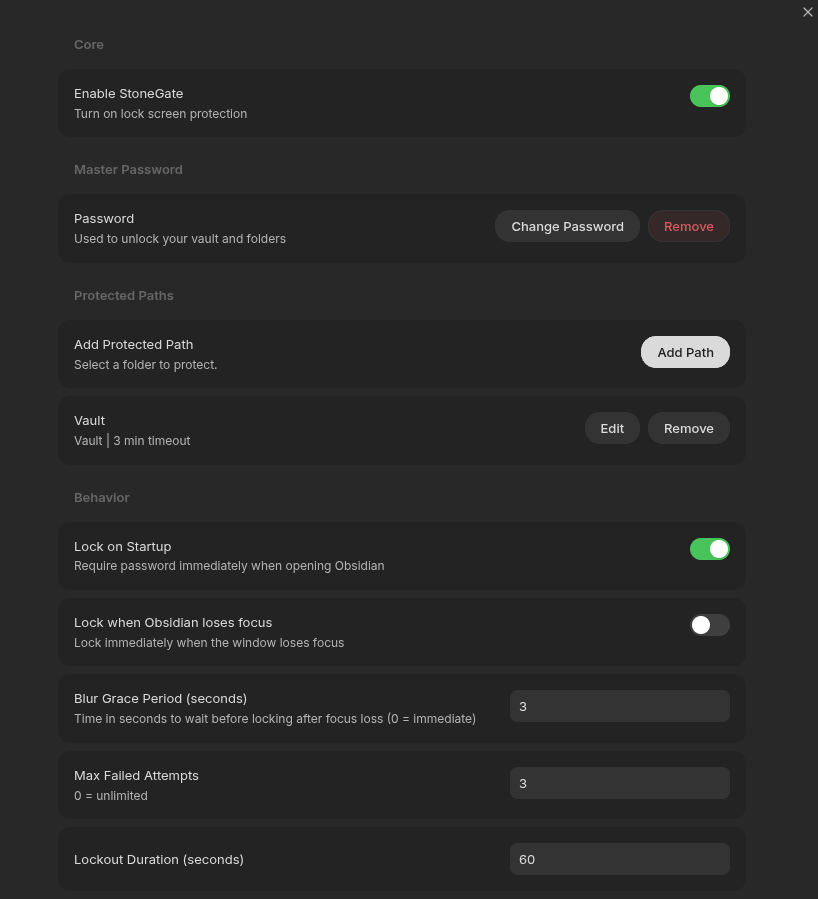
Custom Backgrounds Set a custom lock screen background from a URL or a file in your vault.

Configuration
- Master Password — set in the plugin's settings tab to enable base vault protection.
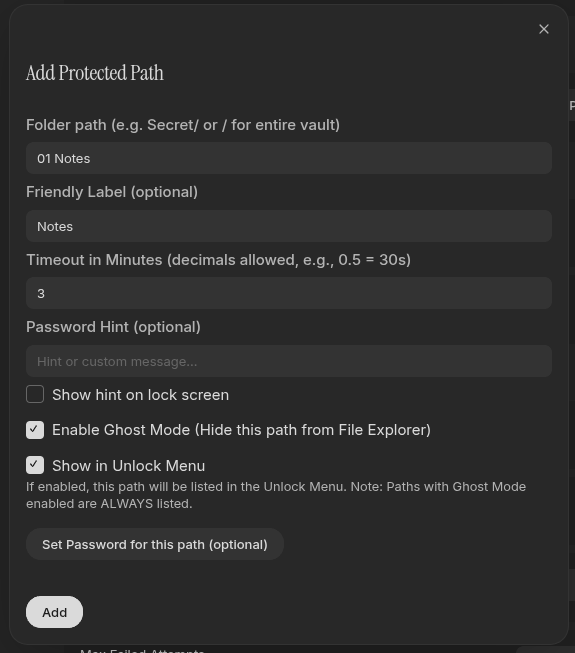
- Per-folder passwords — add a protected path and give it its own password, independent of the master password.
- Recovery Code — generate under "Recovery Options." Keep this code offline; it's the only way back in if you forget your password.
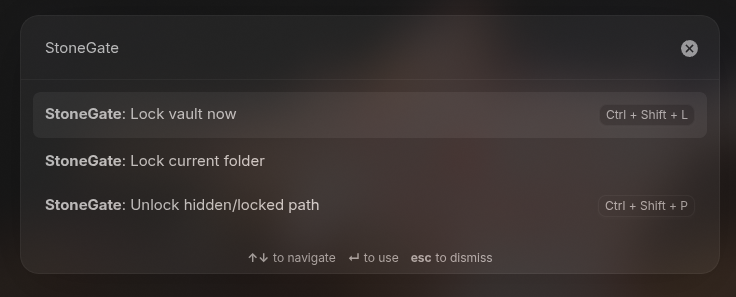
- Ghost Mode — when enabled on a path, that folder disappears from the File Explorer while locked. Reach it via the Command Palette (
StoneGate: Unlock hidden/locked path).
Hotkeys
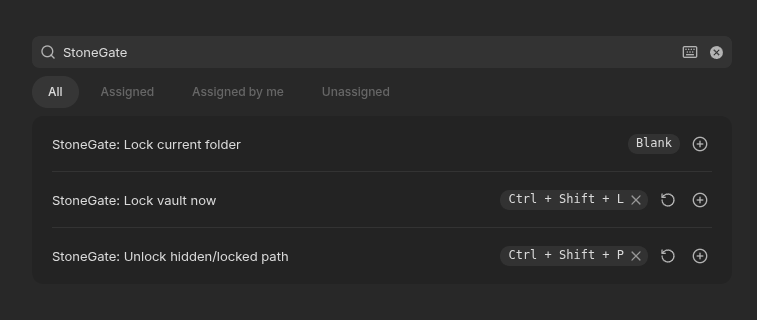
Configure these under Settings → Hotkeys:
- Lock vault now — manually trigger the lock screen.
- Lock current folder — lock just the folder containing the active file.
- Unlock hidden/locked path — open the menu to find and unlock a protected or hidden path.
Security Practices
- Hashing — passwords and recovery codes are hashed with PBKDF2 (SHA-256, 200,000 iterations) via the Web Crypto API, each with a unique random salt.
- Local only — all secrets stay on your device. Nothing is transmitted to an external server.
- Defense in depth — for sensitive vaults, pair StoneGate with system-level encryption (e.g. Cryptomator) rather than relying on it alone.
License
Distributed under the MIT License. See LICENSE for more information.
Created with 🤍 by Abdulrahman Agiba | xsiphr