Search...Search plugins and themes...
⌘K
Sign in
  • Get started
  • Download
  • Pricing
  • Enterprise
  • Account
  • Obsidian
  • Overview
  • Sync
  • Publish
  • Canvas
  • Mobile
  • Web Clipper
  • CLI
  • Learn
  • Help
  • Developers
  • Changelog
  • About
  • Roadmap
  • Blog
  • Resources
  • System status
  • License overview
  • Terms of service
  • Privacy policy
  • Security
  • Community
  • Plugins
  • Join the community
  • Discord
  • Forum / 中文论坛
  • Merch store
  • Brand guidelines
Follow us
DiscordTwitterBlueskyThreadsMastodonYouTubeGitHub
© 2026 Obsidian

Iconize

florianwoelkiflorianwoelki1.9M downloads

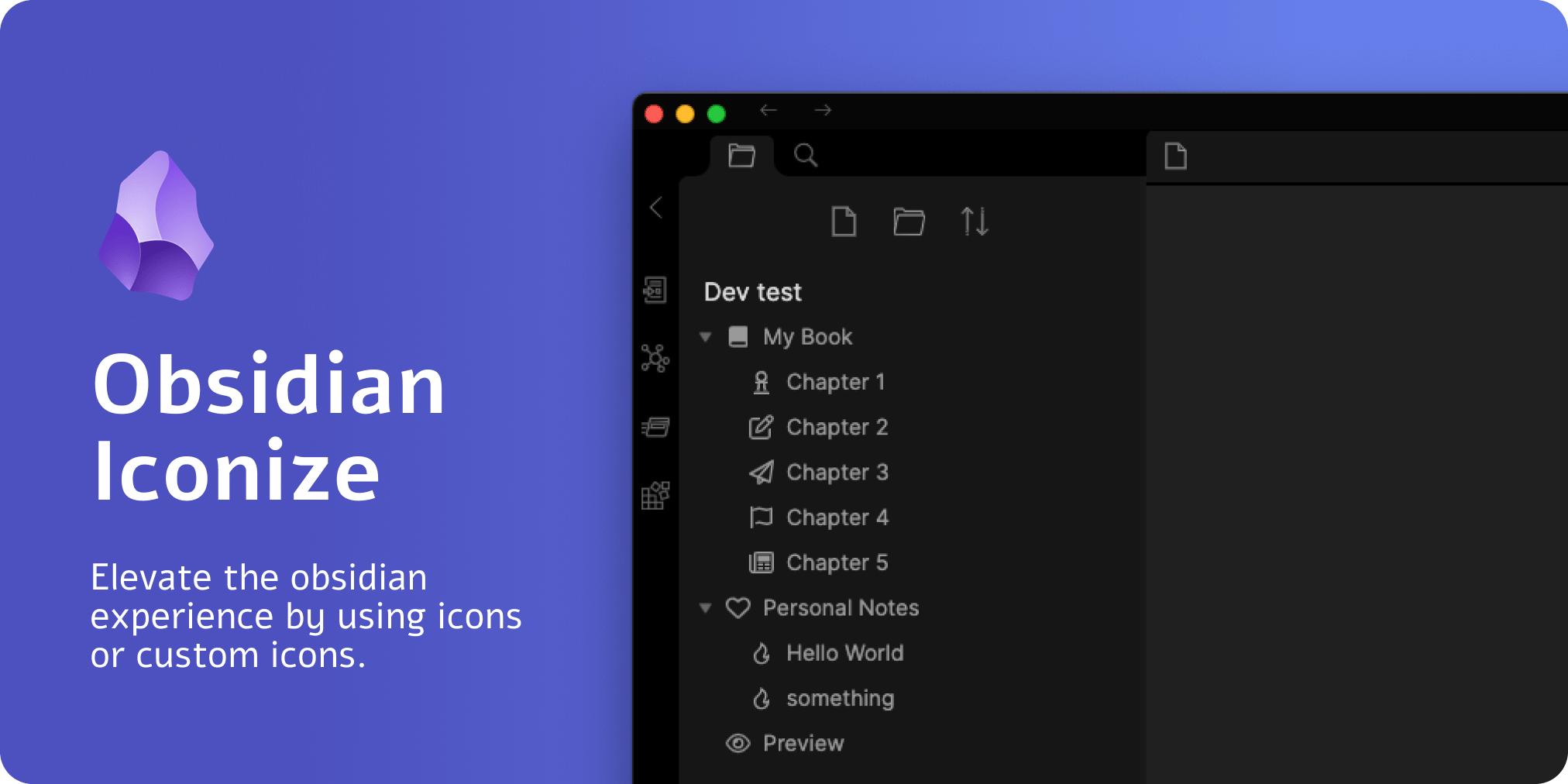
Add icons to anything in Obsidian, including files, folders, and text.

Add to Obsidian
  • Overview
  • Scorecard
  • Updates99

Preview Image

Project Deprecation and End of Maintenance: read more

What is it?

This obsidian plugin allows you to add any custom icon (of type .svg) or from an icon pack to anything you want.

Refer to the official documentation for more information: https://florianwoelki.github.io/obsidian-iconize/ about the plugin and its functionalities.

Key Highlights

Icons before file/folder name, Icons in notes, Icon above title, Predefined icon packs, Icons in tabs, Customizable settings, Custom rules, Frontmatter integration, Change color of an individual icon,

Development

To customize this project for your needs, you can clone it and then install all dependencies:

$ git clone https://github.com/FlorianWoelki/obsidian-iconize
$ cd obsidian-iconize
$ pnpm i

After the installation, you need to create a env.js file in the root directory. Fill the file with the following content:

export const obsidianExportPath =
  '<path-to-obsidian-vault>/.obsidian/plugins/obsidian-iconize/';

Make sure you create the directory specified in that variable if it does not exist yet.

Afterwards, you can start the rollup dev server by using:

$ pnpm dev

This command will automatically build the neccesary files for testing and developing on every change. Furthermore, it does copy all the necessary files to the plugin directory you specified.

Finally, you can customize the plugin and add it to your plugins.

43%
HealthExcellent
ReviewRisks
About
Add custom SVGs or icon packs to files, folders, notes, tabs, and titles across your vault. Apply predefined packs, frontmatter and custom rules, and set per-icon colors to place icons before names or above titles for clearer visual organization.
IconsAppearanceInterface
Details
Current version
2.14.7
Last updated
Last year
Created
5 years ago
Updates
99 releases
Downloads
1.9M
Compatible with
Obsidian 0.9.12+
License
MIT
Report bugRequest featureReport plugin
Author
florianwoelkiflorianwoelki
florianwoelki.com/
GitHubflorianwoelki
  1. Community
  2. Plugins
  3. Icons
  4. Iconize

Related plugins

Hider

Hide interface elements such as tooltips, status bar, titlebar, and more.

Iconic

Customize your icons and their colors directly from the UI, including tabs, files & folders, bookmarks, tags, properties, and ribbon commands.

Link Favicons

See the favicon for a linked website.

Callout Manager

Easily create and customize callouts.

Beautitab

Creates a customizable new tab view with beautiful backgrounds, quotes, search, and more.

Widgets

Add widgets to your notes like clock, countdown, and quotes.

Copy Inline Code

Easily copy the contents of an inline code element with a single click.

Minimal Theme Settings

Control the colors and fonts in Minimal Theme.

Style Settings

Adjust theme, plugin, and snippet CSS variables.

Commander

Customize your workspace by adding commands everywhere, create macros and supercharge your mobile toolbar.