
- Overview
- Scorecard
- Updates27
An Obsidian Zen-Mode pluigin based on the Hider plugin.
This plugin enables you to hide most Obsidian UI to be able to focus on the content.
Changes in most recent version
- Top bar is draggable in Zen mode
- Added device-dependent "exit Zen mode" button option
- Added "Full screen" option
- Added "Hide properties" option
- Added "Hide inline title" option
- Added top/bottom padding options
- Added focused file option
Why
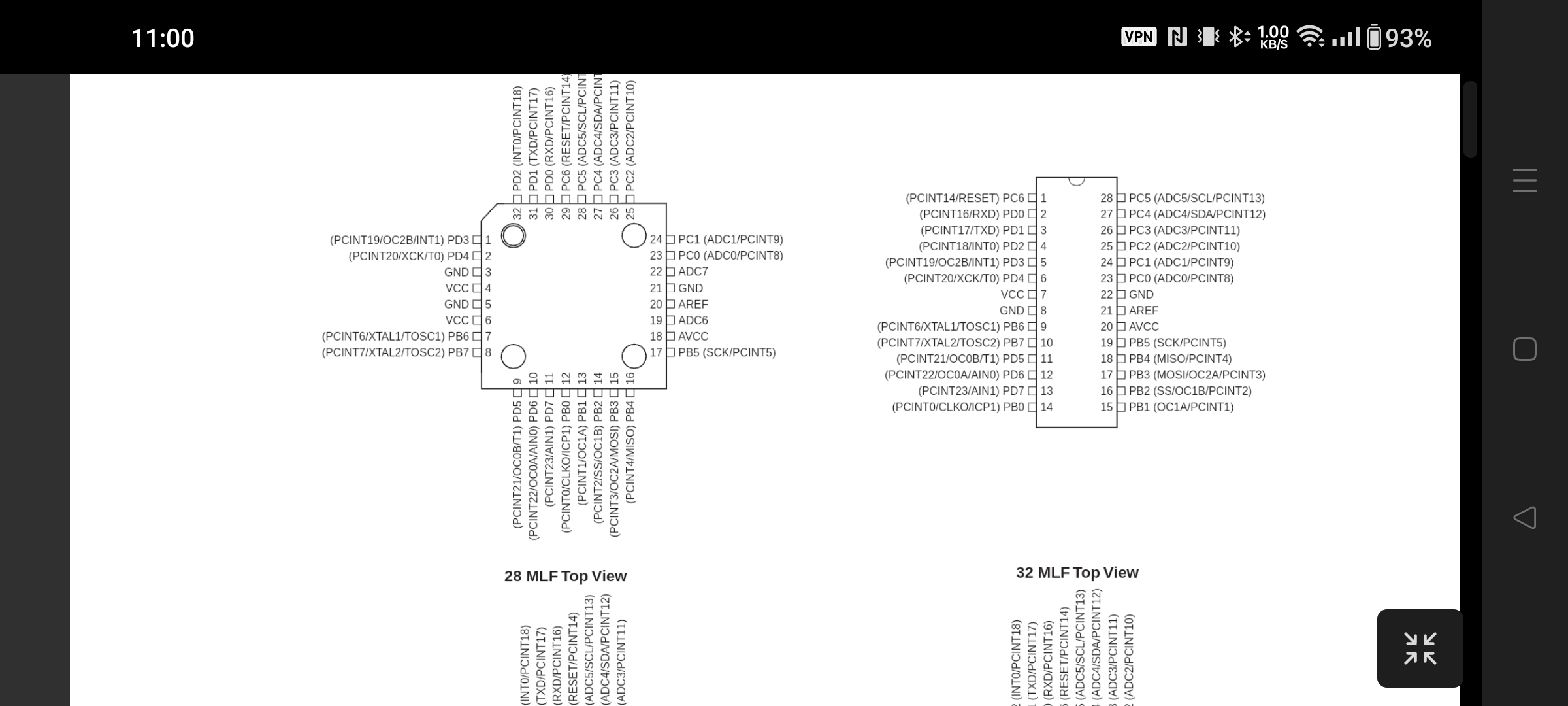
Obsidian is by default unfit for content consumption or presentations. On mobile, viewing a PDF results in less than 40% of the screen being used for the PDF.
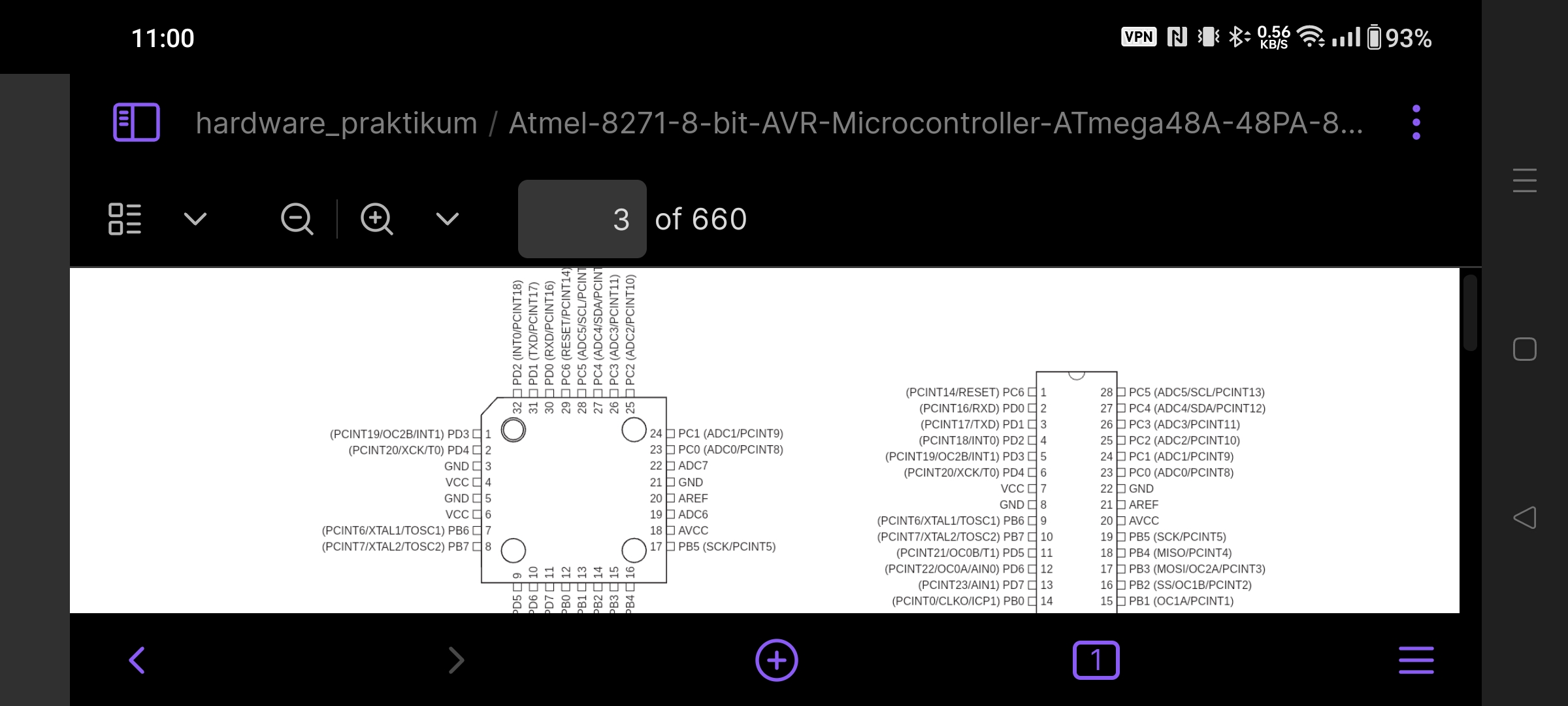
Zen Mode hides all UI Elements except the current text file or document, all that remains is a single button to restore all UI
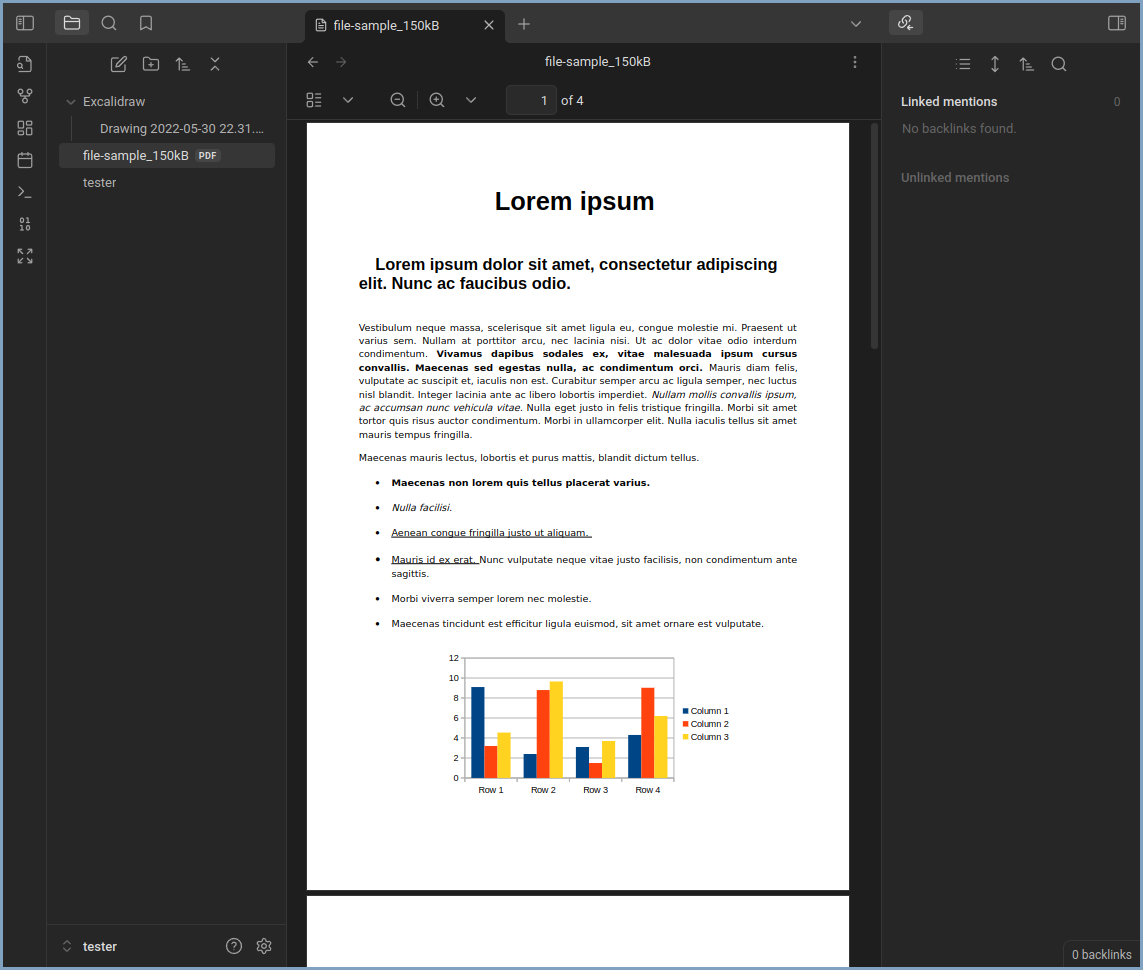
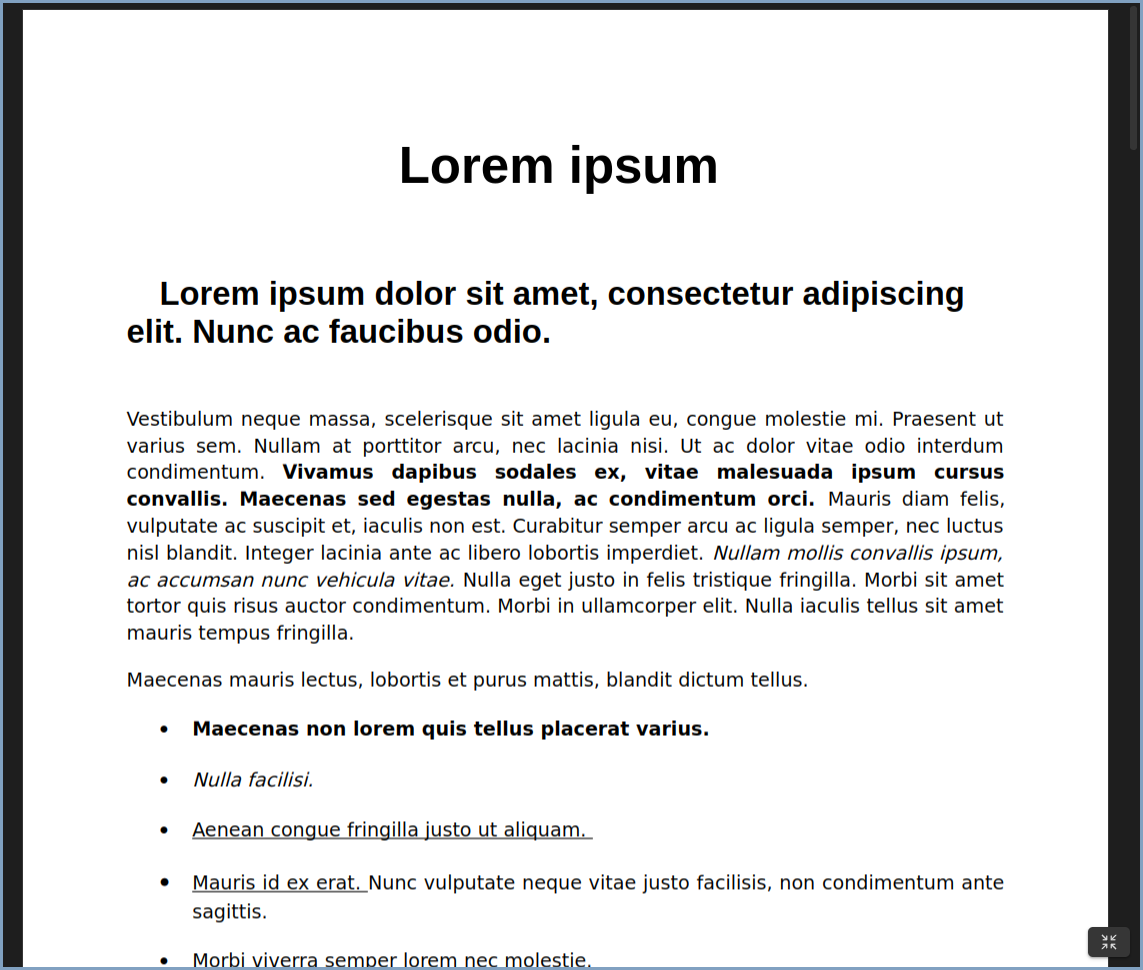
On desktop the problem is less severe, but there is still no way to quickly switch from an editing friendly experience to a viewing friendly experience. In addition to hiding all UI, zen mode also collapses and restores the side bars when being toggled.
Making your theme compatible with ZenMode
ZenMode injects the zenmode-active class on the body element when zen mode is active.
Development
pnpm install- Install dependenciespnpm dev- Start development build in watch modepnpm build- Build production versionpnpm lint/pnpm lint:fix- Run lintingpnpm version minor/major/patch- Bump version
TODO
refactor CSS
- lots of duplicate code
- CSS formatter config?