
- Overview
- Scorecard
- Updates29
Plugin for Obsidian
With this plugin you can see the favicon for a linked website without using any custom CSS.
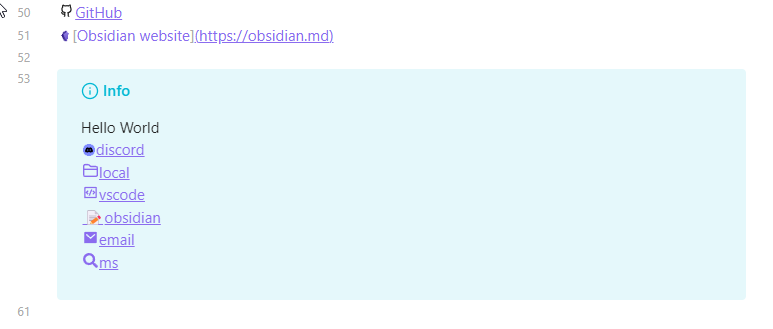
Works with: Admonition , RSS Reader and many more plugins.
Also check out Link Favicons for Firefox & Chromium based browsers
Icon Providers
You can select between these providers in the settings:
| Provider | Max Size | Fallback | max requests |
|---|---|---|---|
| 16x16px | default icon | no limit️ | |
| DuckDuckGo | none | default icon | no limit |
| Favicon Grabber | none | none | 100 per minute |
| The Favicon Finder (selfhosted) | 256x256px | automatically generated | no limit️ |
| Icon Horse | none | automatically generated | fair use policy |
| Splitbee | none | yes (from Google) | unknown |
Depending on which provider you choose the icons might look different.
The Icon Provider will only receive the hostname your links, so forum.obsidian.md instead
of https://forum.obsidian.md/t/custom-link-favicons-hiding-in-community-plugins/24112/5?u=joethei
Overwriting icons
Requires the Icon Shortcodes plugin
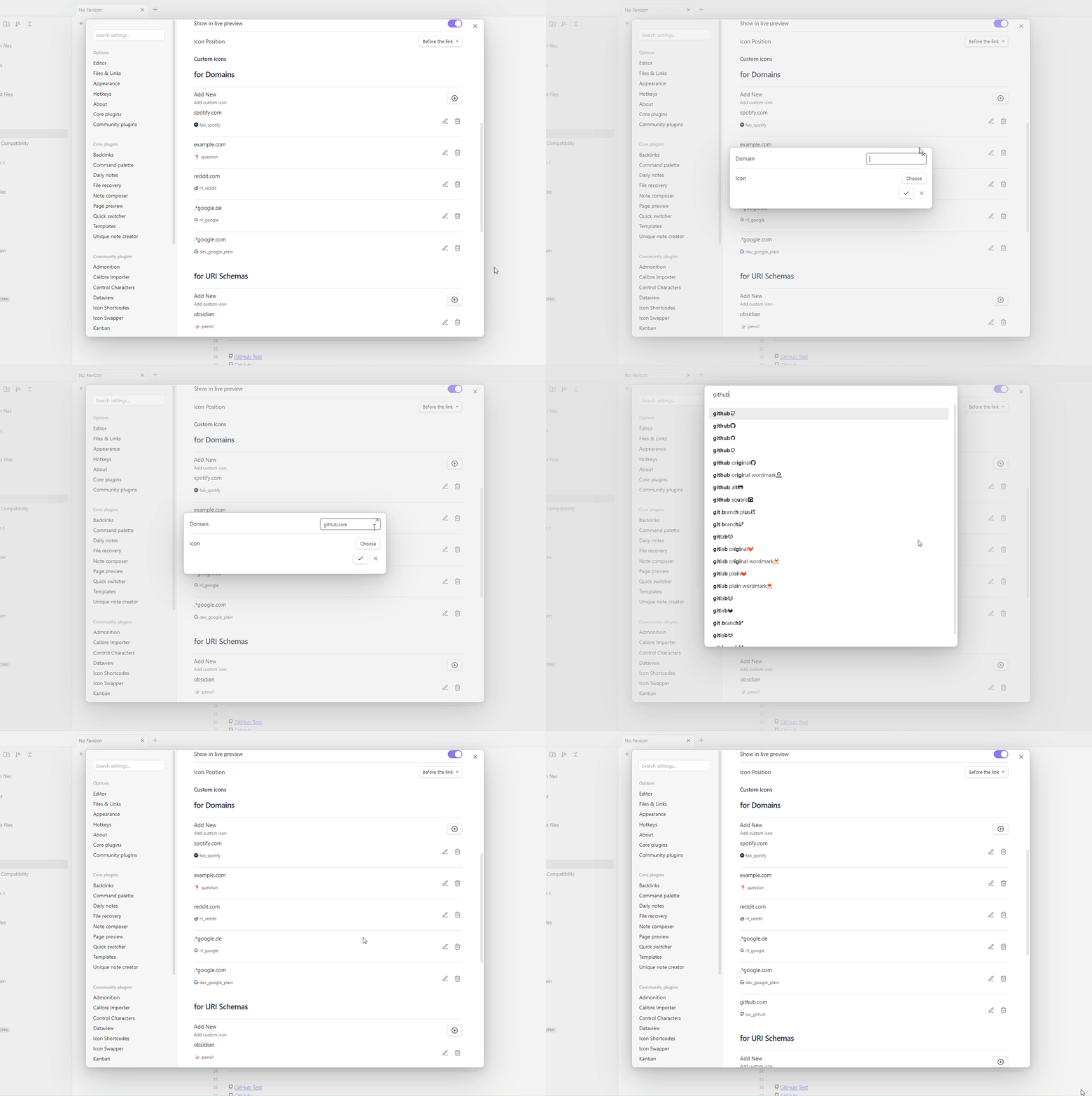
You can overwrite any domain favicon with an icon of your choosing in the settings. (See the demo gif below)
Defining Icons for URI Schemes
Requires the Icon Shortcodes plugin
You can also add icons for uri schemes such as mailto://, obsidian:// or calculator://.
To do this specify the name of the uri scheme(without ://) in the settings.
(See the demo gif below)
Disabling on specific links
If you have a link where you do not want to see the favicon, add |nofavicon to the link alias.
[Display text|nofavicon](https://example.org)
For Designers
For help with styling you can also check out the #appearance channel on
the Obsidian Members Group Discord
If you want to style the favicons you can use a CSS snippet similar to the one below, which makes all favicons appear in grayscale.
body .link-favicon[data-is-readable-a-a] {
    filter: grayscale(100%);
}
If you want to disable your own styling for favicons you can check if the data-favicon Attribute is "true". The
example below removes the external link
icon  .
.
.external-link::after {
    display: none;
    content: '';
}

.external-link {
    background-image: none;
}
Color Inversion
By default, icons that are perceived as unreadable will have a color filter applied to help with readability. There are multiple metrics that could be used to decide if an icon is readable or not:
is-dark,is-light: whether the icon's color perceived brightness is dark/light.is-readable-a-a: according to the W3C AA specificationis-readable-a-a-a: according to the W3C AAA specification
By default, the AA value is used.
using the is-dark, is-light values is not recommended as they don't take the background color into account.
These values are calculated from the average color. Using the most dominant color would be more accurate, but is not implemented currently.
For Developers
As long as you use
the renderMarkdown
Method this plugin will add favicons to your external links.
If you want no link favicons in your plugin either add no-favicon to your source path when calling the method.
Or specify the Attribute data-no-favicon on your link element.