Istari Companion
 thescholium1 downloads
Margin sidenotes from footnotes in Reading view and Live Preview, THEOREM-style callout shorthand, and clean titles for untitled callouts.
- Overview
- Scorecard
- Updates1
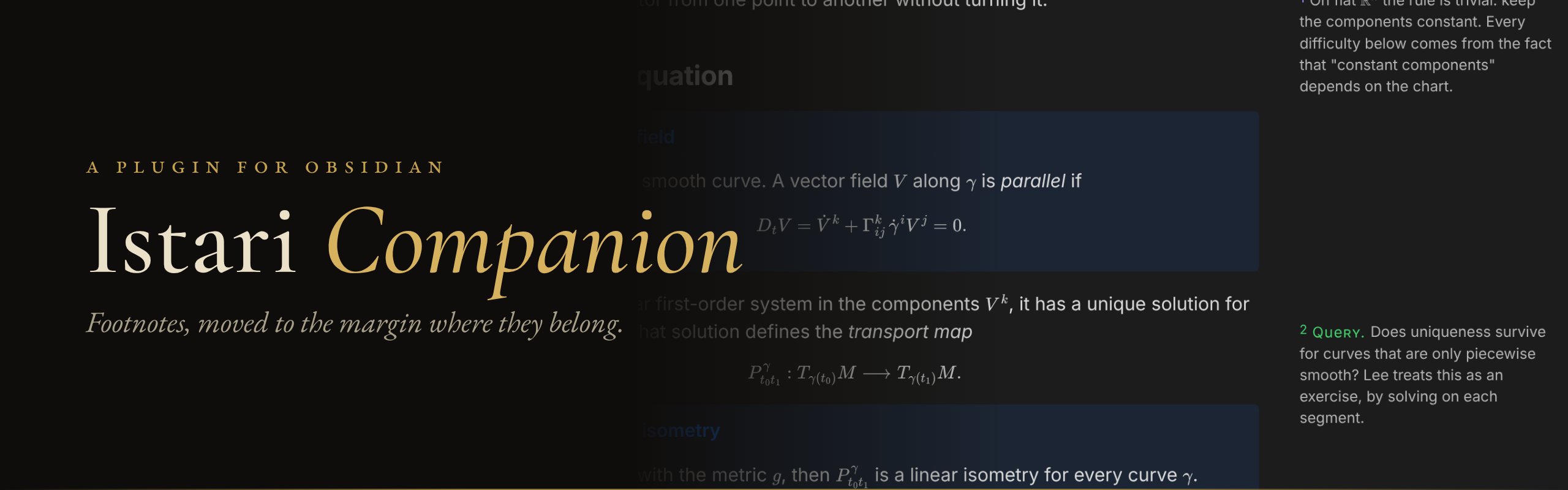
Footnotes are a good idea in the wrong place. You write an aside, and Obsidian sends it to the bottom of the page, where nobody, including you three weeks later, ever scrolls.
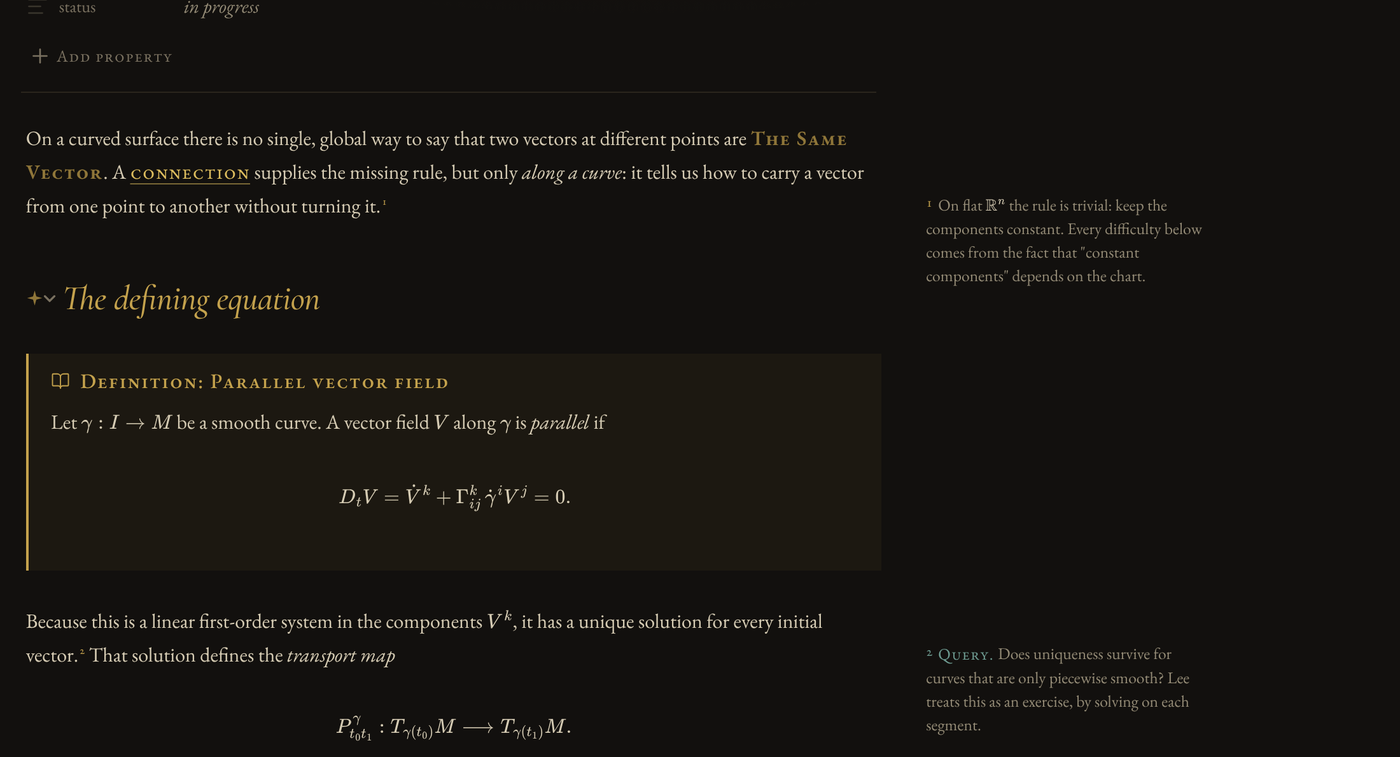
Istari Companion puts each footnote in the margin, next to the line it belongs to, the way Tufte sets his books and the way medieval readers annotated theirs. You keep writing ordinary Markdown footnotes. Nothing in your files changes.
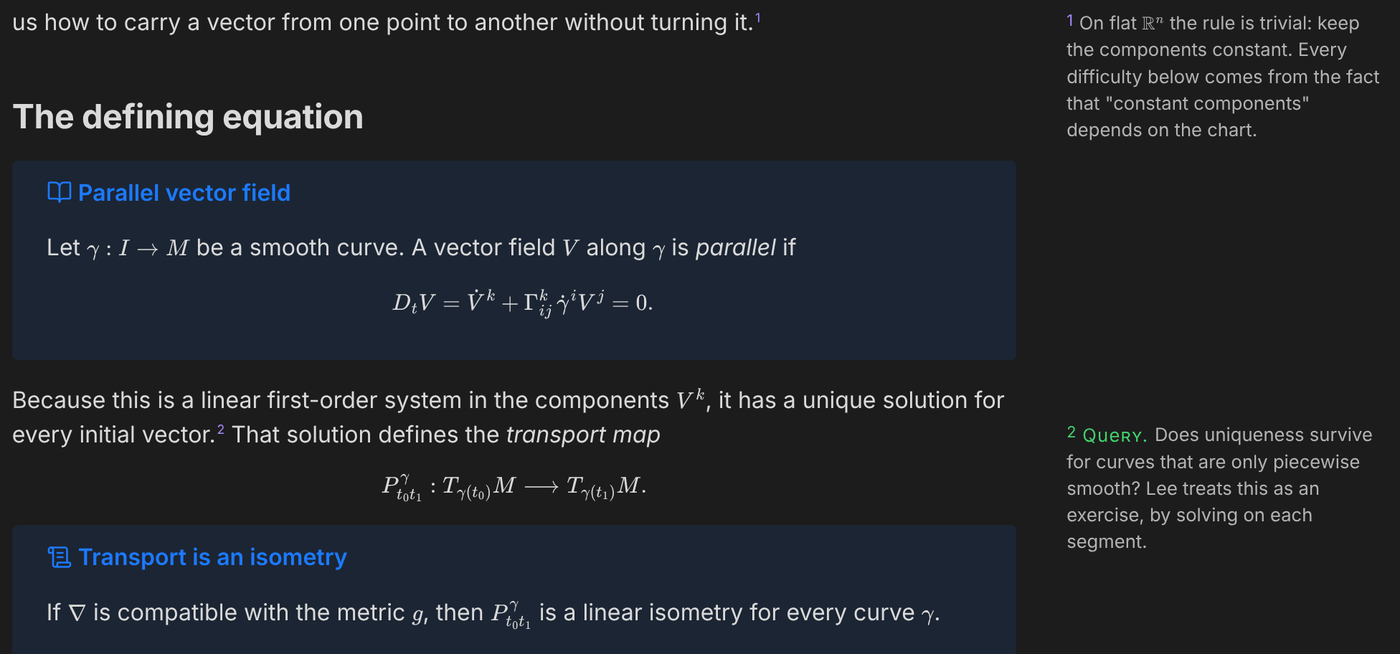
It was built for the Istari theme, but it works with any theme. Here it is with Obsidian's default:
What it does
Sidenotes, in Reading view and in Live Preview. Inline footnotes (^[like this]) and labelled ones ([^1]) both move to the margin. In Live Preview, put your cursor on a footnote and its source comes back so you can edit it, the same way links and bold work.
Queries. Start a note with ? and it gets a green Query label. It is a small thing, but when every open question in a chapter looks different from every explanation, you can actually find them again.
The solution is unique.^[? Does this still hold for piecewise smooth curves?]
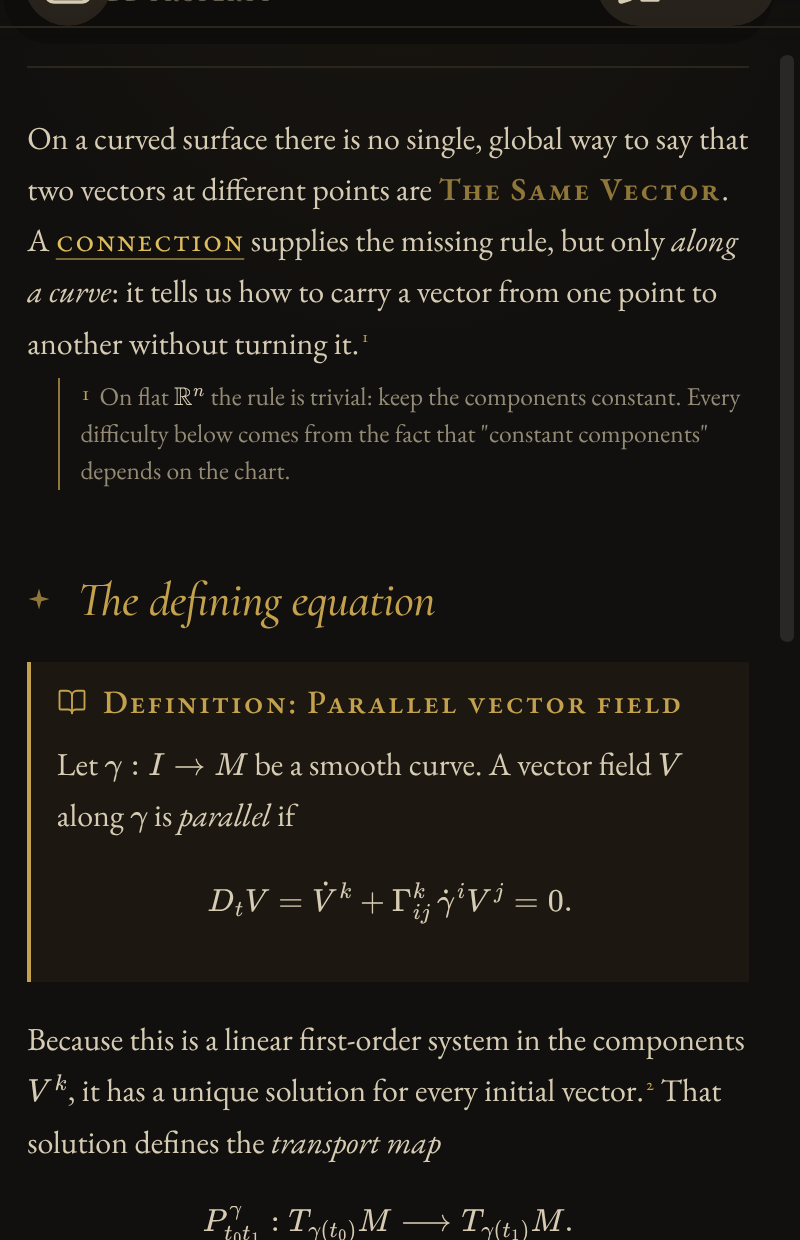
Narrow panes and phones. The plugin measures each pane. Below 980 px there is no room for a margin, so the number becomes a button that opens the note right under its line.
Callout shorthand. Type THEOREM at the start of a line, then a space, a colon or Enter, and the line becomes > [!theorem] . One undo puts the word back. It also works for DEFINITION, DEF, LEMMA, PROPOSITION, COROLLARY, PROOF, EXAMPLE, REMARK, AXIOM, CONJECTURE, INTUITION, EXERCISE and WARNING.
Untitled callouts. Obsidian gives an untitled callout its type as a title, and CSS cannot tell that apart from a title you typed. The plugin marks those callouts, so a theme like Istari can show "Theorem:" once instead of "Theorem: Theorem".
PDF export still works. When you export, sidenotes print as normal footnotes at the end of the note.
Install
From Obsidian (once the listing is approved): Settings → Community plugins → Browse → search for Istari Companion → Install → Enable.
With BRAT, today: install the BRAT plugin, choose Add beta plugin, and enter TheScholium/istari-companion.
By hand: download main.js, manifest.json and styles.css from the latest release, put them in <your vault>/.obsidian/plugins/istari-companion/, restart Obsidian, and turn the plugin on under Community plugins.
Good to know
- There are no settings. It either helps or you turn it off.
- It makes no network requests, collects nothing, and never writes to your files. The only time it changes text is when you type a shorthand word, and that is one undo away.
- Footnotes inside tables, embeds and hover previews stay in place, because those have no margin to reach.
- Requires Obsidian 1.8 or later. Works on desktop and mobile.
Building it yourself
npm install
npm run build   # writes main.js
npm run lint    # Obsidian's own ESLint rules
The source is src/main.ts; the styles are styles.css.
License
MIT. Made by The Scholium, who also makes Istari and study templates for e-ink notebooks.