Invio
 frontend-engineering65 downloads
Export docs as websites and deploy them to AWS S3 or compatible COS. Invio streamlines the process of publishing, enabling users to easily share their work online.
- Overview
- Scorecard
- Updates68
Invio automatically converts your Obsidian documents into HTML web pages and synchronizes them to AWS S3 or COS compatable like Tencent Cloud Object Storage. If you find it useful, please give it a star. star
Features
- Synchronize your Obsidian docs to AWS S3, similar to the functionality of Obsidian Sync but with data stored in AWS
- Publish your docs to html webpage auto, while keeping all your styles. Inspired by Webpage HTML Export
- COS supports: Amazon S3 or COS compatable like tencent Cloud
- Scheduled auto sync supported. You can also manually trigger the sync using sidebar ribbon
- Auto sync your local docs's edit with remote published html. Sync Algorithm open is inspired by this project.
- Fully open source under Apache-2.0 License.
Docs
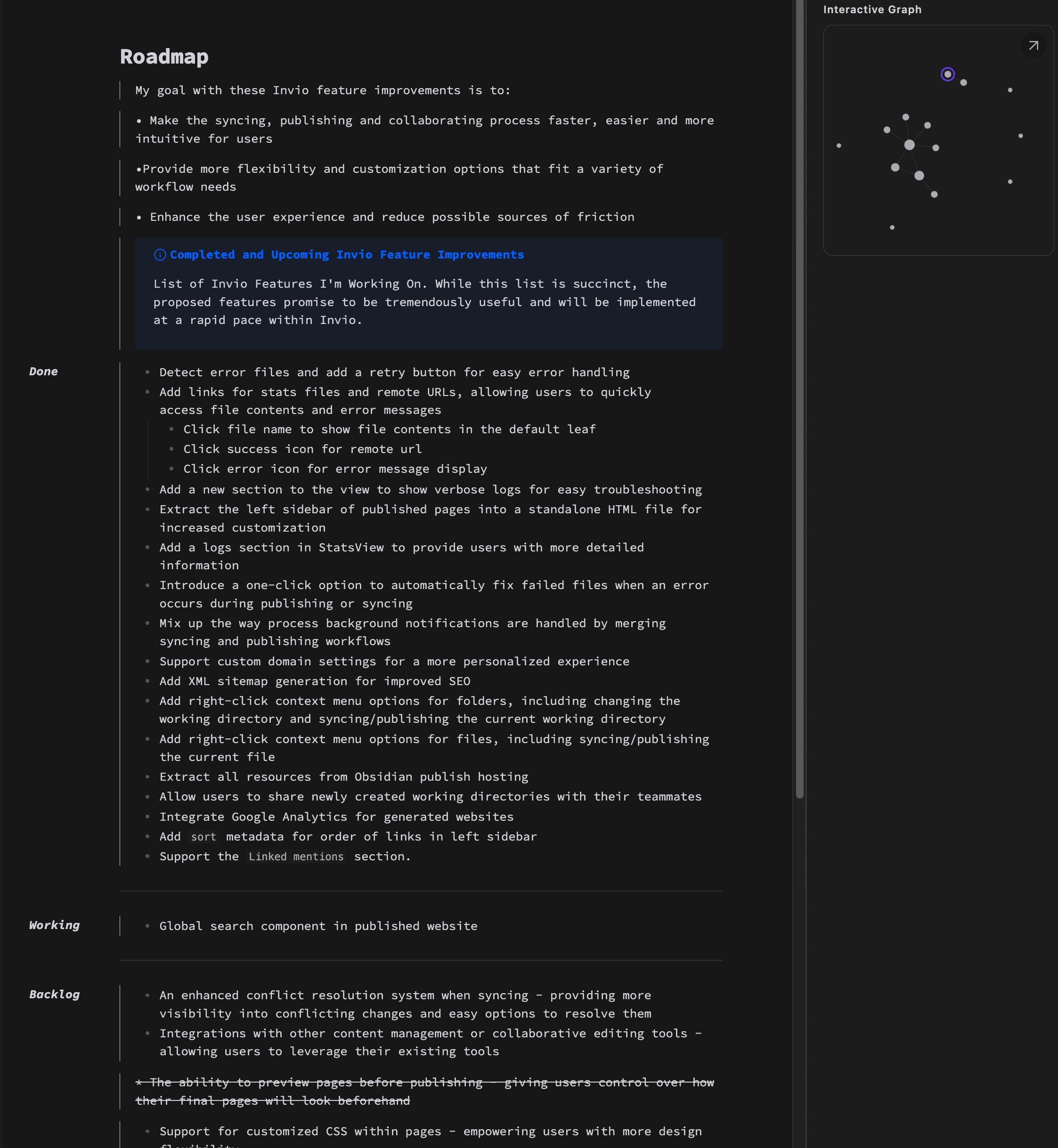
Invio is in active development. Roadmap and more features could be found in official docs.
Download and Install
Option #1: Search Invio in the official "community plugin list", or visit this: https://obsidian.md/plugins?id=invio (which should redirect you into Obsidian app), then install the plugin.
Option #2: You can also use Obsidian42 - BRAT to install this plugin. Input frontend-engineering/Invio in the configuration of BRAT.
Option #3: Manually download assets (
main.js,manifest.json,styles.css) from the latest release.Option #4: Every artifacts are placed in the "Summary" under every successful builds. It's automatically generated by every commit, may break something.
Usage
S3
Prepare your COS (-compatible) service information: endpoint, region, access key id, secret access key, bucket name. The bucket should be empty and solely for publishing webpages.
Download and enable this plugin.
Enter your information to the settings of this plugin.
2.1 choose the local directory you want to publish in settings.
2.2 Input the COS bucket info and data prepared above.
Once it's been done, you'll find the directory you chose decorated with a green icon in the left file tree list.
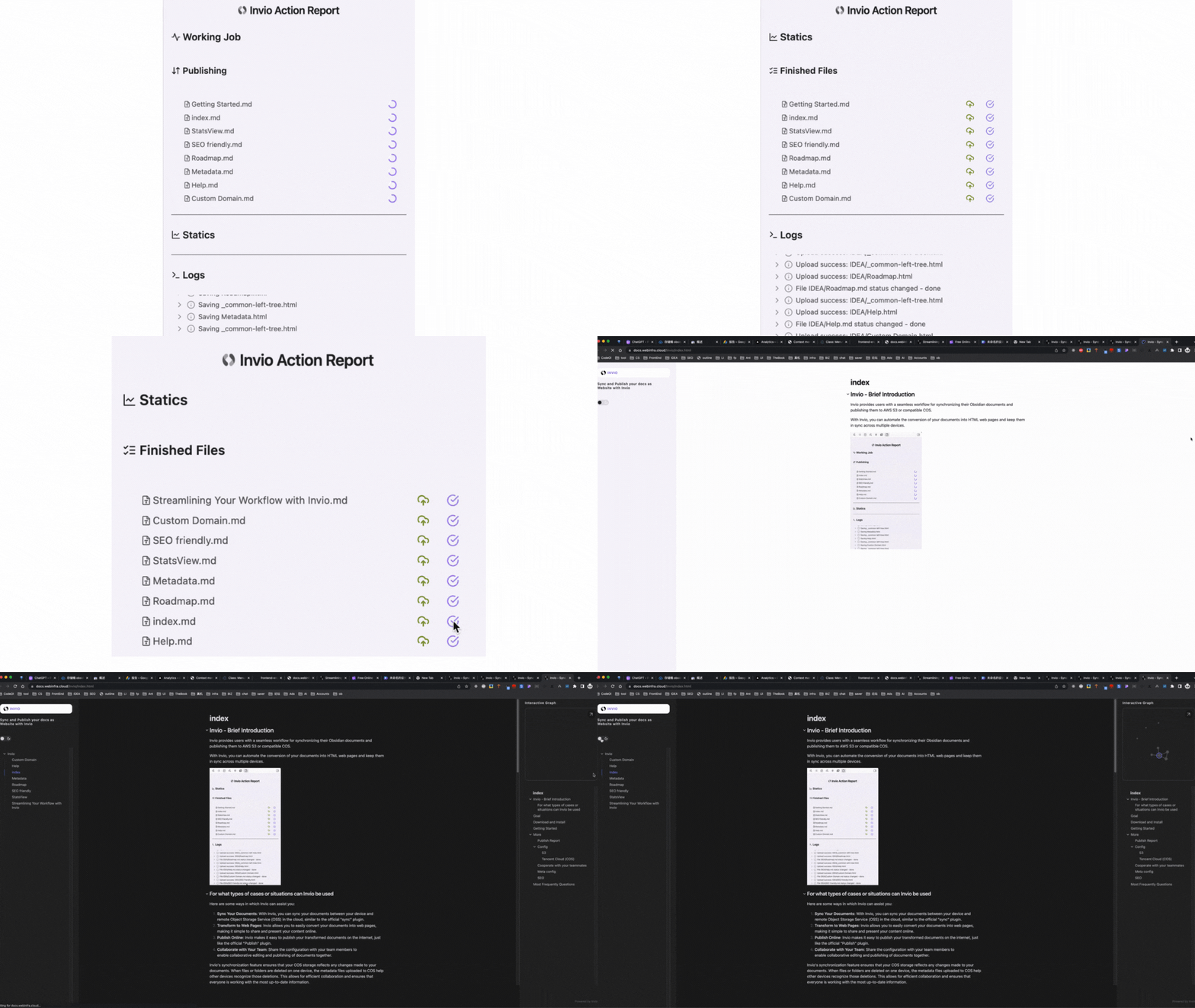
Click the new icon on the ribbon (the left sidebar), every time you want to publish your docs to remote. (Or, you could configure auto sync in the settings panel) While publishing, the icon becomes "two half-circle arrows".
- Be patient while publishing. Especially in the first-time publish.
- You can even share all your config above with your teammates. You can find Export/Import in the settings. So your teammates don't have to input such complicated keys or secret strings.
Tencent Cloud (COS)
If you're using Tencent Cloud(COS), and your bucket region is ap-shanghai, your settings should be like:
Endpoint cos.ap-shanghai.myqcloud.com
Region ap-shanghai
AccessKeyID YourSercretId
SecretAccessKey YourAccessKey
BucketName obsidian-123456789
To test your settings, you can click the button check in settings to test your COS connectivity.
Limitations
No content-diff-and-patch algorithm. All files and folders are compared using their local and remote "last modified time" and those with later "last modified time" wins. For example: if one file's been edited lately, it will be fully re-uploaded.
Cloud services cost you money. Although COS services are easier to maintain and use, however it's important to always stay mindful of the expenses and pricing associated with different operations. This includes, but is not limited to, downloading, uploading, listing files, making API calls, and storage sizes. These actions may or may not incur charges, so it's crucial to take them into consideration.
Your Obsidian desktop version should >= 0.13.25
Questions, Suggestions, Or Bugs
You are greatly welcome to ask questions, post any suggestions, or report any bugs! The project is mainly maintained on GitHub:
- Questions: GitHub repo Discussions
- Suggestions: also in GitHub repo Discussions
- Bugs: GitHub repo Issues (NOT Discussion)
Stay up to date
Invio is in active development.
Stay up to date with the latest news and updates about our product by following us on Twitter: