InventExplorer
 solidinvent518 downloads
Add file and folder icons, colors and text styles to the file explorer. Lucide, Tabler, Boxicons, Phosphor and emoji icons, with regex rules that style many paths at once.
- Overview
- Scorecard
- Updates7
Icons, colours and styling for the Obsidian file explorer — per-file and per-folder icons, regex path masks, and thousands of icons from Lucide, Tabler, Boxicons and Phosphor, plus every emoji.
Website and documentation: https://inventexplorer.solidinvent.pl
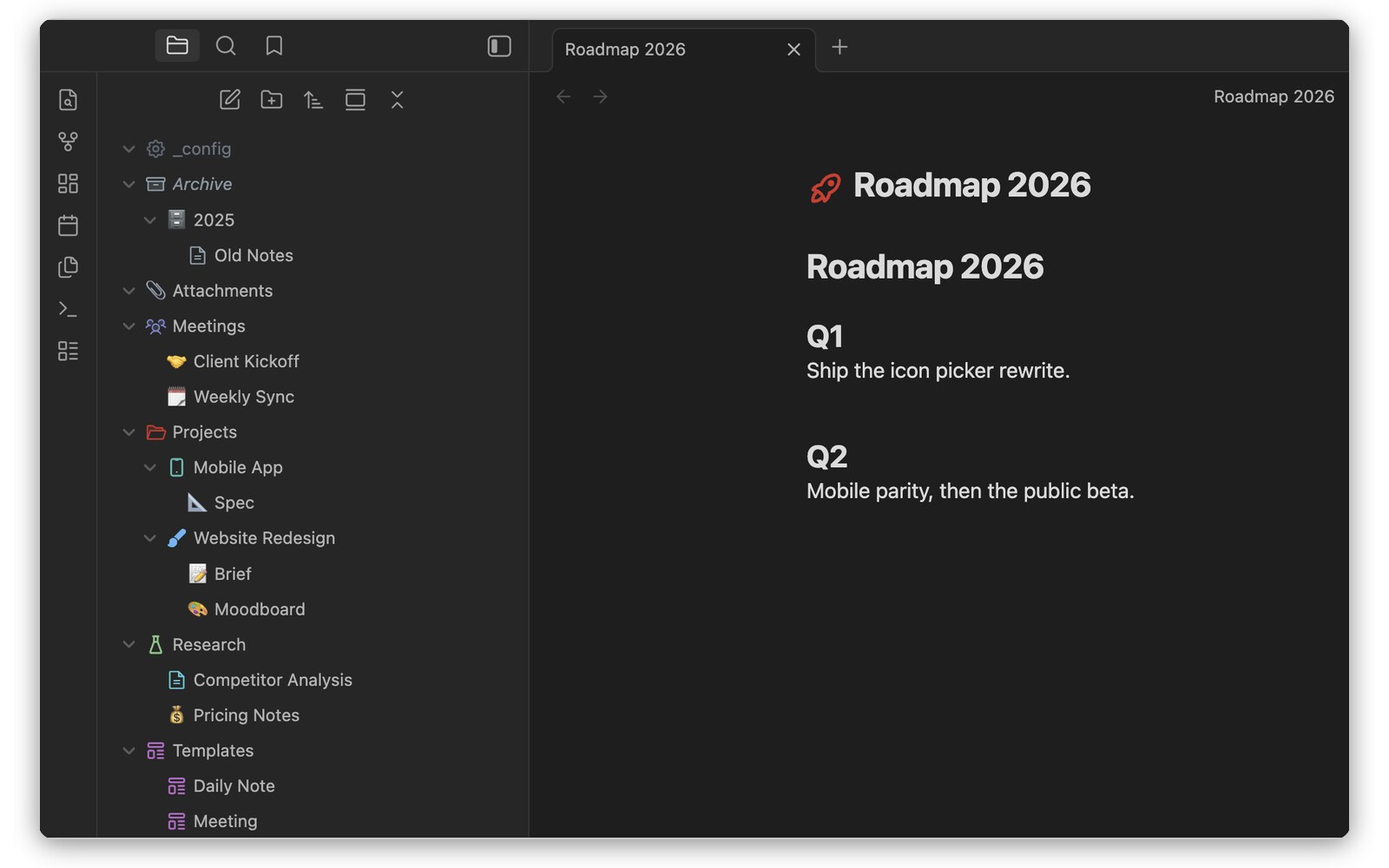
| Icon picker | Path masks | Text style |
|---|---|---|
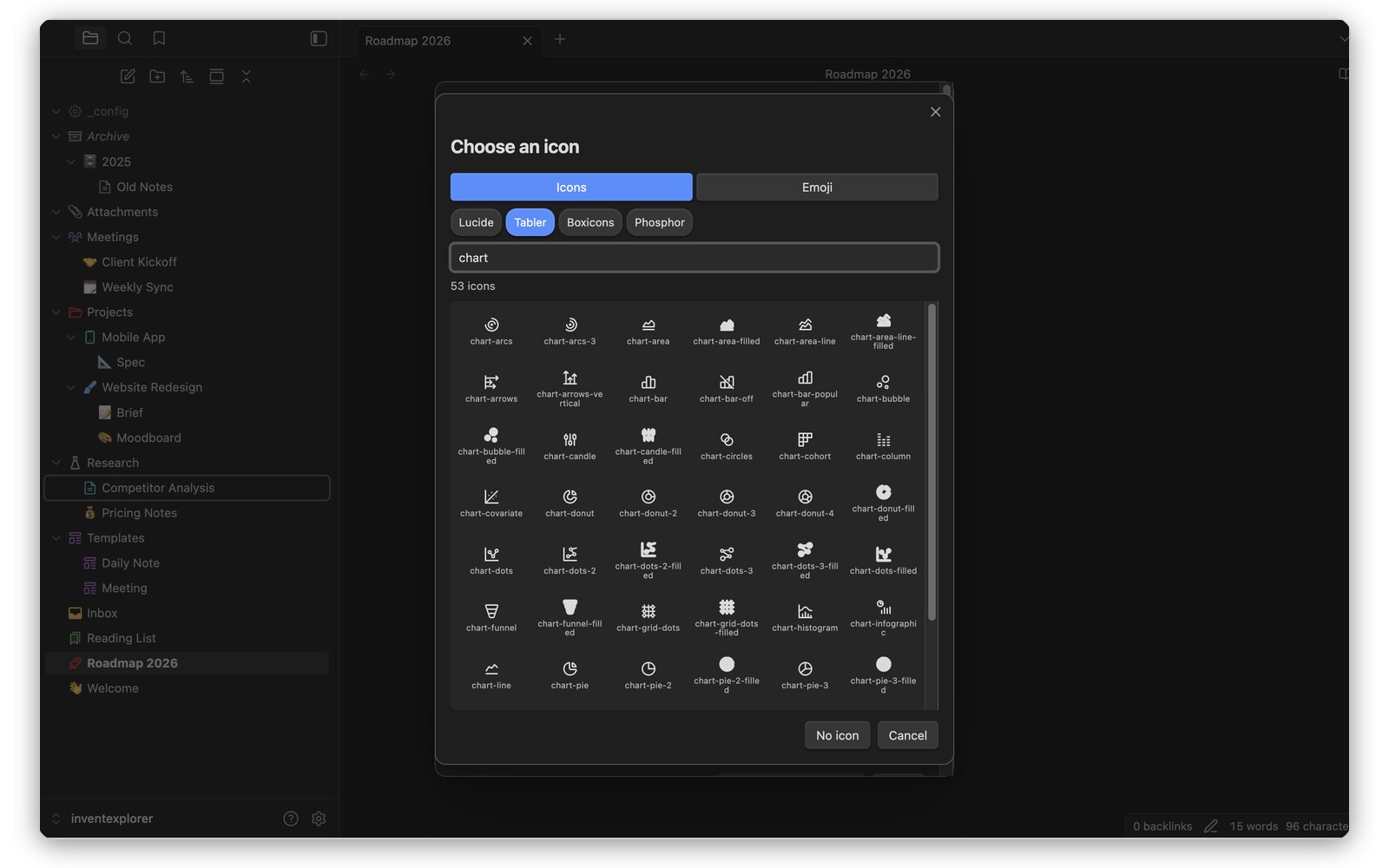 |
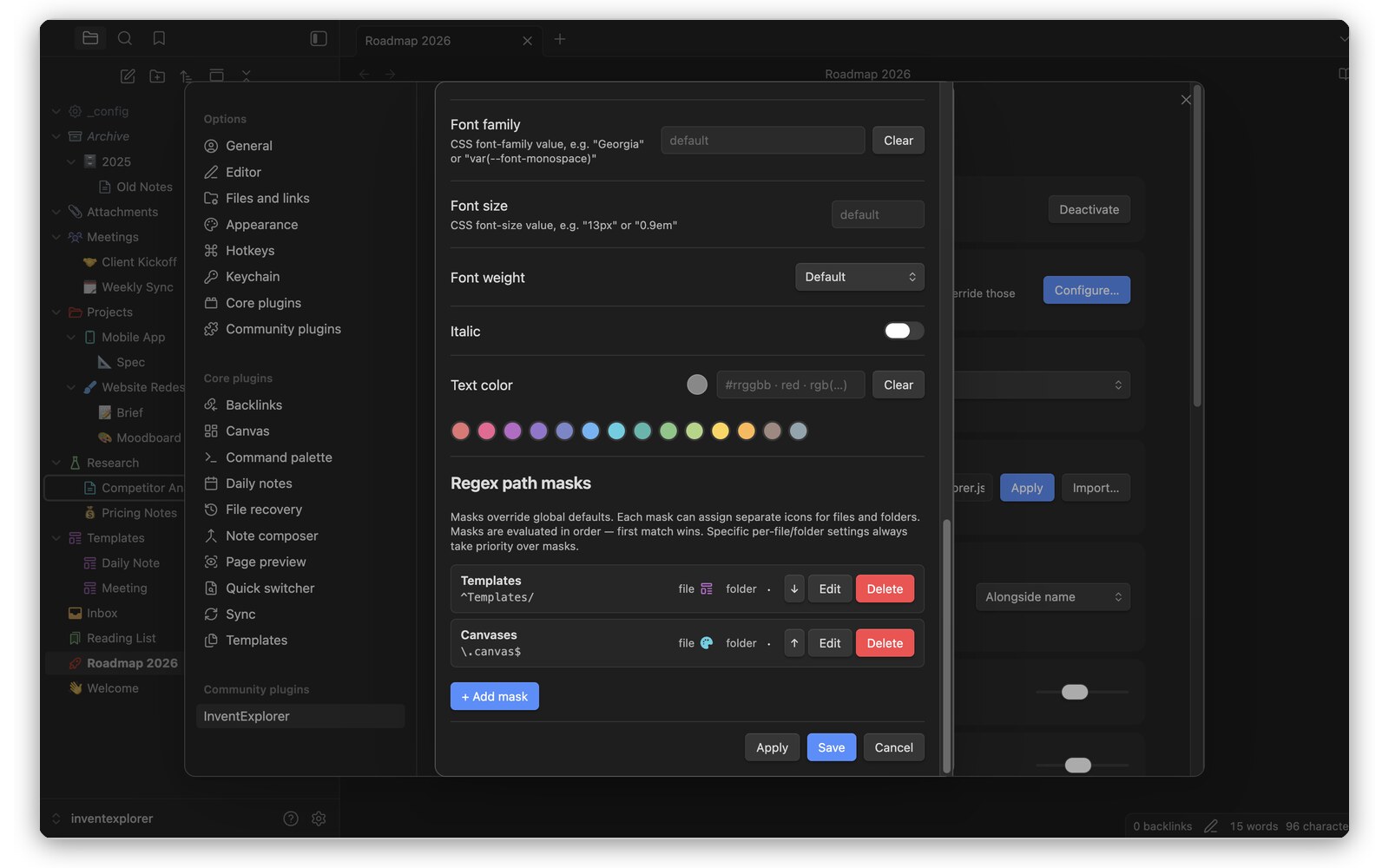 |
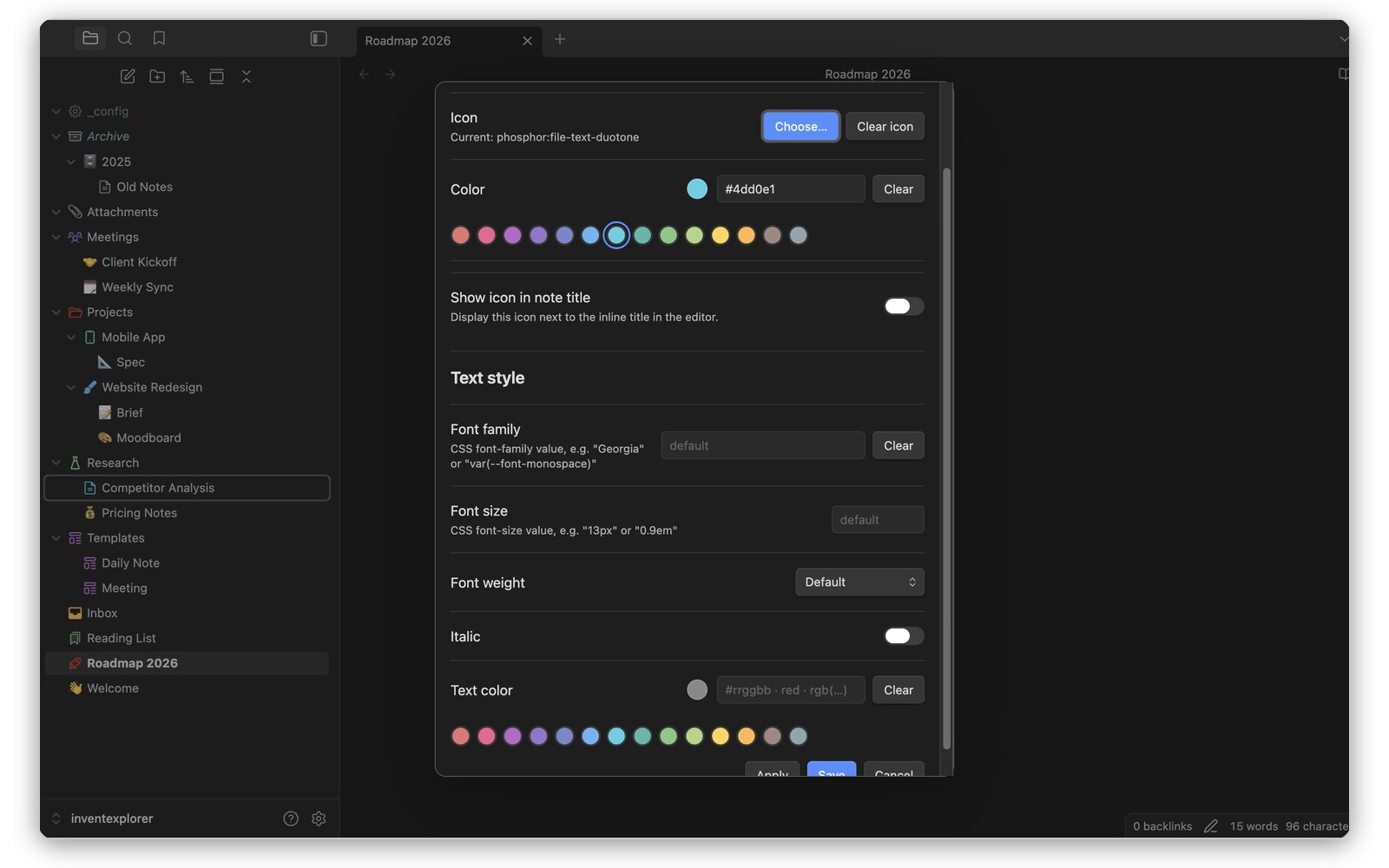 |
This repository holds the plugin's source code and its releases. InventExplorer is source-available, not open source: you can read the code, audit what it does and build it for your own use, under the EULA. Each release adds one commit with the source it was built from. The same plugin files are also available directly from the website.
Building from source: npm ci && npm run build produces main.js.
Install
From Obsidian
InventExplorer is in Obsidian's community directory: Settings → Community plugins → Browse, search for InventExplorer, then Install and Enable. Updates come the same way as for any other plugin.
Manual
- Download
inventexplorer.zipfrom the latest release. - Unzip it into
<vault>/.obsidian/plugins/— the archive contains theinventexplorer/folder. - Restart Obsidian, then enable InventExplorer under Settings → Community plugins.
Installing on mobile? INSTALL.md inside the zip covers it.
With BRAT
BRAT installs the plugin from this repository and keeps it updated automatically:
- Install BRAT from Obsidian's community plugins.
- Add beta plugin →
solidinvent-dev/inventexplorer.
Each release also carries main.js, manifest.json and styles.css as loose
files, which is what BRAT reads.
About the icon sets. Obsidian's plugin browser and BRAT only ever fetch
those three files, and the icon sets are 10 MB, so they are not part of such an
install. The plugin downloads
whichever set you pick from this release the first time you use it and keeps it
next to main.js — the same place the zip would have put it. Lucide and emoji
never depend on that and work regardless.
This makes such an install smaller than the zip rather than poorer: it starts at 255 KB and only fetches the one set you actually chose, where the zip carries all three whether you want them or not.
Versions
Every release is tagged and stays available, so you can roll back. The latest release is always the current version.
Free, or one lifetime license
- Free — icons on 100 files and folders, Lucide and every emoji, a 14-colour palette, collapsed/expanded folder icons, one regex path mask.
- Lifetime license — one payment, no subscription: unlimited icons and masks, the Tabler, Boxicons and Phosphor sets, any CSS colour, global defaults, text and explorer styling, on all your vaults and devices.
Prices are on the website.
Disclosures
- Payment. Full capacity requires a lifetime license (one payment, sold through Paddle). No account is needed: a license is an email address and a key, checked on your device.
- Network use. Each connection below happens only in the situation
described:
- Icon set download — when you first pick an icon from a set that is
not on disk (an install from the community directory or BRAT ships without them), the plugin downloads that
set from this repository's release for your version, once, and keeps it
next to
main.js. - License standing check — once a day, only after a license is activated, the plugin asks SolidInvent's license endpoint whether the license is still valid. It sends the license email encrypted to SolidInvent's key and a proof derived from the key, never the key itself and never vault content. This is how a refunded or leaked license is revoked. Being offline never suspends a license: when you are back online, one check runs, however long you were away.
- Icon set download — when you first pick an icon from a set that is
not on disk (an install from the community directory or BRAT ships without them), the plugin downloads that
set from this repository's release for your version, once, and keeps it
next to
- Server-side telemetry. The license endpoint records a SHA-256 hash of the license email, the request's IP address and the time, to detect a license shared beyond its owner. Nothing else is collected; there is no client-side telemetry, analytics or advertising. Details: Privacy Policy.
- Files outside the vault. None.
Third-party icons
The bundled icon sets are MIT and Apache-2.0 licensed; attribution ships in
THIRD-PARTY-LICENSES.md inside the zip and is published on the website.
Support
Open an issue here, or write to [email protected].