Search...Search plugins and themes...
⌘K
Sign in
  • Get started
  • Download
  • Pricing
  • Enterprise
  • Account
  • Obsidian
  • Overview
  • Sync
  • Publish
  • Canvas
  • Mobile
  • Web Clipper
  • CLI
  • Learn
  • Help
  • Developers
  • Changelog
  • About
  • Roadmap
  • Blog
  • Resources
  • System status
  • License overview
  • Terms of service
  • Privacy policy
  • Security
  • Community
  • Plugins
  • Join the community
  • Discord
  • Forum / 中文论坛
  • Merch store
  • Brand guidelines
Follow us
DiscordTwitterBlueskyThreadsMastodonYouTubeGitHub
© 2026 Obsidian

File Preview

xhuajinxhuajin4k downloads

Add file preview contents under file in file explorer.

Add to Obsidian
  • Overview
  • Scorecard
  • Updates15

Add file preview contents under markdown file's title in file explorer.

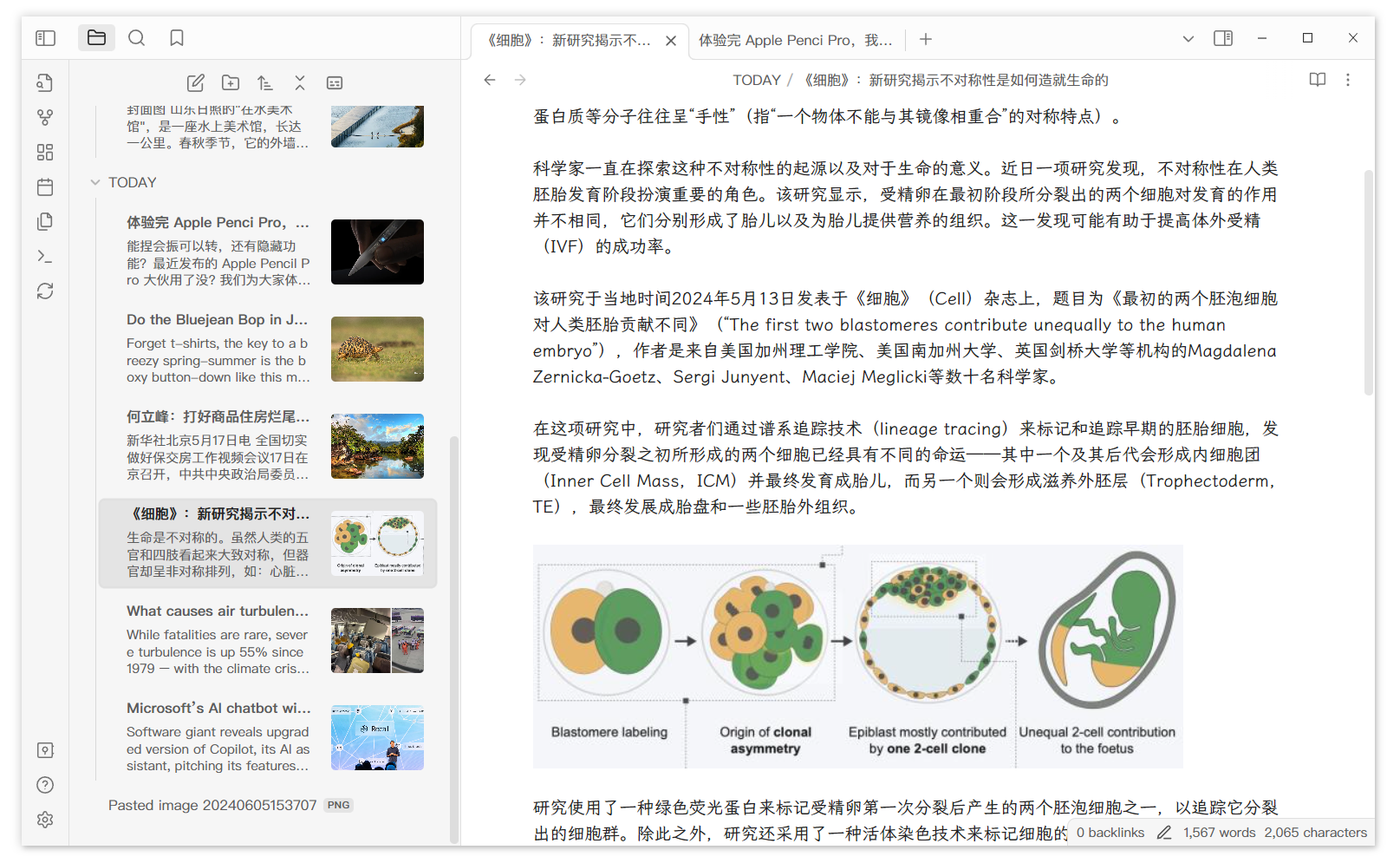
Overall screenshot
ShowFirstImage

Overall Screenshot

Detail screenshot

Detail Screenshot

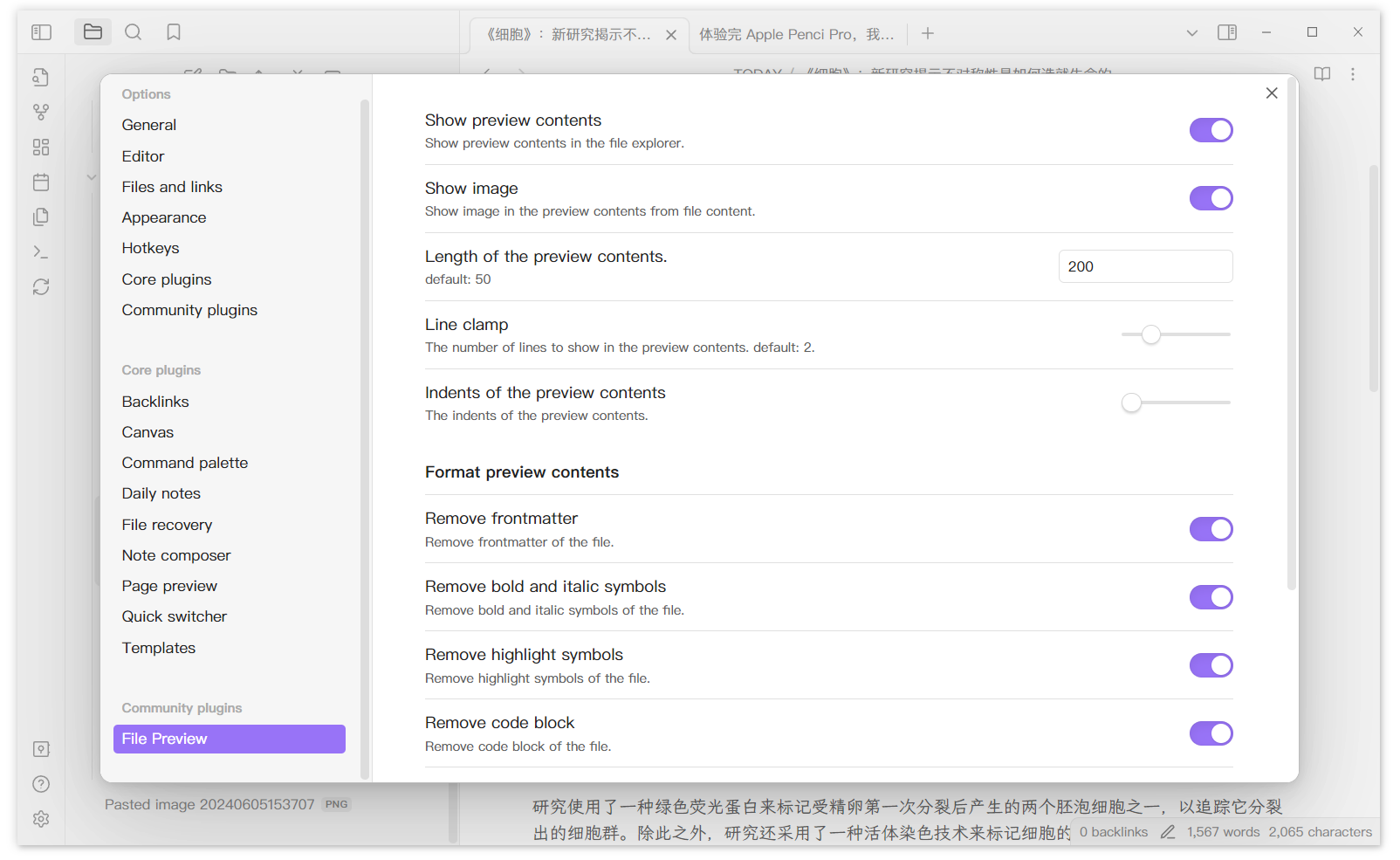
Setting screenshot

Setting Screenshot

This plugins will only add preview contents to existing files. If you create new files, you need to click the refresh botton on the left ribbon.

You can click the button at the top of the file-explorer to quickly show/hide the preview contents.

Button to hide preview

Changelog

  • v1.0.2: Add a setting to modify indents of the preview contents.
  • v1.0.3: Add a quick switching button.
  • v1.0.5: Add an image into preview contents from file. (Wiki type image first)
61%
HealthGood
ReviewRisks
About
Display preview text and inline images beneath markdown filenames in the file explorer for at-a-glance reading. Toggle previews with the explorer button and refresh the view to include newly created files.
FilesSidebarImages
Details
Current version
1.1.3
Last updated
Last year
Created
2 years ago
Updates
15 releases
Downloads
4k
Compatible with
Obsidian 1.0.0+
License
MIT
Report bugRequest featureReport plugin
Author
xhuajinxhuajin
github.com/xhuajin
GitHubxhuajin
  1. Community
  2. Plugins
  3. Files
  4. File Preview

Related plugins

Notebook Navigator

Alternative file browser with folders, tags, properties, shortcuts, previews, keyboard navigation, drag and drop, and pinned notes.

Recent Files

Display a list of recently opened files.

Custom File Explorer sorting

Manual or automatic config-driven reordering and sorting of files and folders in File Explorer.

Novel Word Count

Display a word count, page count, creation date, or other statistics for each file, folder and vault in the File Explorer pane.

Reveal Active File Button

Add a button to the top of the File Explorer, to reveal the active file.

File Explorer Note Count

See the number of notes in each folder within the file explorer.

Manual Sorting

Drag'n'Drop sorting within file explorer.

File Tree Alternative

An alternative file tree view with separate folder and file panes.

Trash Explorer

Restore and delete files from the Obsidian .trash folder.

File Explorer++

Hide and pin files and folders in the file explorer using custom filters.