Search...Search plugins and themes...
⌘K
Sign in
  • Get started
  • Download
  • Pricing
  • Enterprise
  • Account
  • Obsidian
  • Overview
  • Sync
  • Publish
  • Canvas
  • Mobile
  • Web Clipper
  • CLI
  • Learn
  • Help
  • Developers
  • Changelog
  • About
  • Roadmap
  • Blog
  • Resources
  • System status
  • License overview
  • Terms of service
  • Privacy policy
  • Security
  • Community
  • Plugins
  • Join the community
  • Discord
  • Forum / 中文论坛
  • Merch store
  • Brand guidelines
Follow us
DiscordTwitterBlueskyThreadsMastodonYouTubeGitHub
© 2026 Obsidian

Callout Manager

eth-peth-p156k downloads

Easily create and customize callouts.

Add to Obsidian
  • Overview
  • Scorecard
  • Updates3

An Obsidian plugin that makes creating and configuring callouts easy.
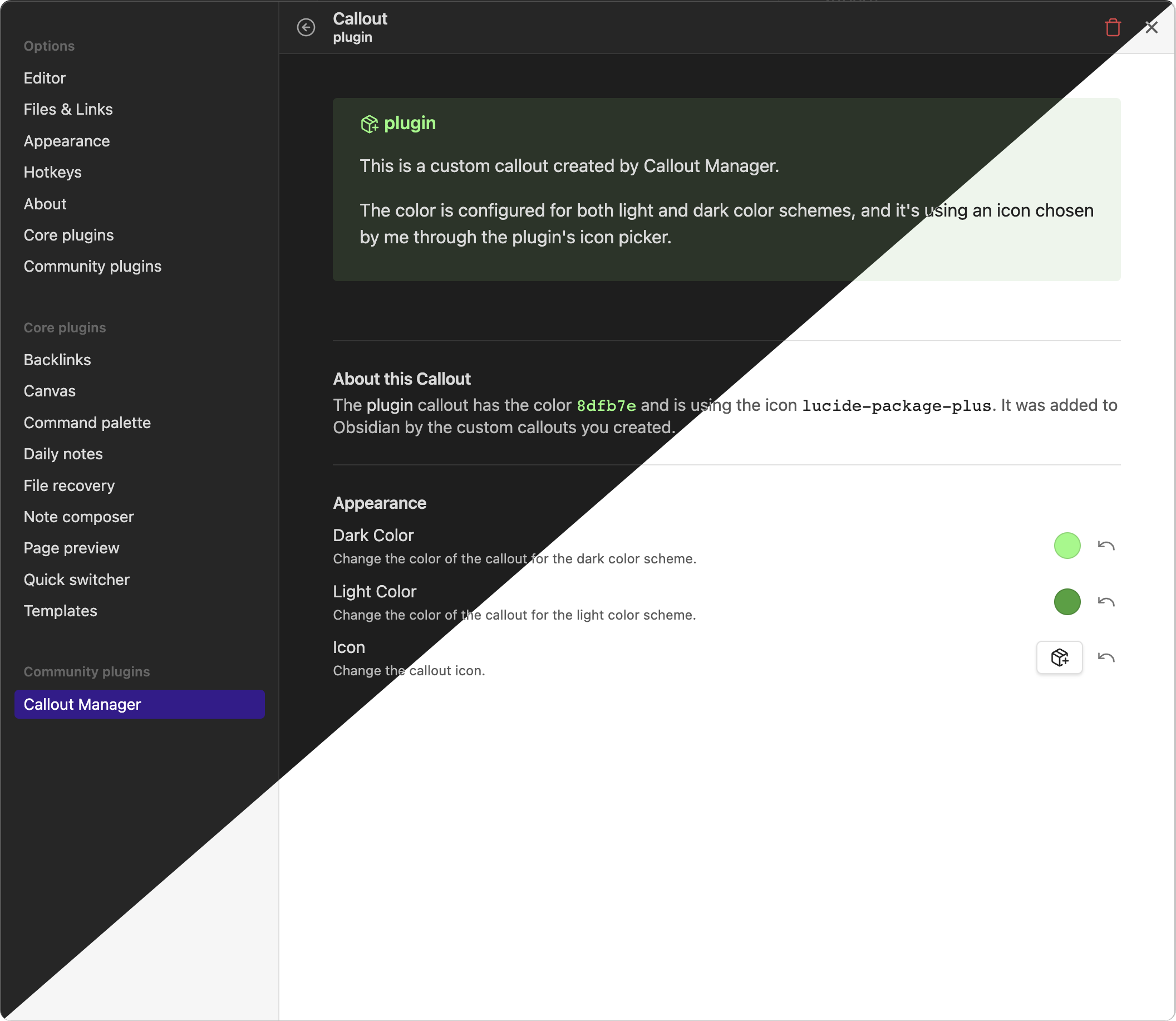
Screenshot

Features

  • Browse a list of available callouts.
    Learn about all the callouts that you can use!

  • Change the colors and icon of callouts.
    Make callouts your own by changing their colors and icons.

  • Create custom callouts.
    No callout to suit your needs? Make it yourself!

  • Automatically detects callouts created by snippets and themes.
    Callout Manager keeps track of callouts for you.

  • Supports Mobile Obsidian
    Take your callouts on the go!

  • Plugin API
    We have a Plugin API for integration with other plugins.

67%
HealthExcellent
ReviewRisks
About
Manage callouts with a visual browser and preview available types. Customize colors and icons or create new callouts; auto-detect callouts from snippets and themes. Use on mobile and integrate with other plugins via the Plugin API.
AppearanceThemingIcons
Details
Current version
1.1.1
Last updated
3 weeks ago
Created
3 years ago
Updates
3 releases
Downloads
156k
Compatible with
Obsidian 1.0.0+
License
MIT
Report bugRequest featureReport plugin
Author
eth-peth-p
github.com/eth-p
GitHubeth-p
  1. Community
  2. Plugins
  3. Appearance
  4. Callout Manager

Related plugins

Minimal Theme Settings

Control the colors and fonts in Minimal Theme.

Hider

Hide interface elements such as tooltips, status bar, titlebar, and more.

Style Settings

Adjust theme, plugin, and snippet CSS variables.

Link Favicons

See the favicon for a linked website.

Contextual Typography

Add a data-tag-name attribute to all top-level divs in preview mode containing the child's tag name, allowing contextual typography styling.

Iconize

Add icons to anything in Obsidian, including files, folders, and text.

Background Image

Specify a remote URL as the background image, and a few settings to tweak the experience.

Live Background

Add dynamic live wallpapers (images/videos) to your workspace with customizable effects

Iconic

Customize your icons and their colors directly from the UI, including tabs, files & folders, bookmarks, tags, properties, and ribbon commands.

Lapel

Show the heading levels in the gutter of the editor.