Search...Search plugins and themes...
⌘K
Sign in
  • Get started
  • Download
  • Pricing
  • Enterprise
  • Account
  • Obsidian
  • Overview
  • Sync
  • Publish
  • Canvas
  • Mobile
  • Web Clipper
  • CLI
  • Learn
  • Help
  • Developers
  • Changelog
  • About
  • Roadmap
  • Blog
  • Resources
  • System status
  • License overview
  • Terms of service
  • Privacy policy
  • Security
  • Community
  • Plugins
  • Join the community
  • Discord
  • Forum / 中文论坛
  • Merch store
  • Brand guidelines
Follow us
DiscordTwitterBlueskyThreadsMastodonYouTubeGitHub
© 2026 Obsidian

Contextual Typography

mgmeyersmgmeyers108k downloads

Add a data-tag-name attribute to all top-level divs in preview mode containing the child's tag name, allowing contextual typography styling.

Add to Obsidian
  • Overview
  • Scorecard
  • Updates10

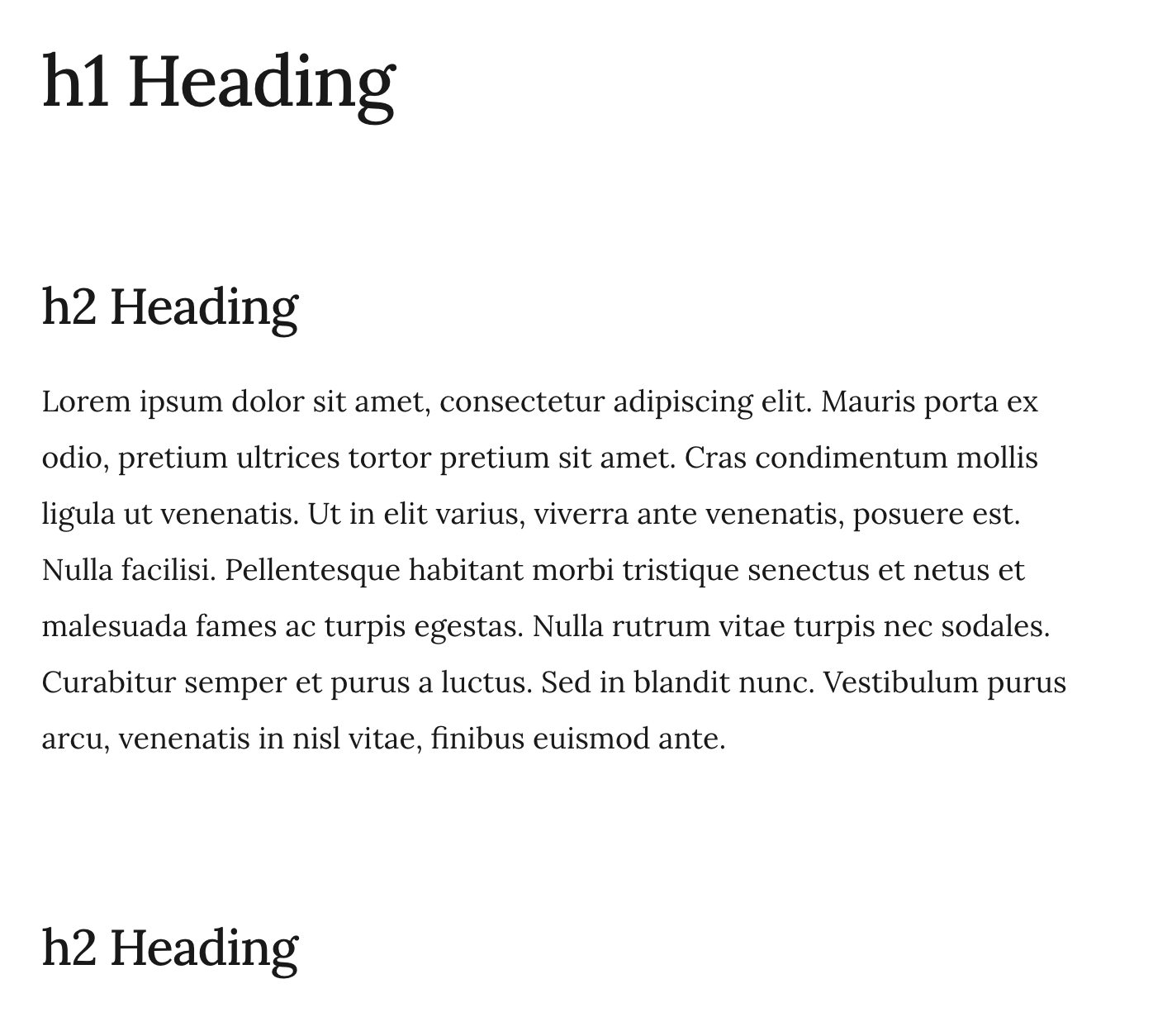
This plugin adds a data-tag-name attribute to all top-level preview divs, allowing contextual typography. Note: this plugin does not add any styles, but enables contextual styling.

This is specifically inspired by http://matejlatin.github.io/Gutenberg/

Sample

.markdown-preview-view div[data-tag-name="h1"] + div > h2 {
  margin-top: 1.8888888889rem;
}

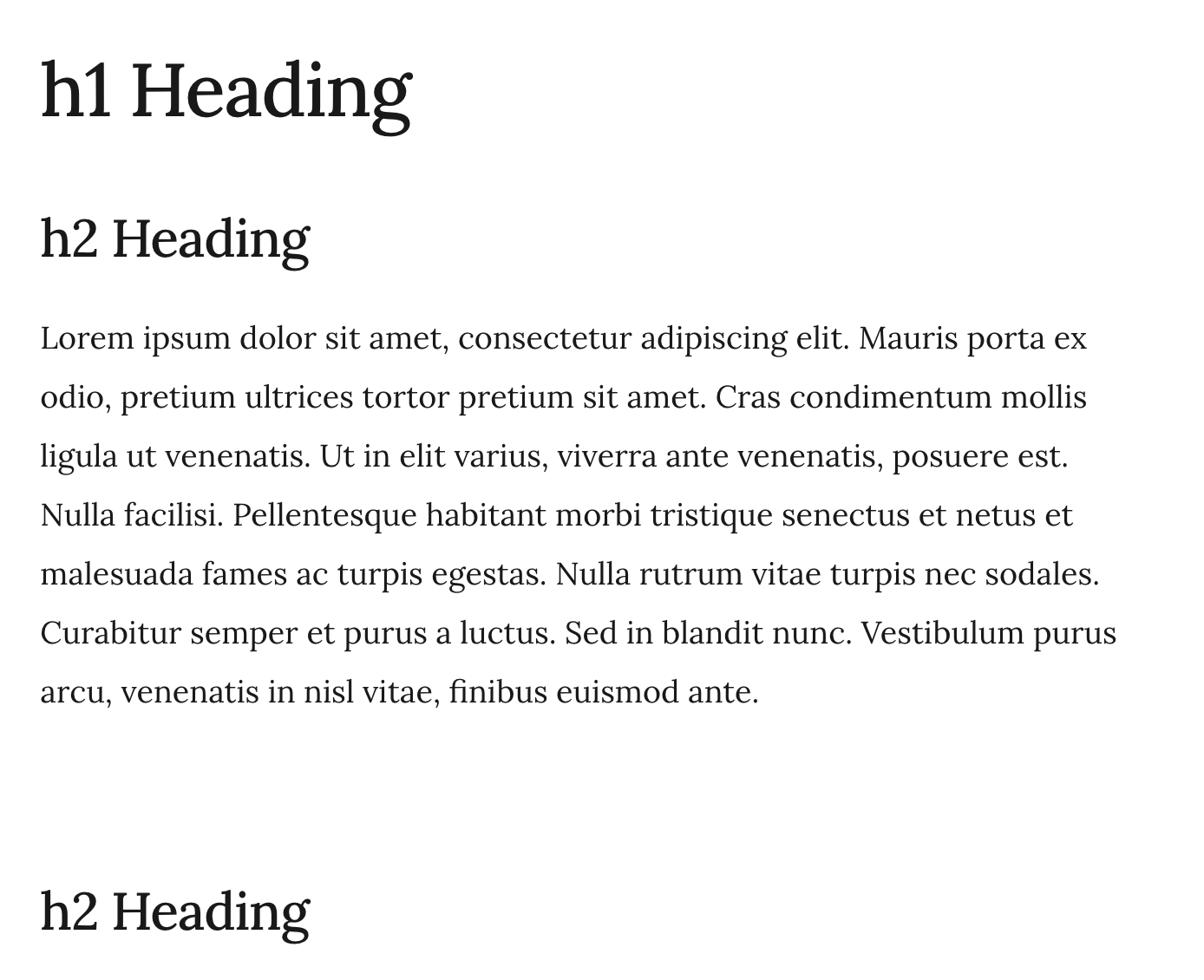
Before:
Before

After:

After
66%
HealthFair
ReviewSatisfactory
About
Add a data-tag-name attribute to every top-level markdown preview div to enable contextual CSS targeting. Target preview blocks by surrounding heading tags for precise, context-aware typography; the plugin does not add styles itself.
CSSAppearanceTheming
Details
Current version
2.2.5
Last updated
3 years ago
Created
5 years ago
Updates
10 releases
Downloads
108k
Compatible with
Obsidian 0.9.22+
License
GPL-3.0
Report bugRequest featureReport plugin
Author
mgmeyersmgmeyers
github.com/mgmeyers/obsidian-contextual-typography
GitHubmgmeyers
  1. Community
  2. Plugins
  3. CSS
  4. Contextual Typography

Related plugins

Style Settings

Adjust theme, plugin, and snippet CSS variables.

Minimal Theme Settings

Control the colors and fonts in Minimal Theme.

Hider

Hide interface elements such as tooltips, status bar, titlebar, and more.

Lapel

Show the heading levels in the gutter of the editor.

Callout Manager

Easily create and customize callouts.

Focus Mode

Add a toggle to hide interface elements so you can focus on your note.

Show Whitespace

CSS styles and CM6 extensions to highlight whitespace in Source and Live Preview modes.

Color Palette

Create and insert color palettes into your notes.

Linkify

Convert matching text into links.

Background Image

Specify a remote URL as the background image, and a few settings to tweak the experience.