Search...Search plugins and themes...
⌘K
Sign in
  • Get started
  • Download
  • Pricing
  • Enterprise
  • Account
  • Obsidian
  • Overview
  • Sync
  • Publish
  • Canvas
  • Mobile
  • Web Clipper
  • CLI
  • Learn
  • Help
  • Developers
  • Changelog
  • About
  • Roadmap
  • Blog
  • Resources
  • System status
  • License overview
  • Terms of service
  • Privacy policy
  • Security
  • Community
  • Plugins
  • Join the community
  • Discord
  • Forum / 中文论坛
  • Merch store
  • Brand guidelines
Follow us
DiscordTwitterBlueskyThreadsMastodonYouTubeGitHub
© 2026 Obsidian

Calculite

HoloHolo2k downloads

Standard calculator with a simple button layout.

Add to Obsidian
Calculite screenshot
  • Overview
  • Scorecard
  • Updates2

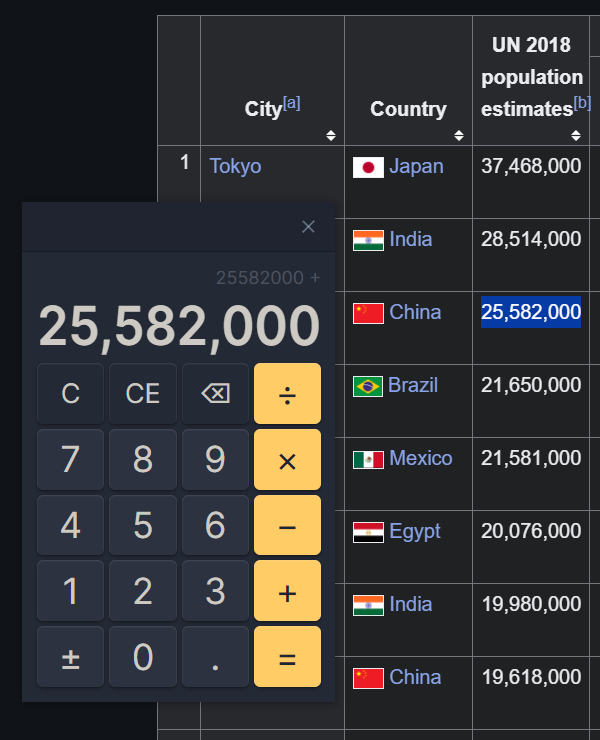
A standard calculator for doing simple maths in Obsidian, like adding up shopping lists, subtracting from countdowns, multiplying your gym reps, or dividing up averages. More convenient than switching to your system calculator, especially on mobile!

Supports any version of Obsidian all the way back to 0.13.30.
Banner

⤿ Desktop users can toggle a floating calculator that works anywhere on your computer.

How to use

Calculite works like most other desktop calculators. There's no back & forward history, but copy & paste is supported, and the plugin will remember your current equation even if you close and relaunch Obsidian, as long as you don't close the calculator tab.

There are four different ways to open the calculator:

  1. The ribbon icon
  2. The Show calculator command
  3. The Toggle between sidebars command
  4. The Toggle floating calculator command

You can use commands by opening the command palette. Show calculator opens a calculator tab (or finds an existing tab) and the Toggle commands switch the calculator between different positions.

Hotkeys

Calculite supports most hotkeys used by the Windows and macOS calculators:

Button Hotkeys Extra Hotkeys
Clear C Escape
Clear Entry Del ⇧ Shift + Escape
Delete Backspace ⇧ Shift + Backspace
Numerals 0–9
Decimal . , (region-specific)
Negate Alt + - F9
Add + P
Subtract - O
Multiply * T or X
Divide / Y
Equals = Enter

Etymology

  • calx: Latin for limestone or chalk.
  • -ulus: A suffix meaning small in size.
  • -ite: A suffix used to denote rocks, minerals or fossils.

License

This plugin is released under an MIT No Attribution license, which means you're free to modify and share its source code without needing to credit the author (me). It also protects the code author from liability for damages, so I recommend using a similar license if you republish this code.

78%
HealthExcellent
ReviewCaution
About
Perform quick arithmetic like totals, averages, and countdowns directly in Obsidian without leaving your notes. Toggle a floating calculator on desktop or open a compact tab on mobile. Keep the current equation when relaunching Obsidian if the calculator tab remains open.
MathFinanceSidebar
Details
Current version
1.0.1
Last updated
10 months ago
Created
12 months ago
Updates
2 releases
Downloads
2k
Compatible with
Obsidian 0.13.30+
License
MIT-0
Report bugRequest featureReport plugin
Author
HoloHologfxholo
github.com/gfxholo
GitHubgfxholo
  1. Community
  2. Plugins
  3. Math
  4. Calculite

Related plugins

Mathpad

Computer algebra system and calculator.

Notebook Navigator

Alternative file browser with folders, tags, properties, shortcuts, previews, keyboard navigation, drag and drop, and pinned notes.

Recent Files

Display a list of recently opened files.

TagFolder

Show tags as folder.

Checklist

Consolidate checklists across all files into a single view.

Custom File Explorer sorting

Manual or automatic config-driven reordering and sorting of files and folders in File Explorer.

Tag Wrangler

Rename, merge, toggle, and search tags from the tag pane.

Novel Word Count

Display a word count, page count, creation date, or other statistics for each file, folder and vault in the File Explorer pane.

Reveal Active File Button

Add a button to the top of the File Explorer, to reveal the active file.

Numerals

Turn any code block into an advanced calculator. Evaluate math expressions on each line of a code block, including units, currency, and optional TeX rendering.