
- Overview
- Scorecard
- Updates20
A plugin for Obsidian that "augments" Obsidian Canvas with AI features.
You need a OpenAI API Key to use this plugin, you can input it in the settings. The plugin only works with OpenAI latest model : gpt-4-1106-preview
Key Features
This plugin adds three actions to the Menu of a note in the Canvas View.
- Ask GPT on a specific note, the note content will be used as prompt. The note can be a text note, a md file or a PDF file. A new note will be created underneath the prompt note containing the AI response.

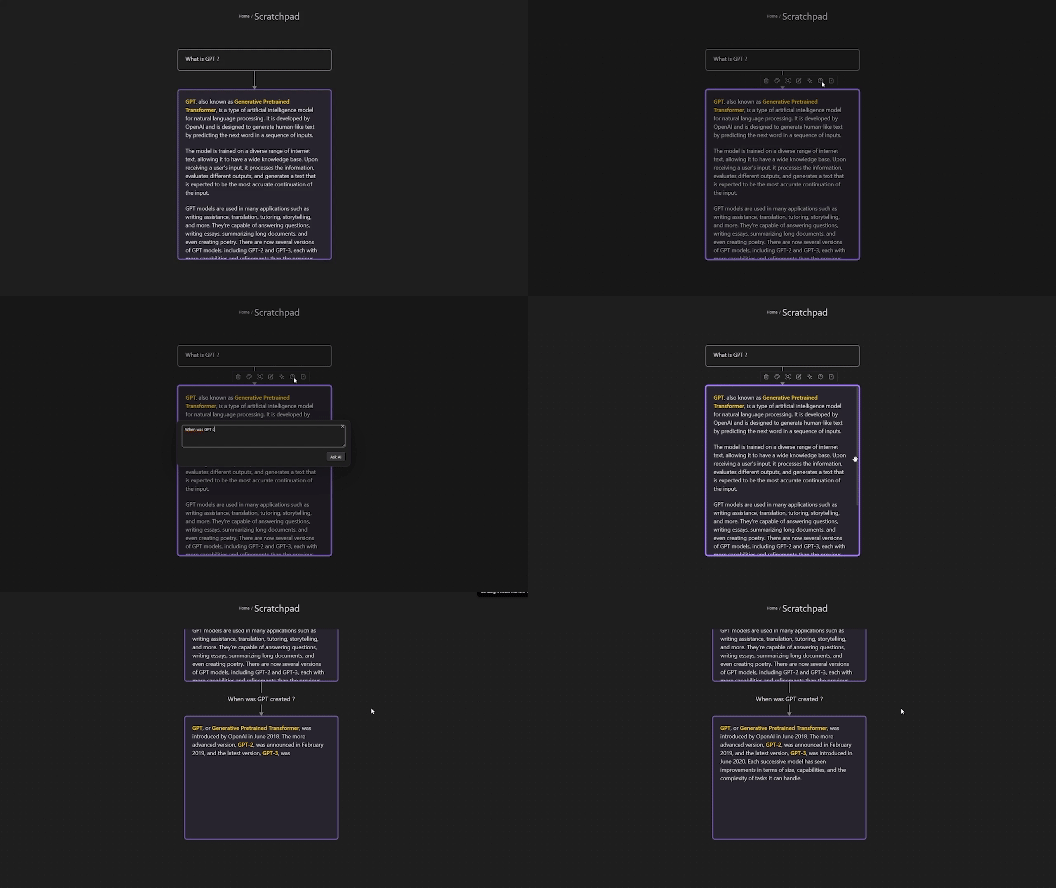
- Ask question about a note. Also makes GPT generate a new note, the question is placed on the link between the two notes.
- Generate questions on a specific note using GPT. The generated questions help you easily dig further into the subject of the note.
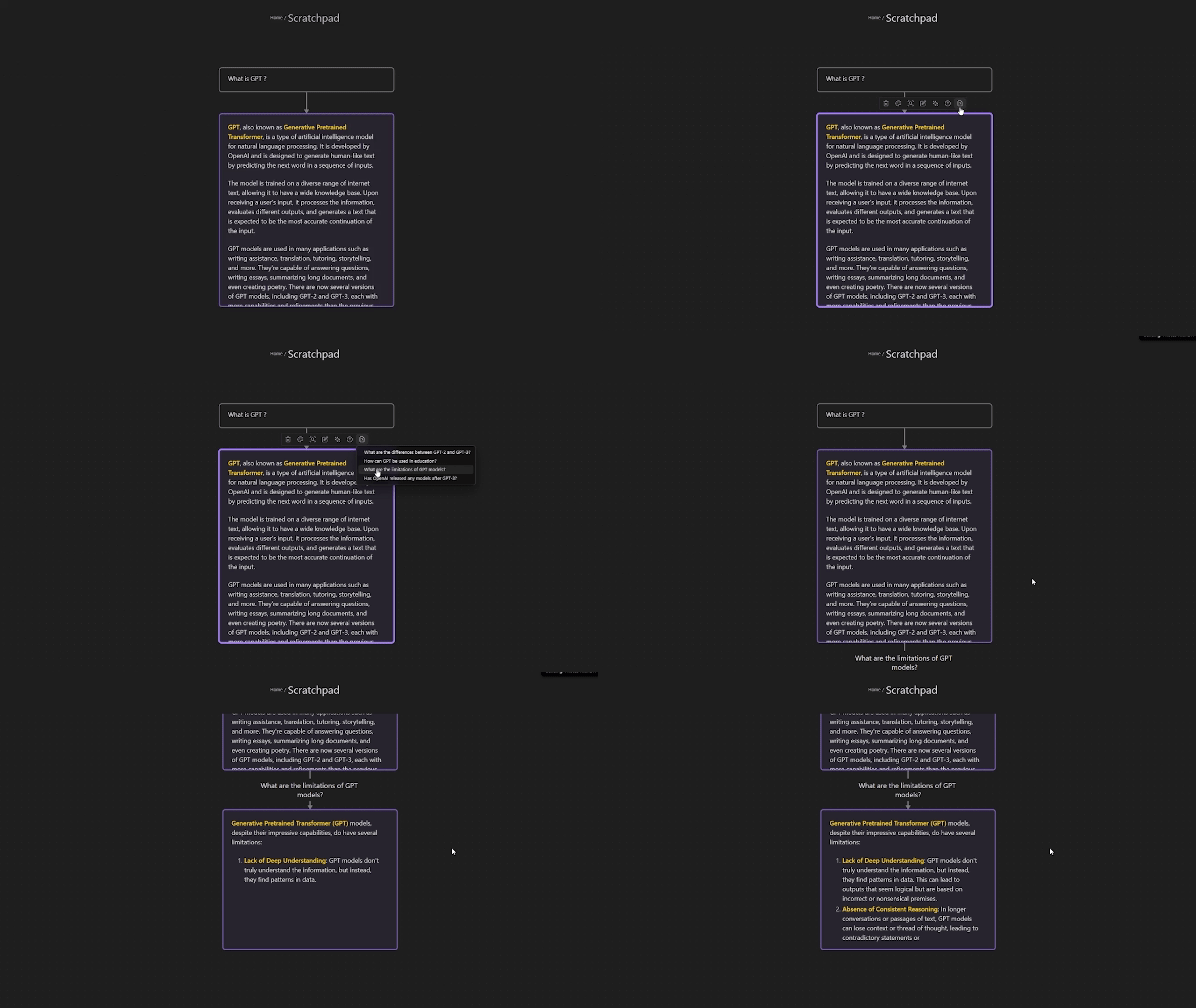
The links between notes are used to create the chat history sent to GPT.
Additional Features
The plugin adds an action to create an image in the context menu of a note in the canvas.
The plugin adds a command named "Run a system prompt on a folder". Reading all md and canvas files present in that folder and sub-folders and inserting the response in the current canvas.
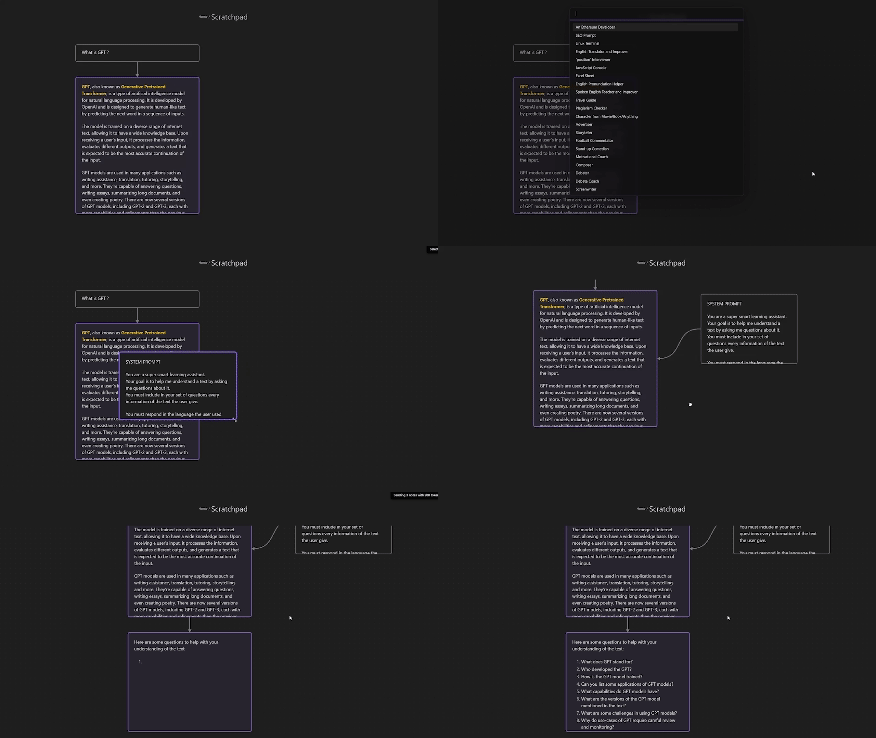
The plugin adds a command named "Insert system prompt". This command will insert a chosen system prompt to the current canvas. The system prompts are fetch from f/awesome-chatgpt-prompts (github.com). You can also add your own system prompts in the settings.
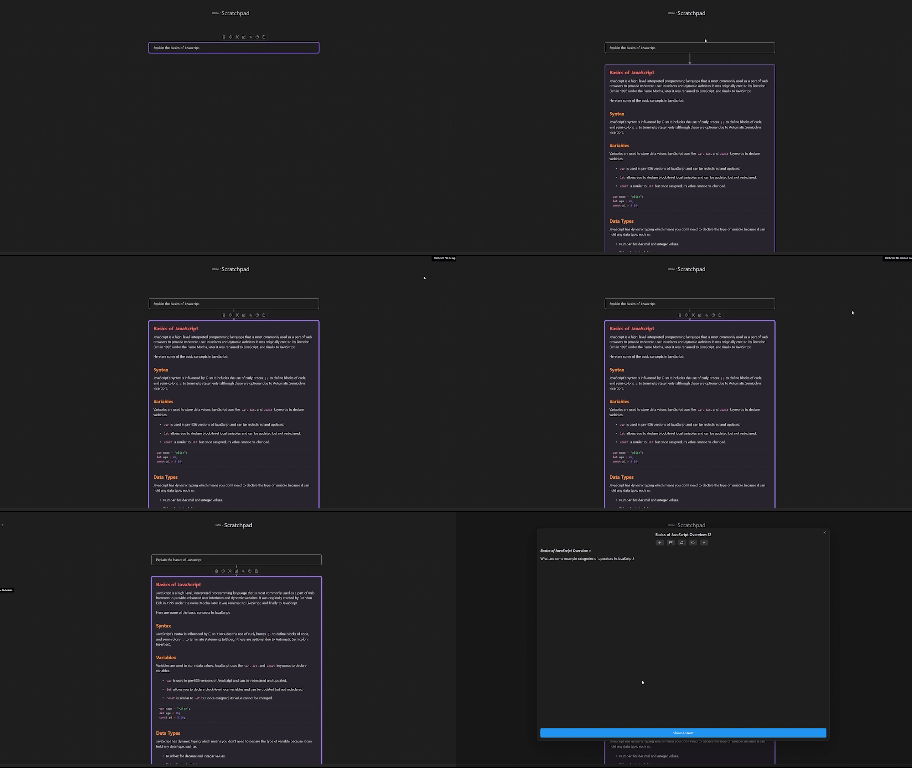
- The plugin can create flashcards for you which can be revised using the Spaced Repetition plugin. Right click on a note to create flashcards. Then wait for GPT response and a new file will be created inside the folder specified in the settings. You can then revise this specific deck. Think about activating "Convert folders to decks and subdecks?" option in the settings of the Spaced Repetition plugin.
The plugin adds a command named "Insert relevant questions". This command insert AI generated questions to the current canvas. The plugin reads and then sends your historical activity to GPT, reading the last X files modified (configurable in the settings).
The plugin adds an action to the edge context menu to regenerate an AI response.
Privacy
The content that is send to GPT can be viewed by toggling on the "Debug output" setting. The messages then appear in the console.
Installation
- Not ready for market yet
- Can be installed via the Brat plugin You can see how to do so in this Ric Raftis article: https://ricraftis.au/obsidian/installing-the-brat-plugin-in-obsidian-a-step-by-step-guide/
- Manual installation
- Find the release page on this github page and click
- Download the latest release zip file
- Unzip it, copy the unzipped folder to the obsidian plugin folder, make sure there are main.js and manifest.json files in the folder
- Restart obsidian (do not restart also, you have to refresh plugin list), in the settings interface to enable the plugin
- Done!
Credits
- rpggio/obsidian-chat-stream: Obsidian canvas plugin for using AI completion with threads of canvas nodes (github.com)
- Quorafind/Obsidian-Collapse-Node: A node collapsing plugin for Canvas in Obsidian. (github.com)
Support
If you are enjoying this plugin then please support my work and enthusiasm by buying me a coffee on https://www.buymeacoffee.com/metacorp. .