LearnKit
 William Guy24k downloads
A native study system for your Obsidian vault. LearnKit turns notes into durable knowledge with flashcards, spaced repetition, tests, and more.
- Overview
- Scorecard
- Updates44
 LearnKit helps you remember what you write. With flashcards, note review, tests, and AI-assisted study tools built into Obsidian, your vault becomes a place to actively learn, not just store information.
Flashcards were where LearnKit began, but the goal was always bigger: to connect notes, review, and long-term retention in one workflow.
Why LearnKit
Obsidian is great for capturing knowledge. LearnKit is built for retaining it. Instead of splitting your workflow across multiple study apps, LearnKit keeps learning inside your vault.
Start learning from your vault
LearnKit is easiest to understand once you use it. Install it, create a flashcard, run a review, or generate a test to see how it fits your study workflow.
- Install from Community Plugins in Obsidian
- Explore documentation
- Download the latest release
Install from Community Plugins
- Open Obsidian → Settings → Community Plugins
- Browse Community Plugins and search for LearnKit
- Install and enable LearnKit
Manual install from Releases
Go to Releases and download the latest release
Copy
main.js,styles.css, andmanifest.jsoninto:<Your Vault>/.obsidian/plugins/learnkit/Restart Obsidian → Settings → Community Plugins → Enable LearnKit
Guides & Support
💡 Need help in-app? Open the built-in LearnKit guide inside Obsidian.
💬 Have questions or ideas? Ask in LearnKit Discussions →
🌐 Want to contribute or help translate LearnKit? See the Contributing Guide →
Key features
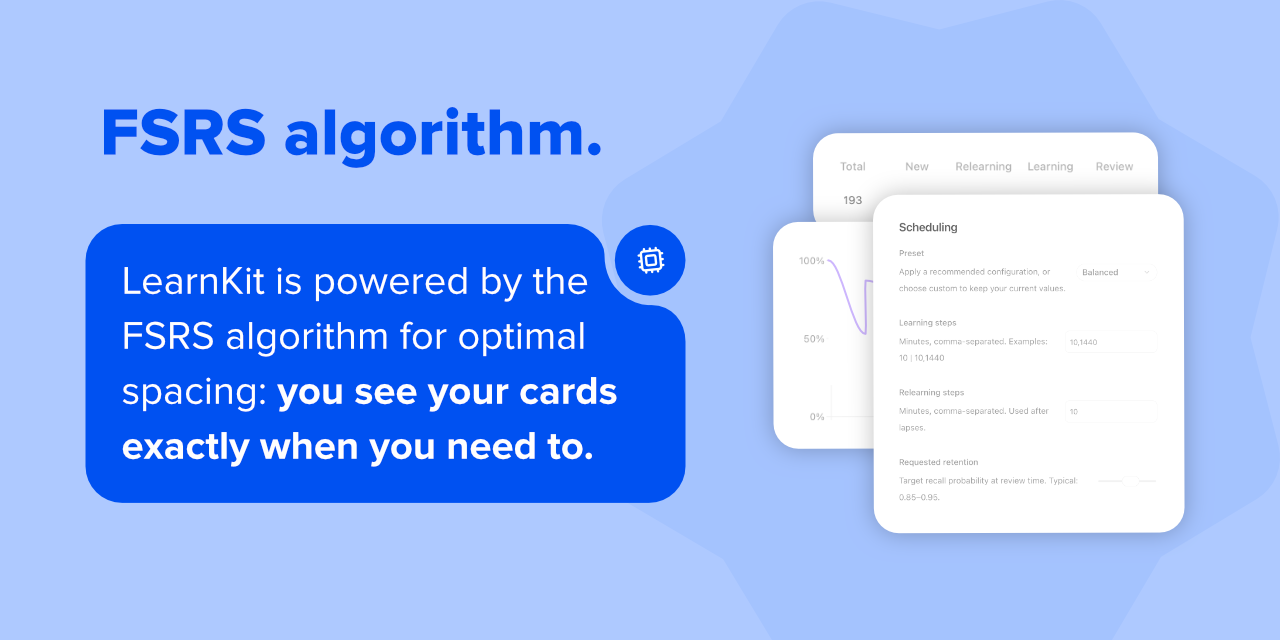
- FSRS scheduling — adaptive spaced repetition so every review counts.
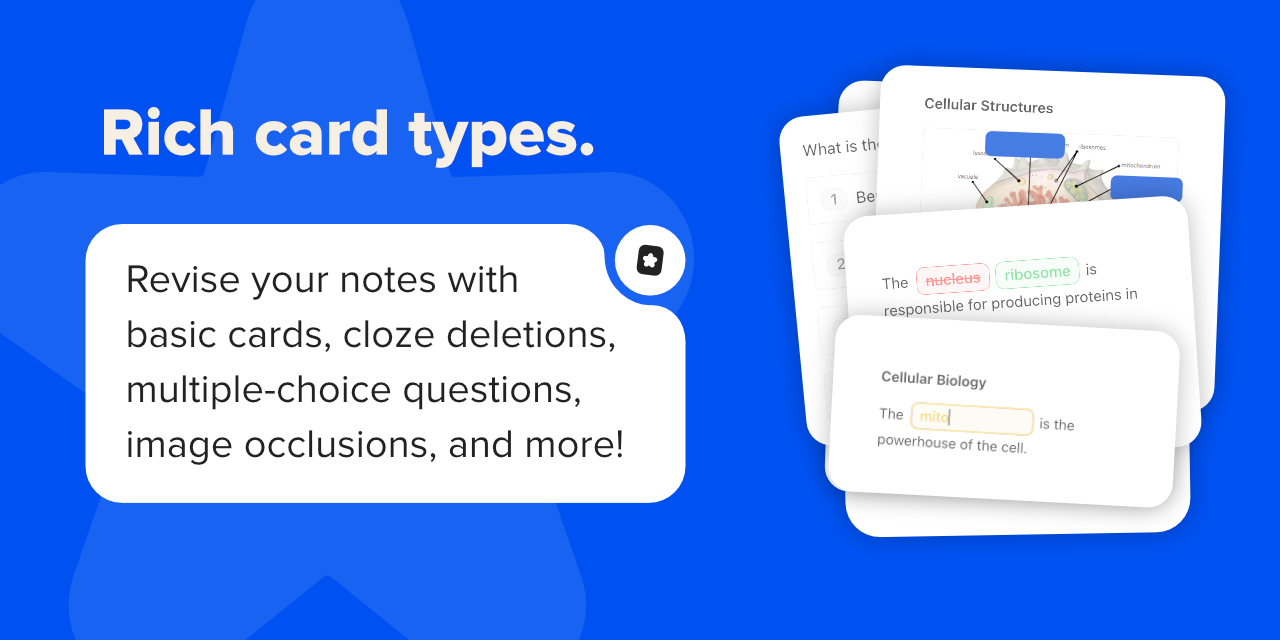
- Rich flashcard types — cloze, basic, reversed, multiple choice, image occlusion, and more.
- Text-to-speech & audio — built-in playback for language learning and listening practice.
- Study analytics — charts, heatmaps, and retention trends at a glance.
- Markdown-first — flashcards live inside your notes, linked to the knowledge they came from.
- Reading view customisation — keep notes clean and distraction-free while studying.
- Note review mode — spaced repetition for your notes, not just flashcards.
- Study coach — personalised study plans and coaching for your exams.
- Test mode — AI-generated quizzes straight from your notes.
Companion — AI learning assistant
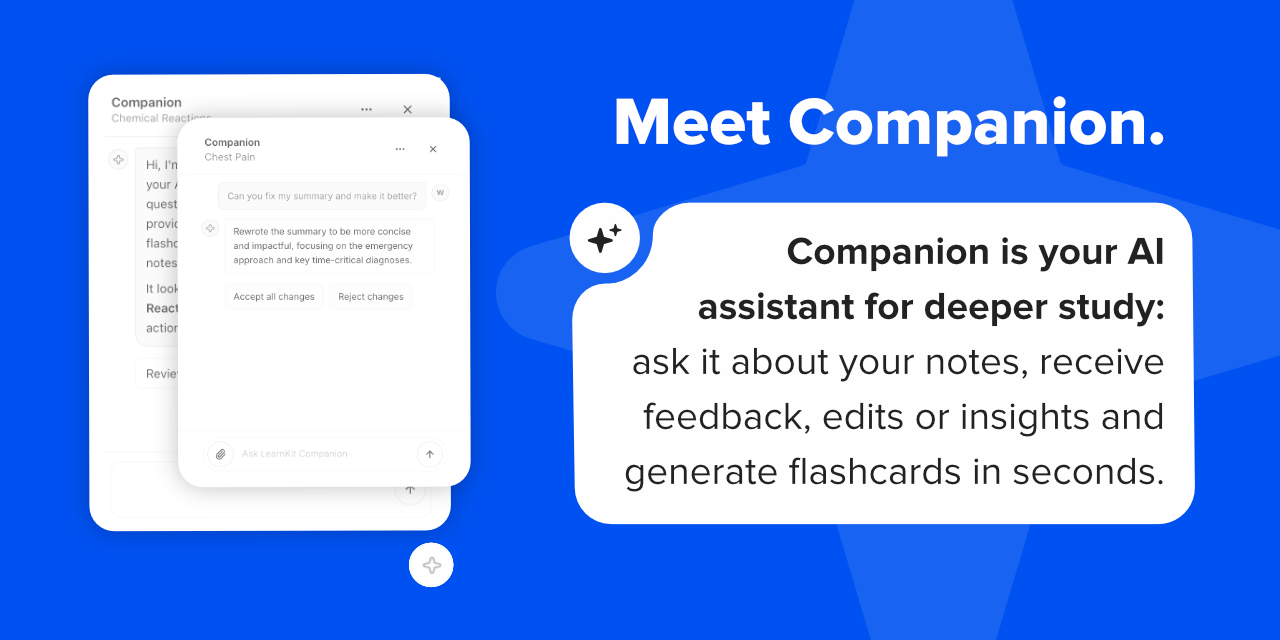
Companion is LearnKit's built-in AI study assistant for working directly with the notes you already have.
- Ask anything — get instant answers grounded in the note you're reading.
- Generate flashcards and tests — turn any note into study-ready material in seconds.
- Review and improve — get targeted feedback that makes your notes clearer and more complete.
- Edit with AI — Companion can rewrite, restructure, and refine your notes for you, right where you work.
Turn notes into study-ready material without leaving Obsidian.
Feature highlights
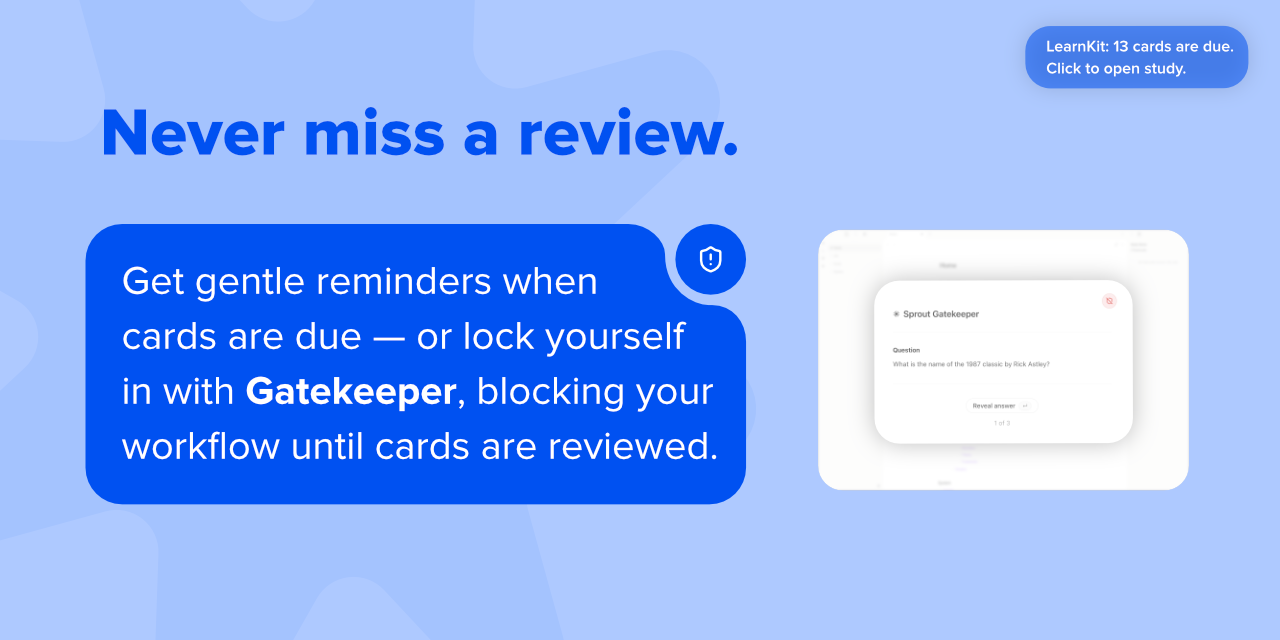
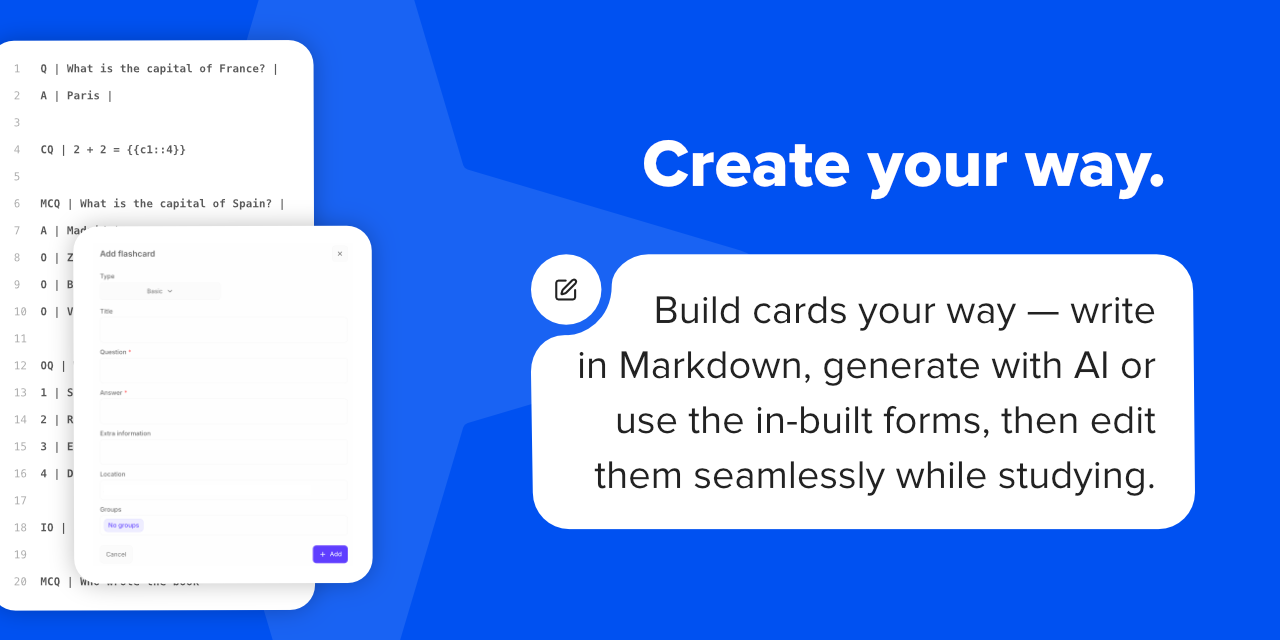
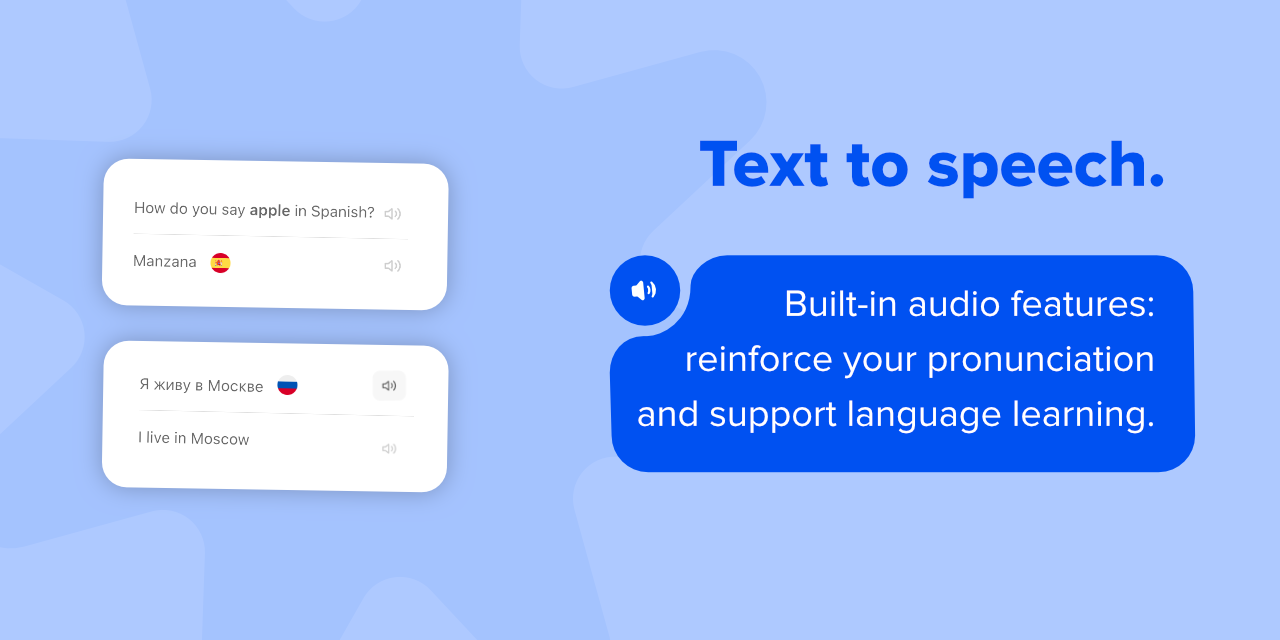
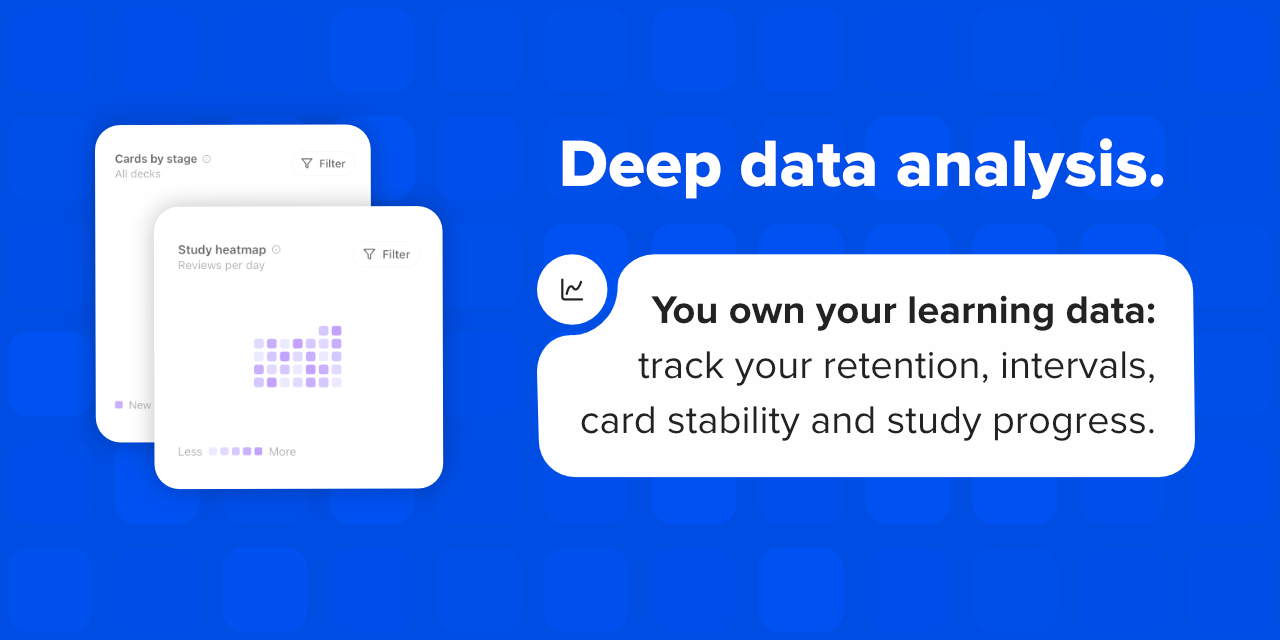
FAQ
If you are deciding whether LearnKit fits your workflow, start here.
- Can I use LearnKit with my existing notes? Yes. LearnKit is designed to work with the notes you already have in Obsidian, so you can turn existing material into flashcards, reviews, and tests instead of starting from scratch.
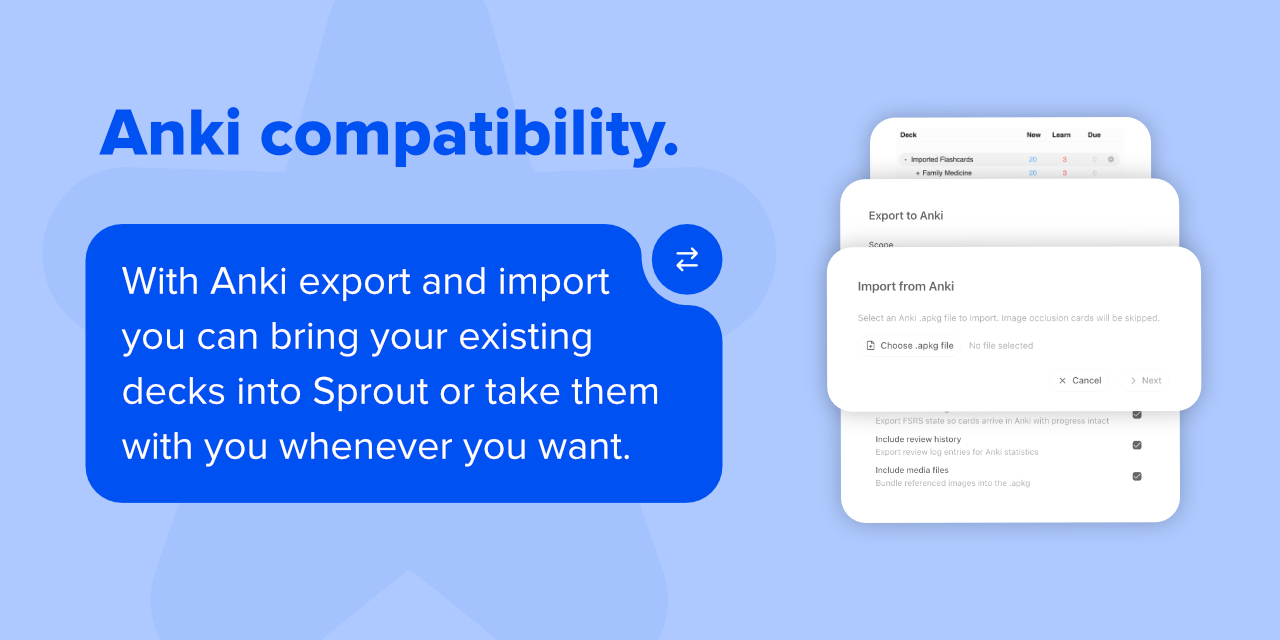
- Does it work with Anki? Yes. LearnKit supports Anki import and export for decks, media, and scheduling-related data where supported. Image Occlusion flashcards are currently skipped on import and are not exported.
- Does it work on mobile? Yes. LearnKit is not desktop-only, though some workflows may feel better on larger screens. Check the docs for current platform notes and limitations.
- What is planned for Companion? Companion now supports agentic note editing alongside chat, flashcard generation, and test generation. Custom skills are planned for future updates.
- Do I need AI to use LearnKit? No. AI is an optional layer in LearnKit, not a requirement. You can use the main study workflow without connecting any model provider.
- Is LearnKit free? Yes. LearnKit itself is free and open source. Companion does not add a subscription layer, but external model providers may charge depending on the API you use.
- How does Companion work? Companion uses your own API key, so there are no subscriptions or markups from LearnKit. It works with providers including Google, OpenRouter, Anthropic, OpenAI, and Perplexity.
- Can Companion access my whole vault by default? No. Companion only receives the note content you send in a given workflow, such as asking about a note, generating flashcards, or generating a test. Depending on the feature and your settings, that can also include extra context such as note attachments or linked notes for context.
- Do all AI models support every Companion feature? No. Free models are a good way to get started, but capability varies by model. Premium models generally perform better for more demanding tasks such as working with attachments.
- How do I report a Companion issue? If you run into a Companion issue, please file an AI issue report so we can track problematic models and providers.
- Where can I check which models support each Companion feature? We maintain a Companion Model Compatibility table showing which AI features work on each provider and model. If you have tested a provider or model, please submit a PR to update the table and help other users.
License & Credits
License
LearnKit is released under the MIT License.
See the full license for more details.
Credits
FSRS scheduling in LearnKit is powered by FSRS-6 via open-spaced-repetition/ts-fsrs.
This project also uses Circle Flags assets from HatScripts/circle-flags, licensed under MIT.
Thanks to everyone who has contributed ideas, bug reports, and feedback. Special thanks to sevenRevy for code contributions.
See here for additional third-party attributions and license notices.
Our Commitment
LearnKit is open source and always free. Your notes, your data, your control — no paywalls, no lock-in.