Search...Search plugins and themes...
⌘K
Sign in
  • Get started
  • Download
  • Pricing
  • Enterprise
  • Account
  • Obsidian
  • Overview
  • Sync
  • Publish
  • Canvas
  • Mobile
  • Web Clipper
  • CLI
  • Learn
  • Help
  • Developers
  • Changelog
  • About
  • Roadmap
  • Blog
  • Resources
  • System status
  • License overview
  • Terms of service
  • Privacy policy
  • Security
  • Community
  • Plugins
  • Themes
  • Discord
  • Forum / 中文论坛
  • Merch store
  • Brand guidelines
Follow us
DiscordTwitterBlueskyThreadsMastodonYouTubeGitHub
© 2026 Obsidian

Vanity Windows

Ed AbbondanzioEd Abbondanzio8 downloads

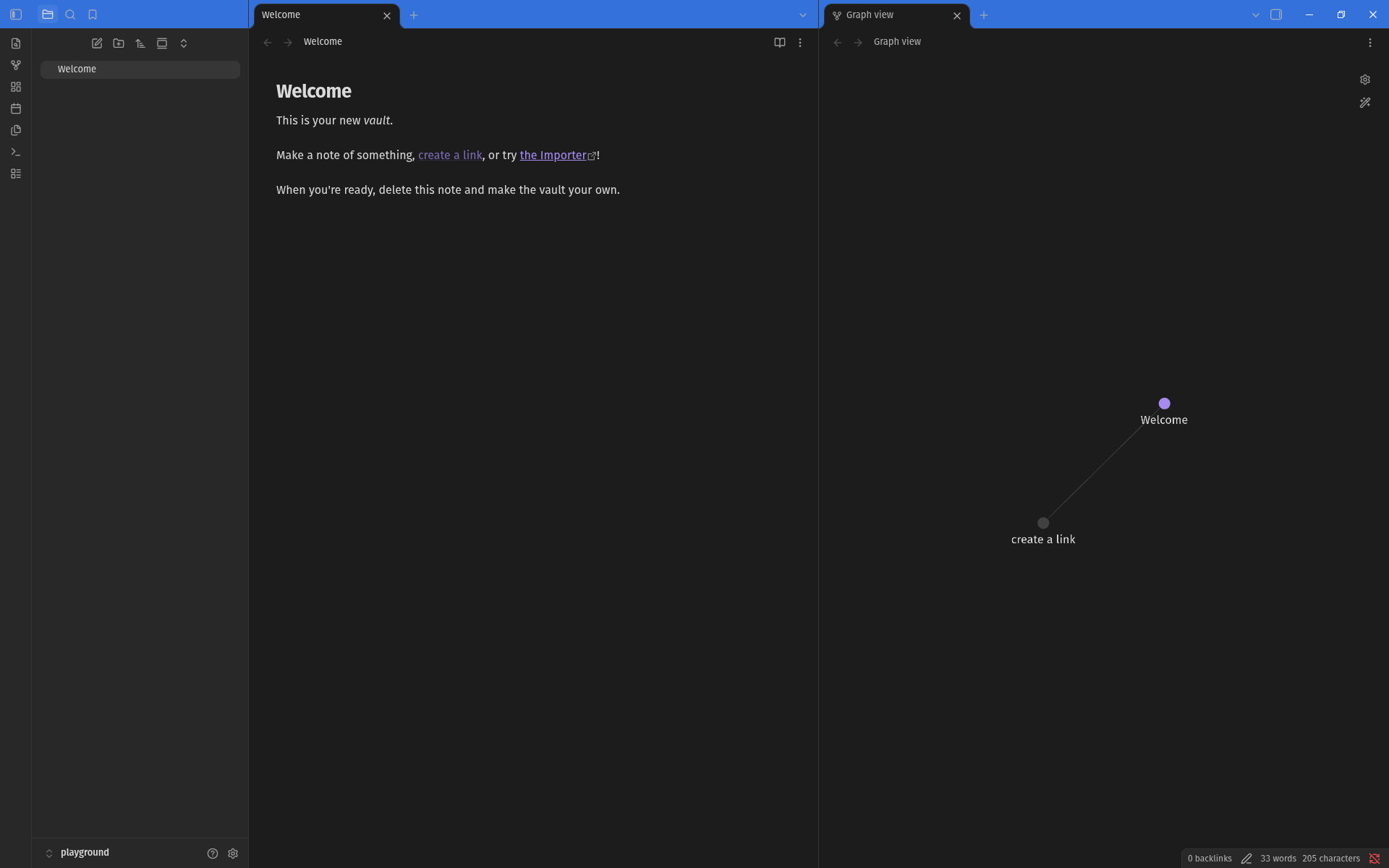
Color code each vault's window so you can tell them apart at a glance.

Add to Obsidian
  • Overview
  • Scorecard
  • Updates3

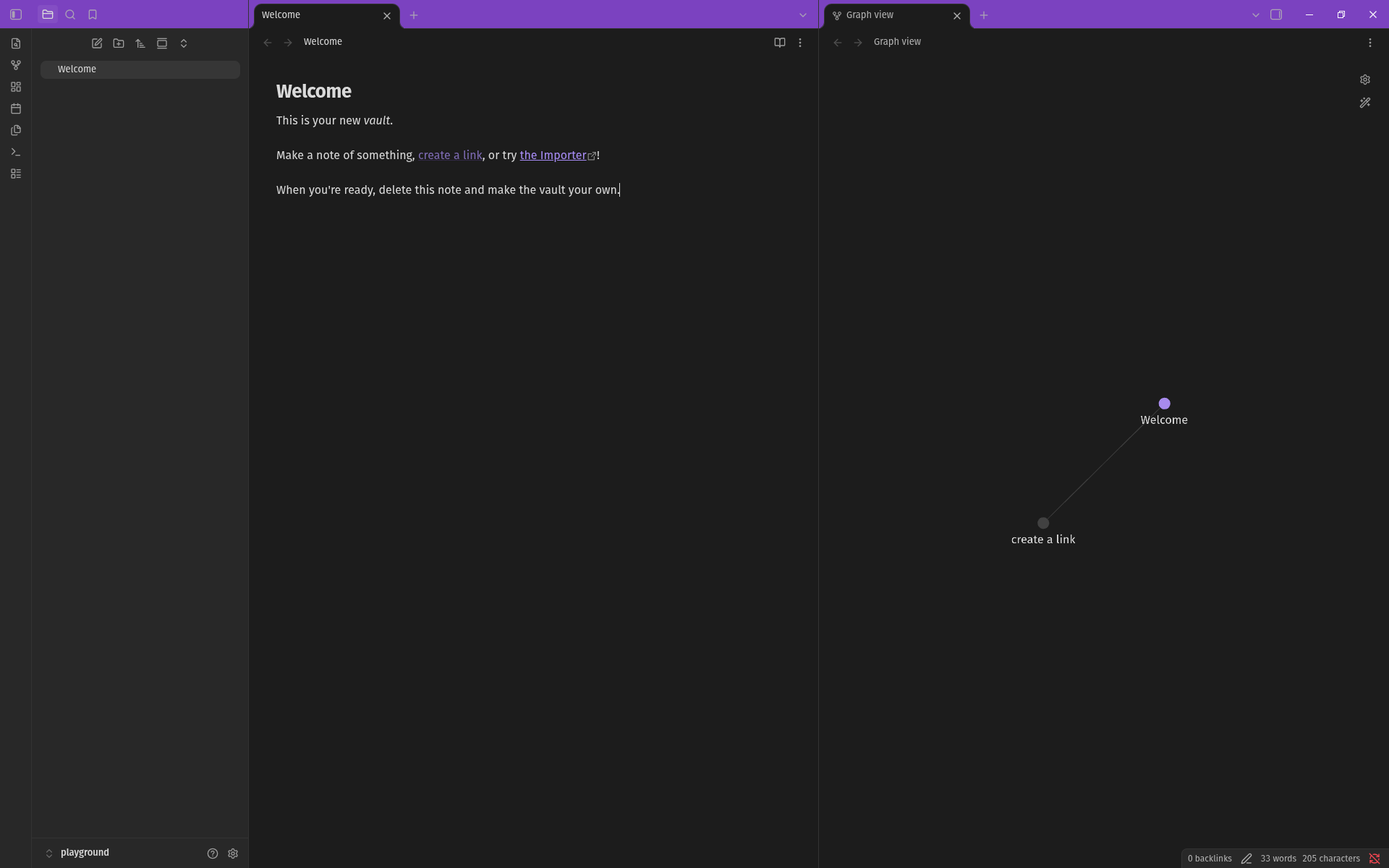
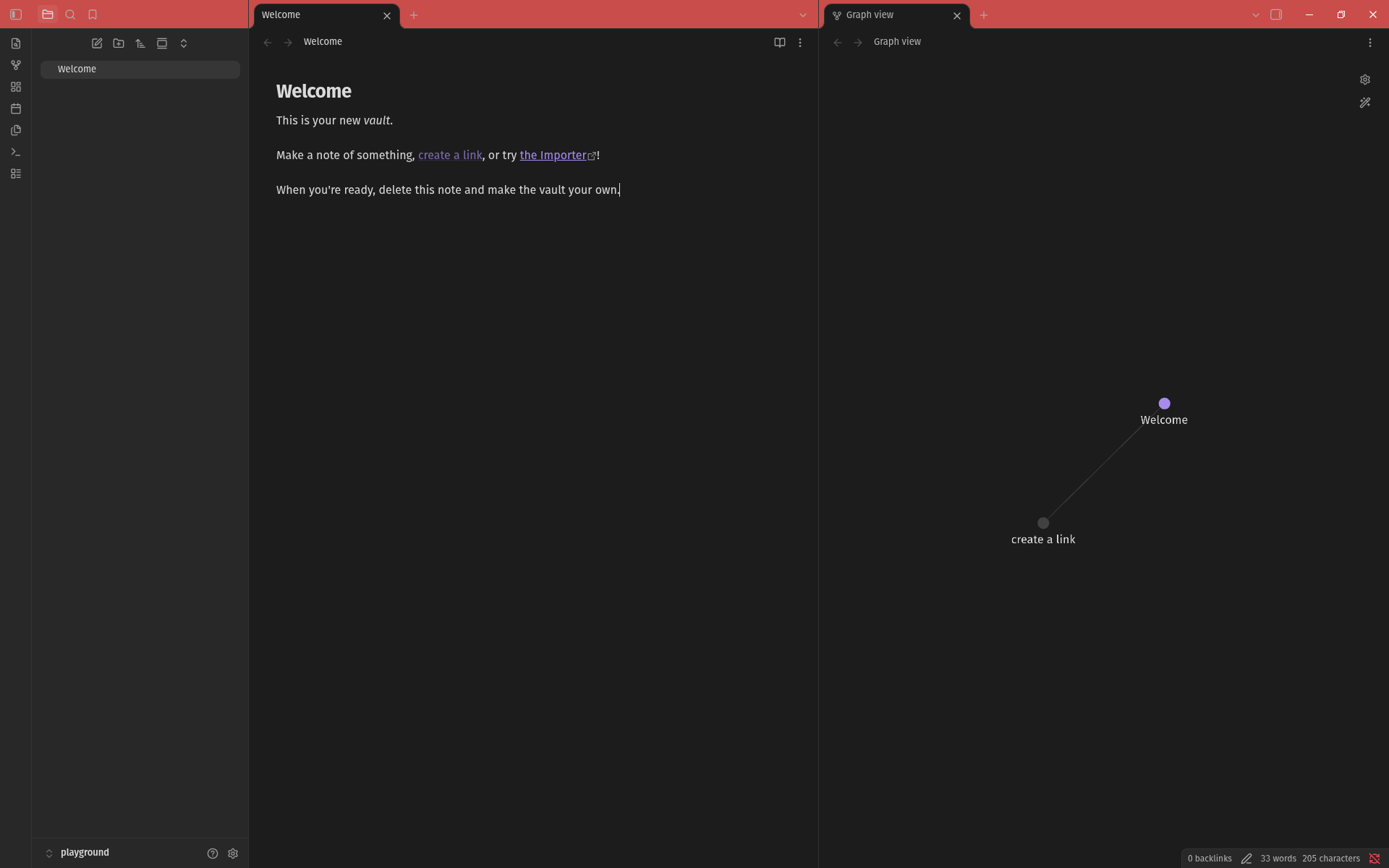
An Obsidian Notes plugin for changing the window color on a per vault basis. Handy for when you have multiple vaults open and need an easy way to tell them apart.

Inspired by the Peacock VS Code extension.

Setup

  1. Add the plugin to Obsidian and ensure it's enabled.
  2. In Settings, go to Community Plugins -> Vanity Windows.
  3. Select your desired theme.

Themes

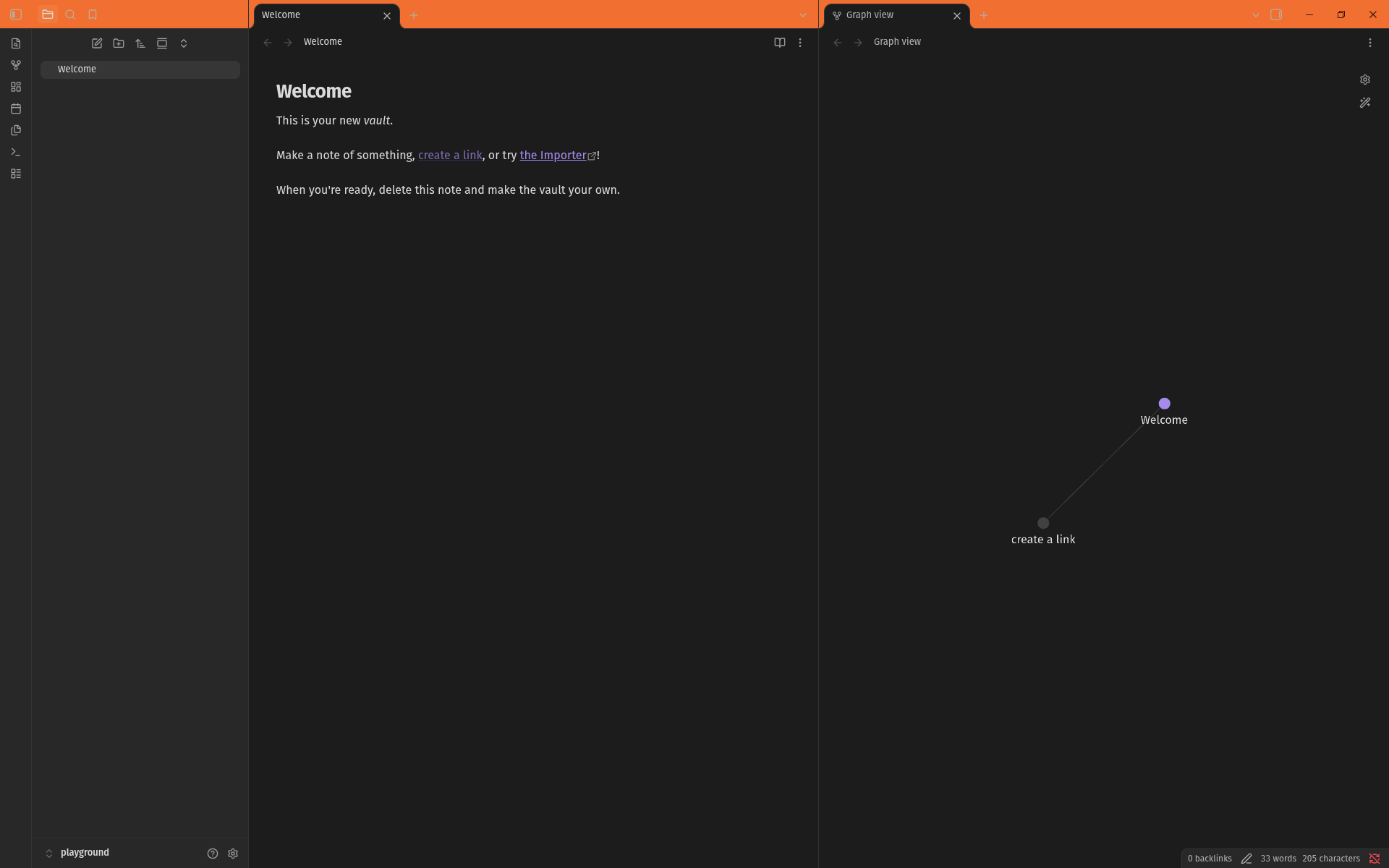
Bubblegum
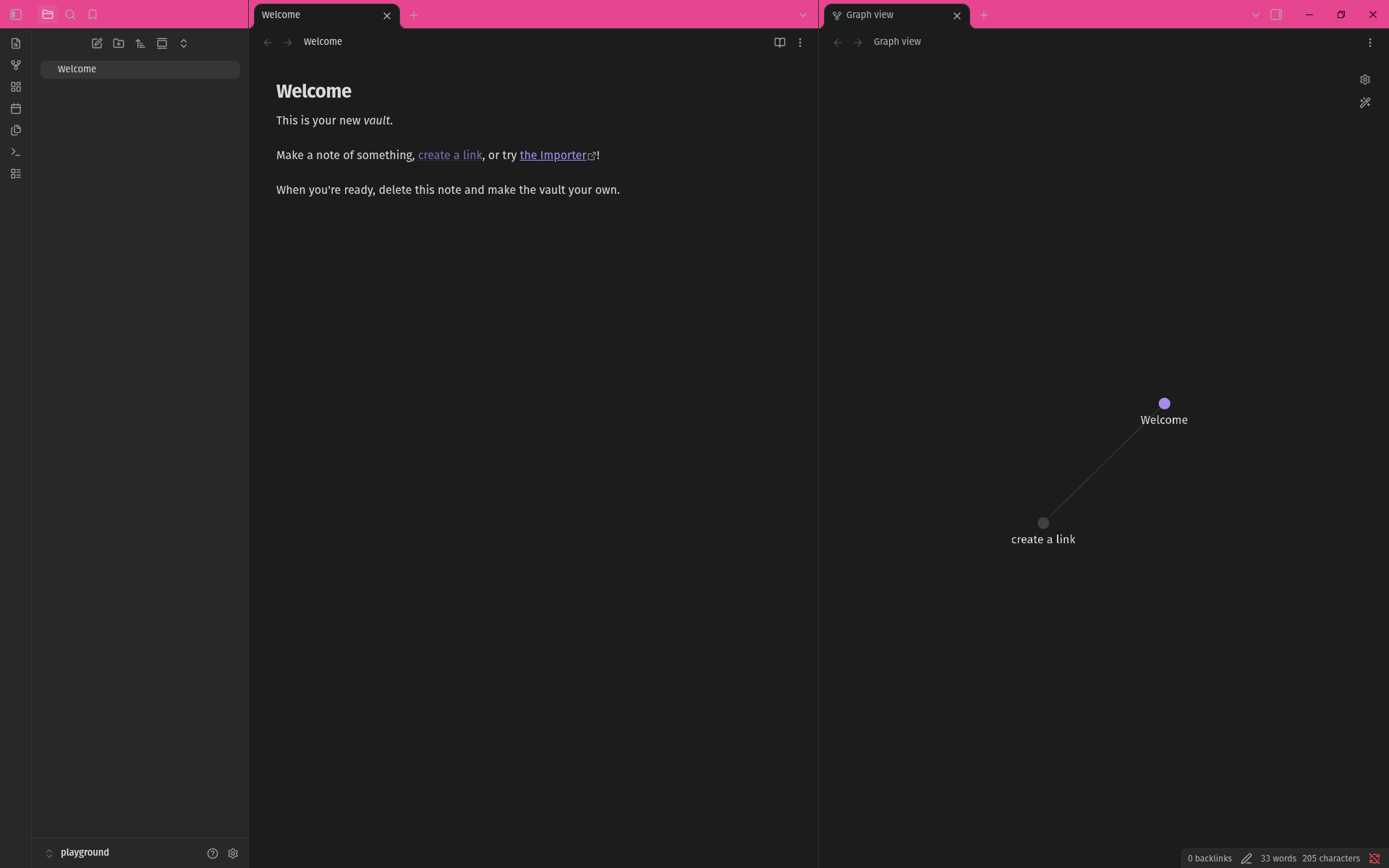
Bubblegum theme

Tangerine

Tangerine theme

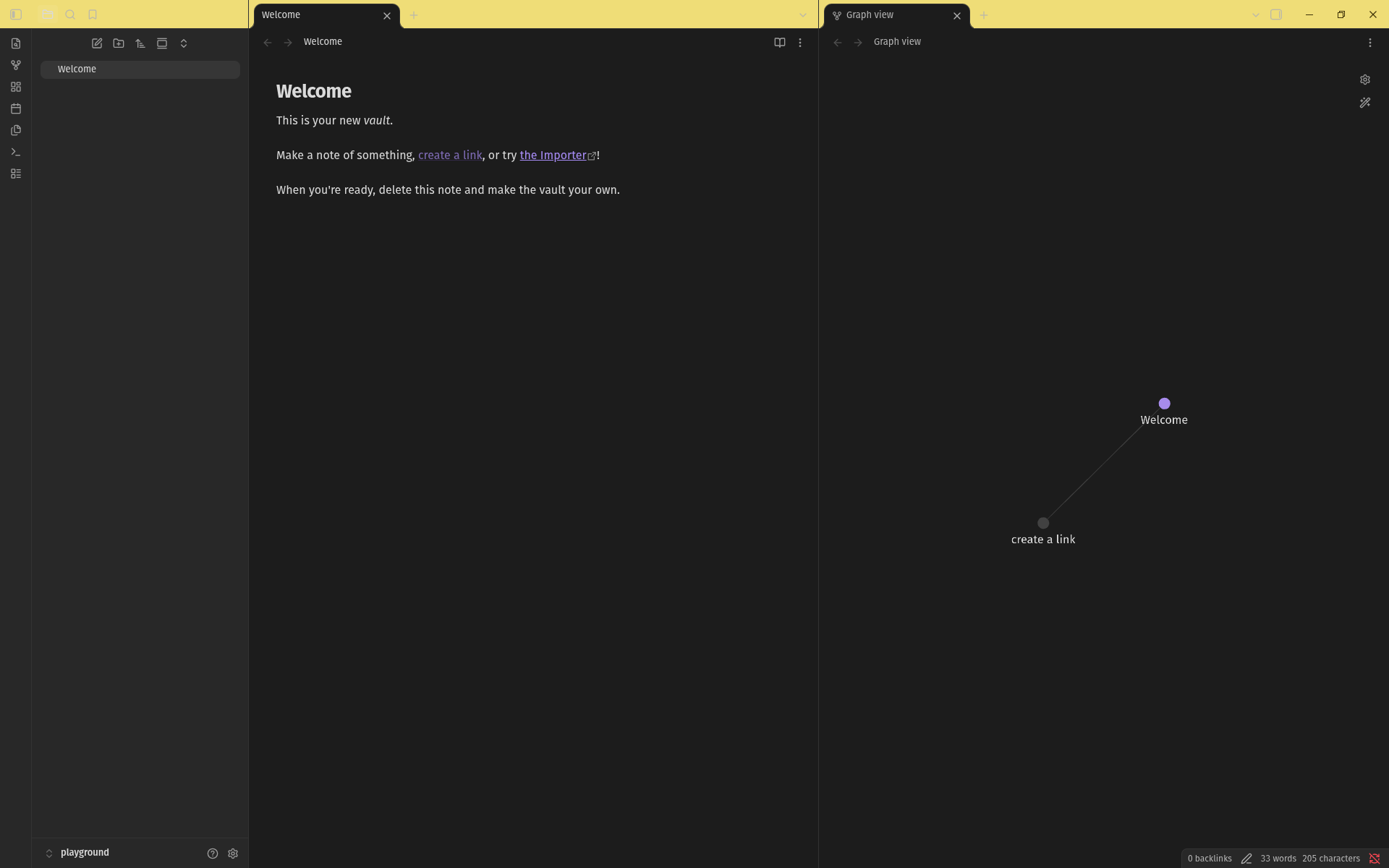
Lemonade

Lime Soda theme

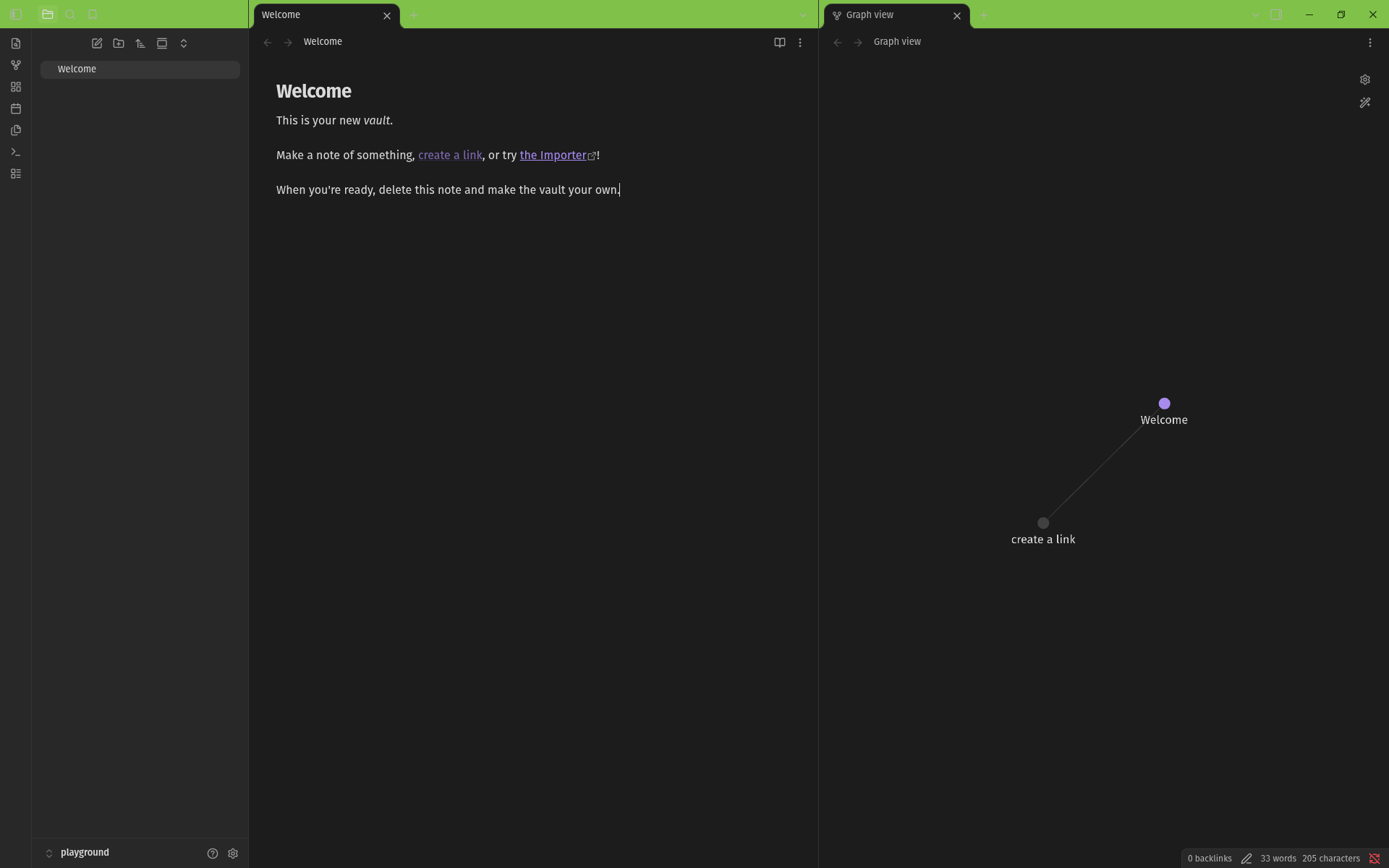
Lime Soda

Lime Soda theme

Aqua

Aqua theme

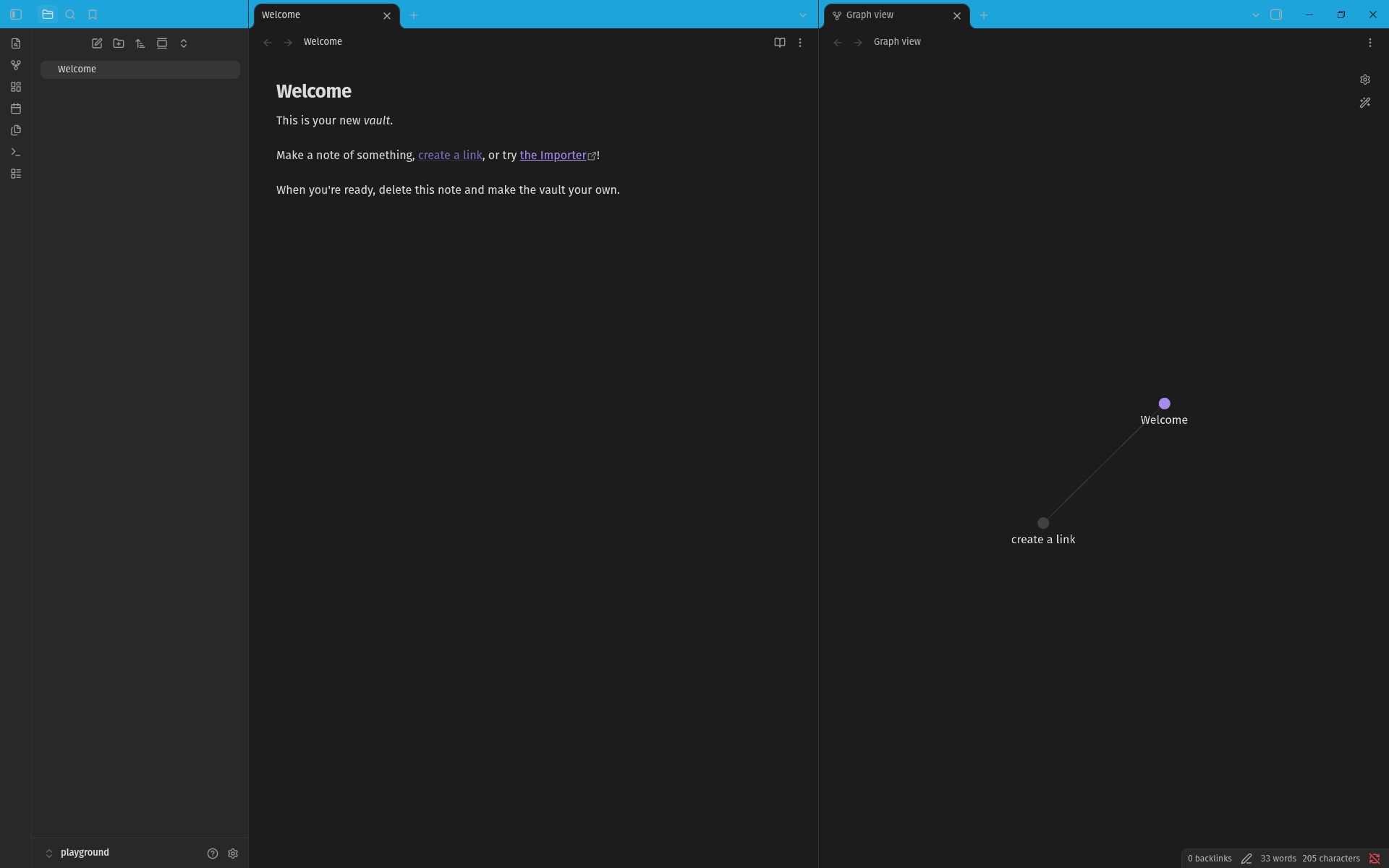
Electric Blue

Electric Blue theme

Grape

Grape theme

Coral

Coral theme

Development

  1. Basic steps: npm install; npm run dev
  2. Set up a symlink to your test vault: ln -s "$PWD" <vault>/.obsidian/plugins/vanity-windows

Open settings and it'll show up under Community plugins.

HealthExcellent
ReviewSatisfactory
About
Color each vault's window to tell multiple open vaults apart at a a glance. Select a per-vault color theme from 9 different presets. Inspired by the Peacock VS Code extension.
AppearanceTheming
Details
Current version
1.1.1
Last updated
4 hours ago
Created
Yesterday
Updates
3 releases
Downloads
8
Compatible with
Obsidian 1.13.0+
Platforms
Desktop only
License
GPL-3.0
Report bugRequest featureReport plugin
Author
Ed AbbondanzioEd Abbondanzioburnt-toast
eddieabbondanz.io
GitHubeddieabbondanzio
GitHubEddieAbbondanzio
  1. Community
  2. Plugins
  3. Appearance
  4. Vanity Windows

Related plugins

Minimal Theme Settings

Control the colors and fonts in Minimal Theme.

Hider

Hide interface elements such as tooltips, status bar, titlebar, and more.

Style Settings

Adjust theme, plugin, and snippet CSS variables.

Background Image

Specify a remote URL as the background image, and a few settings to tweak the experience.

Contextual Typography

Add a data-tag-name attribute to all top-level divs in preview mode containing the child's tag name, allowing contextual typography styling.

Dynamic Theme Background

Build Your Own Wallpaper Library! Make every note-taking experience visually inspiring.

Local Fonts

Load fonts from a folder in your vault and apply them to text, interface, headings, code and emoji.

Share Note

Instantly share/publish a note, with the full theme and content exactly like you see in Obsidian. Data is shared encrypted by default, and only you and the person you send it to have the key.

Supercharged Links

Add attributes to internal links with the values of target note's frontmatter attributes.

Note Toolbar

Add customizable toolbars to your notes.