TileLineBase
 campfirium10k downloads
Build multidimensional tables (Tables, Kanban, Gallery, Slides) directly from plain text. Zero Frontmatter. Zero code.
- Overview
- Scorecard
- Updates27
English · Deutsch · Español · Français · Italiano · 日本語 · 한국어 · Nederlands · Polski · Português · 简体中文 · 繁體中文
TileLineBase
The Native Plain-Text Database for Obsidian
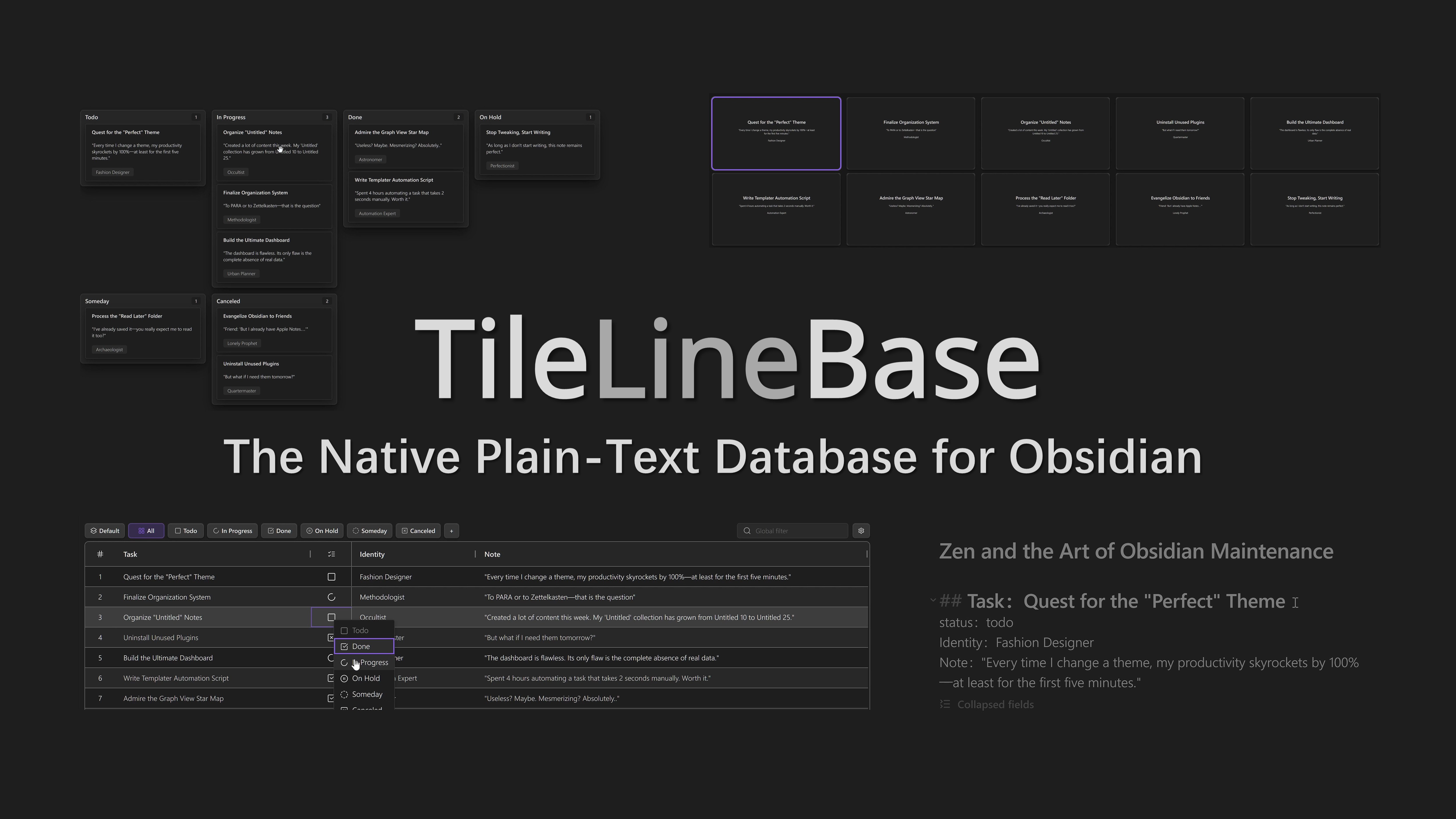
Build multidimensional tables right inside your Markdown notes. Zero Frontmatter. Zero code.
Quick Preview
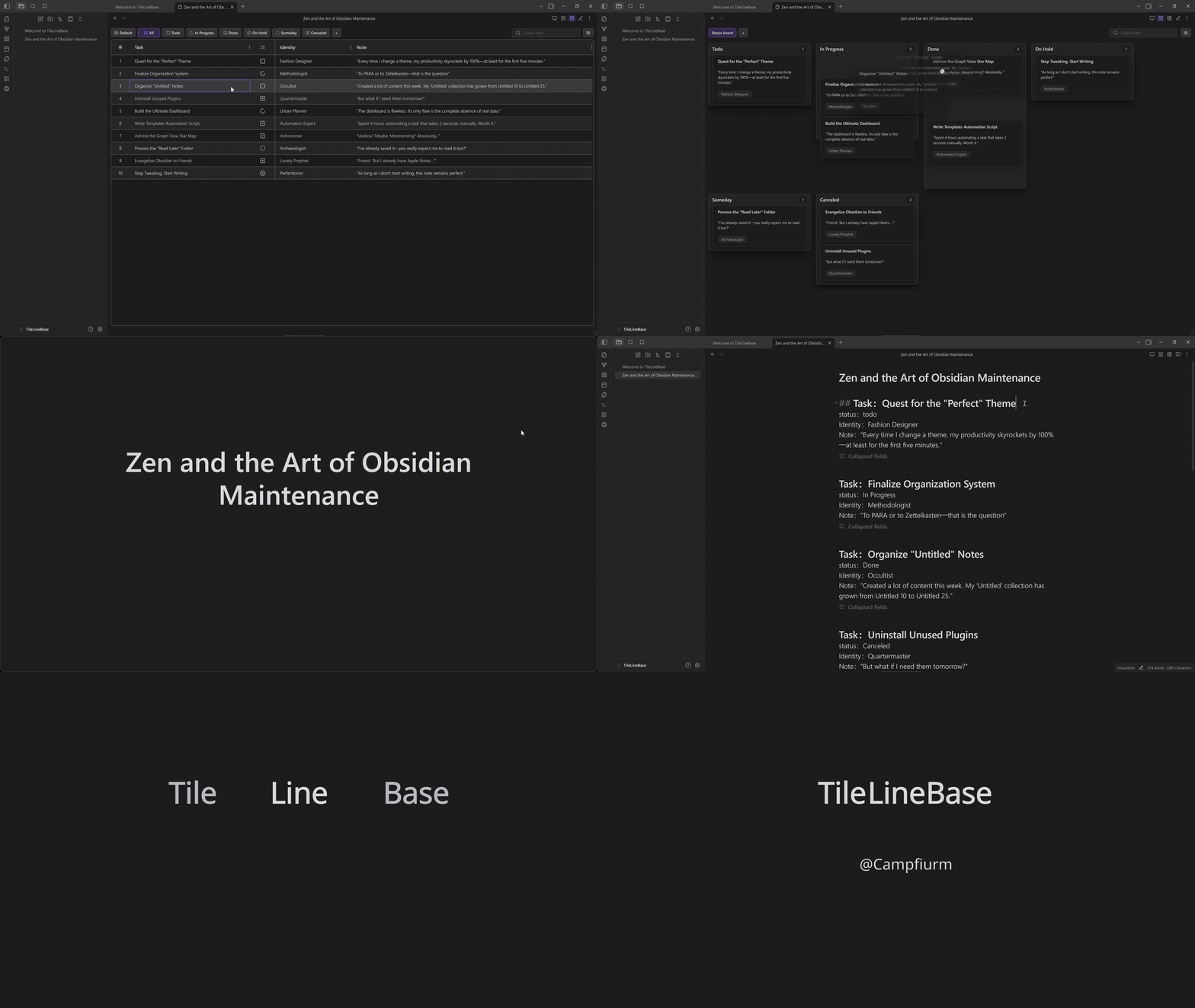
Click the preview above to watch in higher quality on YouTube.
Features
A Powerful & Intelligent Table
Create structured data tables directly within your Markdown notes, flexibly supporting various scenarios.
Flexible Views: Table, Kanban, Gallery & Slides
One set of records, four powerful ways to interact:
- Filtered Table: Freely combine Filter and Sort rules into saved views. Slice your data by project or status, and enjoy full multiline text editing support.
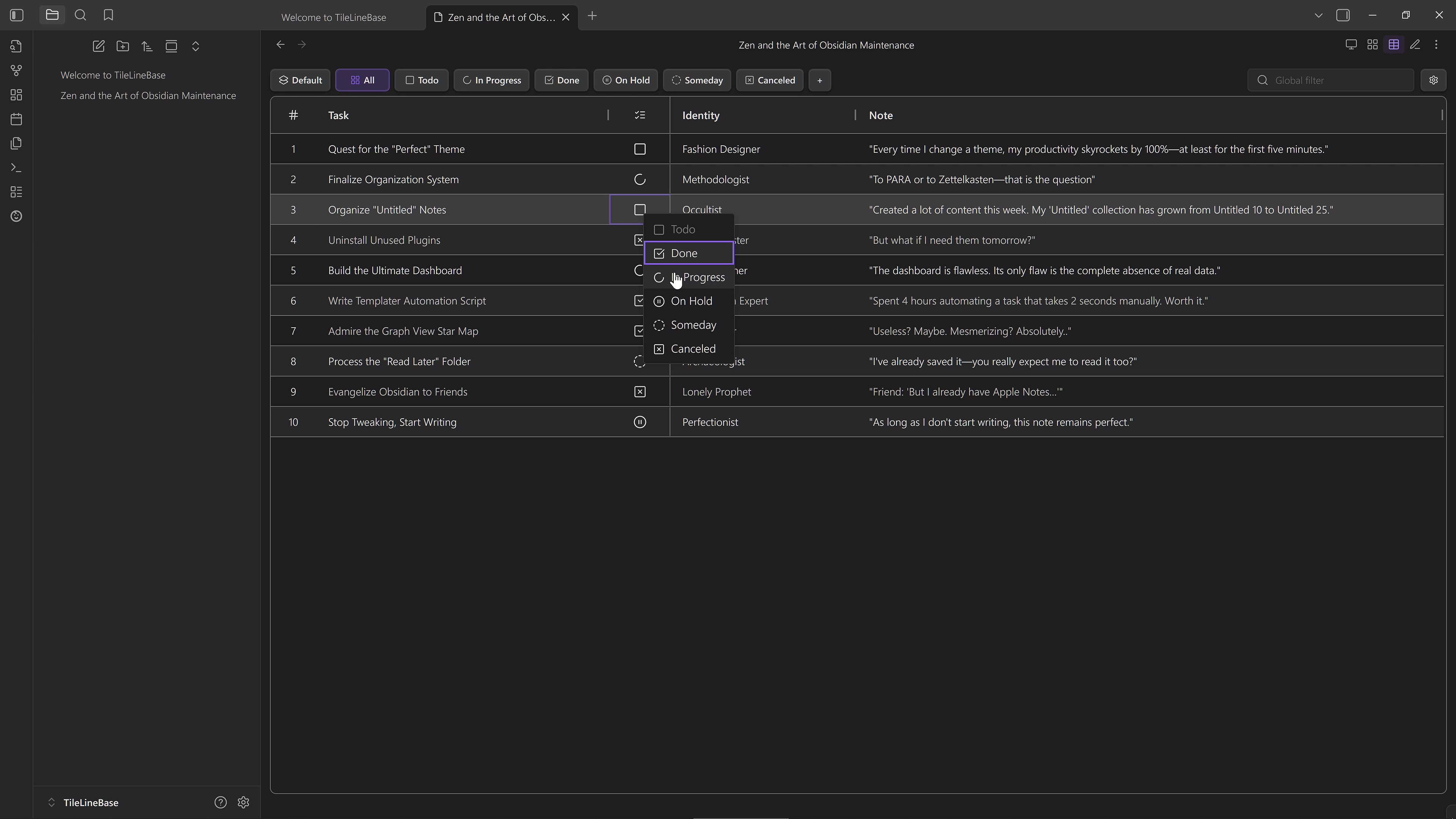
- Kanban Board: Map any Select or List field to lanes—not just Status. Easily regroup your data by Priority, Tags, or Author to see a different dimension of your notes.
- Gallery View: Visualize notes as fully customizable cards. Design custom layouts with the Template Engine, and streamline organization via View Groups and Right-click actions.
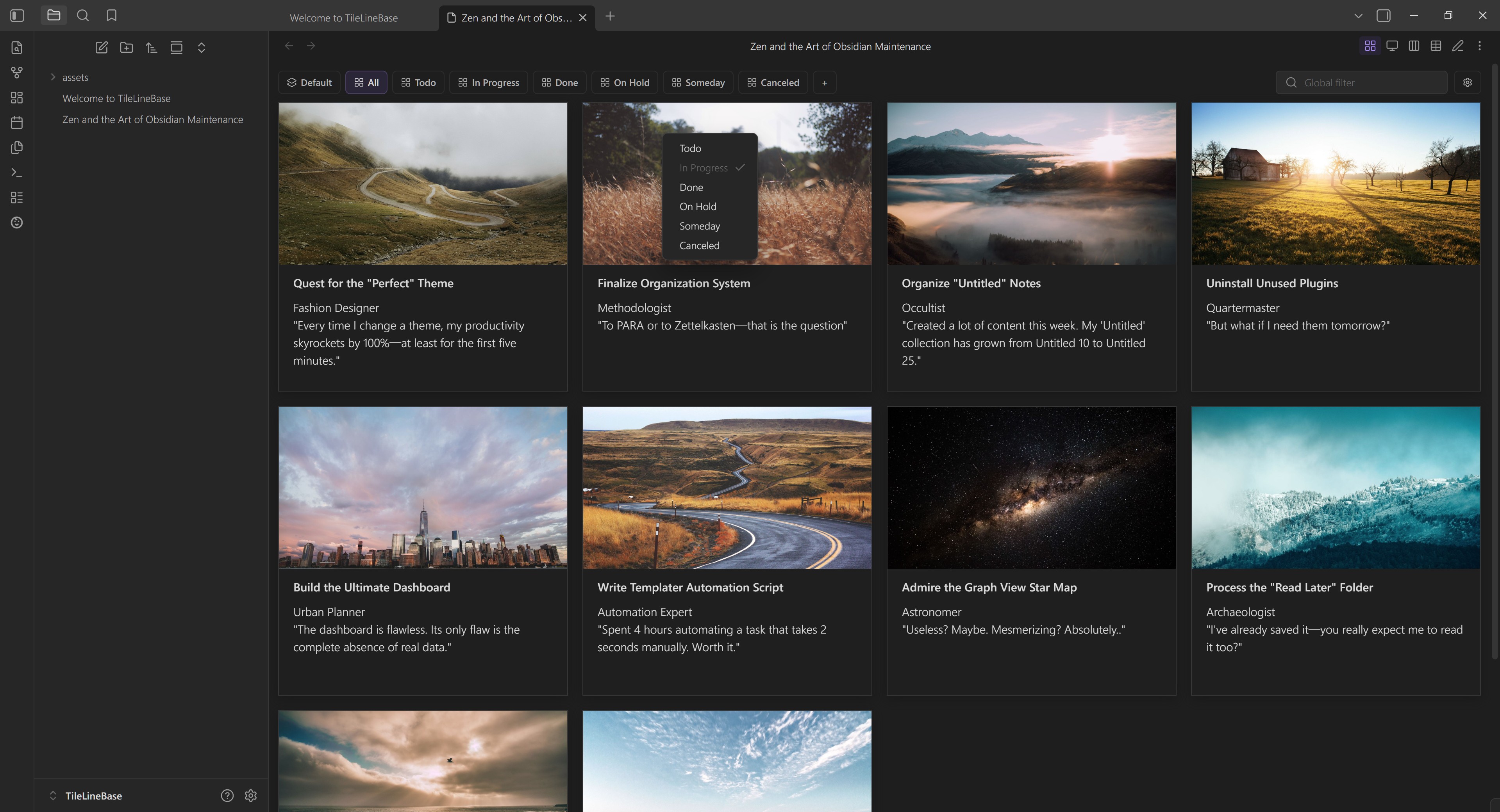
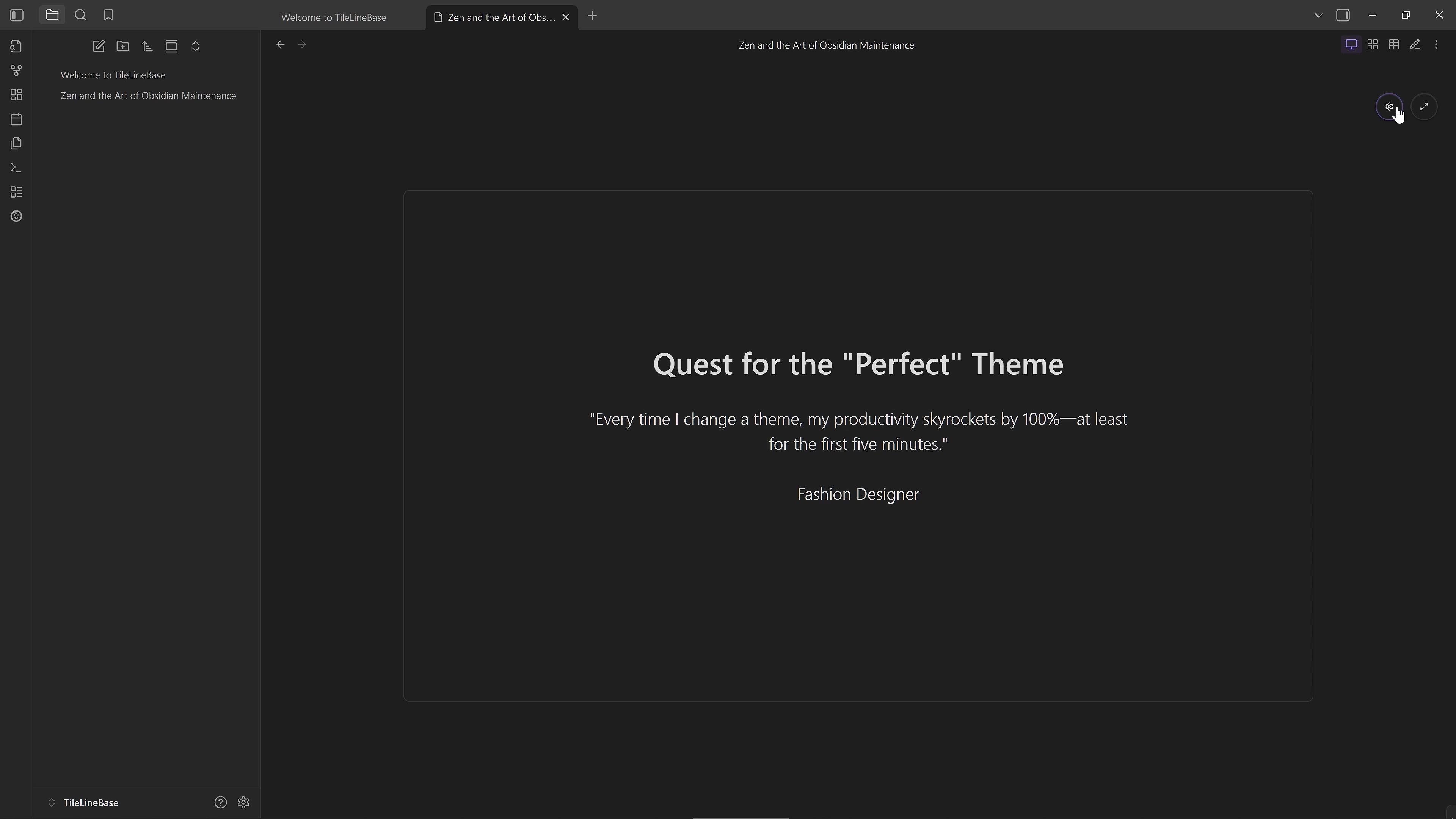
- Slide View: Turn rows into focused slides—perfect for distraction-free thinking or simple presentations. Easily customize layouts, with built-in support for inline images and live previews.
Hierarchical Rows
Use Parent-Child Row Mode to keep related records grouped in a two-level hierarchy, while still working naturally with filtered table views.
Smart Fields
Basic inline formulas (simple arithmetic), intelligent date/time parsing, and automatic linking of notes and references—all seamlessly integrated and continuously refined.
Built-in GTD Workflow
Comes with built-in task status fields (Todo, In Progress, Done, On Hold, Someday, Canceled), providing corresponding filtered view groups and Kanban views by default, enabling immediate and easy task management.
A Database Native to Text
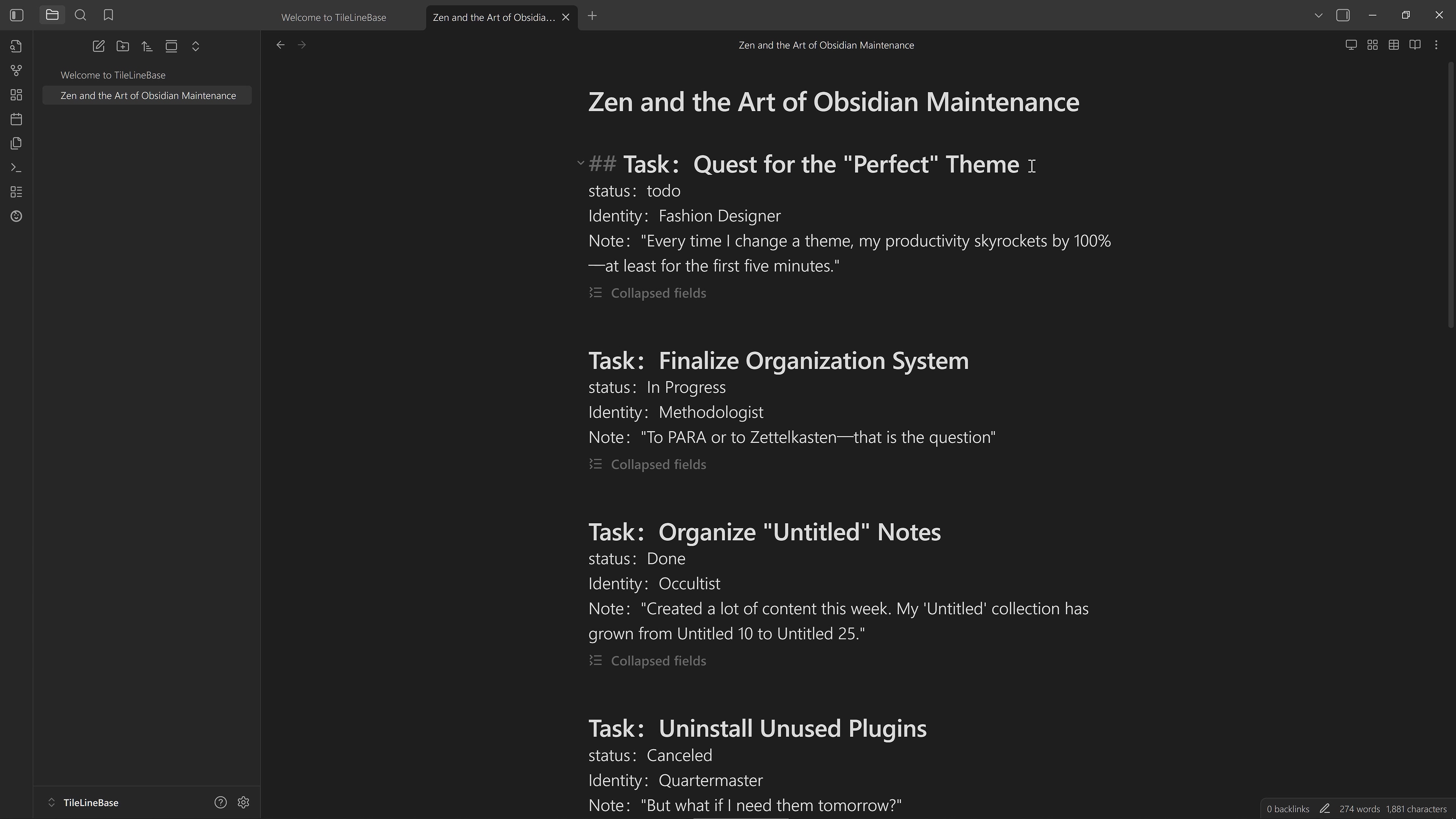
Fully text-based, free from complex data formats and extra markup, intuitively supporting structured content.
Single Note as Database
Aggregate all related structured records tightly within a single .md note. This maintains contextual associations, reduces management overhead, and effectively facilitates overall review and thinking.
Implicit Structuring
No Frontmatter, no code markup. The data structure is implicitly contained within plain text, providing a human- and machine-friendly data representation that lets you read and write naturally.
Open Data Interaction
Supports convenient data interaction and movement across various internal and external platforms, enabling more flexible organization and utilization of information.
Text Import Wizard
Quickly transform text blocks into valid TileLineBase records. Define simple patterns to map content to fields, instantly generating the required structure without manual formatting.
Seamless Obsidian Integration
Records can move flexibly across different table notes or be converted into standalone Obsidian notes; table notes can also be migrated across Vaults with all configurations intact.
Easy Spreadsheet Sync
Supports CSV import/export, compatible with mainstream spreadsheet software, allowing batch editing and data organization.
Efficient LLM Communication
Uses a clear, self-contained plain-text format that can interact seamlessly with Large Language Models (LLM) without additional processing.
Safety & Architecture
- Isolation: The plugin only processes the specific file where you switch to the TileLineBase view. It never scans your other notes.
- Decoupling: Your data stays in the
.mdfile. View settings stay in the plugin. Your notes remain standard Markdown, even if you uninstall the plugin. - Protection: Built-in auto-backup keeps a history of file snapshots, preventing accidental data loss.
Installation
Install TileLineBase from the Obsidian Community Plugins page or open it directly in Obsidian with obsidian://show-plugin?id=tile-line-base.
TileLineBase is desktop-only.
Development
For local development, install dependencies with npm ci.
Use npm install <package> only when you are intentionally adding, removing, or upgrading a dependency and need to refresh package-lock.json.
After dependency changes, run npm run deps:hardening:check.
Tips & Tweaks
Feedback & Discussion
We welcome feedback, suggestions, questions, and bug reports — wherever you prefer to discuss.
You can:
- Join or start a conversation on the Obsidian Forum thread.
- Open an Issue on GitHub if you want to track something more formally.
- Or join the discussion on the Campfirium forum, where broader ideas and side discussions are also welcome.
Feel free to use whichever space works best for you.
Related Projects
Foliole: An approachable incremental reading app
Obsidian is excellent for collecting, organizing, and writing notes, but many workflows can continue to extend beyond it.
If TileLineBase extends Obsidian with multidimensional tables and structured records, Foliole extends the later stage of reading: how to make materials appear at the right time, become easier to understand when they return, enter memory more effectively, and make reading actually complete.
Acknowledgements
TileLineBase is built on top of excellent open-source work:
- Obsidian and the Obsidian plugin API.
- AG Grid for the core table interaction model.
- Lucide for the icon set used by Obsidian and TileLineBase icon workflows.
- SortableJS for drag-and-drop interactions.
- monkey-around for runtime patching support in the Obsidian plugin ecosystem.
See THIRD_PARTY_NOTICES.md for third-party component and license notes.
License
TileLineBase is released under the MIT License.