
- Overview
- Scorecard
- Updates7
An Obsidian plugin for CV/Resume generation that's part of the Thecap CV Generator monorepo. This plugin allows you to generate a PDF version of your CV directly within your Obsidian vault.
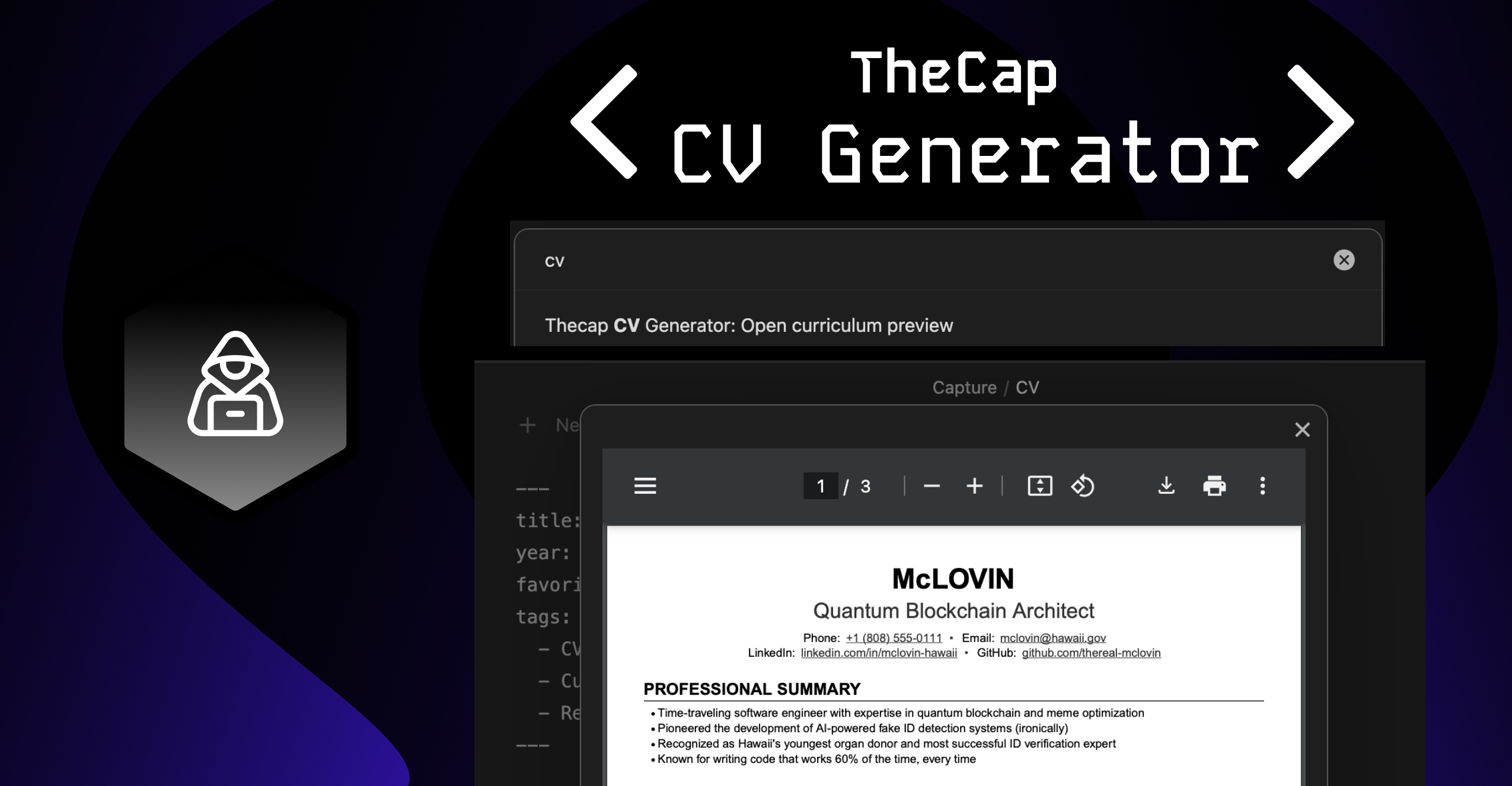
Features
- Create and edit CVs using markdown format
- Preview your CV in PDF.
- Consistent formatting with the web version.
Usage
There are two ways to open the curriculum preview:
- Ribbon Icon: Click the PDF file icon (📄) in the left sidebar ribbon to "Preview curriculum"
- Command Palette: Open the command palette (Cmd/Ctrl + P) and search for "Open curriculum preview"
Notation Guide
Use the following markdown notation to structure your curriculum:
| Notation | Description | Example |
|---|---|---|
# Name |
Your name followed by contact details | # John Doe |
- key: value |
Contact details (under name) | - email: [email protected] |
## Section |
Main section | ## Experience |
## Section \break |
Section with page break after | ## Education \break |
### Primary Title | Right Text |
Item with title and optional right-aligned text | ### Software Engineer | 2020-Present |
### Primary Title \break |
Item with page break after | ### Project Lead \break |
#### Secondary Title | Right Text |
Subtitle with optional right-aligned text | #### Team Lead | New York |
- Detail |
Bullet point details | - Led team of 5 developers |
Example:
The CV follows a specific markdown format. For detailed information about the format, please refer to the main repository README.
Quick example:
---
title: My CV
year: 2024
---
# John Doe
- title: Software Engineer
- Email: [email protected]
- Location: New York, NY

## PROFESSIONAL EXPERIENCE
### Company Name | Location
#### Position | 2020 - Present
- Achievement 1
- Achievement 2
License
This project is licensed under the GNU General Public License v3.0 (GPL-3.0) - see the LICENSE file for details.
What this means:
- ✔️ You can use this software for commercial purposes
- ✔️ You can modify the source code
- ✔️ You can distribute modified versions
- ❗ You must keep the source code open source
- ❗ You must state changes made to the code
- ❗ You must disclose your source code
- ❗ You must use the same license (GPL-3.0)
HealthGood
ReviewCaution
About
Generate a PDF CV directly from Markdown in your Obsidian vault. Create and edit resume sections using the plugin's structured Markdown notation and preview a PDF that matches the web version's formatting.Details
Current version
1.0.6
Last updated
2 years ago
Created
2 years ago
Updates
7 releases
Downloads
2k
Compatible with
Obsidian 1.0.6+
Platforms
Desktop, Mobile
License
GPL-3.0
Sponsor