Stereo
 roman251 downloads
Stream music from your Navidrome or Subsonic-compatible server with a sidebar player, library browser, and queue.
- Overview
- Scorecard
- Updates6
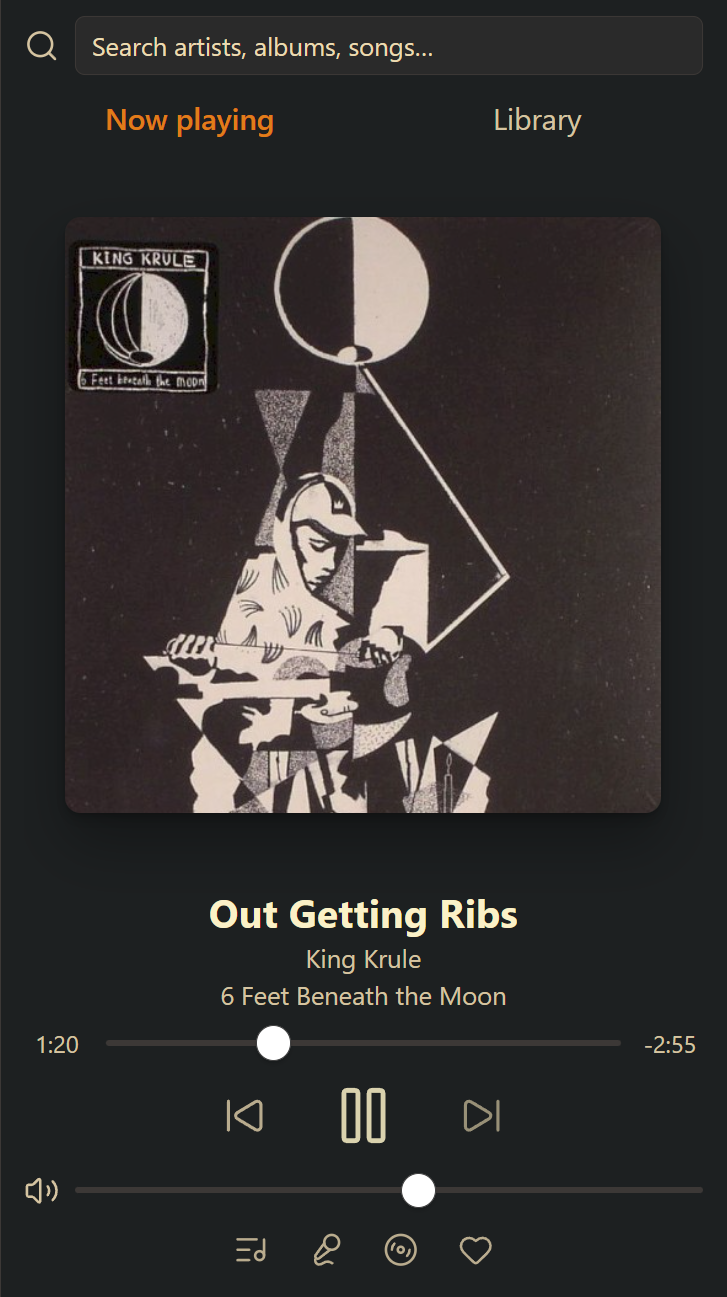
Stream music from your Navidrome or Subsonic-compatible server inside Obsidian. Stereo is a full music player in the sidebar: browse your library, queue albums, run stations, read synced lyrics, and keep the music going while you work in your notes.
Features
Player
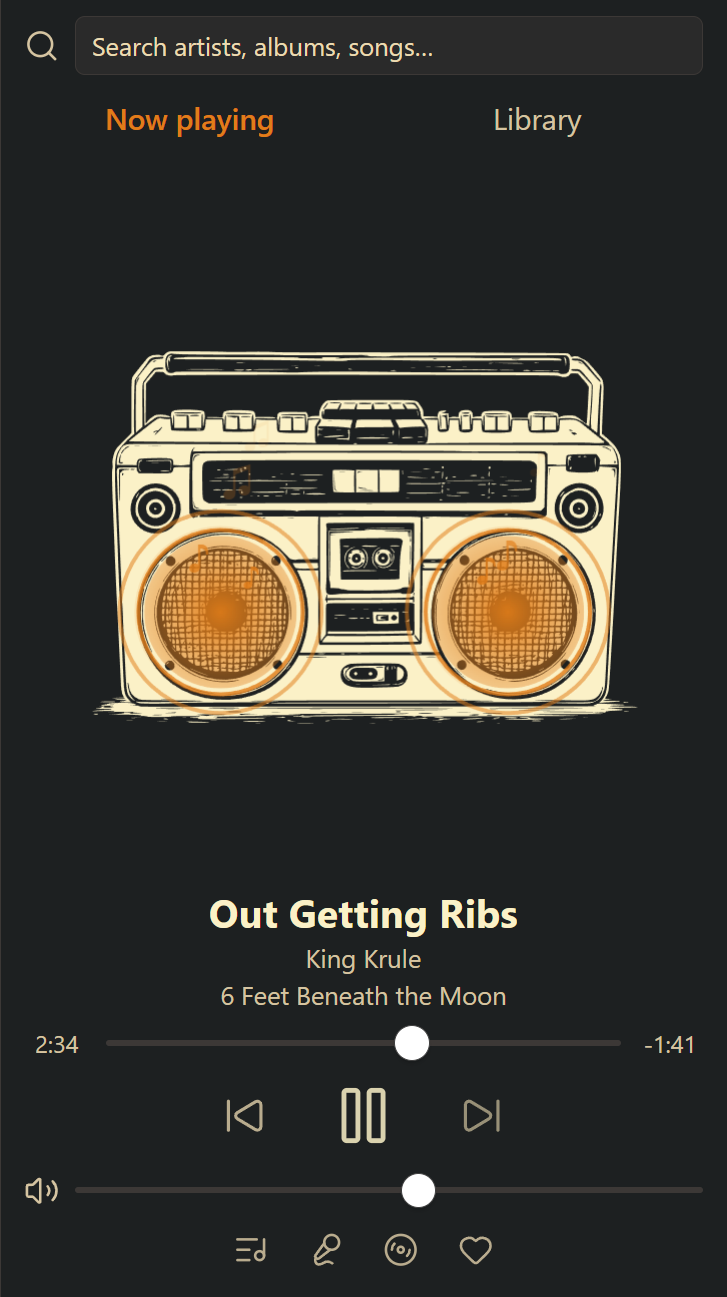
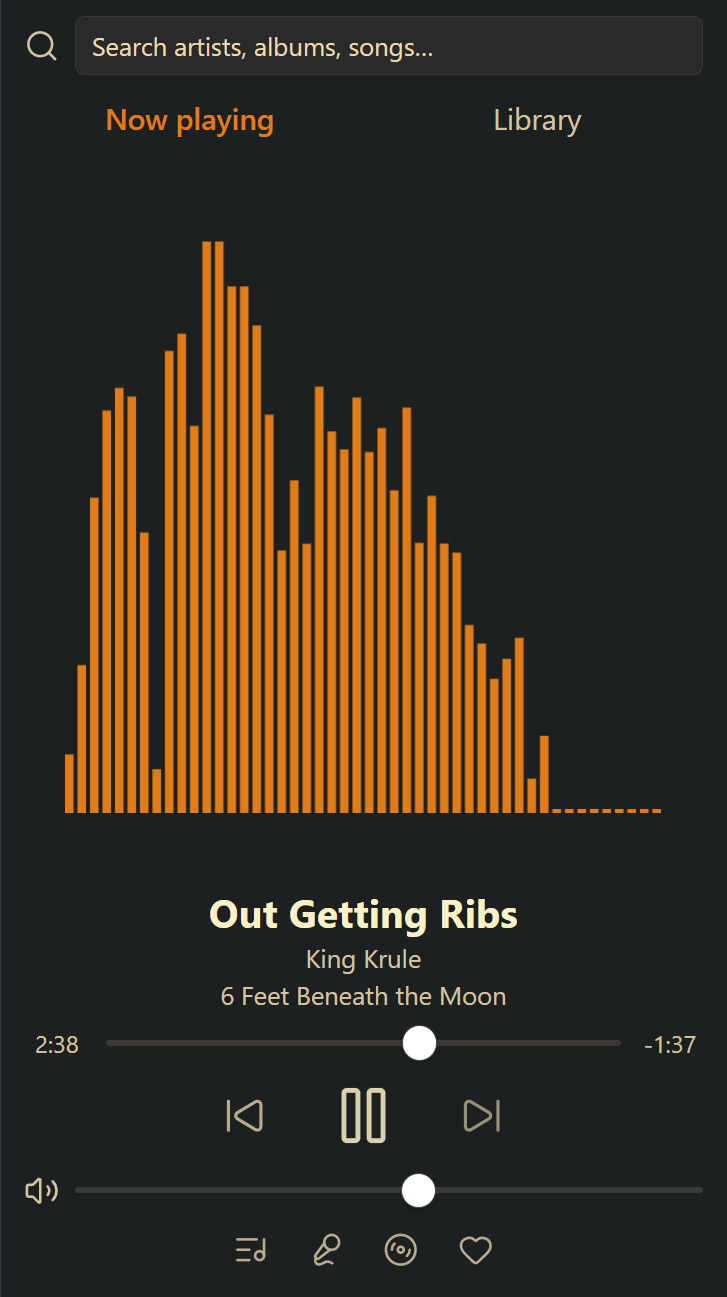
- Now Playing view with selectable art treatments: album art, spinning record, or audio-reactive visualizers.
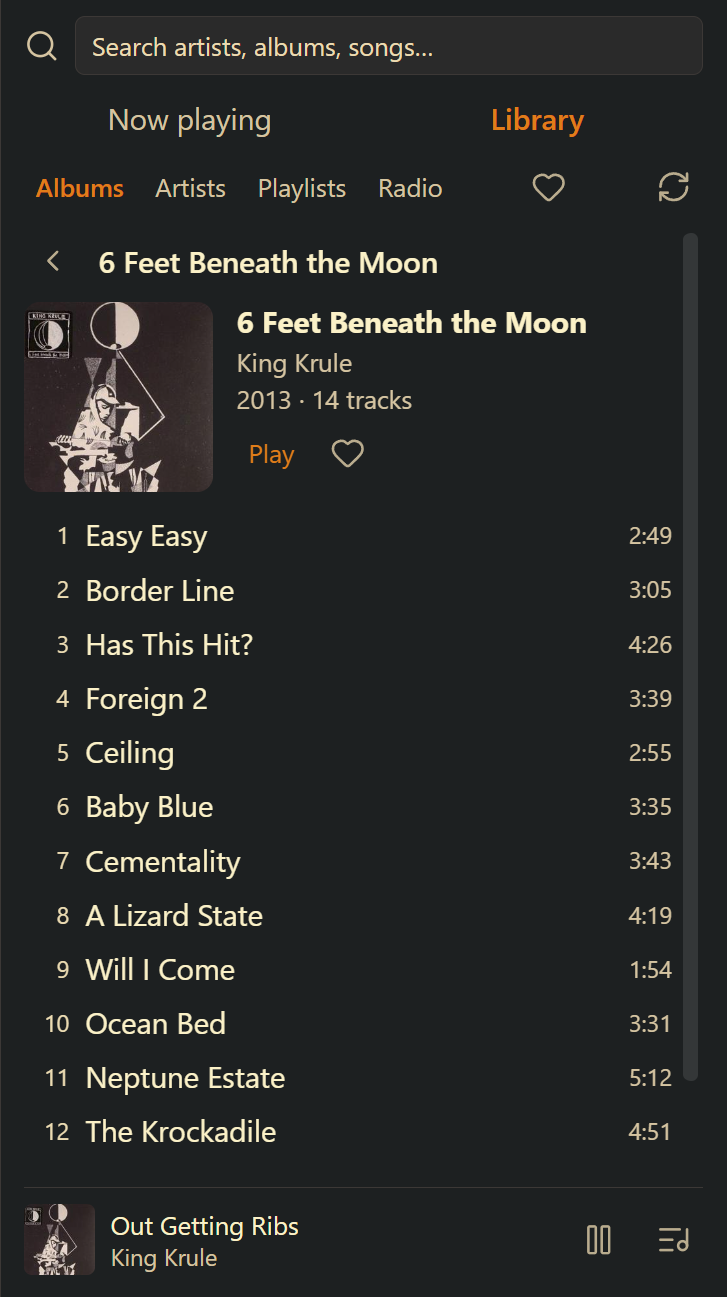
- Full transport (seek, previous/next, volume) with a compact mini player that takes over when you navigate elsewhere.
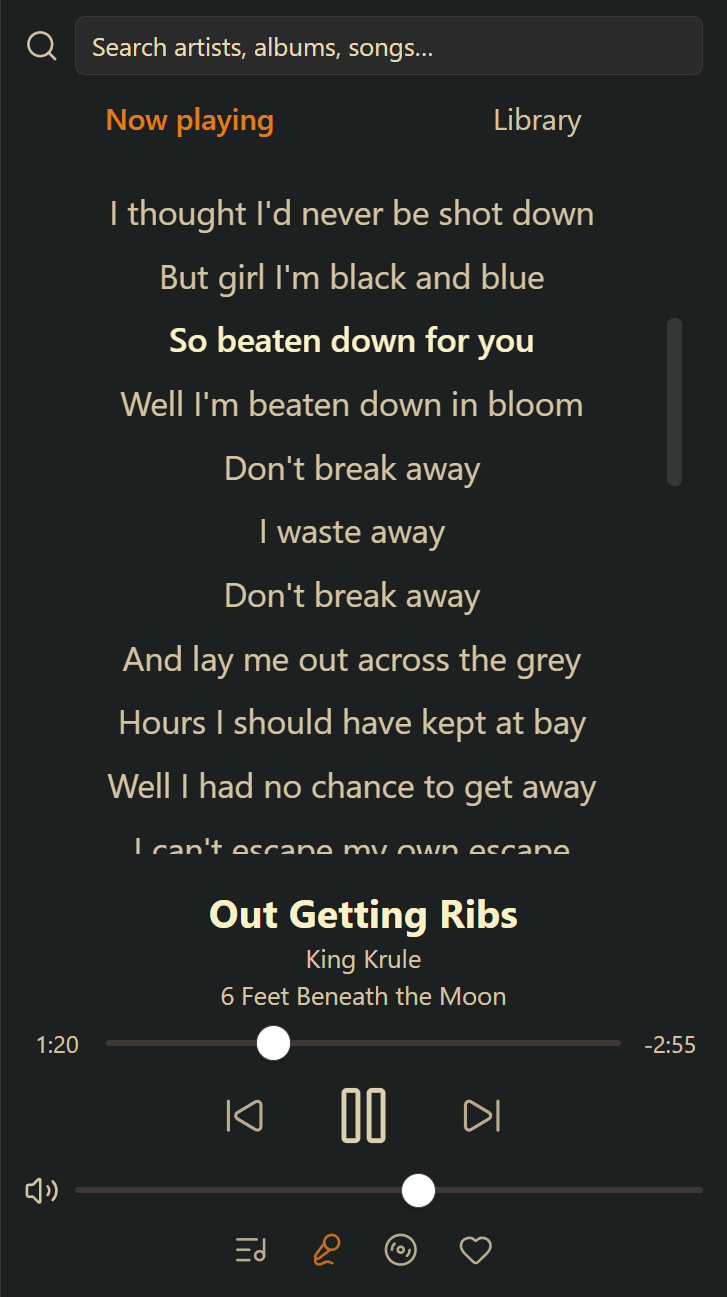
- Lyrics with follow-along highlighting for synced lyrics — click a line to seek. Plain lyrics scroll normally.
- Feeling lucky? A dice button plays a random song from your library.
- Media keys and the system playback overlay control Stereo and show the current track.
- Scrobbles plays back to your server so play counts stay accurate.
Library
- Recently played lists the latest 200 song plays, newest first. Use the history icon in Library to play a track again, add it to the queue, or clear history.
- Browse albums, artists, playlists, and internet radio, with drill-in navigation (artist → album → track) and an A–Z scrubber for long lists.
- Right-click context menus everywhere: play, play next, add to queue, go to artist/album, favorite, start station.
- Favorites synced with your server — heart tracks, albums, and artists from the player, menus, or detail pages, and browse them all on a Favorites page.
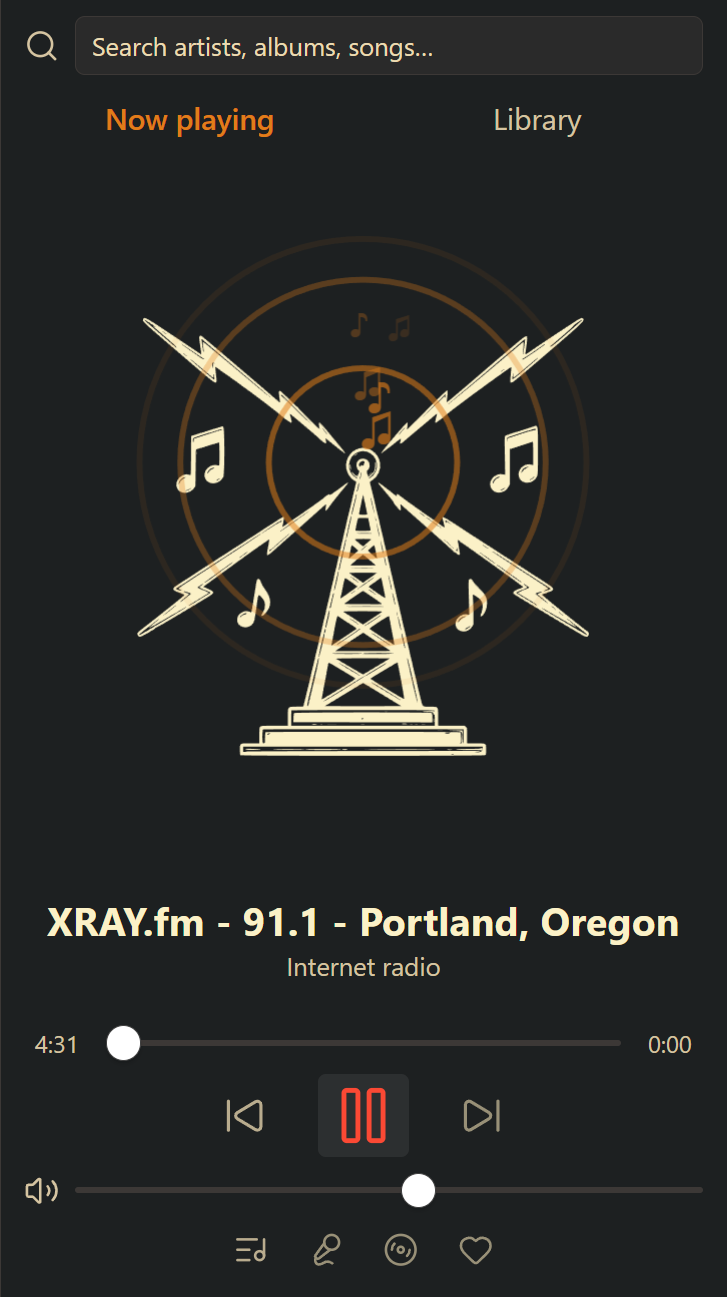
- Manage internet radio stations from the player: add, edit, and remove (requires an admin account on the server).
Queue & stations
- Full-page queue with playback modes, save-as-playlist, and persistence across Obsidian restarts.
- Repeat control beside shuffle cycles through off, queue, and track. The choice survives restarts; Next skips ahead even with repeat track. Live radio does not repeat.
- Drag tracks to reorder, or right-click a queue entry to move it next without interrupting playback. Duplicate entries can be moved independently.
- Undo the last queue clear or replacement, including station changes. Undo lasts until another queue edit or plugin restart.
- Stations: seed from any song, album, or artist to build a batch of similar tracks, then extend it or save it as a playlist.
Search
- As-you-type fuzzy search across artists, albums, and tracks.
Setup
- Install and enable the plugin.
- Open Settings → Stereo and enter your server URL, username, and password.
- Use Test connection to confirm the server is reachable, then open the player from the ribbon icon or the Open player command.
Settings also cover track click behavior, Now Playing view, lyrics font, and search tuning.
Requirements
- Obsidian desktop (this plugin is desktop-only).
- A server that speaks the Subsonic API — Navidrome, Airsonic-Advanced, Gonic, and others.
Data and network transparency
- Music playback, browsing, favorites, scrobbling, and station building talk only to the server URL you configure. Nothing is sent anywhere until you configure a server.
- Lyrics are fetched from your server first; if your server has none for the current track, Stereo queries LRCLIB (a free, public lyrics database) with the track's title, artist, album, and duration. No account data is sent.
- Your server URL, username, and password are stored in plain text in
.obsidian/plugins/stereo/data.jsoninside your vault. If you sync or share your vault, that file goes with it. Consider a dedicated, limited account on your music server. - No telemetry, no analytics.
- Recently played stores track IDs, display metadata (title, artist, album,
artwork ID, genre, duration, and favorite status), and play timestamps locally
in the same
data.json, limited to 200 entries for the configured server/account. History records actual song starts, including replays and repeats, and excludes radio. It contains no passwords or authenticated stream/artwork URLs. Clear history removes these entries without changing playback or the queue. Changing the server URL or username clears history and the previous account's queue/undo once you leave the field. There is no background history import or cloud history sync feature; vault syncing can copydata.jsonalong with your other vault files.
Development
npm install
npm run dev    # watch build
npm run build  # type-check + production build
npm test       # playback store regression tests
Support
If you enjoy Stereo, you can buy me a coffee.
License
HealthExcellent
ReviewPassed
About
Stream music from your Navidrome or Subsonic-compatible server inside Obsidian with a sidebar player offering selectable art treatments, full transport controls, and a compact mini player. Browse and search your library, queue tracks and stations, read synced lyrics with follow-along highlighting, scrobble plays to the server, and save favorites and playlists.Details
Current version
0.2.0
Last updated
2 weeks ago
Created
2 months ago
Updates
6 releases
Downloads
251
Compatible with
Obsidian 1.13.0+
Platforms
Desktop only
License
GPL-3.0
Sponsor