OMG.lol Publisher
 ericmwalk694 downloads
Allows you to post to weblogs.lol, status.lol, some.pics and paste.lol.
- Overview
- Scorecard
- Updates18
This plugin has changed it's name from Status.lol Plugin to just Omg.lol Publish as you can make post to as well as continue to post status updates to . you can use some.pics to post pictures for all your web needs.
Publish and manage your omg.lol presence directly from Obsidian. Write weblog.lol posts/pages, status.lol updates, paste.lol pastes, and some.pics photos without leaving your vault. In addition you can keep your /now page and profile page in sync too.
Since OMG.lol has a great API, there is more than can continue to be built out so why not make this plugin more expandable than the original concept.
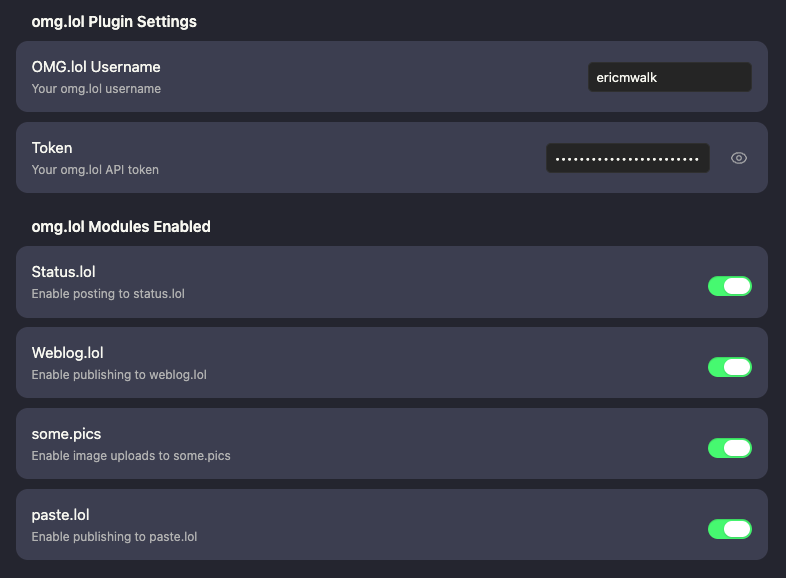
Configuration Screenshot
Main Settings / Modulals activated
paste.lol Settings

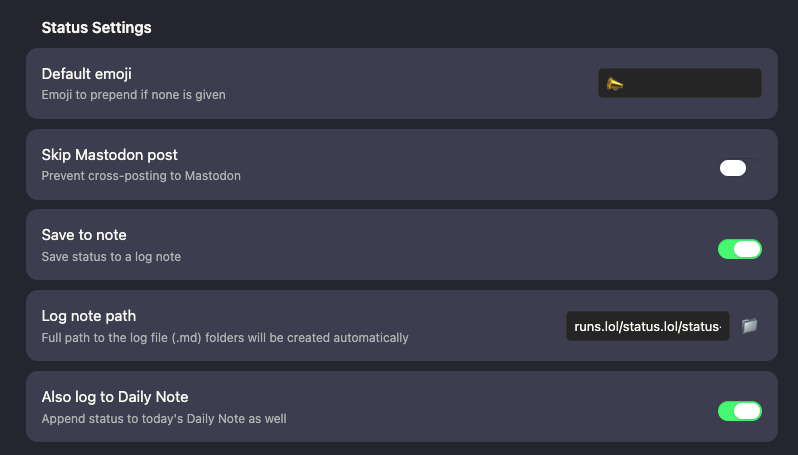
status.lol Settings
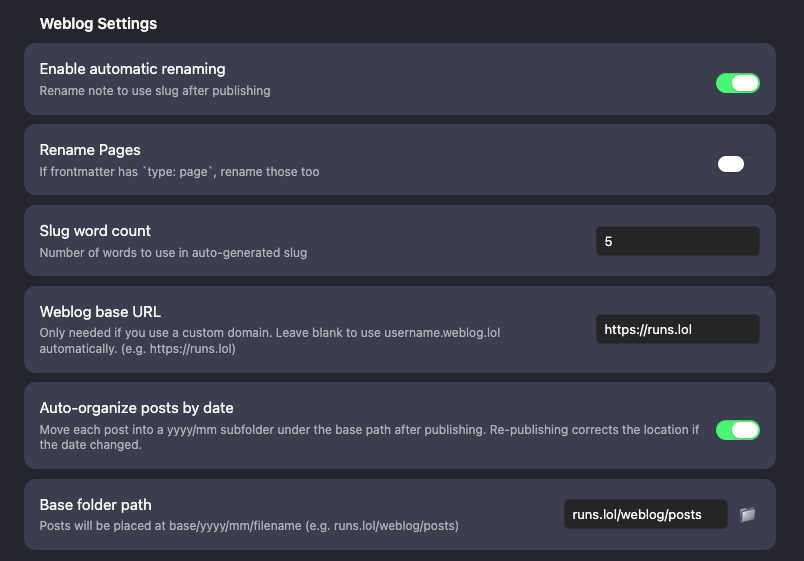
weblog.lol Settings
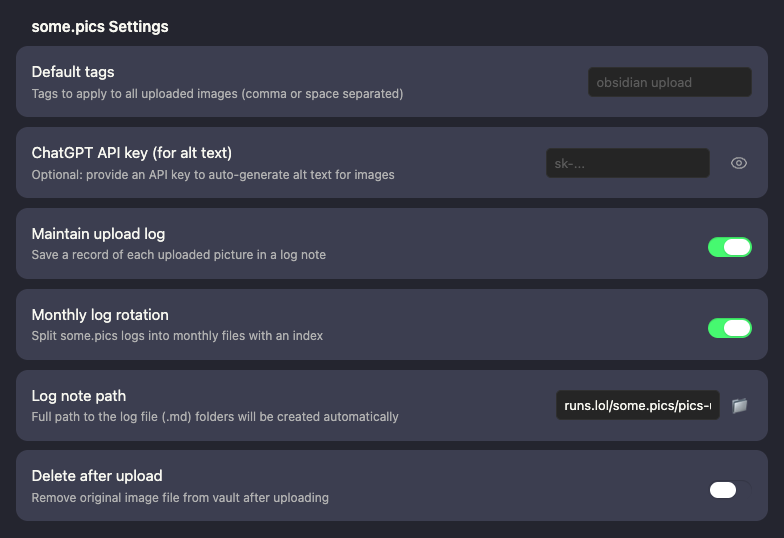
some.pics Settings
Features
Weblog.lol
- Publish new weblog posts directly from Obsidian
- Update previously published posts using your saved entry ID
- Batch publish multiple posts at once
- Support for backdating or futuredating via frontmatter date/time
- Publish with tags, draft status, custom slug, and page type (read from frontmatter)
- Pass a
templatefrontmatter field through to the omg.lol weblog template system - Automatically rename note files after publishing (optional)
- Auto-organize posts into
yyyy/mmsubfolders after publishing (optional) - Wikilinks in post body are resolved to URLs on publish
- Import all existing weblog posts from omg.lol into your vault — full frontmatter written on import, duplicates skipped
Weblog frontmatter fields
entry— entry ID, written automatically on first publish; used to update existing postsslug— custom slug; generated from title if not settitle— post titledate— publish date (YYYY-MM-DDorYYYY-MM-DD HH:mm)status—publishedordrafttype—pageto publish as a page instead of a posttags— list of tagstemplate— omg.lol weblog template to use for this post
Status.lol
- Post status updates to your status.lol address
- Choose whether to also share them on social.lol (toggle per post)
- Save to a custom log note or to your Daily Note
- Works with both Daily Notes and Periodic Notes plugins
- If posting fails it will still save to a note so you don't lose your status
Some.pics
- Upload pictures directly from Obsidian to some.pics
- Caption and alt text pre-filled from image metadata
- Keep a log of uploaded pictures to map back if any go missing
- Original files are kept in your vault after upload
Paste.lol
- Quickly create pastes from a note
- If a fenced code block is present (e.g.,
```javascript), only that content is uploaded — the rest of the note stays private - Falls back to the full note body if no fenced block is found
- Automatically copies the resulting URL back into your note
- Wikilinks are resolved to URLs before creating the paste
Other omg.lol Pages/Configurations
- Publish your
/nowpage directly from a note - Publish your omg.lol profile web page, including optional custom CSS and HTML
<head>content - Update your status.lol bio, including optional custom CSS and HTML
<head>content - Content lives in a fenced
```markdownblock in your note; CSS in a```cssblock; custom head HTML in a```html headblock
Required frontmatter to identify each note
/nowpage:type: profileandentry: now- Profile web page:
type: profileandentry: web - Status.lol bio:
type: statusandentry: bio
Setup
- Search for OMG.lol Publisher in Obsidian's Community Plugins browser and install it.
- Enable the plugin in Settings → Community Plugins.
- Open the plugin settings and enter your omg.lol API key and address.
- Enable the services you want to use (Weblog, Status, Some.pics, Paste.lol).