SideCards
 Kazi Aidah Haque1k downloads
Quickly create cards in your sidebar, color, tag, and drag them straight into your notes.
- Overview
- Scorecard
- Updates3
Quickly create cards in your Obsidian sidebar; color, tag, and drag them straight into your notes.
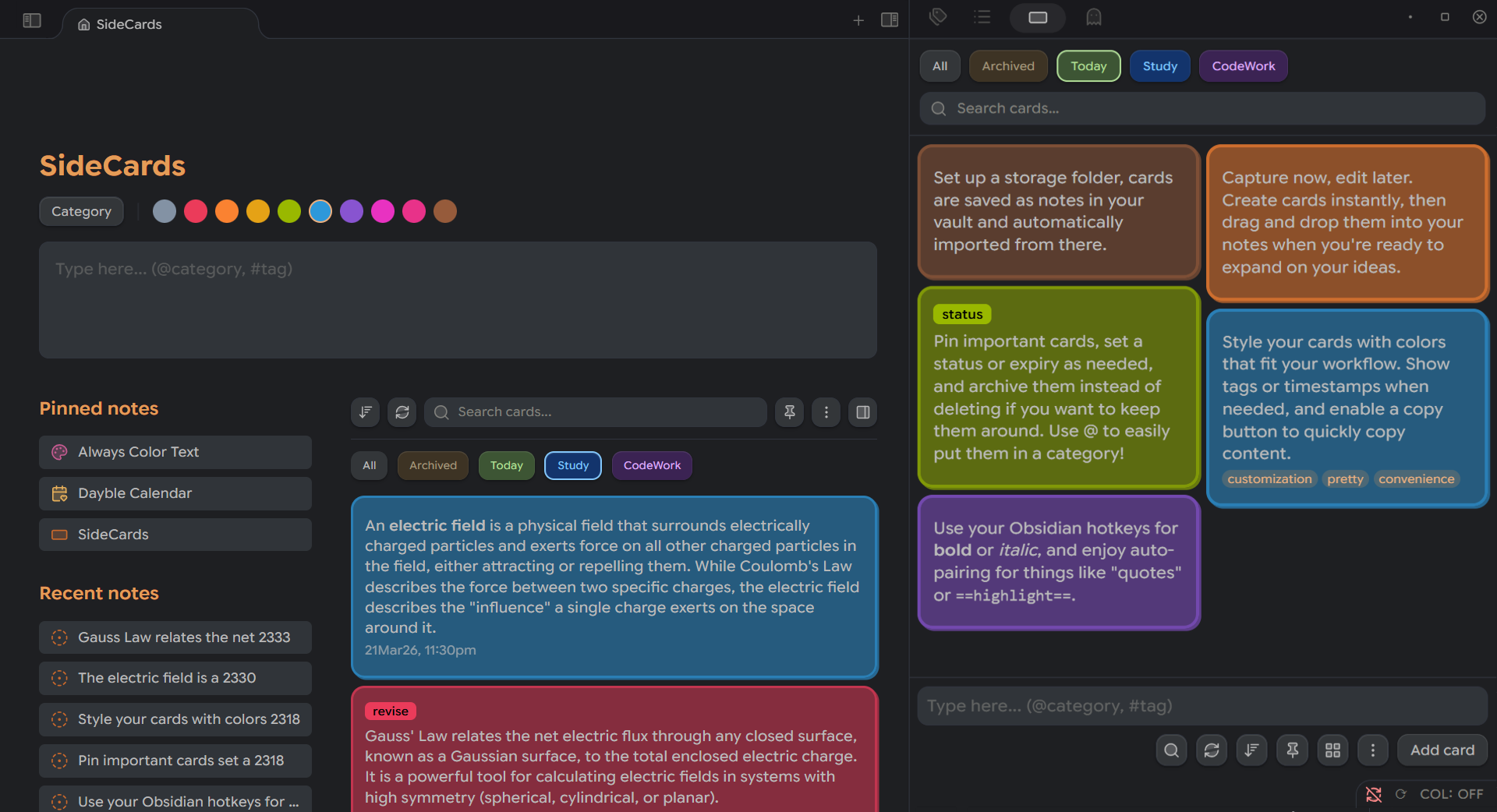
Create and choose an empty folder in your vault to create new cards from notes instead of importing them!
Create & Manage Cards Instantly
Quick Card Creation
Type directly into the sidebar input box to create cards instantly. Cards can also be created from the homepage or via the quick-add command.
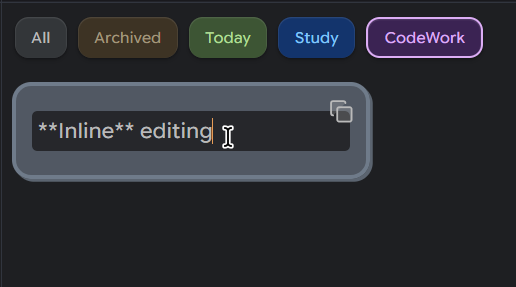
Inline Editing
Edit card content directly: no modals, no interruptions.
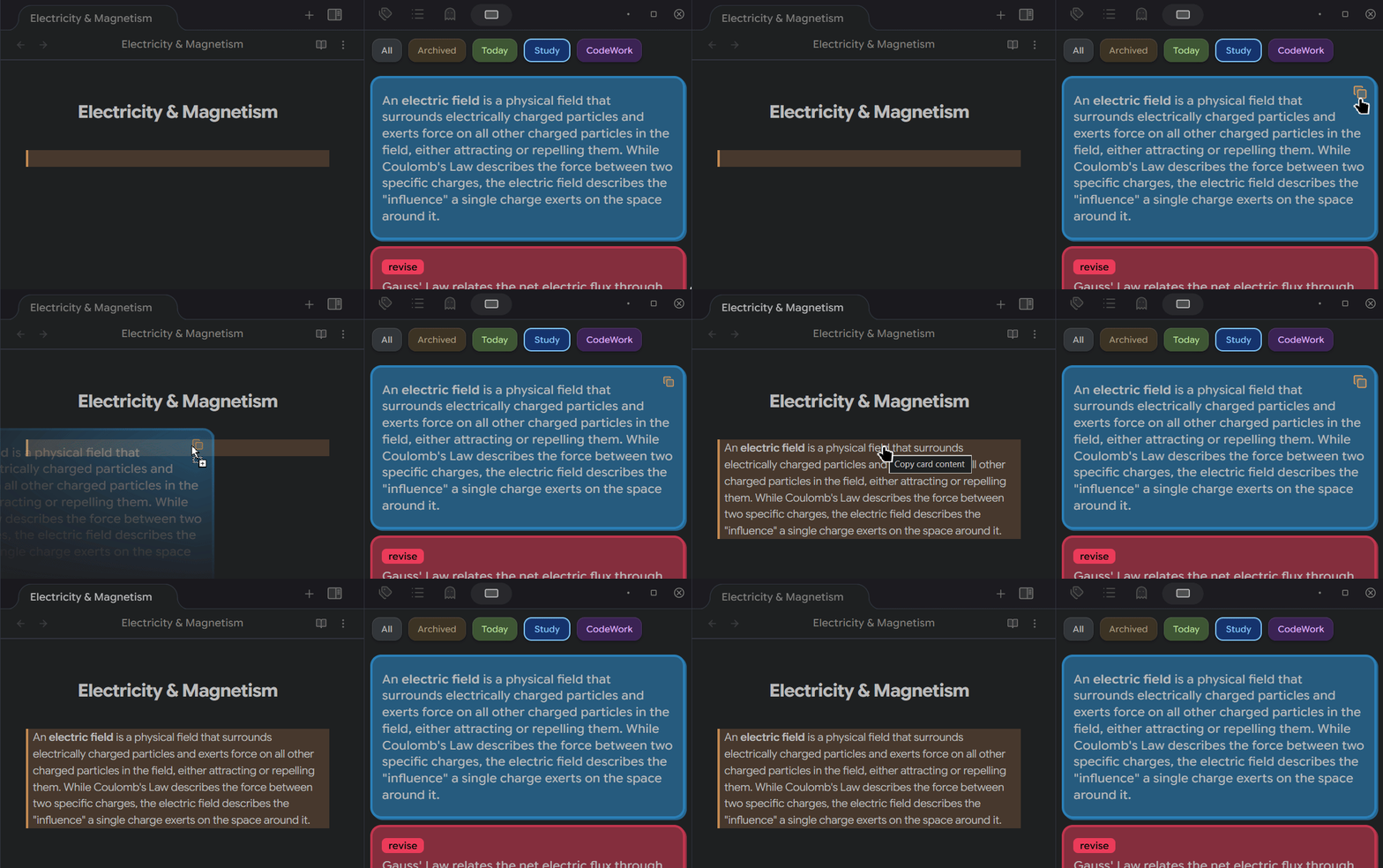
Drag to Editor
Drag any card into your markdown editor to insert its content.
Essentials
Real-time Auto-save: Changes are saved automatically as you type.
Note Conversion: Convert any card to a full markdown note with one click.
Bidirectional Sync: Changes made in notes automatically update the cards and vice versa.
Folder Integration: Auto-import markdown files from a specified storage folder.
Style Your Cards
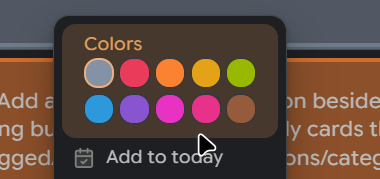
10 Custom Colors
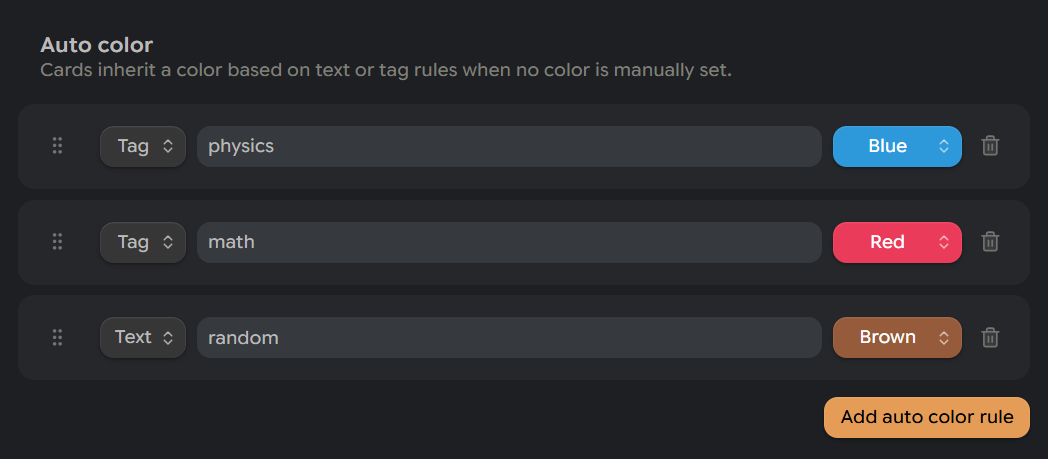
Color-code your cards for visual organization. Enable two row color swatches in two rows for a more compact layout.
Auto-color Rules
Automatically assign colors based on text content or tag matches.
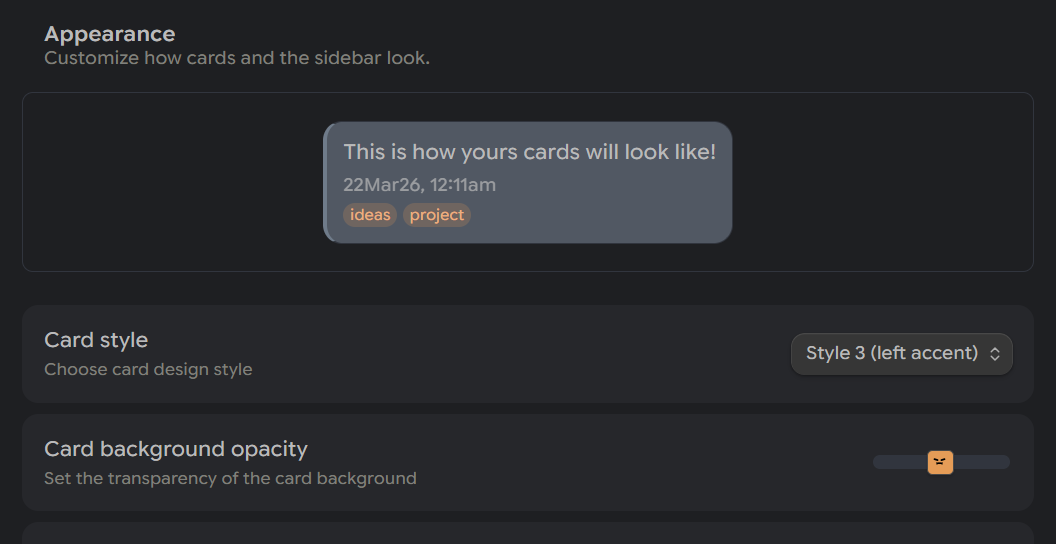
Multiple Card Styles
Choose from 3 visual styles and adjust border radius, opacity, and border thickness to customize it to your liking!
Categories
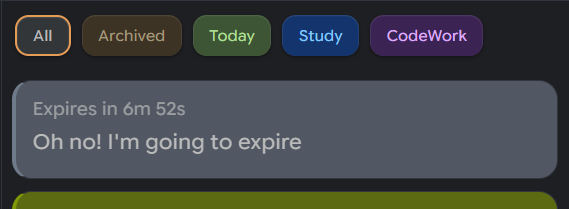
By default, SideCards includes Today, Tomorrow, and Archived categories.
- Today shows cards created or modified today.
- Tomorrow is for cards you want to postpone as they’ll automatically move to Today when the day changes.
- Archived stores all archived cards.
Custom Categories
Build your own categories with custom labels, colors, and icons.
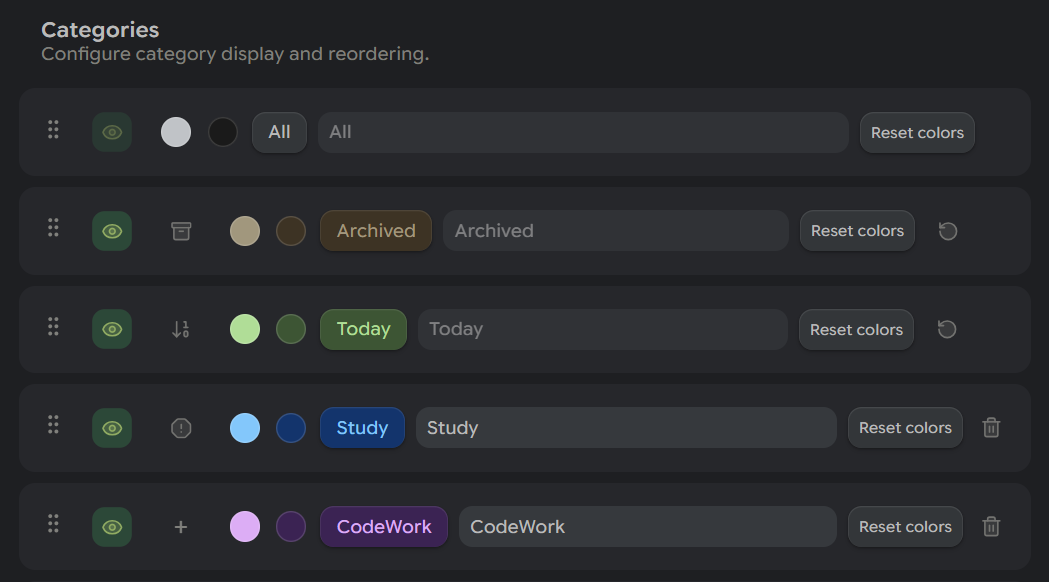
Icons currently appear only in the context menu and category list, not on the button itself.
Card Status System
Assign statuses with custom names, colors, and text colors.
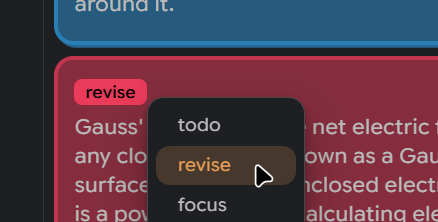
Color Inheritance
Optionally inherit the status color into the card background.
Expiry
Set expiry times with optional auto-archive and a time-left pill display.
Homepage
Dedicated Homepage View
A full-page view with a card editor, pinned notes, and recent notes.
You can replace your default new tab with this homepage.
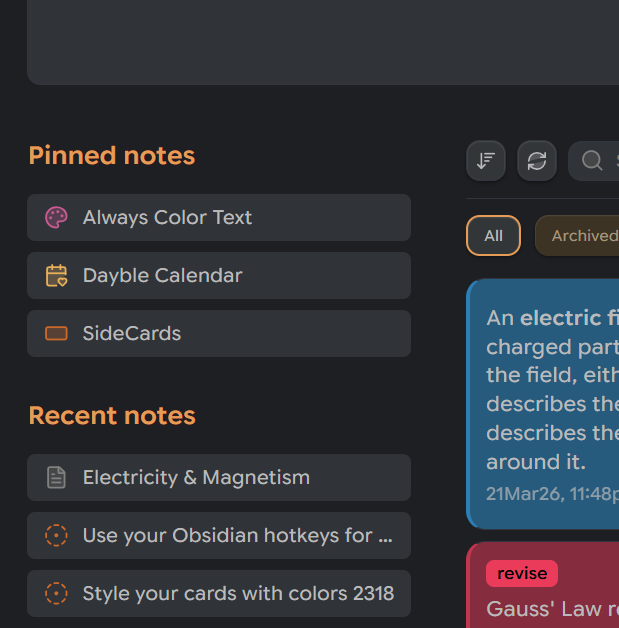
Notes can be pinned by right-clicking a tab and selecting “Pin tab to SideCards Homepage,” or by using a command. Icons are supported via the Iconic plugin.
Other Features
Auto-pair Brackets
Automatically pairs (, [, {, `, =, %, and " while typing.
Formatting Shortcuts
Bold, italic, highlight, and comment wrapping work inside card editors.
Installation
You can install it from https://community.obsidian.md/plugins/sidecards.
Questions or Suggestions?
Create a new issue here to report bugs or request features!