Segerlab
 ksemkav170 downloads
Renders calculator views within notes from JSON data copied from the Segerlab app.
- Overview
- Scorecard
- Updates7
Segerlab — a notebook for ceramists and potters who make their own glazes.
This plugin brings calculators views from Segerlab app into your Obsidian notes.
Для информации на русском языке смотрите README.ru.md.
Features
- Calculator Rendering: Transforms markdown code blocks with language
segerlab-calculationinto interactive calculator views - Extended Coefficients: Optional setting to display additional coefficients in the calculator interface
- Multi-language Support: Interface available in English and Russian, automatically adapts to your Obsidian language setting
- Stull Chart: Panel displaying Stull chart with all calculator points found in an opened note.
- Customizable Notes Search: Configure a search query to quickly find notes containing calculators using the search button in Segerlab.
Installation
Enable «I use Obsidian» setting in Segerlab app
To see the Obsidian button in calculators, enable the corresponding setting in the "My Profile" page (press the gear icon in the lower-left corner).
From Community Plugins (not available yet)
- Open Obsidian Settings
- Go to Community Plugins
- Search for "Segerlab"
- Install and enable the plugin
Manual Installation
- Download the latest release from the releases page
- Extract the files to your vault's
.obsidian/plugins/segerlab/directory - Enable the plugin in Obsidian settings
Settings of the plugin
- Show more coefficients in calculator: Enable this option to display additional calculated coefficients in the calculator view.
- Search template setting: Customize your search query template to find recipes or calculators in your notes. There are some examples that can be copied and used.
Usage
Open some recipe in Segerlab and find a calculator you want to see in your Obsidian note.
Press the button with Obsidian logo. It will copy current state of the calculator into clipboard.
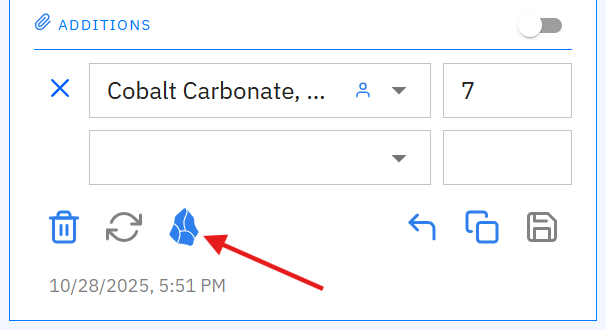
Paste the clipboard content into your Obsidian note. After moving cursor out of the code block, it will be rendered as a calculator.
Example:
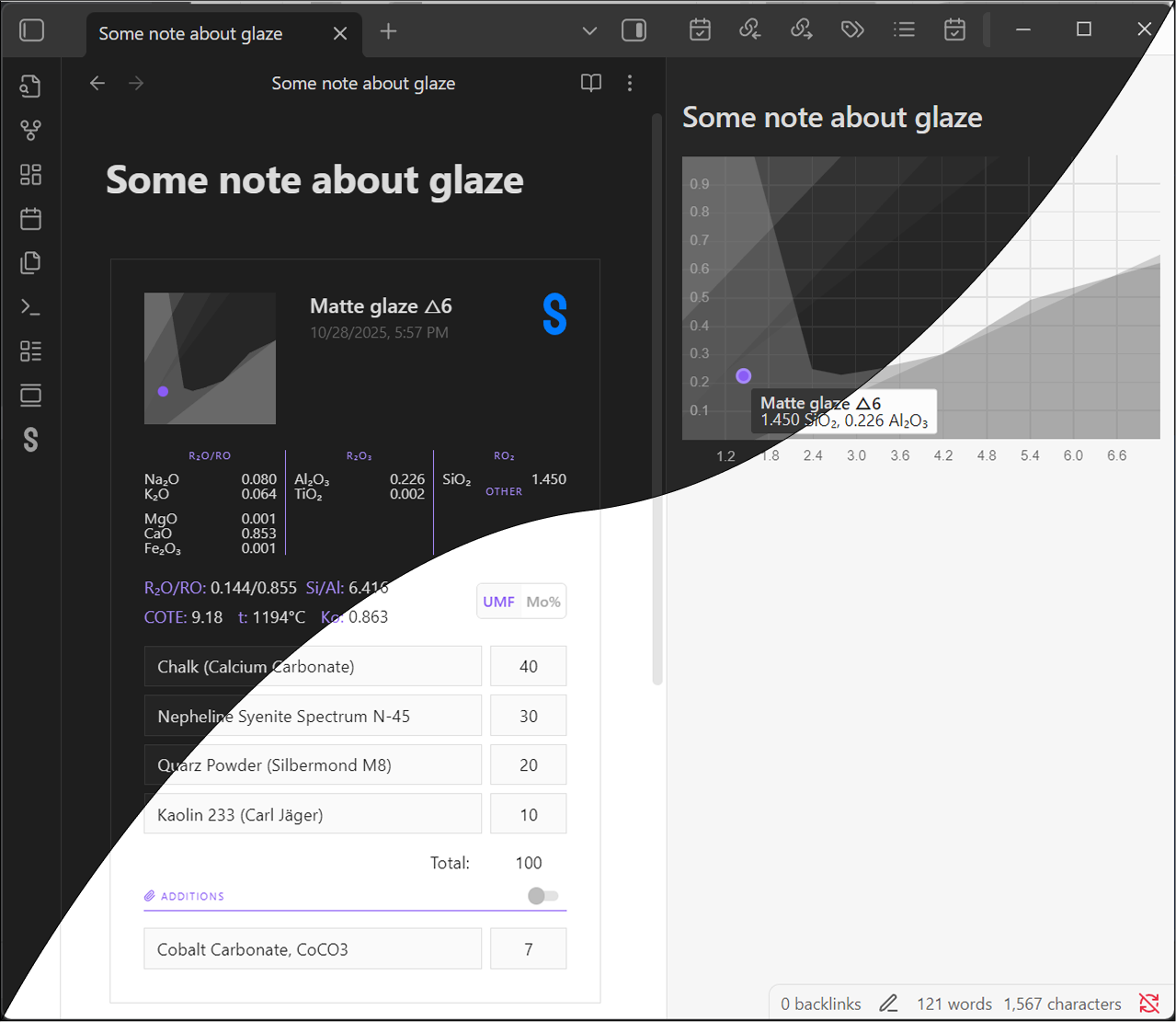
Example of the code block content copied from Segerlab:
~~~segerlab-calculator
{
  "recipeId": 8345,
  "calculationId": 36955,
  "name": "Matte glaze △6",
  "formulaViewType": "SegerFormula",
  "includeAdditionsIntoCalculations": false,
  "versionCreatedAt": "2025-10-28T17:57:40+01:00",
  "ingredients": [
    {
      "name": "Chalk (Calcium Carbonate)",
      "value": 40,
      "isAddition": false,
      "index": 0
    },
    {
      "name": "Nepheline Syenite Spectrum N-45",
      "value": 30,
      "isAddition": false,
      "index": 1
    },
    {
      "name": "Quarz Powder (Silbermond M8)",
      "value": 20,
      "isAddition": false,
      "index": 2
    },
    {
      "name": "Kaolin 233 (Carl Jäger)",
      "value": 10,
      "isAddition": false,
      "index": 3
    },
    {
      "name": "Cobalt Carbonate, CoCO3",
      "value": 7,
      "isAddition": true,
      "index": 4
    }
  ],
  "calculationResult": {
    "formula": {
      "GFormers": {
        "SiO2": 1.45
      },
      "Stabs": {
        "Al2O3": 0.226,
        "TiO2": 0.002
      },
      "Alcali": {
        "Na2O": 0.08,
        "K2O": 0.064
      },
      "AEarth": {
        "MgO": 0.001,
        "CaO": 0.853,
        "Fe2O3": 0.001
      }
    },
    "stullChartPoint": {
      "al2O3Value": 0.226,
      "siO2Value": 1.45
    },
    "ingredientsOverallSum": 100,
    "alcaliSum": 0.144,
    "aEarthSum": 0.855,
    "siliconAluminumOxidesRatio": 6.416,
    "molarThermalExpansion": 9.11,
    "molecularMassThermalExpansion": 9.18,
    "calculatedFluxibility": {
      "temperature": 1194,
      "coefficient": 0.306,
      "temperatureZone": "Within"
    },
    "acidityRatio": 0.863
  }
}
~~~