Scroll Line
 abdelrahmanhafez401 downloads
Scroll the viewport up or down by a configurable number of lines without moving the cursor.
- Overview
- Scorecard
- Updates5
Move the viewport, not the cursor.
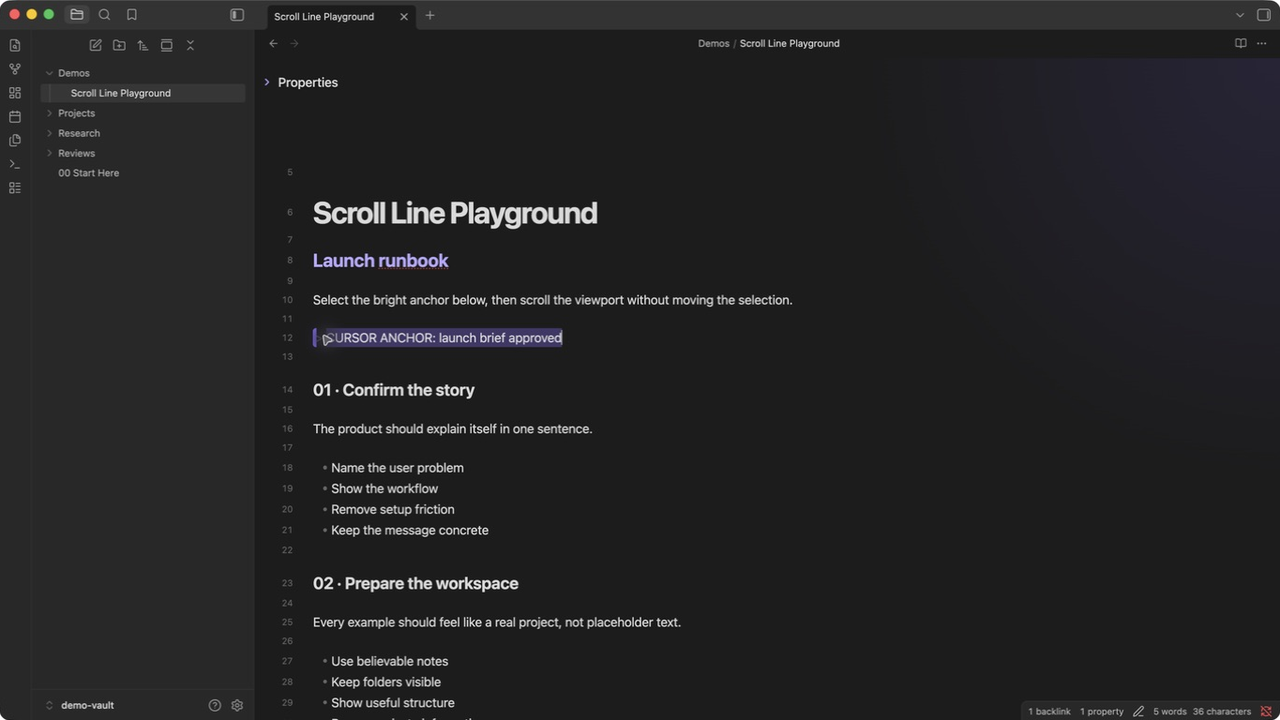
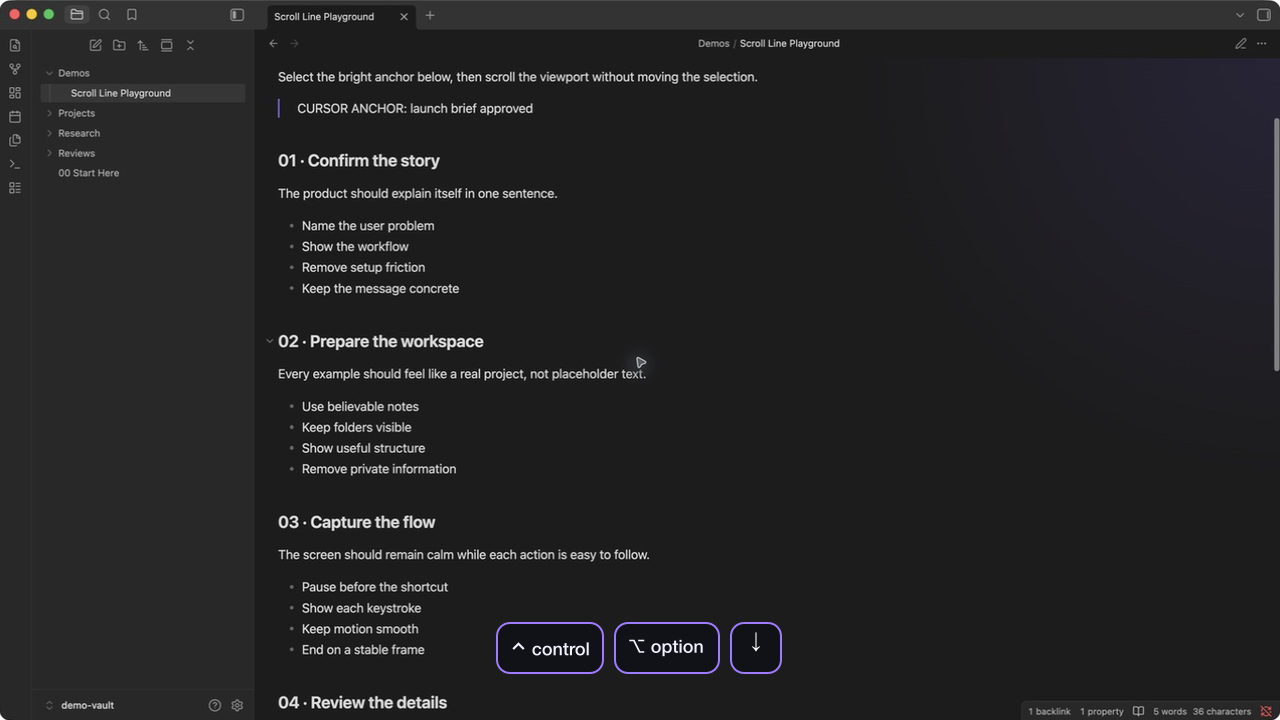
Scroll an Obsidian note by exact lines while your cursor and selection stay put.

| Selection stays put | Works in Reading mode |
|---|---|
 |
 |
See it in action
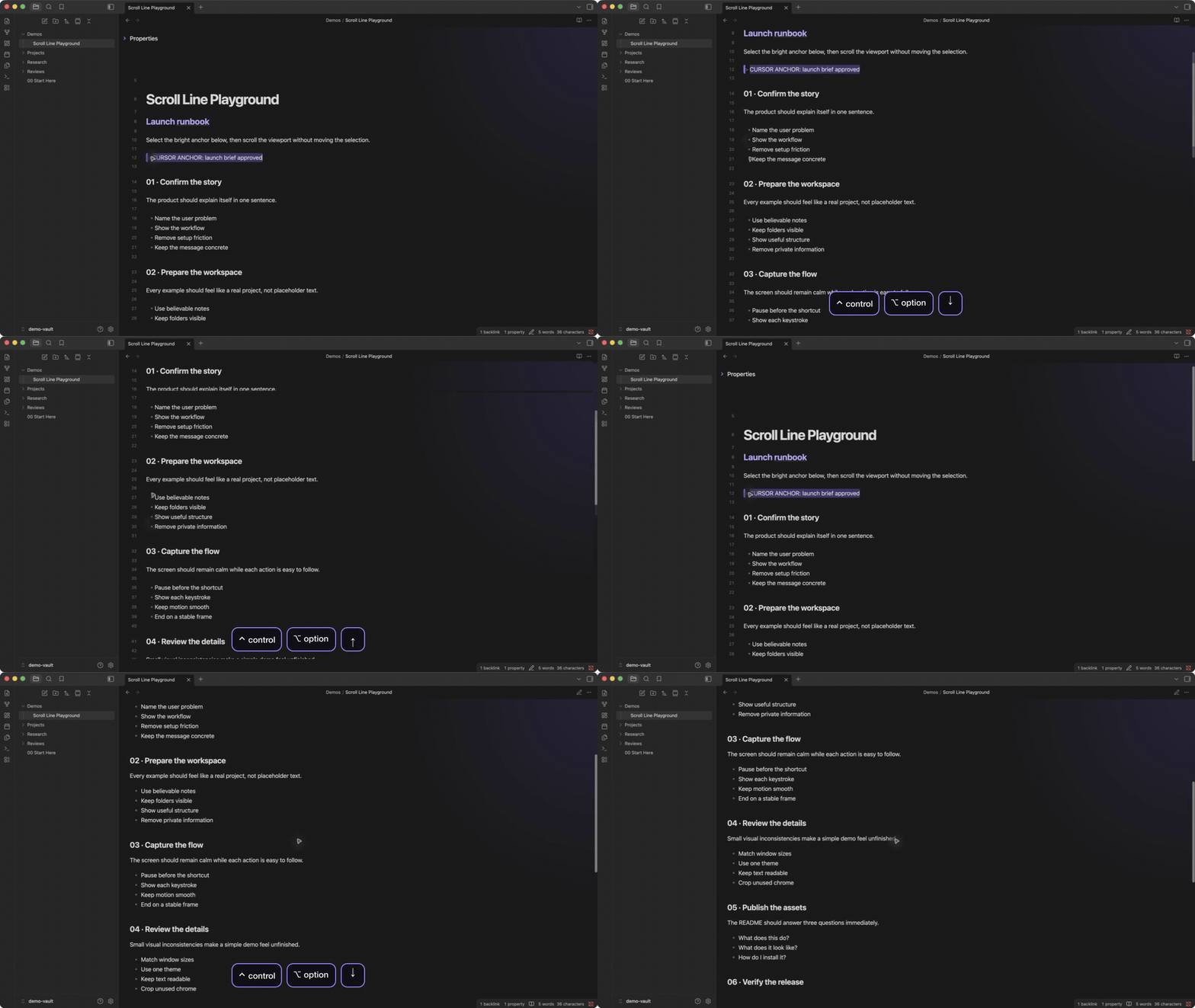
Demo setting: 4 lines per keypress.
Watch the full-quality recording
What it does
- Scrolls by a configurable number of visual lines
- Keeps the cursor and selection exactly where they are
- Supports smooth animation and continuous key repeat
- Works in Editing and Reading modes
- Uses the active view's line height, so movement stays accurate across themes and font sizes
Shortcuts
| Action | Editing mode default |
|---|---|
| Scroll down | Ctrl + Option + Down |
| Scroll up | Ctrl + Option + Up |
Change either binding in Settings > Hotkeys. Assign the commands there if you also want to use them in Reading mode.
Settings
Open Settings > Scroll Line to change:
- Lines per scroll: Number of lines moved by each keypress
- Smooth scroll: Animate movement instead of jumping instantly
Install
Open Scroll Line in the Obsidian Community directory, then press Add to Obsidian.
For a manual installation, download main.js, manifest.json, and styles.css from the latest release, then place them in <vault>/.obsidian/plugins/scroll-line/.
License
HealthExcellent
ReviewPassed
About
Scroll the editor viewport up or down by a configurable number of lines without moving the cursor. Enable optional smooth animated scrolling and hold keys for continuous repeat using CodeMirror 6's native key handling and actual line-height for accurate, theme-agnostic scrolling.Details
Current version
1.2.2
Last updated
Last month
Created
6 months ago
Updates
5 releases
Downloads
401
Compatible with
Obsidian 1.0.0+
Platforms
Desktop, Mobile
License
MIT
Sponsor