Search...Search plugins and themes...
⌘K
Sign in
  • Get started
  • Download
  • Pricing
  • Enterprise
  • Account
  • Obsidian
  • Overview
  • Sync
  • Publish
  • Canvas
  • Mobile
  • Web Clipper
  • CLI
  • Learn
  • Help
  • Developers
  • Changelog
  • About
  • Roadmap
  • Blog
  • Resources
  • System status
  • License overview
  • Terms of service
  • Privacy policy
  • Security
  • Community
  • Plugins
  • Join the community
  • Discord
  • Forum / 中文论坛
  • Merch store
  • Brand guidelines
Follow us
DiscordTwitterBlueskyThreadsMastodonYouTubeGitHub
© 2026 Obsidian

Quick Select

James AlexandreJames Alexandre2k downloads

Quickly select items in any modal using keyboard shortcuts. Supercharge your workflow with fast, efficient item selection.

Add to Obsidian
  • Overview
  • Scorecard
  • Updates20

Obsidian Quick Select

Open any Obsidian modal and press Mod + number to quickly open that file/execute that command/select that tag/choose that suggestion!

Supercharge Your Workflow!
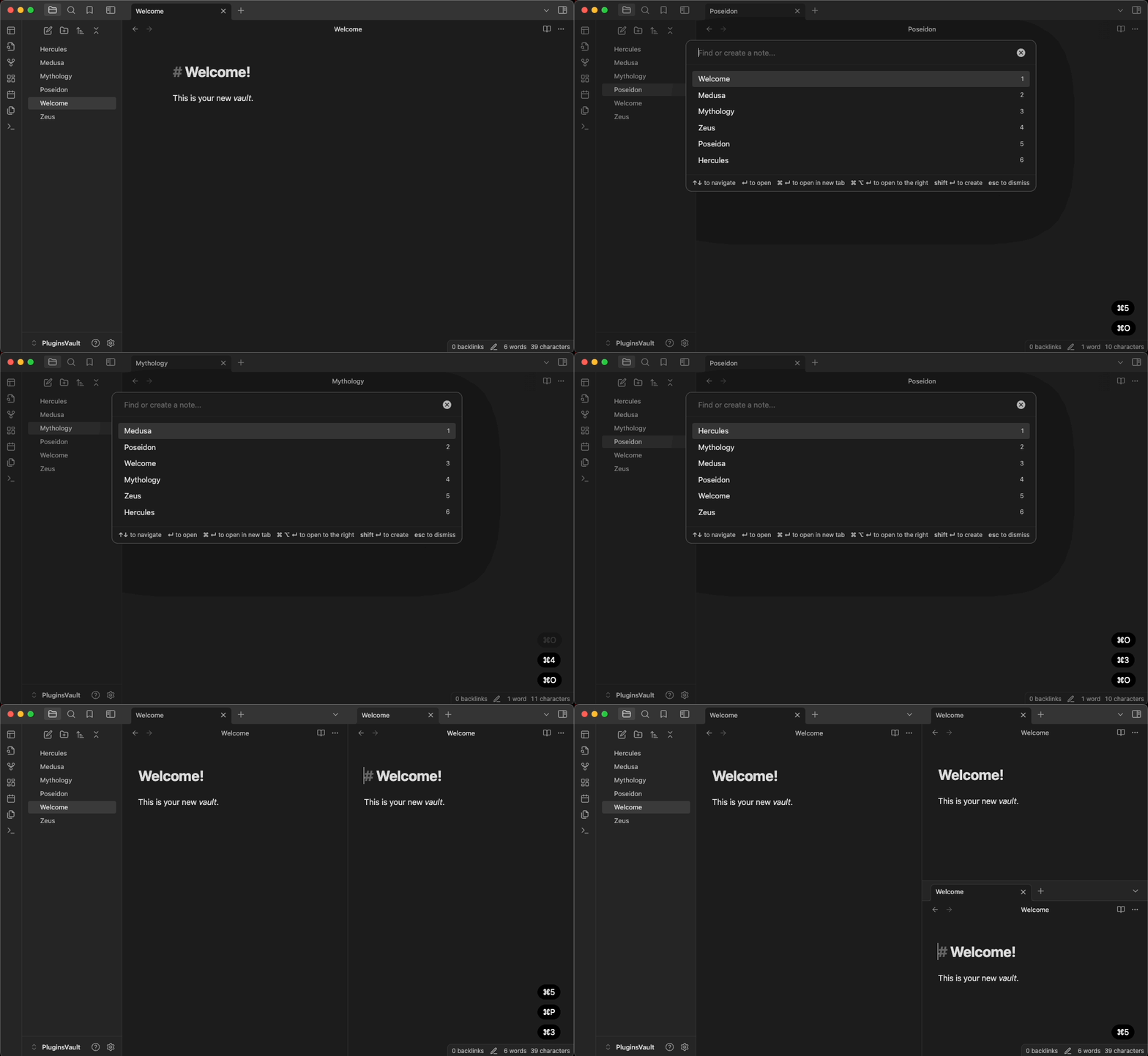
Supercharge your workflow

Quick Select works in all Obsidian modals including: the quick switcher, command palette (including all subsequent modals), slash command, search, even tags and alias!

Examples:

Quick Select Tags (Frontmatter/Inline)
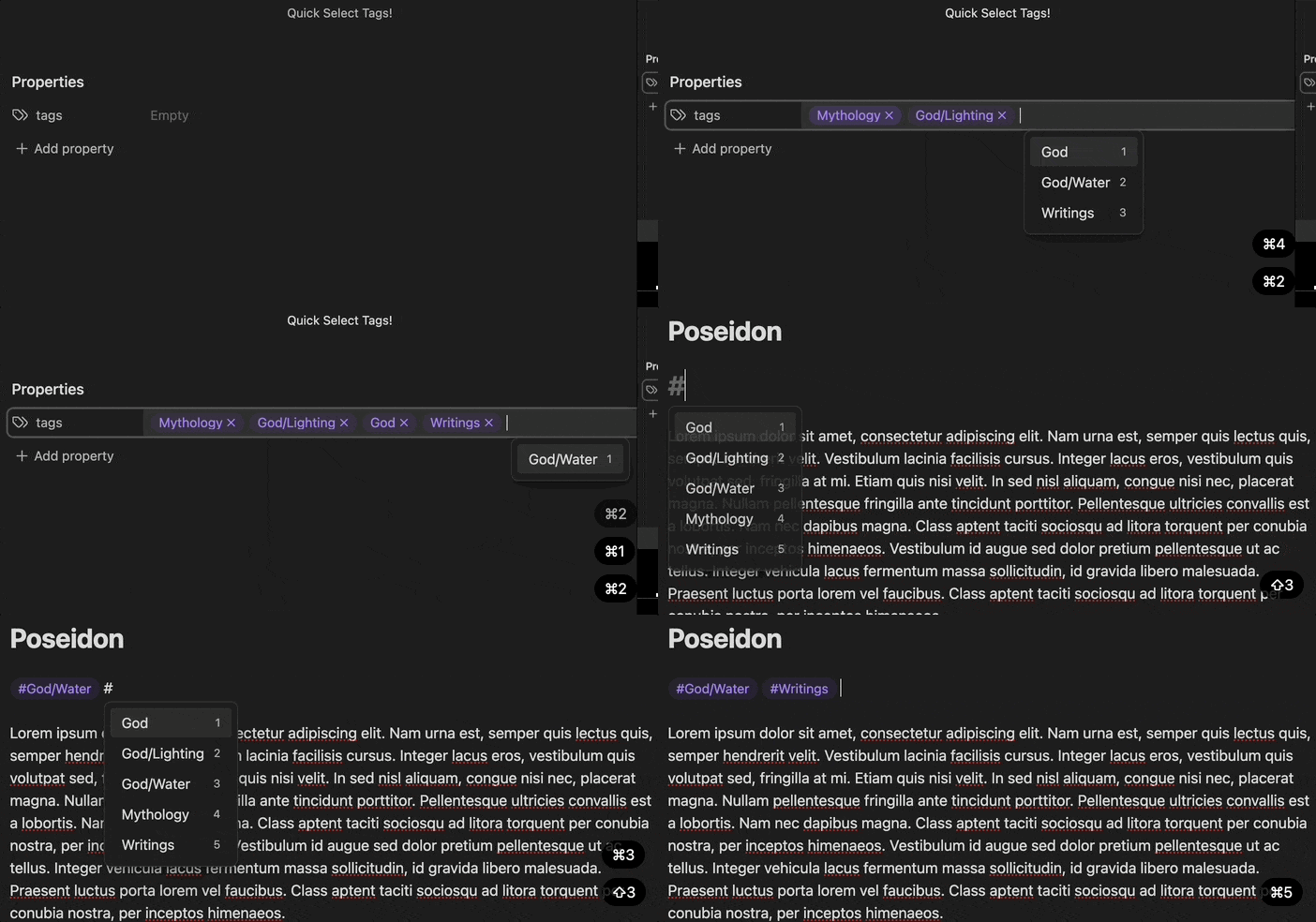
Quick Select Tags (Frontmatter/Inline)

Quick Select Search Items

Quick Select Search Items

Hot Swap Workspaces
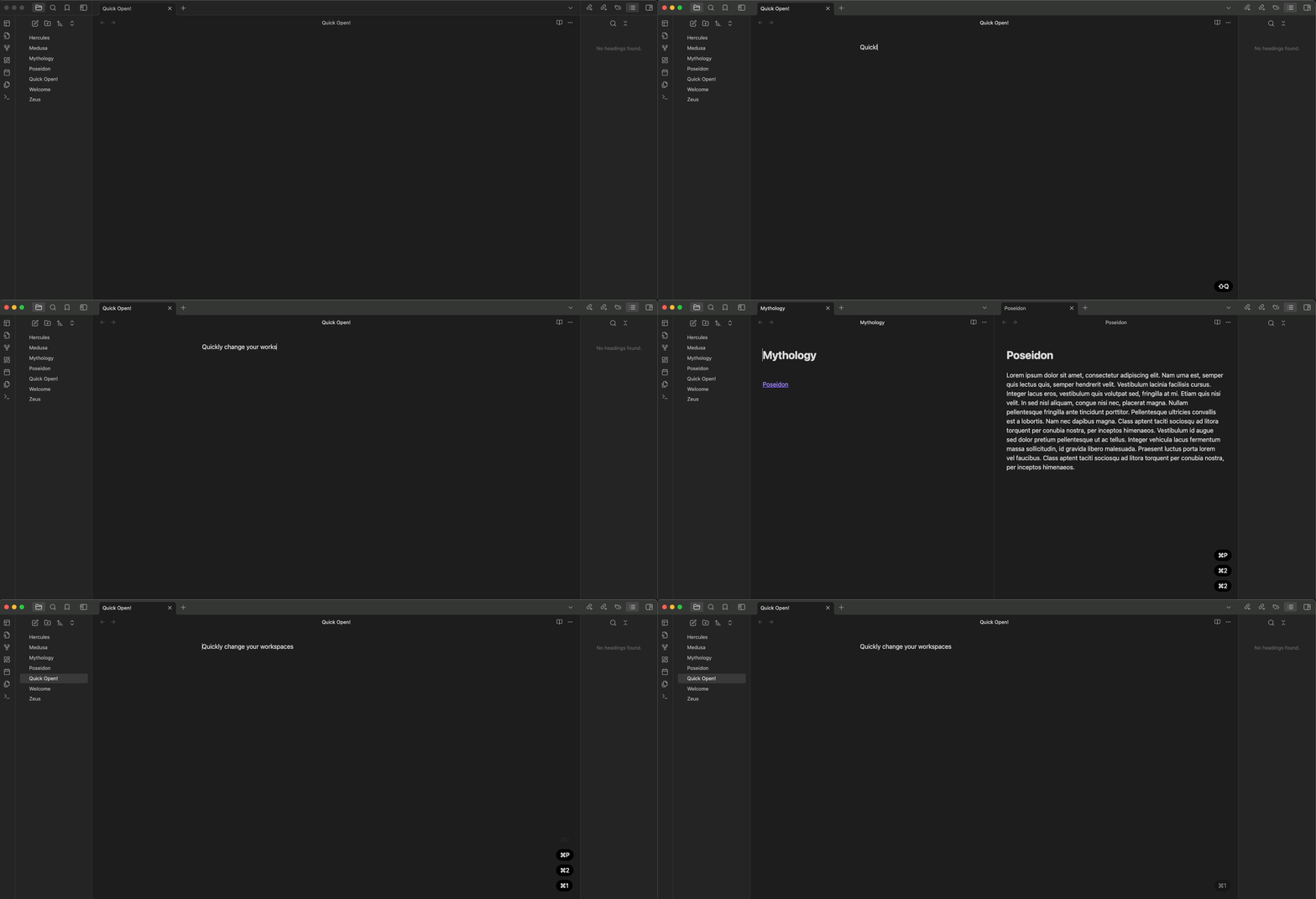
Supercharge your workflow—Workspaces

Quick Select Slash Commands

Supercharge your slash commands

And much more...


Mod Key Usage

  • MacOS: Command + number
  • Windows + Linux: Ctrl + number

This project is licensed under the terms of the MIT license.

93%
HealthExcellent
ReviewPassed
About
Open items in any Obsidian modal by pressing Mod+number to jump to files, run commands, select tags, or pick suggestions. Use across the quick switcher, command palette, slash commands, search, tags and aliases for instant, keyboard-driven selection.
HotkeysNavigationCommands
Details
Current version
1.5.3
Last updated
3 hours ago
Created
2 years ago
Updates
20 releases
Downloads
2k
Compatible with
Obsidian 0.15.0+
License
MIT
Report bugRequest featureReport plugin
Sponsor
GitHub Sponsors
Author
James AlexandreJames Alexandreitsonlyjames
jamesalexandre.com/
GitHubitsonlyjames
  1. Community
  2. Plugins
  3. Hotkeys
  4. Quick Select

Related plugins

Tray

Run Obsidian from the system tray for customisable window management and global quick notes.

Code Editor Shortcuts

Add keyboard shortcuts (hotkeys) commonly found in code editors such as Visual Studio Code (VS Code) or Sublime Text.

Doubleshift

Open the command palette by pressing Shift (or any other key) twice like in IntelliJ and create your own shortcuts.

Quick Switcher++

Enhanced Quick Switcher, search open panels, and symbols.

Footnote Shortcut

Makes creating footnotes more fun!

Notebook Navigator

Alternative file browser with folders, tags, properties, shortcuts, previews, keyboard navigation, drag and drop, and pinned notes.

Recent Files

Display a list of recently opened files.

Commander

Customize your workspace by adding commands everywhere, create macros and supercharge your mobile toolbar.

Creases

Tools for effectively folding Markdown sections.

Remember cursor position

Remember cursor and scroll position for each note.