Python Viewer
 Viggo Meesters1k downloads
Open .py files as a read-only source and structure view with symbols, search, and parse diagnostics.
- Overview
- Scorecard
- Updates1
Python Viewer
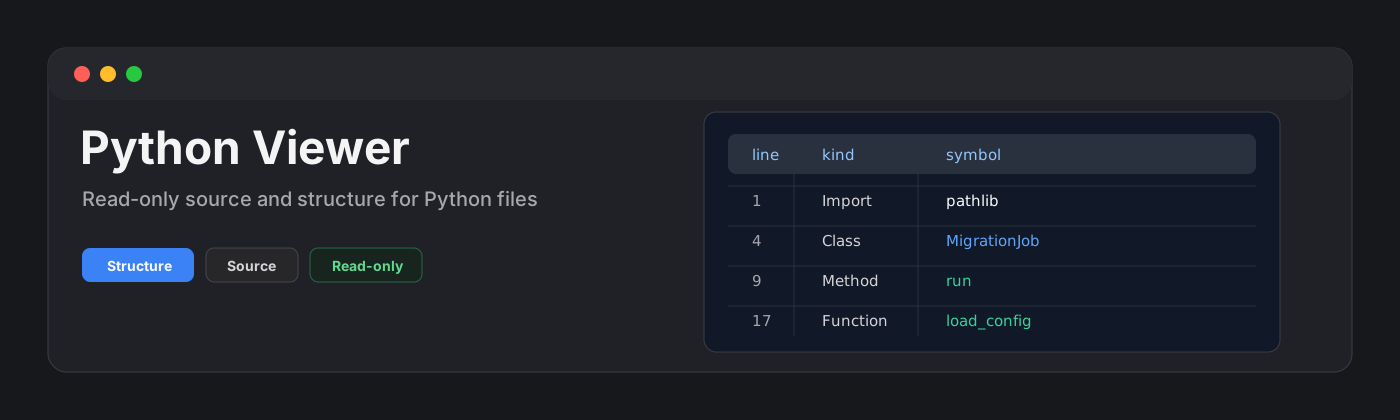
Python Viewer is a read-only plugin for browsing .py files as source plus a compact structure outline. It is built for quick inspection of scripts, generated code, migration utilities, and agent output without turning the vault into an IDE.
Features
- Opens
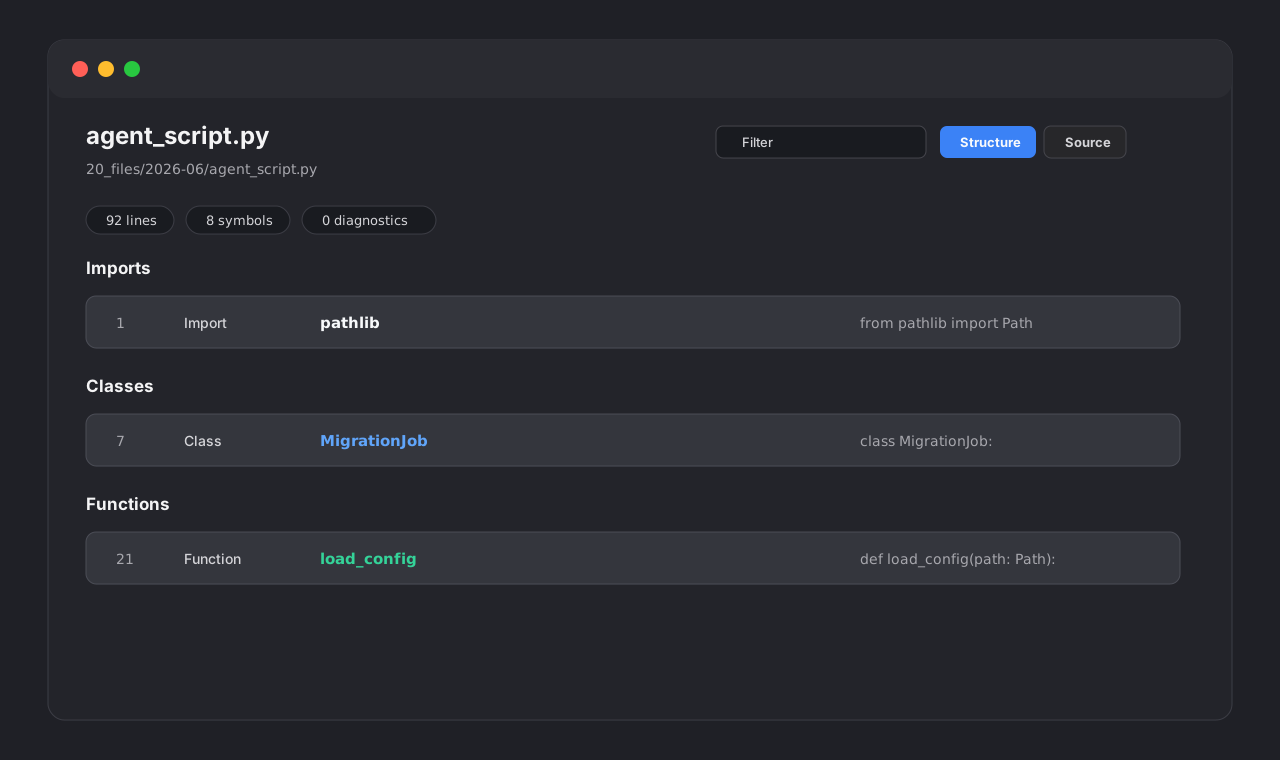
.pyfiles in a dedicated view. - Shows a structure view with imports, decorators, classes, functions, methods, and top-level constants.
- Provides a source view with line numbers and lightweight Python syntax highlighting.
- Filters symbols and source lines by name, kind, detail, and source text.
- Jumps from a symbol to its source line.
- Reports parse diagnostics such as missing colons on
deforclasslines. - Keeps source view available when structure parsing is incomplete.
- Applies a 10,000 line render cap to keep large generated scripts responsive.
- Stays read-only by design: it never writes back to Python files and never runs Python code.
Why read-only?
This plugin is for inspection. It does not execute code, start subprocesses, lint, format, refactor, sort imports, or save changes. Editing and execution belong in a code editor or terminal where project context, environments, and safeguards are explicit.
Parser strategy
Python Viewer v0.1 uses a lightweight local symbol parser. It detects common imports, decorators, classes, functions, methods, and top-level constants while avoiding detections inside comments and triple-quoted strings. It is intentionally not a full Python AST parser.
When parsing is incomplete or a syntax diagnostic is found, the source view remains available and line numbers are preserved.
Large files
Python files can become large when generated by agents or migration tooling. Python Viewer renders the first 10,000 lines and reports how many lines were skipped.
Privacy and security
Python Viewer does not make network requests and does not send vault content to external services. It does not use the system clipboard, does not write files, and does not execute Python code.
Installation
Community plugin directory
Python Viewer is ready for Community plugin directory submission. Once accepted, it can be installed from Settings -> Community plugins -> Browse.
Manual installation
Until the community directory submission is accepted:
- Download
main.js,manifest.json, andstyles.cssfrom the latest release. - Create this folder in your vault:
.obsidian/plugins/python-viewer/. - Put the downloaded files in that folder.
- Reload the app.
- Enable Python Viewer in Settings -> Community plugins.
BRAT installation
For beta testing, install the plugin with BRAT using this repository URL:
https://github.com/viggomeesters/obsidian-python-viewer
Usage
Open any .py file in your vault. The file opens with Python Viewer.
Use the toolbar to:
- filter symbols and source lines
- switch between Structure and Source views
- refresh the file after external changes
Development
npm install
npm run build
npx tsc --noEmit
npm test
Release files
The runtime files are:
main.jsmanifest.jsonstyles.css
Release process
Community plugin files are installed from GitHub releases. For each release:
- Update
manifest.json,package.json, andversions.json. - Run
npm install,npm run build,npx tsc --noEmit, andnpm test. - Create a GitHub release whose tag exactly matches
manifest.json.version. - Attach
main.js,manifest.json, andstyles.cssas release assets.
The repository includes a GitHub Actions release workflow with artifact attestation support. If GitHub Actions is disabled for the owner account, manual releases are still usable, but automated review may show a recommendation about missing artifact attestations.
Community directory submission
The repository is prepared for Community plugin submission. The remaining submission step must be completed by the repository owner because it requires signing in, linking GitHub, and confirming the developer policies/support commitment.
Submit this repository URL:
https://github.com/viggomeesters/obsidian-python-viewer
Steps:
- Sign in to community.obsidian.md.
- Link the GitHub account that owns this repository.
- Open Plugins -> New plugin.
- Enter the repository URL above.
- Confirm the developer policies and submit.
- Address any automated review feedback.
The current release is ready for review:
- root
README.md,LICENSE, andmanifest.jsonexist manifest.json.versionis0.1.0- GitHub release
0.1.0exists - release assets include
main.js,manifest.json, andstyles.css versions.jsonmaps supported app versions
Official references: