Pocket Mochi Export
 theluckystrike1 downloads
Export card tagged notes and their local images to a .mochi archive for Mochi.
- Overview
- Scorecard
- Updates1
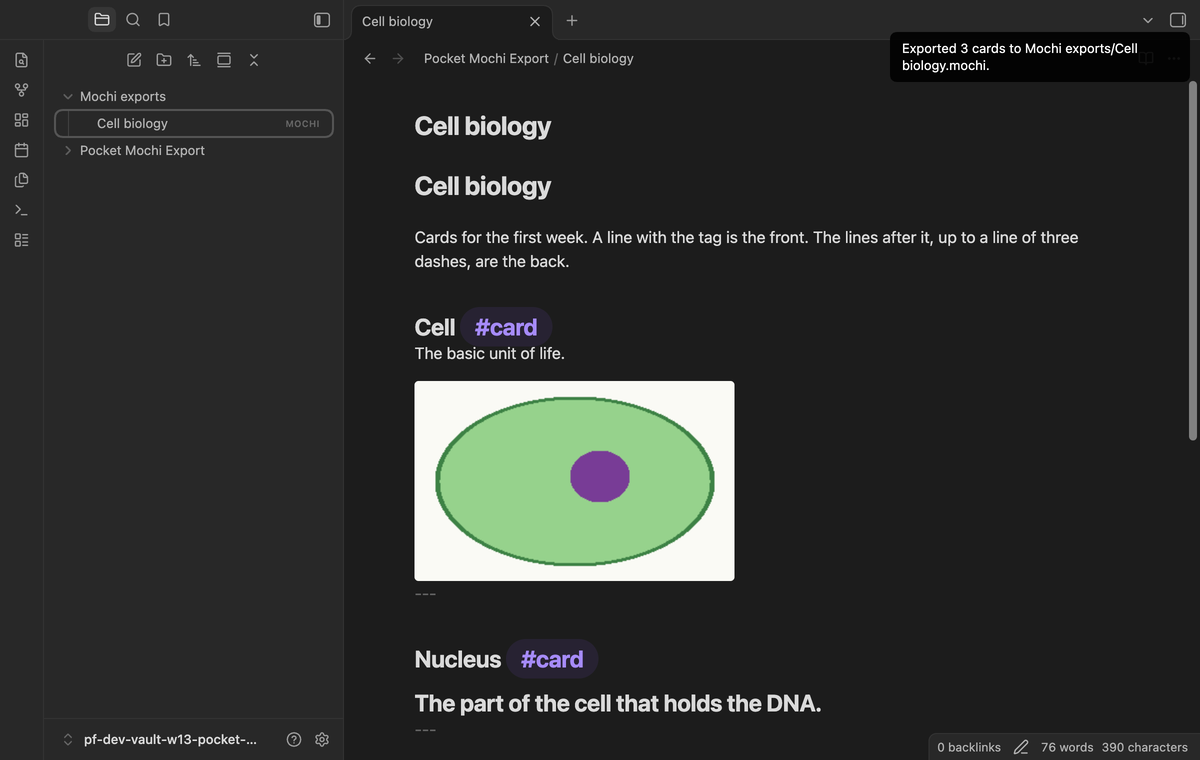
Pocket Mochi Export turns flashcards in your Obsidian notes into a .mochi file for the Mochi spaced repetition app. Mark the front of a card with a tag, write the back under it, and run one command. After a preview, the plugin writes one ZIP archive with the cards and their images into a vault folder. You then import that file in Mochi.
The export works inside your vault. It sends no note text, note names or paths to a network host. The plugin uses no Node or Electron API, so the manifest does not mark it as desktop only. The automated tests ran on a desktop build only (see the FAQ).
Features
Cards from tagged lines
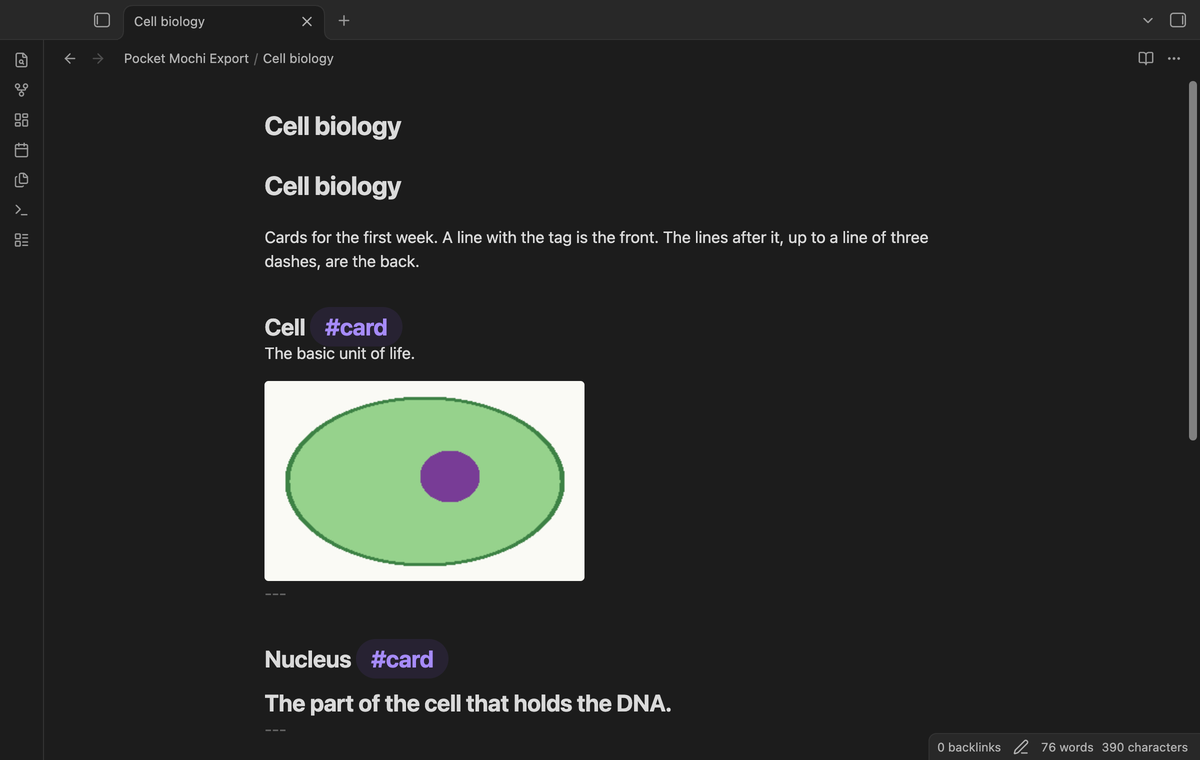
A line that contains the card tag (default #card) is the front of a card. The plugin removes the tag from the front. The lines after it, up to the next line of only --- or ***, are the back. Text outside cards stays out of the export. Put an empty line above the --- line if you want the back to look like normal text in Obsidian. Without it, Obsidian shows the last paragraph of the back as a heading. The export is the same in both cases.
The plugin skips the YAML front matter at the top of a note and lines inside fenced code blocks, so a tag there does not start a card. The tag match ignores case. Longer tags such as #cards and nested tags such as #card/sub do not match.
Preview before export
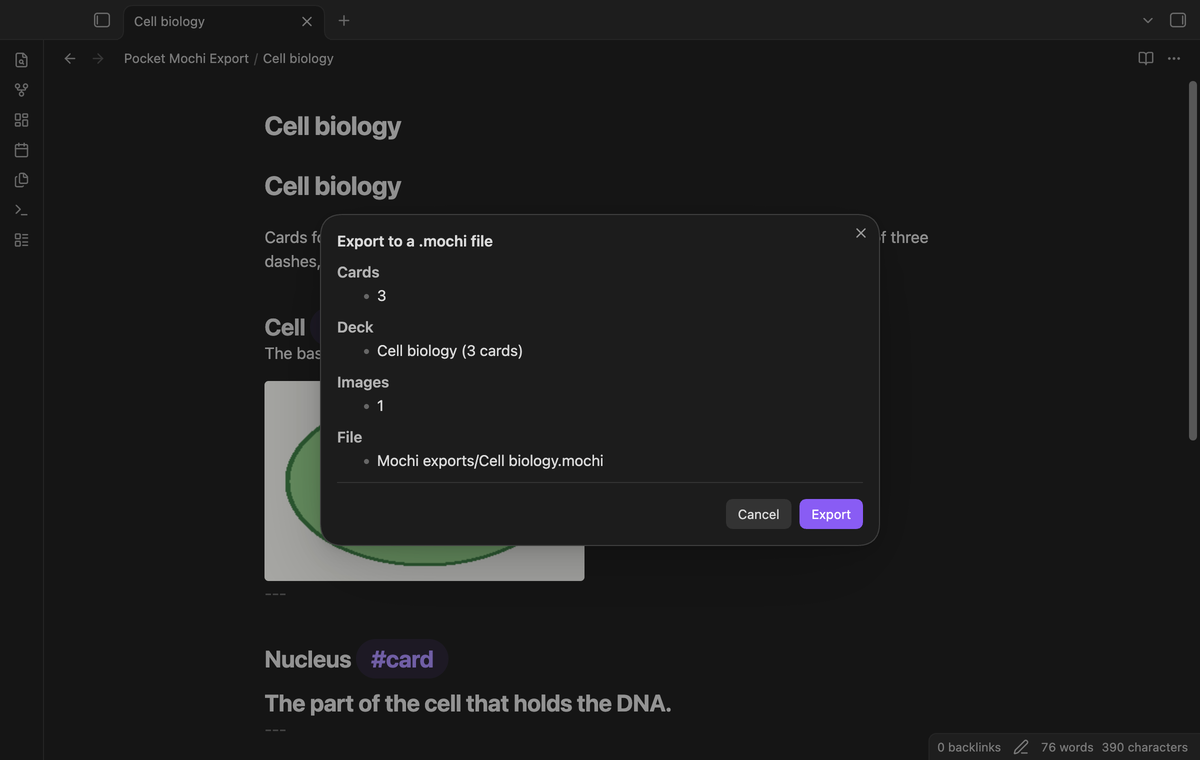
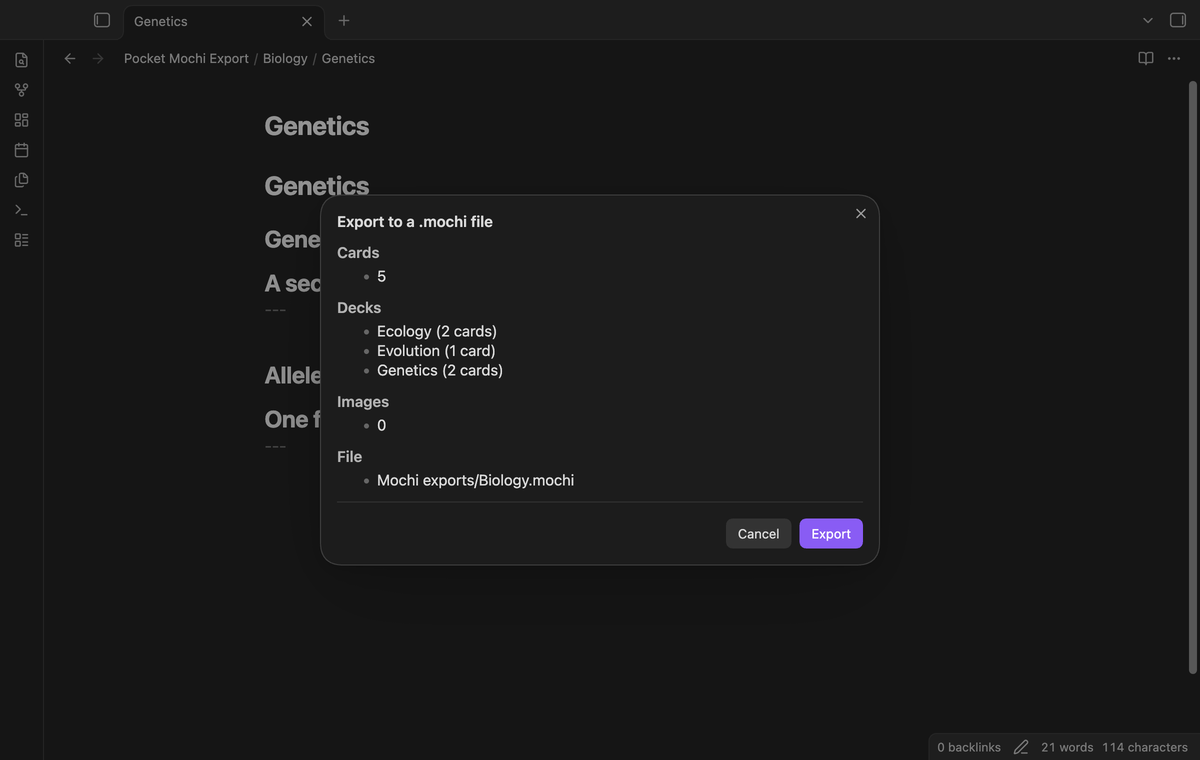
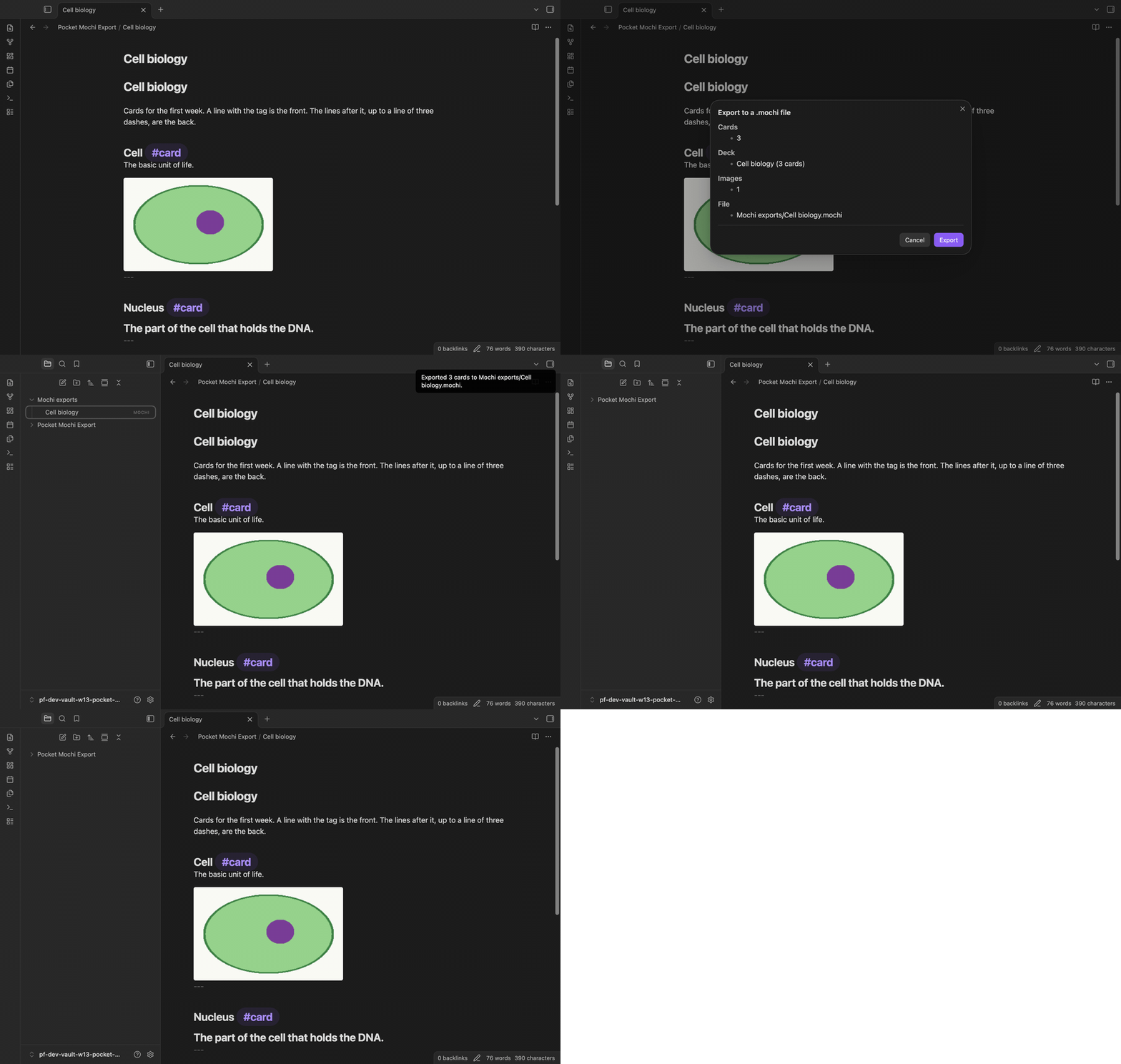
Before it writes a file, the plugin opens a preview. It shows the card count, the deck name (the name of the note), the number of images, and the path of the new file. Select "Export" to write the file, or "Cancel" to stop. Cancel writes nothing.
If a card has no end marker before the end of the note, or before the next front, the preview shows a warning such as "card 1 has no end marker". The back of that card runs to the end of the note or to the next front.
Local images go into the archive
Wiki embeds such as ![[cell.png]] and Markdown image links with a path resolve through the Obsidian link resolver. The plugin copies each image file to the root of the archive and points the card to @media/cell.png in the card content.
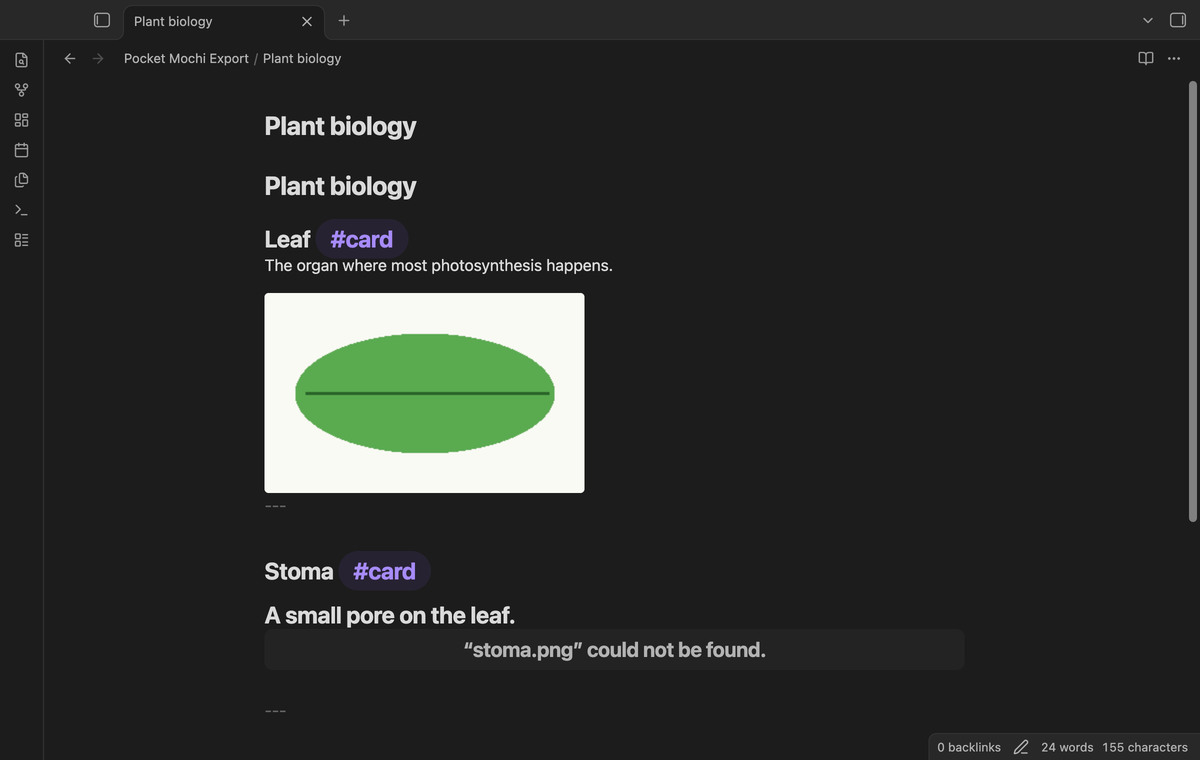
When two images have the same name, for example a/x.png and b/x.png, the second one becomes x-1.png in the archive and its card points to that name. Spaces and the characters ( ) [ ] < > in a file name become - in the archive, so the Markdown link stays valid.
Image types: png, jpg, jpeg, gif, webp, svg, bmp and avif. Video, audio, note embeds and web links stay as text.
Missing attachments are listed
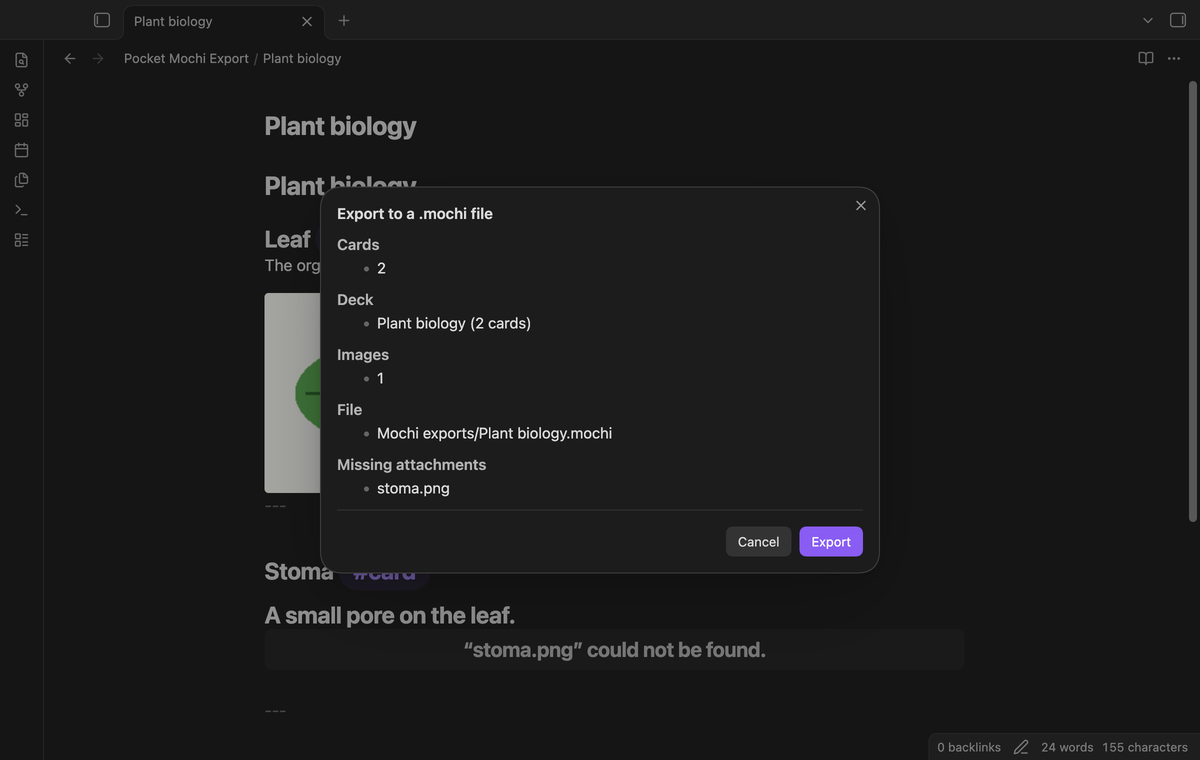
If an image link points to no file, the export still runs. The preview and the final notice list the missing file names, for example missing.png. The link stays as text on the card.
A collision-safe file in your vault
The plugin writes the archive into the output folder (default Mochi exports) and makes the folder if it does not exist. The file name is the note name, for example Bio.mochi. If that file exists, the new file is Bio 1.mochi, then Bio 2.mochi, and so on. The old file stays as it is. After the export, a notice shows the card count and the path.
The archive holds a data.edn file with :version 2 and one deck, plus the images. Each card has one :content string: the front, a line ---, and the back. The same notes and images give the same archive bytes.
Folder export, one deck for each note (Pro)
Export the folder of the active note, or select a folder in the file explorer menu. The plugin reads the Markdown notes in that folder and its subfolders, in path order. Each note with cards becomes one deck in one archive, named after the folder. Notes with no cards give no deck.
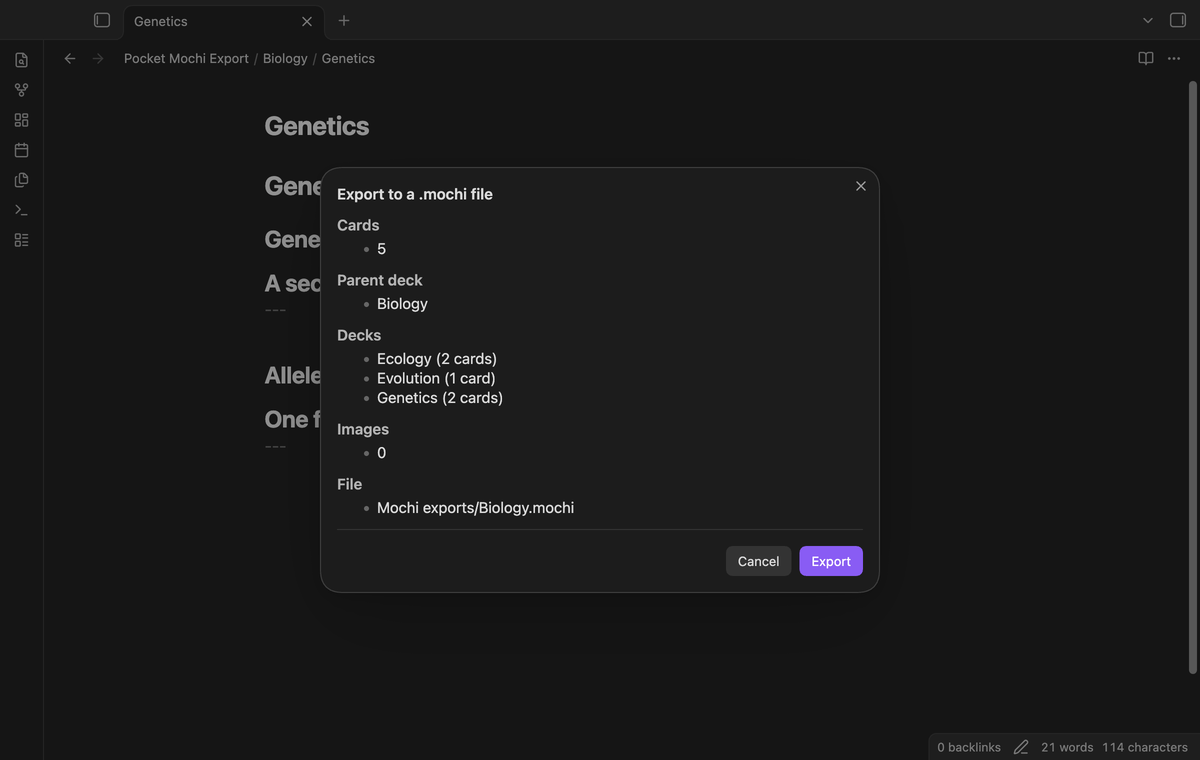
Folder export as one deck with sub-decks (Pro)
This export makes one parent deck with the folder name. The preview shows that name under "Parent deck". Each note with cards becomes a sub-deck of that parent deck.
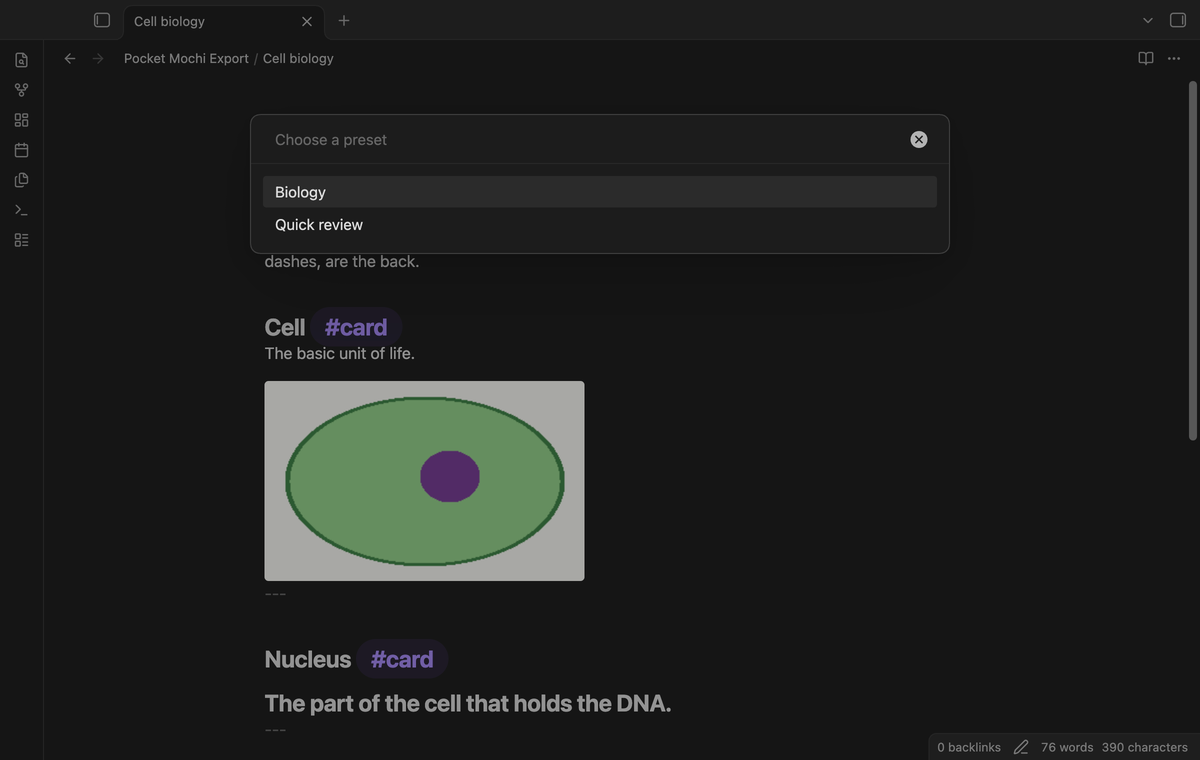
Named presets (Pro)
A preset holds a card tag, an output folder and a deck name. Write one preset on each line in the settings, in the format name | tag | output folder | deck name. An empty part uses the normal setting, or the note name for the deck. Run "Export active note with a preset" and choose a preset from the list.
Install
Copy main.js, manifest.json and styles.css from the plugin build into <vault>/.obsidian/plugins/pocket-mochi-export/. Open "Settings → Community plugins" and enable the plugin. You need Obsidian 1.13.4 or later.
Usage
Write a card in a note:
## Cell #card
The basic unit of life.
![[cell.png]]
---
Open the command palette and run "Pocket Mochi Export: Export active note to a .mochi file". You can also open the file menu of a note and select "Export to a .mochi file".
Read the preview, then select "Export".
Find the new file in the
Mochi exportsfolder and import it in Mochi.
If the note has no line with the card tag, a notice says "No cards found" and the plugin writes no file.
The file explorer menu of a folder has the two Pro folder exports.
Settings
| Setting | What it does |
|---|---|
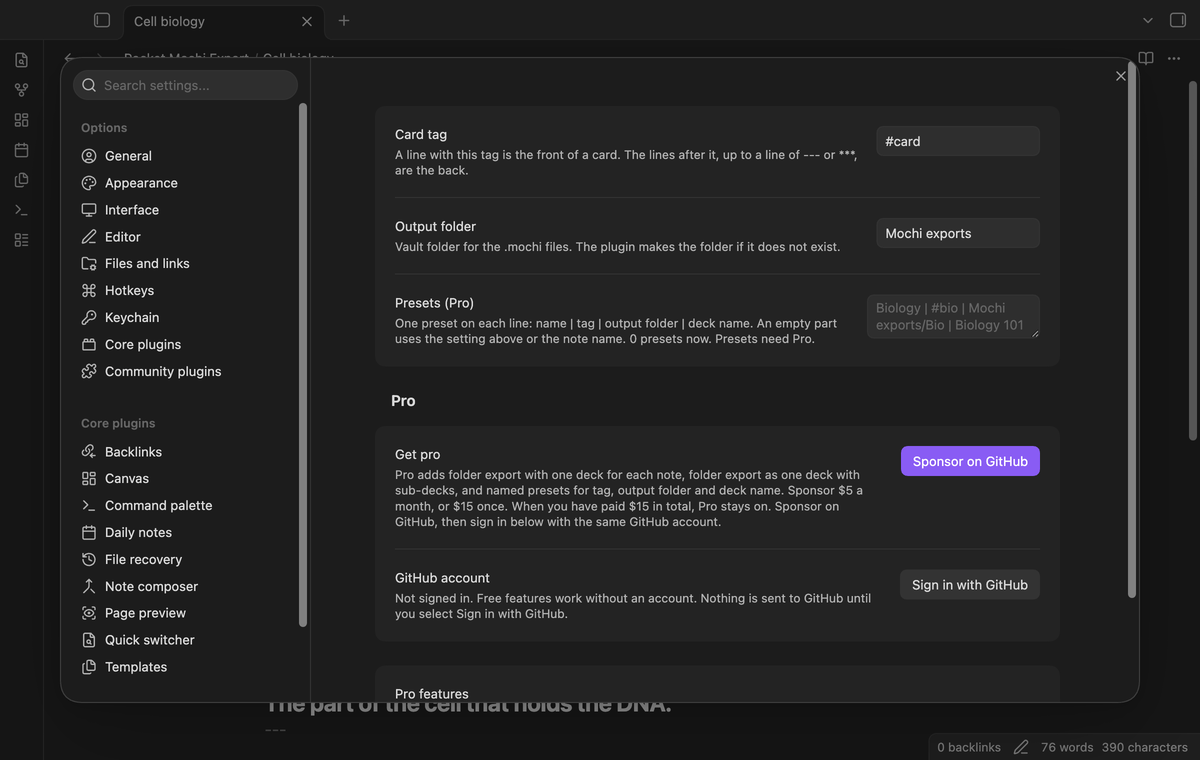
| Card tag | The tag that marks a front. Default #card. You can type it with or without #. A tag with a space is refused and the default is used. |
| Output folder | The vault folder for the .mochi files. Default Mochi exports. |
| Presets (Pro) | One preset on each line: name | tag | output folder | deck name. Lines that start with // are comments. |
FAQ
Does Mochi import these files?
The archive follows the Mochi export format as we read it: a ZIP with data.edn, :version 2, decks with :cards, and images at the root with @media/ links. The Mochi documentation does not state each detail. We did not import a file into Mochi for this release. If an import fails, open an issue with the error text.
Does it change my notes?
No. The plugin reads notes and images. It writes only the new .mochi file and, if needed, the output folder.
What did you not test?
- Import of the archive into the Mochi app.
- The plugin on a phone or a tablet. The unit tests and the end-to-end test ran on desktop builds.
- Notes with thousands of cards or very large images. We did not measure speed.
- Images that a note links with a full path from another vault, and image file names that are the same apart from letter case.
Payment, account and network
The core features are free. Pro features need a GitHub Sponsors sponsorship of theluckystrike: $5 a month or more, or $15 once. A total payment of $15 meets the payment requirement for Pro without further payment. Sign-in and the checks below still apply. Your notes stay readable and editable with or without Pro.
GitHub handles the payment. Sponsor at https://github.com/sponsors/theluckystrike. You need no account for the free features. Pro needs the GitHub account that sponsors.
Until you select "Sign in with GitHub" in the settings, Pocket Mochi Export makes no network requests. Sign in uses the GitHub device flow. Pocket Mochi Export sends its public client ID and the scope read:user to https://github.com/login/device/code and shows you a code. While you enter the code at https://github.com/login/device, it asks https://github.com/login/oauth/access_token every few seconds to check the sign-in status. The scope permits profile reads only. GitHub needs this access to show the sponsorship tier. It grants no repository scope and no write access.
After sign in, Pocket Mochi Export sends one query to https://api.github.com/graphql. It checks if the signed-in account sponsors theluckystrike. It asks for the tier and the total payment to theluckystrike. The plugin reuses a successful check for 7 days. Failed checks can retry after 6 hours. Select Refresh to request an earlier check. It sends no note content, file names or other vault data, and it has no telemetry.
After a successful check, Pro can work offline for up to 14 days. Sign out or a negative sponsorship answer turns Pro off. The plugin stores the GitHub token through the secret storage API of Obsidian. It does not put the token in its saved settings or its local sponsorship data. The local storage of this device keeps your GitHub login, the tier and the time of the last check. Sign out clears the token. You can also revoke the access in your GitHub settings, under Applications.
Support
Report bugs and feature requests in this repository's issues. Add your Obsidian version, the card text that fails, and the error or notice text. Do not attach private notes.