Pocket Bird
 Idrees4k downloads
The desktop pet for your vault! Adopt a tiny bird that flutters around your notes and keeps you company!
- Overview
- Scorecard
- Updates8
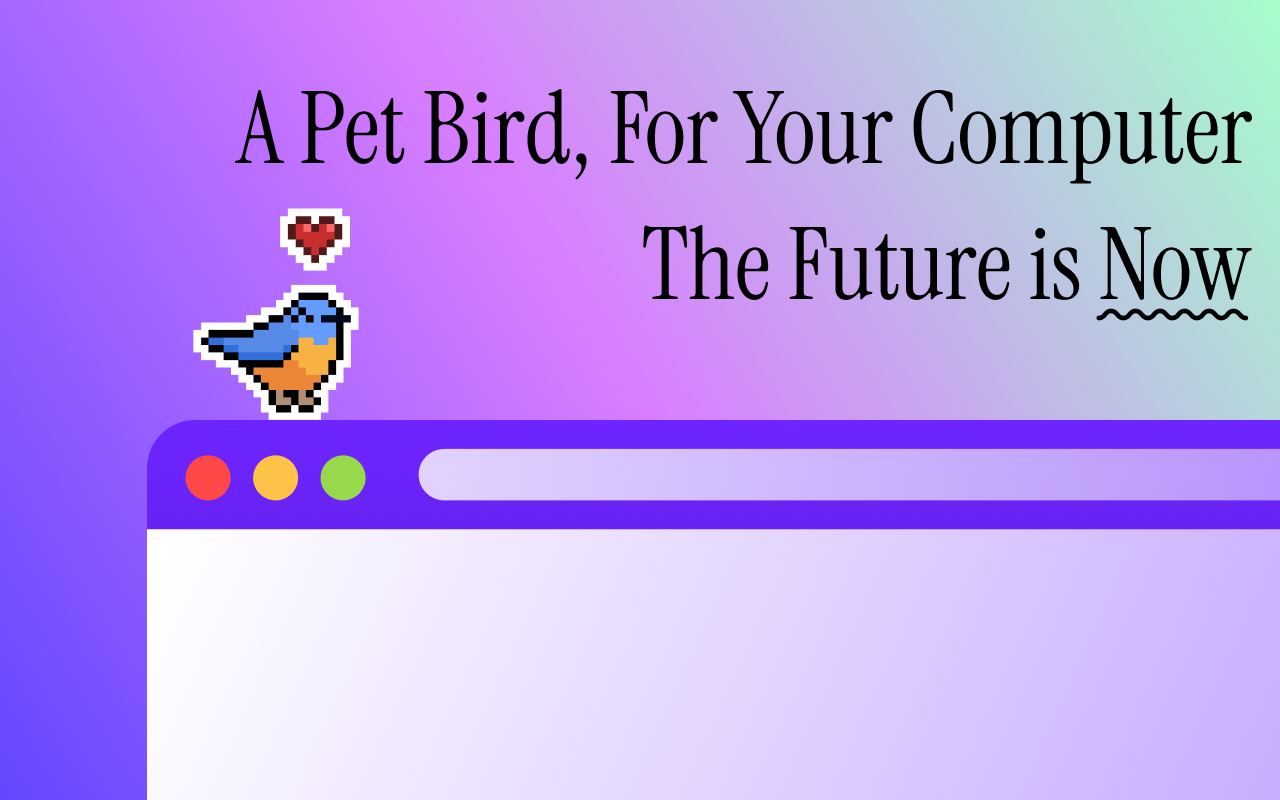
It's a pet bird that hops around your computer, what more could you want?
This repository is for Obsidian distribution only, the full source code is available here: IdreesInc/Pocket-Bird
Features
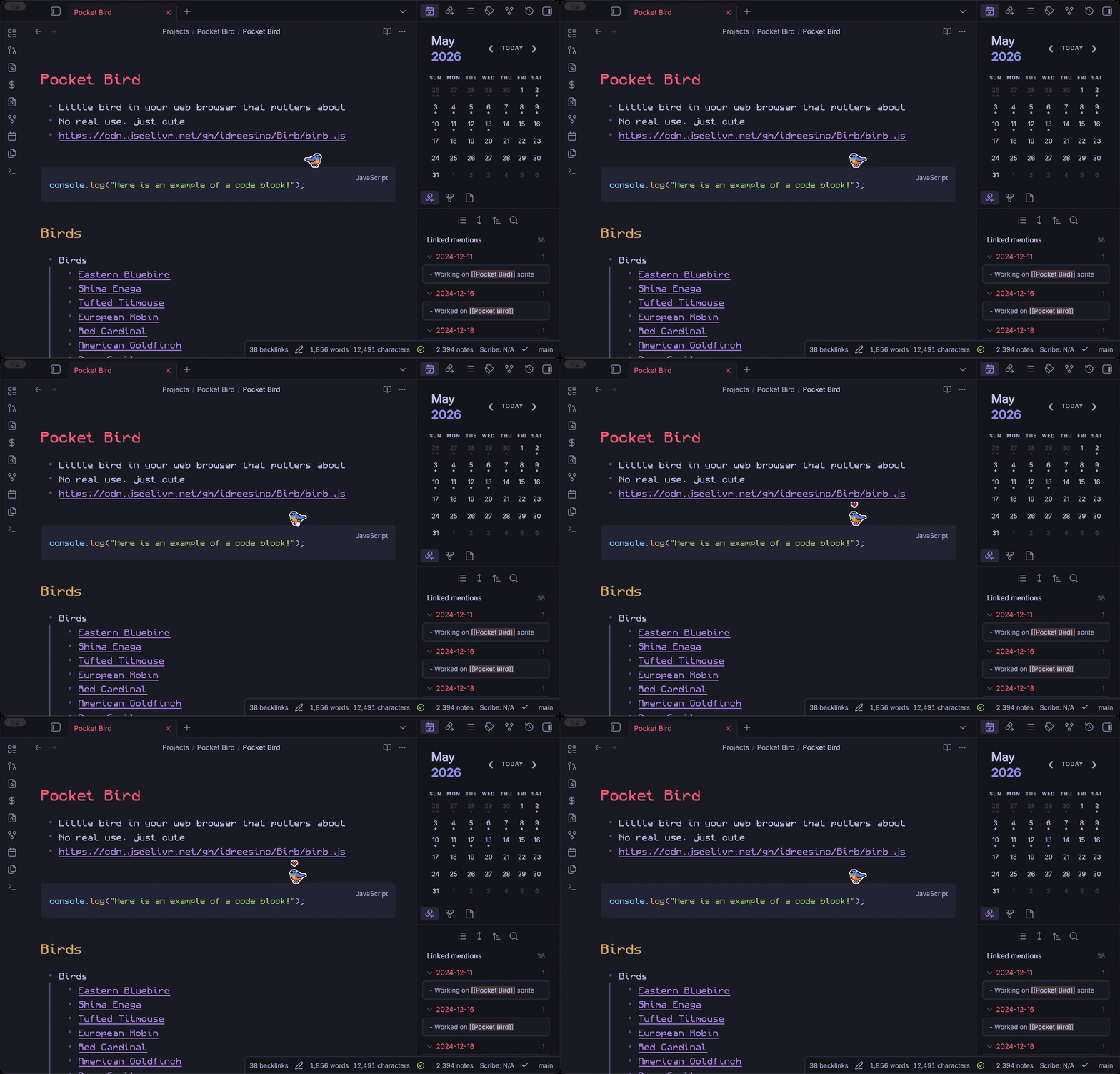
- A cute little pixel art bird hops around your apps and websites
- Runs in your browser, so you can use it anywhere including at work or school
- Catch rare falling feathers to unlock over 30+ different species of birds
- Find over a dozen adorable hats for your bird to wear
- Create sticky notes that stay on the page even after you refresh
- It's all powered by open-source code written by hand
- And most importantly, you can pet the bird!
Adoption Guide
Google Chrome + Microsoft Edge
- Go to the Chrome Web Store page
- Click "Add to Chrome" (or "Add to Edge" if using Microsoft Edge)
- Confirm any permission prompts that appear
Mozilla Firefox
- Go to the Mozilla Add-ons page
- Click "Add to Firefox"
- Confirm any permission prompts that appear
Obsidian
- Go to the Obsidian Plugins page
- Click "Add to Obsidian"
- Once your Obsidian app opens, click "Install" on the Pocket Bird plugin
- Click "Enable" and now you're ready to go!
Userscript
Note that this is mainly used for beta testing new features, installation via browser extension is recommended for the best experience.
- Install Tampermonkey on your web browser
- Enable the Tampermonkey extension and give it the permissions requested
- Install my Pocket Bird script by going to this link and clicking install: https://github.com/IdreesInc/Pocket-Bird/raw/refs/heads/main/dist/userscript/birb.user.js
- Now any websites you visit will have a little bird hopping around!
Your Own Website
Pocket Bird can also be embedded directly into your own website! Just include the following code snippet anywhere in your HTML:
<script src="https://cdn.jsdelivr.net/gh/IdreesInc/Pocket-Bird@main/dist/web/birb.embed.js"></script>
FAQ
How do I pet the bird?
Simply move your cursor back and forth over your bird until a heart appears! You can also click the bird to open the menu and pet it from there. There may even be a slightly greater chance of finding a feather when your bird is well loved...
How do I collect feathers?
Feathers will occasionally fall from the top of your window. Clicking on a feather will add a new species to your field guide, allowing you to change the appearance of your pet!
How do I change my bird's appearance?
Once you've unlocked new species by collecting feathers, you can change your bird's appearance by opening the Pocket Bird menu (via clicking the bird) and selecting "Field Guide".
How do I add sticky notes?
Open the Pocket Bird menu by clicking the bird and select "Sticky Note". From there, you can add, edit, and delete notes that will stay on the page even after refreshing.
How do I hide the bird?
Open the Pocket Bird menu by clicking the bird and select "Settings". From there, you can toggle the bird's visibility on and off temporarily on the current page.
Why does Pocket Bird need permission to read and change my data on websites I visit?
If you are running Pocket bird on a browser, the extension needs these permissions in order to insert the bird and sticky notes into your webpages. Pocket Bird does not collect any of your data or browsing history and all data is stored locally on your device!
Sites With Pocket Bird
Here are some websites where you can find Pocket Bird hopping around:
If you've added Pocket Bird to your website, let me know and I'll add it to this list!
Getting in Touch
If you'd like to get in touch, check out the Discord to suggest features, report bugs, and stay updated on development!
Also feel free to check out my other open-source projects like Monocraft, PicoChat, and more on my website!