Search...Search plugins and themes...
⌘K
Sign in
  • Get started
  • Download
  • Pricing
  • Enterprise
  • Account
  • Obsidian
  • Overview
  • Sync
  • Publish
  • Canvas
  • Mobile
  • Web Clipper
  • CLI
  • Learn
  • Help
  • Developers
  • Changelog
  • About
  • Roadmap
  • Blog
  • Resources
  • System status
  • License overview
  • Terms of service
  • Privacy policy
  • Security
  • Community
  • Plugins
  • Themes
  • Discord
  • Forum / 中文论坛
  • Merch store
  • Brand guidelines
Follow us
DiscordTwitterBlueskyThreadsMastodonYouTubeGitHub
© 2026 Obsidian

Page Scroll

chenshutian9610chenshutian96102k downloads

Page Up|Down|Top|Bottom

Add to Obsidian
  • Overview
  • Scorecard
  • Updates1

Introduce

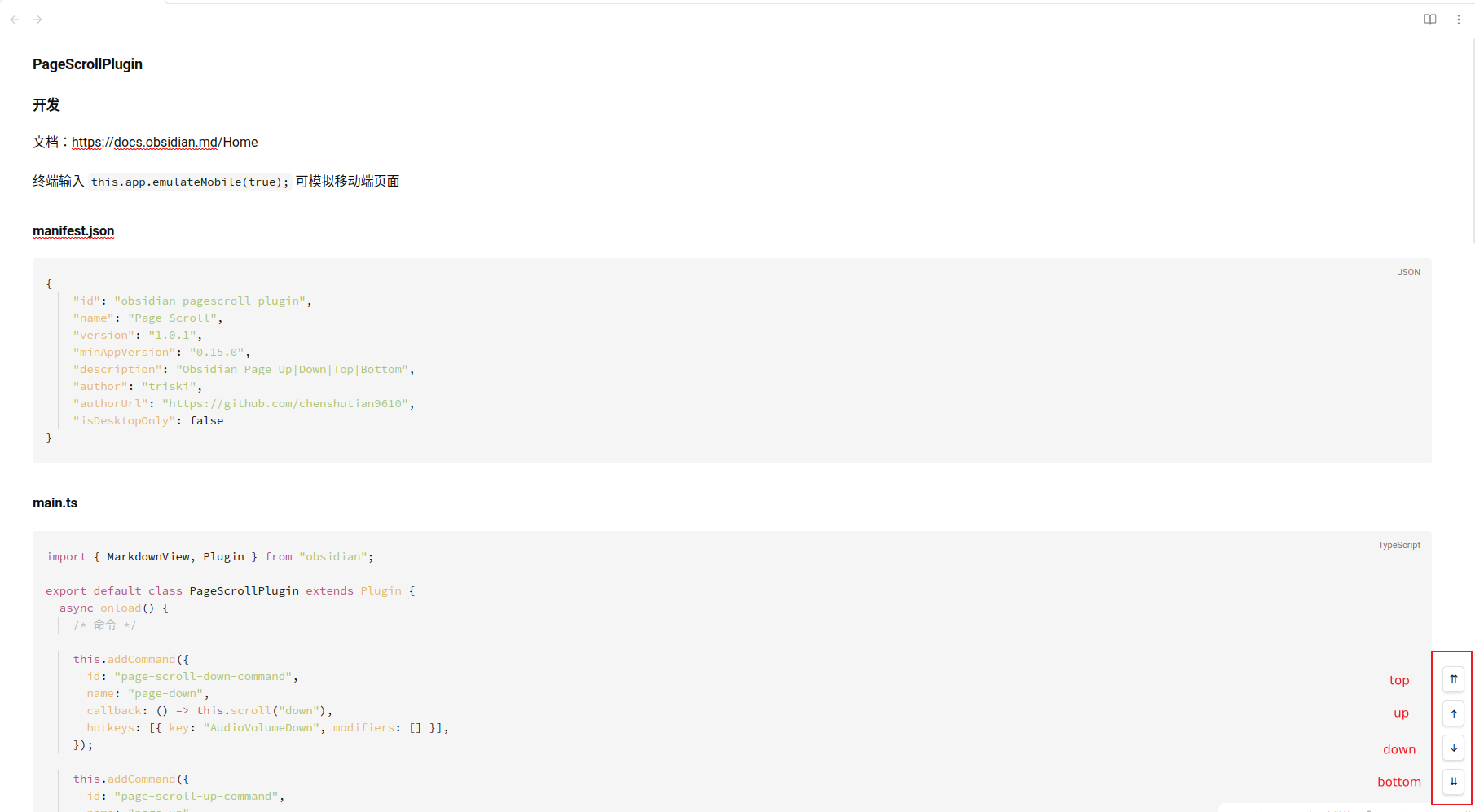
原意是给墨水屏设备使用,因为正常地翻页会有残影,四个按钮分别是跳到顶部/向上翻页/向下翻页/跳到底部

The original intention is to use the ink screen device, because there will be residual shadows because of normal pages, the four buttons are jump to the top/pages up/down pages/jump to the bottom

Example

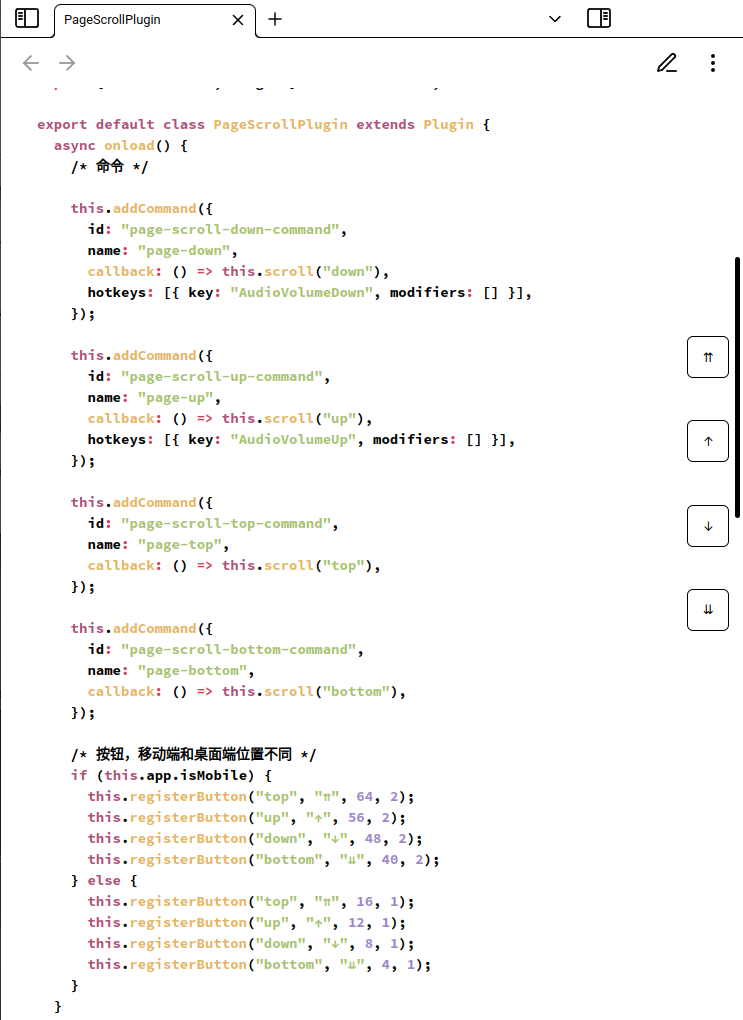
desktop
desktop

mobile

mobile

HealthFair
ReviewSatisfactory
About
Add four navigation buttons for quick jumps to the top, previous page, next page, and bottom. Optimize page navigation for e-ink displays to reduce residual ghosting during normal page turns.
NavigationInterface
Details
Current version
1.0.1
Last updated
2 years ago
Created
2 years ago
Updates
1 release
Downloads
2k
Compatible with
Obsidian 0.15.0+
Platforms
Desktop, Mobile
License
MIT
Report bugRequest featureReport plugin
Author
chenshutian9610chenshutian9610
github.com/chenshutian9610
GitHubchenshutian9610
  1. Community
  2. Plugins
  3. Navigation
  4. Page Scroll

Related plugins

Hover Editor

Transform the Page Preview hover popover into a fully working editor instance.

Dragger

Drag and drop any block (paragraphs, headings, lists, etc.) to rearrange content like Notion.

Graph Banner

Display a local graph view to the note header

Notebook Navigator

A better file browser and calendar inspired by Apple Notes, Bear, Evernote and Day One.

Homepage

Open a note, base, or workspace on startup, or set it for quick access later.

Hider

Hide interface elements such as tooltips, status bar, titlebar, and more.

Meta Bind

Make your notes interactive with inline input fields, metadata displays, and buttons.

Breadcrumbs

Visualise the hierarchy of your vault using a breadcrumb trail or matrix view.

Quick Switcher++

Enhanced Quick Switcher, search open panels, and symbols.

Quick Explorer

Perform file explorer operations (and see your current file path) from the title bar, using the mouse or keyboard.