Search...Search plugins and themes...
⌘K
Sign in
  • Get started
  • Download
  • Pricing
  • Enterprise
  • Account
  • Obsidian
  • Overview
  • Sync
  • Publish
  • Canvas
  • Mobile
  • Web Clipper
  • CLI
  • Learn
  • Help
  • Developers
  • Changelog
  • About
  • Roadmap
  • Blog
  • Resources
  • System status
  • License overview
  • Terms of service
  • Privacy policy
  • Security
  • Community
  • Plugins
  • Themes
  • Discord
  • Forum / 中文论坛
  • Merch store
  • Brand guidelines
Follow us
DiscordTwitterBlueskyThreadsMastodonYouTubeGitHub
© 2026 Obsidian

Ownly

liuh886liuh886110 downloads

Track objects, subscriptions, and experience costs in your Vault.

Add to Obsidian
Ownly screenshot
Ownly screenshot
Ownly screenshot
  • Overview
  • Scorecard
  • Updates7

Own less, Live more, Decide better.

中文文档

A local-first ownership memory and decision ledger.

Ownly helps you record what you own, what it costs, how you used it, and what you learned. Personal data stays in an Ownly data folder as plain Markdown with YAML frontmatter.

Obsidian is recommended as a convenient place to store and inspect the files, but it is not required for the hosted Web app or installed PWA.

Open Ownly

  • Explore the product page
  • See the embedded product preview
  • Open the Web app / PWA
Entry point Obsidian required? Local server required? Best for
GitHub Pages Web app No No Immediate use in a supported desktop browser
Installed PWA No No A standalone app window with offline application-shell startup
Obsidian plugin Yes No Native Vault integration and direct Markdown work

The Web app and PWA are the same browser runtime. Installation changes the launch experience, not the data model. The product homepage itself is not a PWA surface.

First use: create or open local data

When Ownly starts without an existing folder permission, choose one of two paths:

Create new local data

Select a parent location such as Documents, an Obsidian Vault root, or an empty folder already named Ownly.

Ownly initializes:

Ownly/
  Objects/
  Accounts/
  Snapshots/
  Reviews/
  Logs/
    Object Experiences/
  Archive/
    Objects/
    Accounts/
    Snapshots/
    Reviews/
    Object Logs/

If the selected folder is already named Ownly, Ownly uses it directly and does not create Ownly/Ownly.

Open existing data

Select any supported location:

  • an initialized Ownly data root containing Objects/;
  • an empty or initialized folder named Ownly;
  • an Obsidian Vault containing an Ownly/ child folder;
  • an Obsidian Vault using the plugin's configured Ownly data folder.

The browser asks for explicit local read/write permission. Personal Markdown files are not uploaded to GitHub Pages and are not copied into the PWA service-worker cache.

The hosted Web/PWA runtime uses Google Analytics measurement ID G-KXXVS33FQ2 for aggregate site-traffic measurement. Ownly does not send Markdown contents, local file names, form values, object records, or selected-folder data as custom analytics events. The Obsidian plugin and Agent CLI do not load Google Analytics.

Recommended storage

Recommended layout:

<My Obsidian Vault>/
  Ownly/
    Objects/
    Accounts/
    Snapshots/
    Reviews/
    Logs/
    Archive/

Standalone use without Obsidian is also supported:

<My local folder>/
  Ownly/
    Objects/
    Accounts/
    Snapshots/
    Reviews/
    Logs/
    Archive/

Keeping Ownly/ inside an Obsidian Vault makes the Markdown easy to read, search, edit, version, and reuse across the Web/PWA, Obsidian plugin, and Agent CLI.

Product principles

  • Local first — no required cloud account, hosted database, or mandatory synchronization. Hosted Web/PWA uses aggregate traffic analytics; local Ownly records remain local.
  • Markdown native — records remain portable and human-readable.
  • Decision led — observe, acquire or pass, use, exit, and review.
  • Recoverable mutations — archive and restore are distinct from permanent deletion.
  • One data model — Web, PWA, Obsidian, and CLI operate on the same schemas and directory structure.
  • Fact ready — scripts and external AI agents can consume deterministic data contracts; Ownly itself is not an AI assistant.

What Ownly tracks

Record Purpose
Physical item Purchase, use, cost, condition, retirement, transfer, or discard lifecycle
Recurring cost Subscription or other repeating obligation, billing cycle, status, and annualized cost
One-time experience Plan, budget, actual cost, location, completion, and review
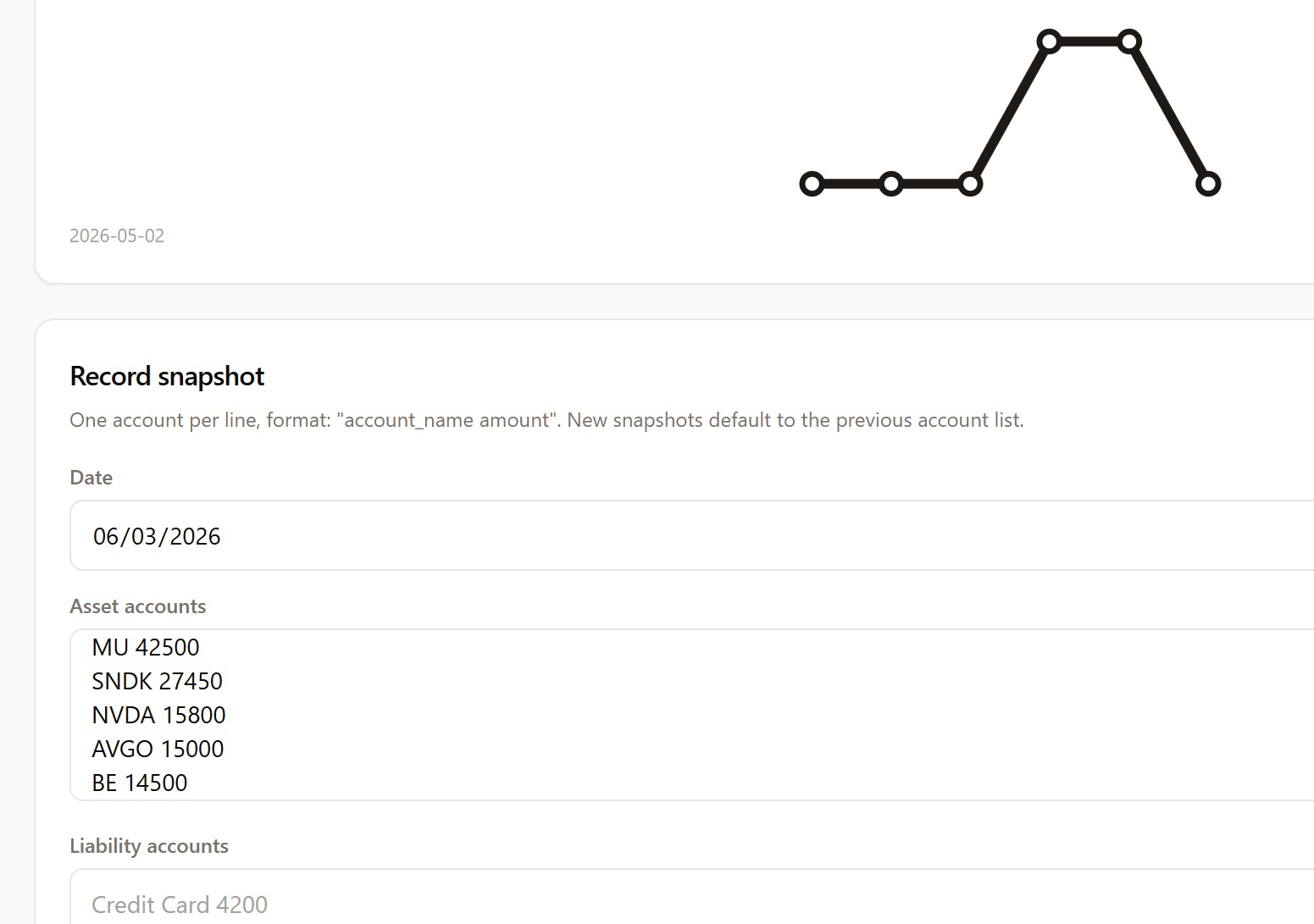
Snapshot Point-in-time net-worth and account-balance facts
Review Structured post-use, post-exit, monthly, or annual reflection
Object experience log Append-only usage, issue, maintenance, regret, lesson, comparison, or exit event

Fact-ready Agent CLI

Ownly exposes deterministic JSON read/write commands for scripts and external agents. It does not include model APIs, embeddings, AI chat, or generated recommendations.

export OWNLY_VAULT=/path/to/location-containing-Ownly

npm run --silent wyqd -- object list --json
npm run --silent wyqd -- object get --id <id> --json
npm run --silent wyqd -- object history --id <id> --json
npm run --silent wyqd -- object review-needed --json
npm run --silent wyqd -- recurring list --active --json
npm run --silent wyqd -- summary --json

See:

  • Agent CLI Contract
  • Agent CLI Guide
  • Data Model

OWNLY_VAULT is retained as a legacy-compatible environment-variable name. It may point to an Obsidian Vault or another local location containing the Ownly data folder.

Current runtime status

Area Status
Product homepage Static bilingual product explanation with an embedded interactive preview
Hosted Web app Static GitHub Pages runtime with local-folder access
Installed PWA App-route-only install surface, standalone launch and cached app shell
Obsidian plugin Native Vault interface over the shared Ownly data model
Agent CLI Stable, strict-typed fact-ready JSON contract
Data storage Plain local Markdown + YAML frontmatter
Mutation safety Repository create/update/archive/restore contract protected by CI

Current validation and known coverage gaps are documented in Quality Baseline.

Browser support

Direct local-folder access uses the File System Access API.

  • Recommended: current desktop Chrome or Microsoft Edge.
  • Unsupported browsers can view the product page and embedded preview but cannot connect local data.
  • Mobile direct-folder access is not a production target.
  • Browser permission may need to be renewed after restart or permission reset.

See Web Runtime for privacy boundaries, PWA behavior, and deployment details.

Obsidian plugin

Install from Obsidian Community Plugins:

👉 Install Ownly

The plugin is optional for Web/PWA users. Use the term Obsidian Vault only for a real Vault or the Obsidian runtime; the cross-runtime storage term is Ownly data folder.

Data health

Ownly includes deterministic Doctor checks for issues such as:

  • duplicate entity IDs;
  • unsupported schema versions;
  • invalid costs or dates;
  • missing object/review references;
  • stale snapshots;
  • missing data directories.

These checks operate on local facts and do not use AI.

Documentation

  • User Guide
  • Web Runtime
  • Terminology Contract
  • Quality Baseline
  • Agent CLI Contract
  • Agent CLI Guide
  • Data Model
  • Troubleshooting
  • Release Checklist

Development

npm ci
npm run validate
npm run test
npm run test:e2e:data
npm run wyqd -- --vault <path> object list --json

License

MIT. See LICENSE. Personal Ownly records stay local. Hosted Web/PWA uses Google Analytics for aggregate site traffic; the Obsidian plugin and CLI do not.

HealthExcellent
ReviewSatisfactory
About
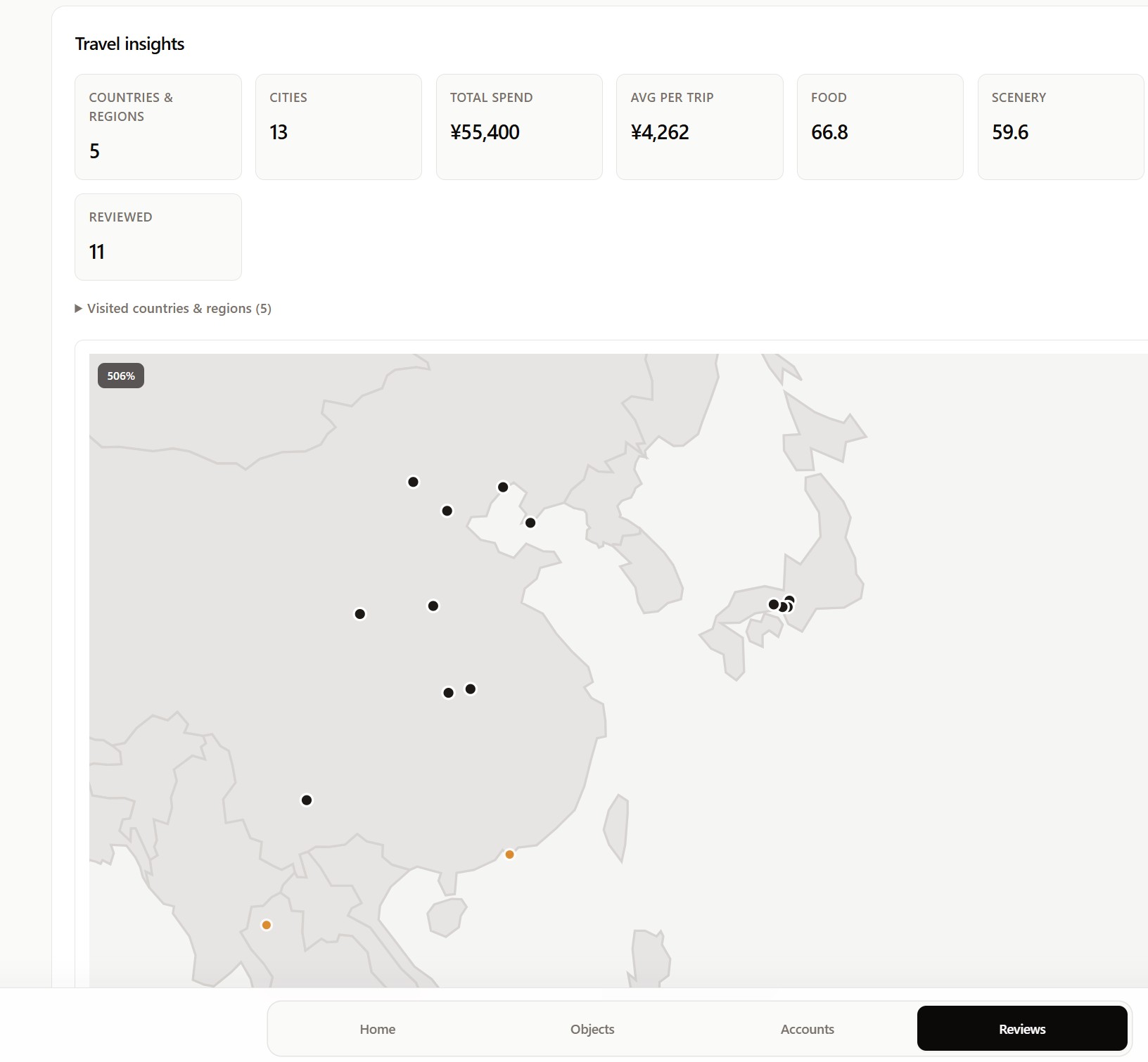
Track objects, subscriptions, and experiences in Obsidian using plain Markdown, lifecycle statuses, and structured reviews to reduce decision noise. Record net worth snapshots, analyze recurring and acquisition costs, archive or restore items, map travel, run local diagnostics, and keep data fully local.
FinanceReviewMarkdown
Details
Current version
1.1.0
Last updated
Last month
Created
2 months ago
Updates
7 releases
Downloads
110
Compatible with
Obsidian 1.8.0+
Platforms
Desktop only
License
MIT
Report bugRequest featureReport plugin
Sponsor
Ko-fi
Support
Author
liuh886liuh886
github.com/liuh886
GitHubliuh886
  1. Community
  2. Plugins
  3. Finance
  4. Ownly

Related plugins

Importer

Convert your data to Markdown files you can use in Obsidian. Works with Apple Notes, OneNote, Evernote, Notion, Google Keep, and many other formats.

Outliner

Work with your lists like in Workflowy or Roam Research.

Various Complements

Complete words similar to auto-completion in an IDE.

Linter

Format and style your notes. Linter can be used to format YAML tags, aliases, arrays, and metadata; footnotes; headings; spacing; math blocks; regular Markdown contents like list, italics, and bold styles; and more with the use of custom rule options.

Custom Frames

Turn web apps into panes using iframes with custom styling. Also comes with presets for Google Keep, Todoist and more.

Typewriter Mode

Typewriter scroll, writing focus, current line highlight, paragraph dimming, and more!

Chat View

Chat View lets you quickly and easily create elegant Chat UIs in your Markdown Files.

Fantasy Statblocks

Create, manage and view a Fantasy Bestiary with Dungeons and Dragons style statblocks.

Chronos Timeline

Render interactive timelines inline in your notes from simple markdown

Auto Link Title

Automatically fetches the titles of links from the web.