
- Overview
- Scorecard
- Updates28
NetClip is an Obsidian plugin that lets you browse the web and clip webpages directly into your vault. It also offers organized category management for better content organization.
Demo
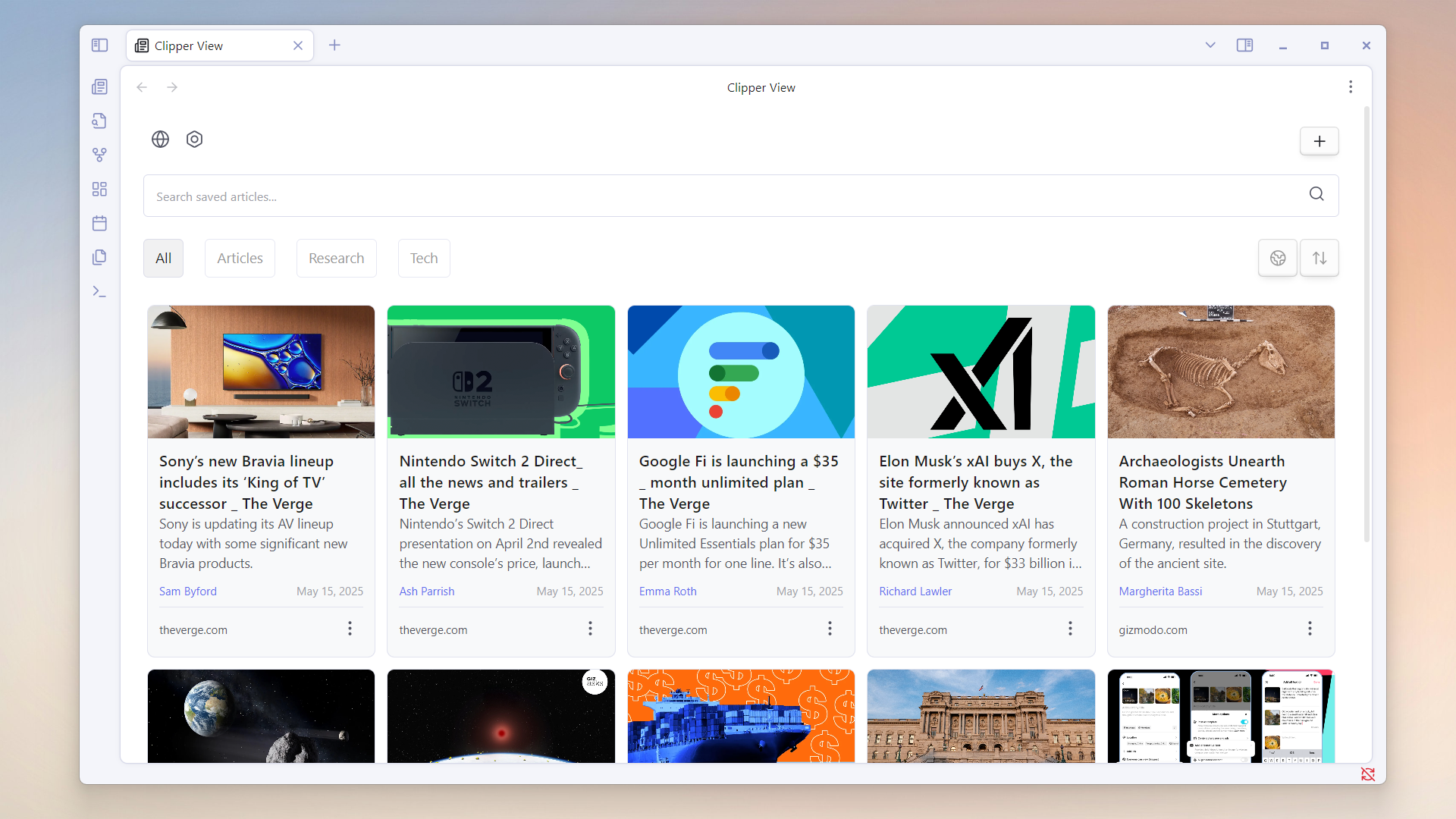
Clipper View
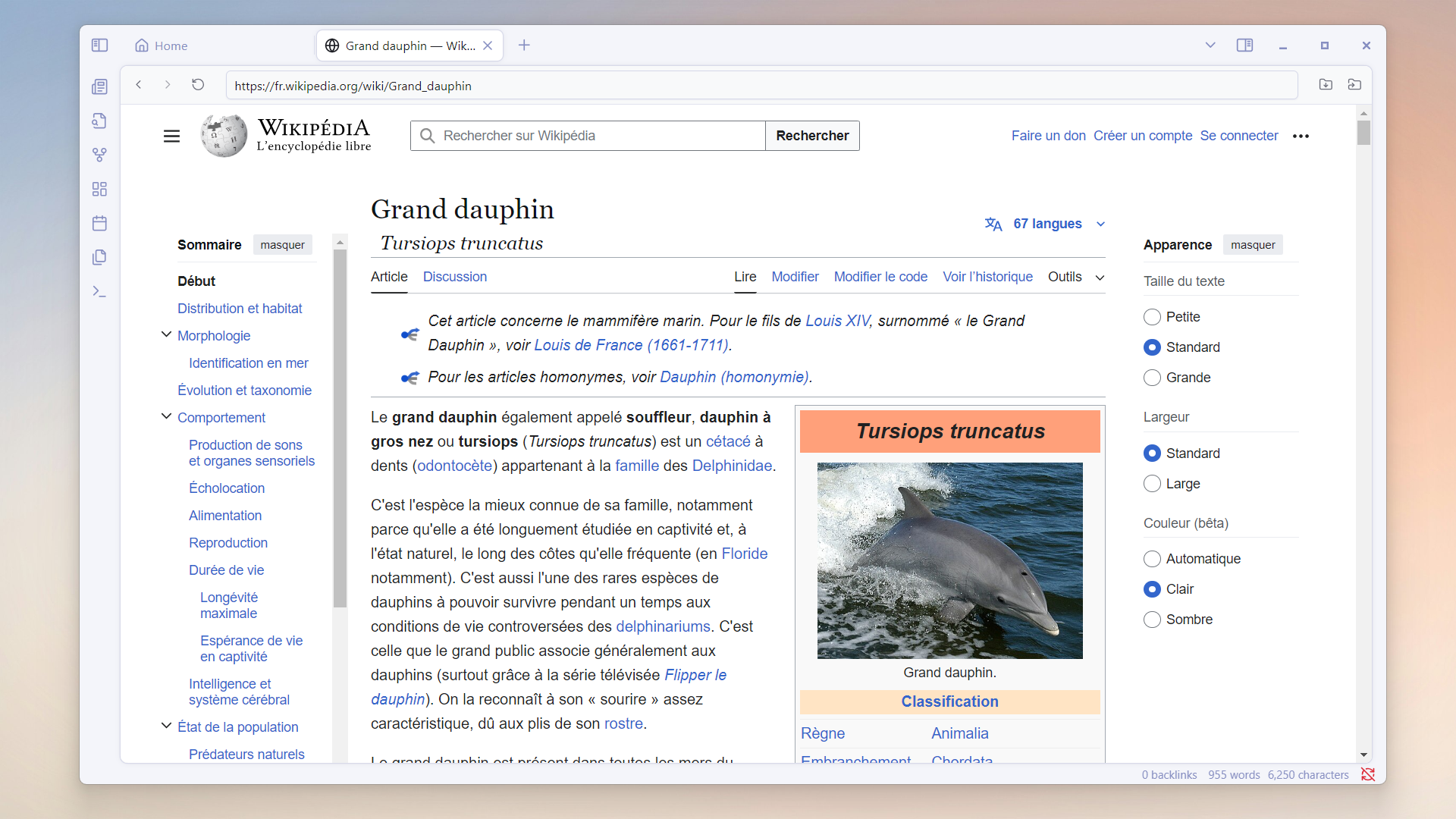
Web view
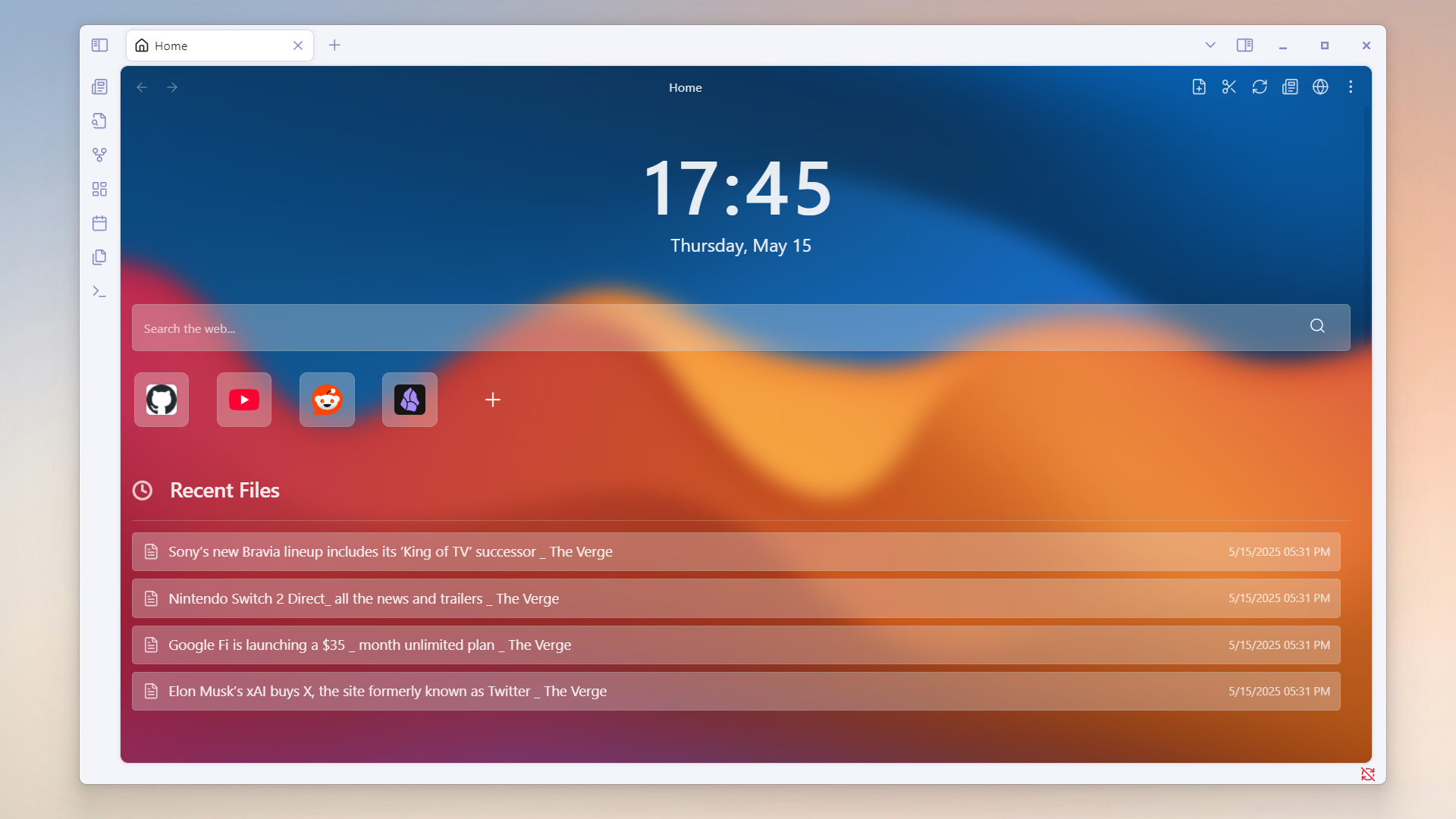
Home Tab
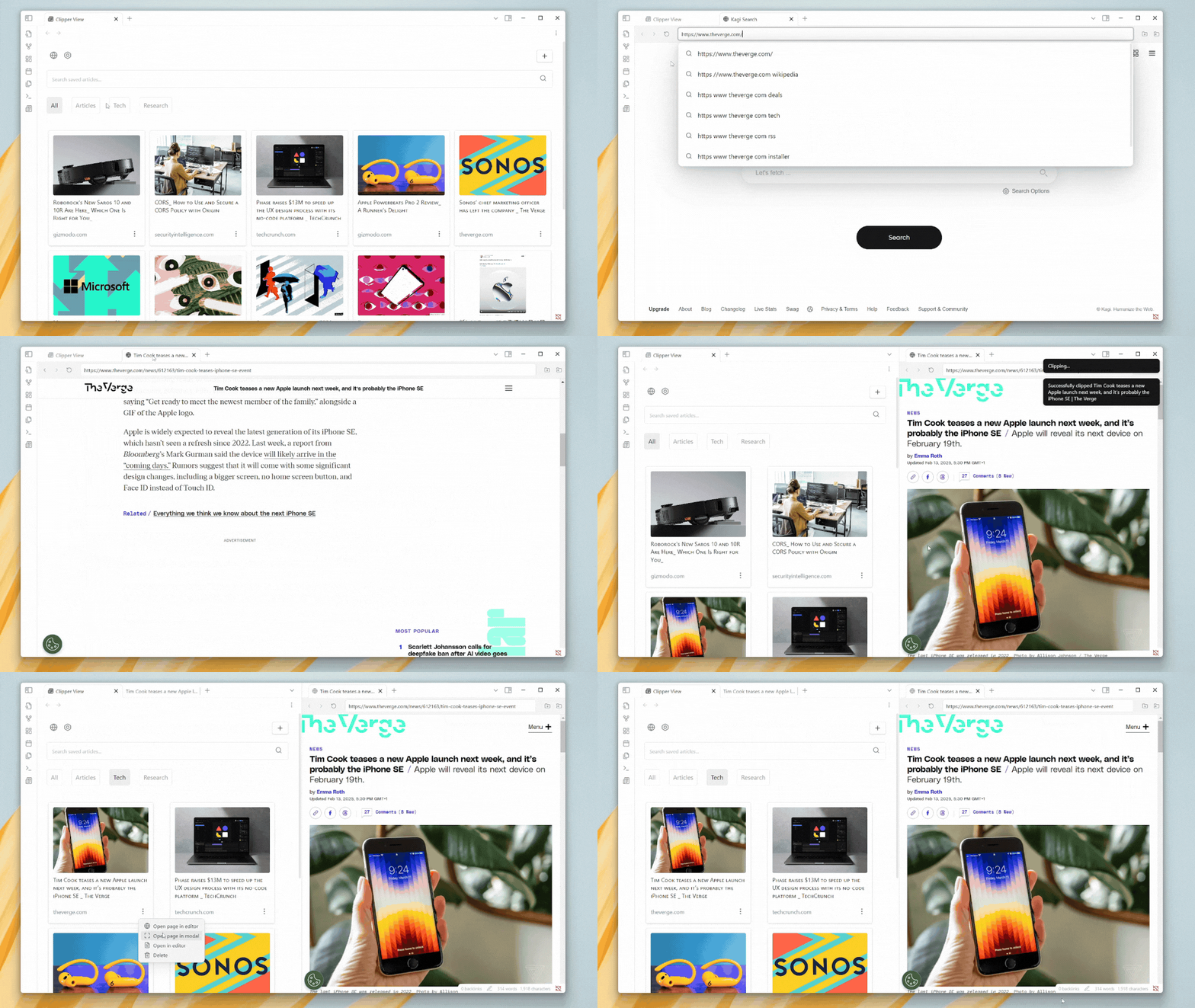
Features
- Web Clipping: Save web articles (title, content, metadata) as Markdown files.
- Content Organization: Organize clipped content into folders/categories.
- Metadata Extraction: Includes author, thumbnail, publication date, reading time
- Webview: browse pages within Obsidian.
- Search & Filter: Search clipped content and filter by categories.
- Search Suggestions: Auto-complete for search queries
- AI Processing: Transform and analyze content using Google's Gemini AI
AI Processing Features
- Custom AI Prompts: Create and customize prompts to process your clipped content
- Variable Support: Define variables in your prompts for flexible content processing
- Real-time Progress: Watch as your content is processed with a sleek progress UI
To use AI features:
- Get a Gemini API key from Get API key | Google AI Studio
- Enable AI processing in plugin settings
- Add your API key
- Create custom prompts or use the default ones
- Select prompts when clipping content
How to Clip a Webpage
- Open the Clipper View by clicking the plugin's icon in your sidebar.
- Click the plus (+) button at the top right.
- The URL will automatically be pasted into the input field.
- select a category for the clip (Optional).
- Click Clip to save the content into your vault.
Webview Clipping
In Webview mode, there are two buttons available:
- Quick Save: Save the webpage instantly to your vault.
- Open Modal: Opens a modal for selecting a category before saving.
Available Commands
- Open NetClip View: Launches the main NetClip interface to view all saved pages.
- Open Web in Editor: Opens a webview in the workspace with the default URL.
- Open Web Modal: Opens a modal webview with the default URL.
- Open Modal Clipper: Opens a modal for clipping a webpage.
Managing Categories
- Create new categories via the plugin settings.
- Modify or delete existing categories as needed.
- Filter saved content by selecting the appropriate category tab.
Installation
Community Plugins
- Open Obsidian and navigate to Settings > Community Plugins.
- Search for NetClip in the community plugins directory.
- Click Install and enable the plugin.
- Customize your preferences under the NetClip settings tab.
Install via BRAT
- Install BRAT from Obsidian's Community Plugins.
- Open the BRAT command form and type:
BRAT: Add a beta plugin for testing - Enter the link:
https://github.com/Elhary/Obsidian-NetClip - After adding the plugin, you will see it in your ribbon or plugin list.
License
This plugin is licensed under the MIT License.
HealthGood
ReviewCaution
About
Clip webpages into your vault as Markdown with title, content and metadata — author, thumbnail, date and reading time. Organize clips into folders/categories, browse pages inside Obsidian, search with autocomplete and filters, and process content with Google's Gemini AI using custom prompts, variables and live progress.Details
Current version
1.4.5
Last updated
8 months ago
Created
2 years ago
Updates
28 releases
Downloads
11k
Compatible with
Obsidian 1.4.0+
Platforms
Desktop, Mobile
License
MIT
Sponsor