Search...Search plugins and themes...
⌘K
Sign in
  • Get started
  • Download
  • Pricing
  • Enterprise
  • Account
  • Obsidian
  • Overview
  • Sync
  • Publish
  • Canvas
  • Mobile
  • Web Clipper
  • CLI
  • Learn
  • Help
  • Developers
  • Changelog
  • About
  • Roadmap
  • Blog
  • Resources
  • System status
  • License overview
  • Terms of service
  • Privacy policy
  • Security
  • Community
  • Plugins
  • Join the community
  • Discord
  • Forum / 中文论坛
  • Merch store
  • Brand guidelines
Follow us
DiscordTwitterBlueskyThreadsMastodonYouTubeGitHub
© 2026 Obsidian

Mousewheel Image zoom

nicojeskenicojeske155k downloads

Increase or decrease the size of an image by scrolling.

Add to Obsidian
  • Overview
  • Scorecard
  • Updates25

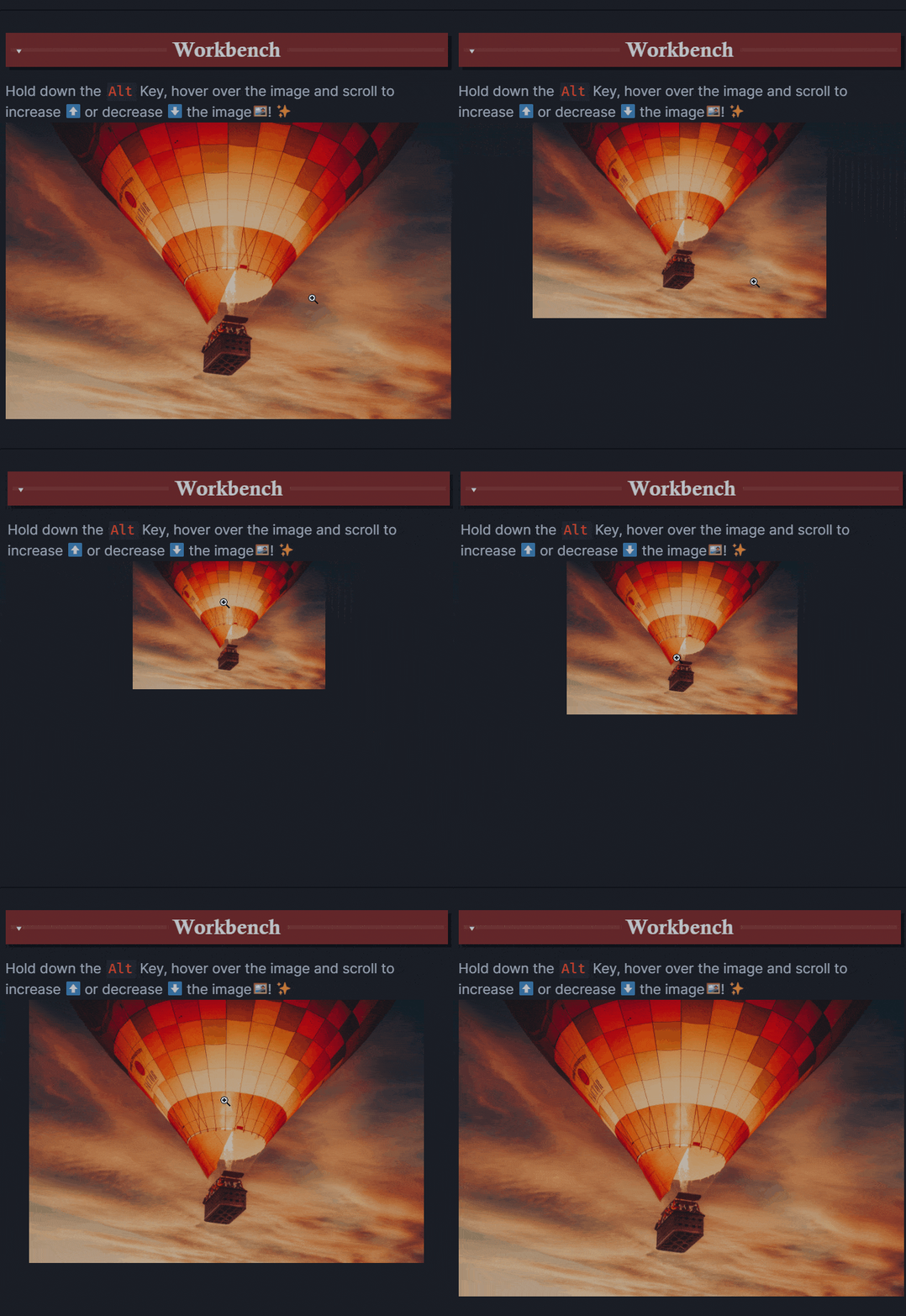
This plugin enables you to increase/decrease the size of an image by holding down a configurable key (defaults to left alt), hovering over an image in preview mode and scrolling. plugin demo
How to install

  • Simple install using the obsidian community plugins browser

Development

npm i # install dependencies
npm run dev # generate main.js
npm run test # use jest to test
73%
HealthGood
ReviewCaution
About
Zoom images in preview mode by holding a configurable modifier key (default left Alt) and scrolling the mouse wheel. Adjust image size smoothly on the fly and change the modifier key to match your workflow.
ImagesInterfaceHotkeys
Details
Current version
1.0.24
Last updated
12 months ago
Created
5 years ago
Updates
25 releases
Downloads
155k
Compatible with
Obsidian 0.9.12+
License
MIT
Report bugRequest featureReport plugin
Author
nicojeskenicojeske
github.com/nicojeske/mousewheel-image-zoom
GitHubnicojeske
  1. Community
  2. Plugins
  3. Images
  4. Mousewheel Image zoom

Related plugins

Tray

Run Obsidian from the system tray for customisable window management and global quick notes.

Floating Search

Search text by using Obsidian default search view.

Image Toolkit

Click images to preview with zoom, move, rotate, flip, invert, and copy.

Hider

Hide interface elements such as tooltips, status bar, titlebar, and more.

Commander

Customize your workspace by adding commands everywhere, create macros and supercharge your mobile toolbar.

Meta Bind

Make your notes interactive with inline input fields, metadata displays, and buttons.

PlantUML

Generate PlantUML diagrams.

Iconic

Customize your icons and their colors directly from the UI, including tabs, files & folders, bookmarks, tags, properties, and ribbon commands.

Emoji Toolbar

Quickly search for and insert emojis into your editor.

Hover Editor

Transform the Page Preview hover popover into a fully working editor instance.