Minimal Hidden Files
 Viggo Meesters423 downloads
Reveal safe dotfiles and dotfolders in Obsidian's native File Explorer.
- Overview
- Scorecard
- Updates4
Minimal Hidden Files
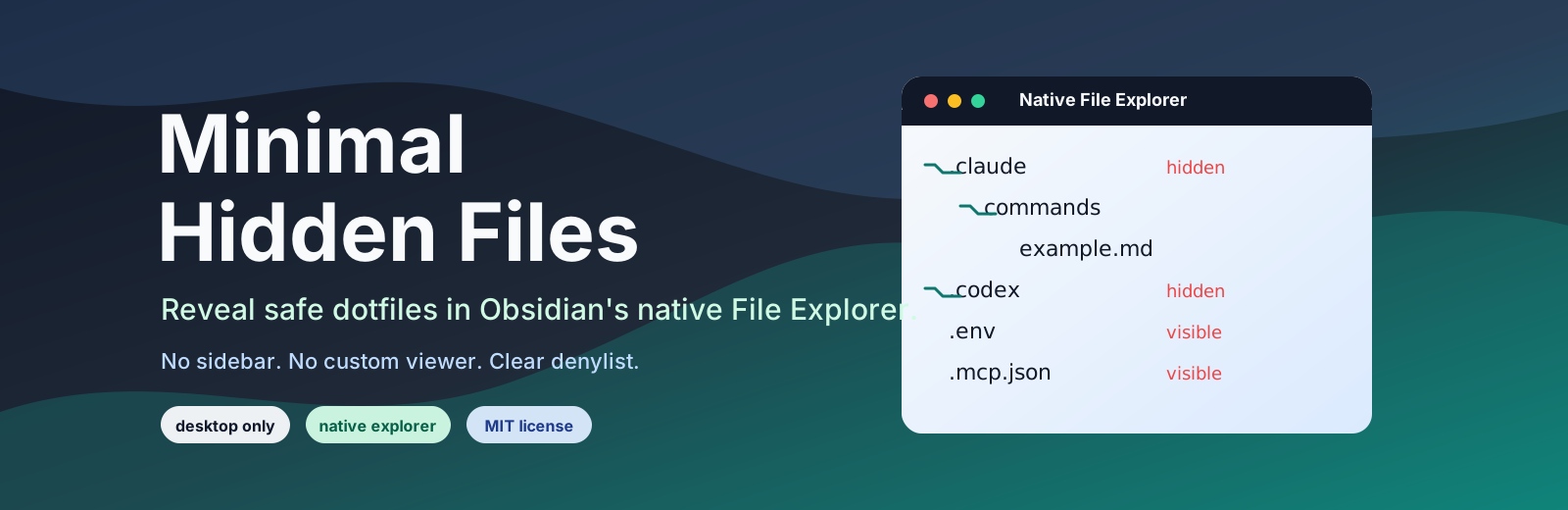
Minimal Hidden Files is a small desktop-only Obsidian plugin that reveals safe dotfiles and dotfolders in Obsidian's native File Explorer.
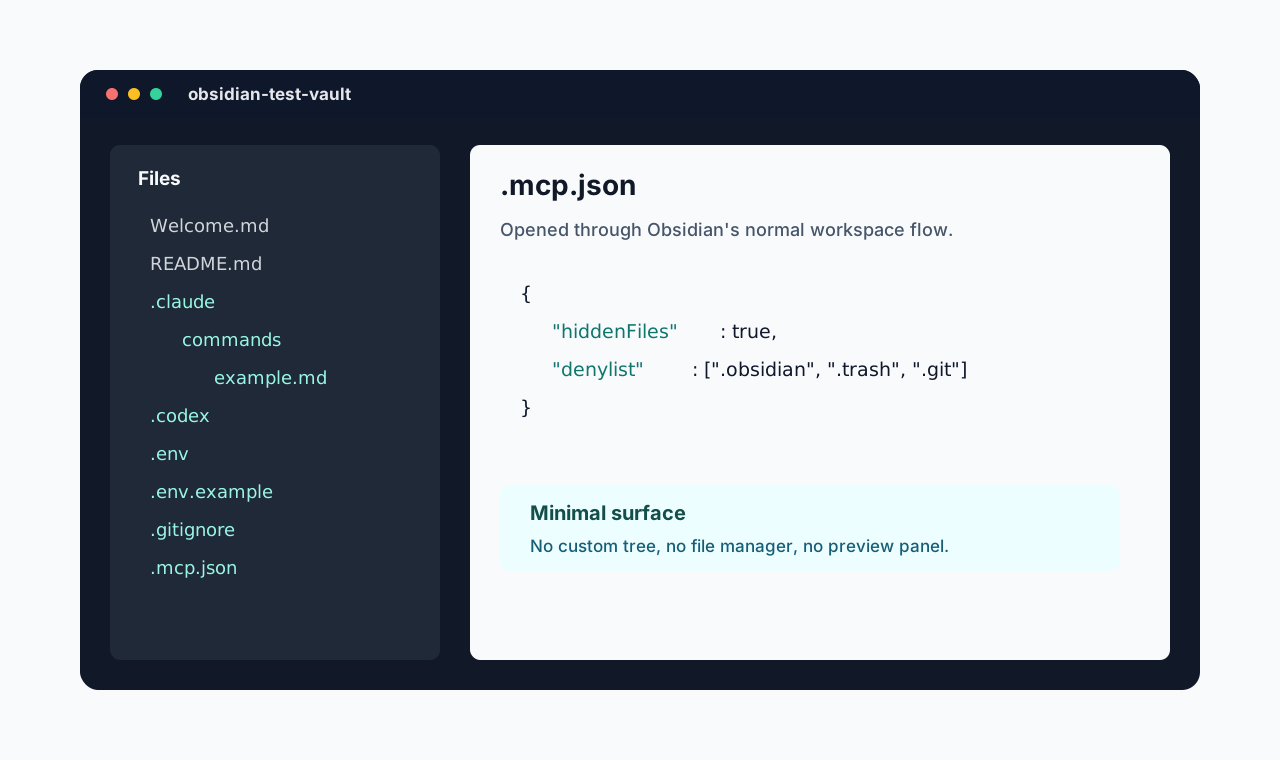
It does not add a sidebar, tree browser, preview panel, dashboard, or custom file manager. Files open through Obsidian's normal workspace flow in the middle pane.
Features
- Shows allowed dotfiles such as
.gitignore,.env,.env.example, and.mcp.jsonin the native File Explorer. - Shows allowed dotfolders such as
.claude/and.codex/in the native File Explorer. - Enables Obsidian's native unsupported-file visibility setting while active, so non-Markdown files can appear in the explorer.
- Restores the previous unsupported-file visibility setting when the plugin is disabled.
- Excludes
.obsidian, the active vault config directory,.trash, and.gitby default in v0.1. - Hides generated SQLite sidecars such as
.sqlite-wal,.sqlite-shm,.db-wal, and.db-shmby default, with a diagnostic setting to reveal them temporarily. - Uses no runtime dependencies and no custom file-management UI.
Safety and privacy
Minimal Hidden Files does not make network requests, does not use telemetry, and does not read or write outside your vault.
The plugin uses Obsidian's desktop file-system adapter to detect and register hidden vault paths. This is why the plugin is desktop-only.
Revealed files use Obsidian's normal file behavior. Depending on the file type and installed plugins, a revealed file may be viewable, editable, movable, deleted, or opened by another community plugin. Minimal Hidden Files does not enforce read-only mode.
The v0.1 denylist is intentionally hardcoded:
.obsidianand the activeVault.configDirstay hidden to avoid exposing workspace, plugin, and vault configuration internals..trashstays hidden because it is not useful for normal navigation..gitstays hidden because it is noisy, large, and easy to damage.
SQLite runtime sidecars are also hidden by default:
x.sqlite-walandx.db-walare write-ahead log files.x.sqlite-shmandx.db-shmare shared-memory index files.
Those files are generated next to active databases and are usually noise in the File Explorer. Turn on Reveal SQLite sidecars only when diagnosing database/runtime behavior. If they are visible, pair this plugin with a viewer that handles them as sidecars rather than standalone databases.
Installation
Community plugin directory
Minimal Hidden Files is prepared for submission to the Obsidian Community plugin directory. Once accepted, it can be installed from Settings -> Community plugins -> Browse inside Obsidian.
Manual installation
Until the community directory submission is accepted:
- Download
main.js,manifest.json, andstyles.cssfrom the latest release. - Create this folder in your vault:
.obsidian/plugins/minimal-hidden-files/. - Put the downloaded files in that folder.
- Reload Obsidian.
- Enable Minimal Hidden Files in Settings -> Community plugins.
BRAT installation
For beta testing, install the plugin with BRAT using this repository URL:
https://github.com/viggomeesters/obsidian-minimal-hidden-files
Usage
Enable the plugin and use the built-in Obsidian File Explorer as usual. The plugin patches hidden-path reconciliation on startup without automatically scanning the whole vault. Use Rescan hidden files when you want to discover existing hidden paths in a large vault.
Use the plugin settings to:
- reveal or hide allowed dotfiles and dotfolders
- temporarily reveal SQLite WAL/SHM sidecars for diagnosis
- sync Obsidian's native unsupported-file visibility setting
- manually rescan hidden files
How it works
Obsidian hides dot-prefixed files and folders during vault reconciliation. Minimal Hidden Files patches the desktop file-system adapter's internal reconcileDeletion method so allowed dot paths are registered instead of hidden. To avoid startup performance issues in large vaults, full-vault rescans are manual rather than automatic.
Unsupported extensions are handled by Obsidian's own internal vault.setConfig("showUnsupportedFiles", true) setting.
These are internal Obsidian APIs. They keep the plugin minimal and native, but they may require maintenance if Obsidian changes its desktop adapter internals.
Development
npm install
npm run lint
npm run typecheck
npm run build
For local development, copy or symlink this repository into .obsidian/plugins/minimal-hidden-files/ inside a dedicated Obsidian test vault.
Release process
Obsidian installs community plugin files from GitHub releases. For each release:
- Update
manifest.json,package.json, andversions.json. - Run
npm install,npm run lint,npm run typecheck, andnpm run build. - Create a GitHub release whose tag exactly matches
manifest.json.version. - Attach
main.js,manifest.json, andstyles.cssas release assets.
The release workflow in .github/workflows/release.yml can publish those assets after the version has been updated and committed.
Community directory submission
The repository is prepared for Obsidian Community plugin submission. The remaining submission step must be completed by the repository owner in the Obsidian Community site because it requires signing in, linking GitHub, and confirming the developer policies/support commitment.
Submit this repository URL:
https://github.com/viggomeesters/obsidian-minimal-hidden-files
The current release is ready for review when:
- root
README.md,LICENSE, andmanifest.jsonexist manifest.json.idisminimal-hidden-filesmanifest.json.versionis0.1.3- GitHub release
0.1.3exists - release assets include
main.js,manifest.json, andstyles.css versions.jsonmaps plugin version0.1.3to minimum Obsidian version1.8.0
Official references:
Attribution
Technical research for the native File Explorer hook included:
This repository is an independent minimal implementation. No source files were copied from those projects.