Mermaid Canvas
 cheney424 downloads
Enhanced Mermaid diagram editor with adaptive canvas, smooth zoom/pan, split view, and fullscreen support.
- Overview
- Scorecard
- Updates3
An Obsidian plugin that turns every mermaid code block into an interactive canvas — zoom, pan, fullscreen, copy, export, and a built-in split editor. No more squinting at cramped diagrams.
Preview
Inline canvas — clean view
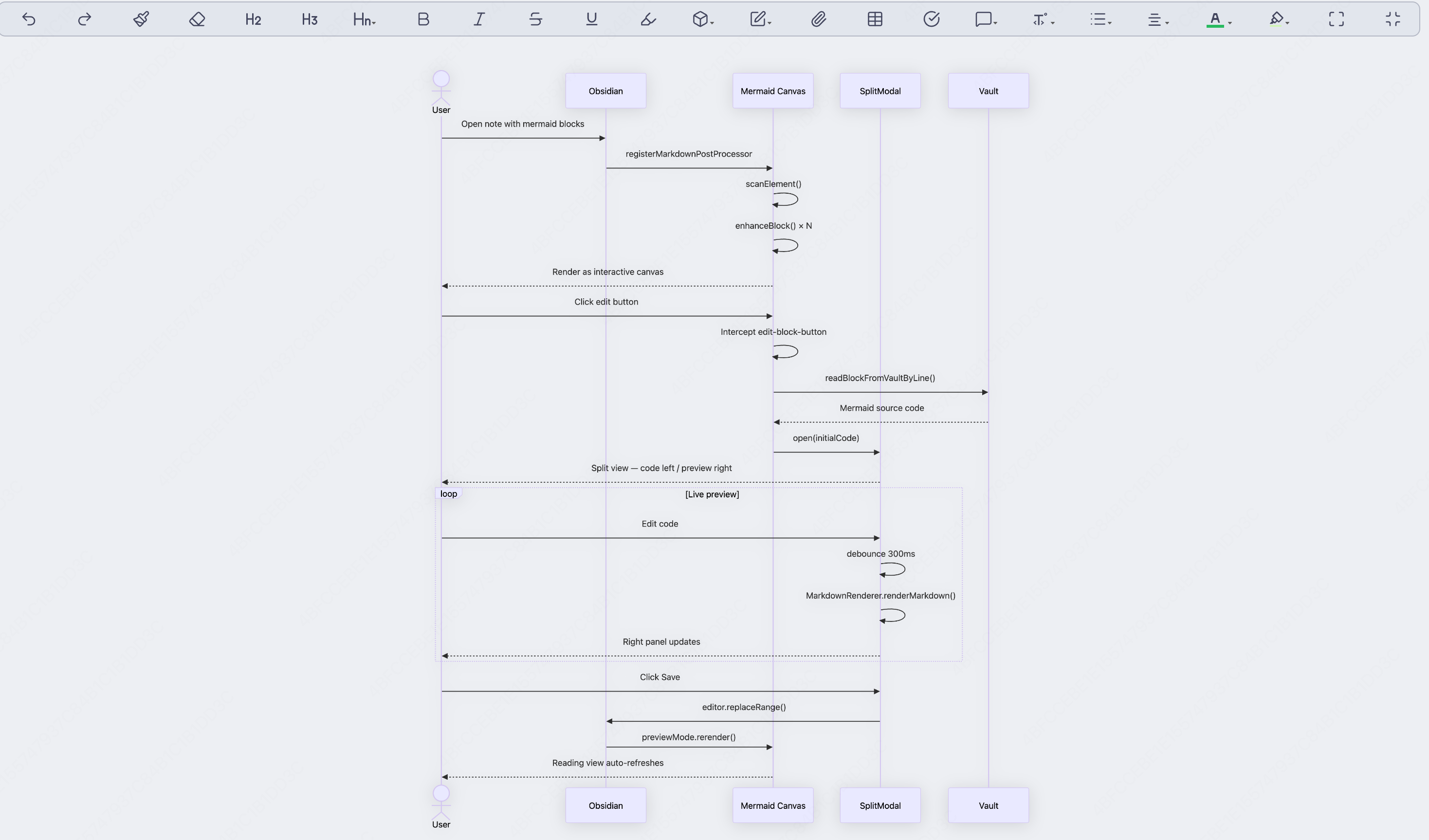
Hover to reveal controls
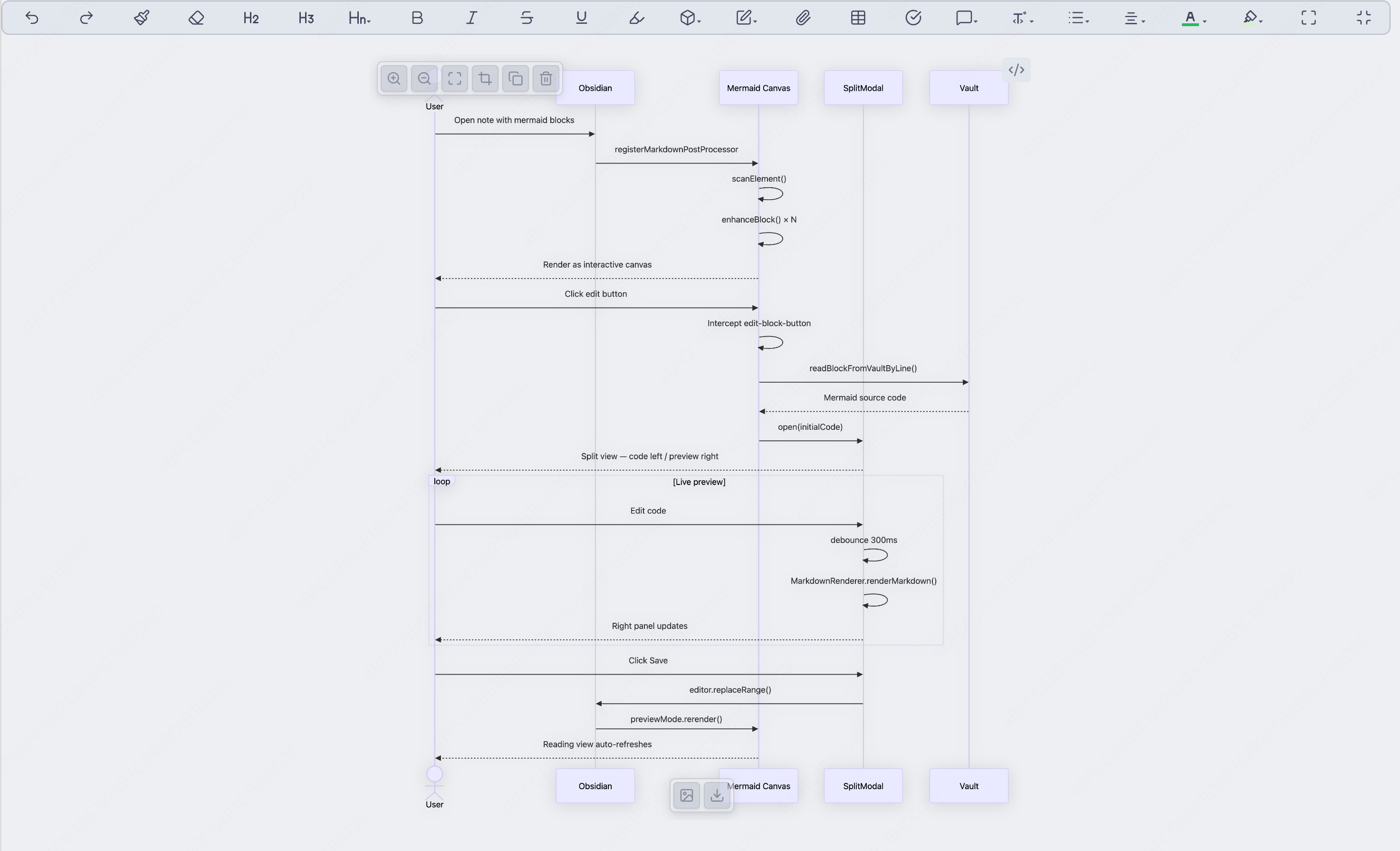
Fullscreen mode
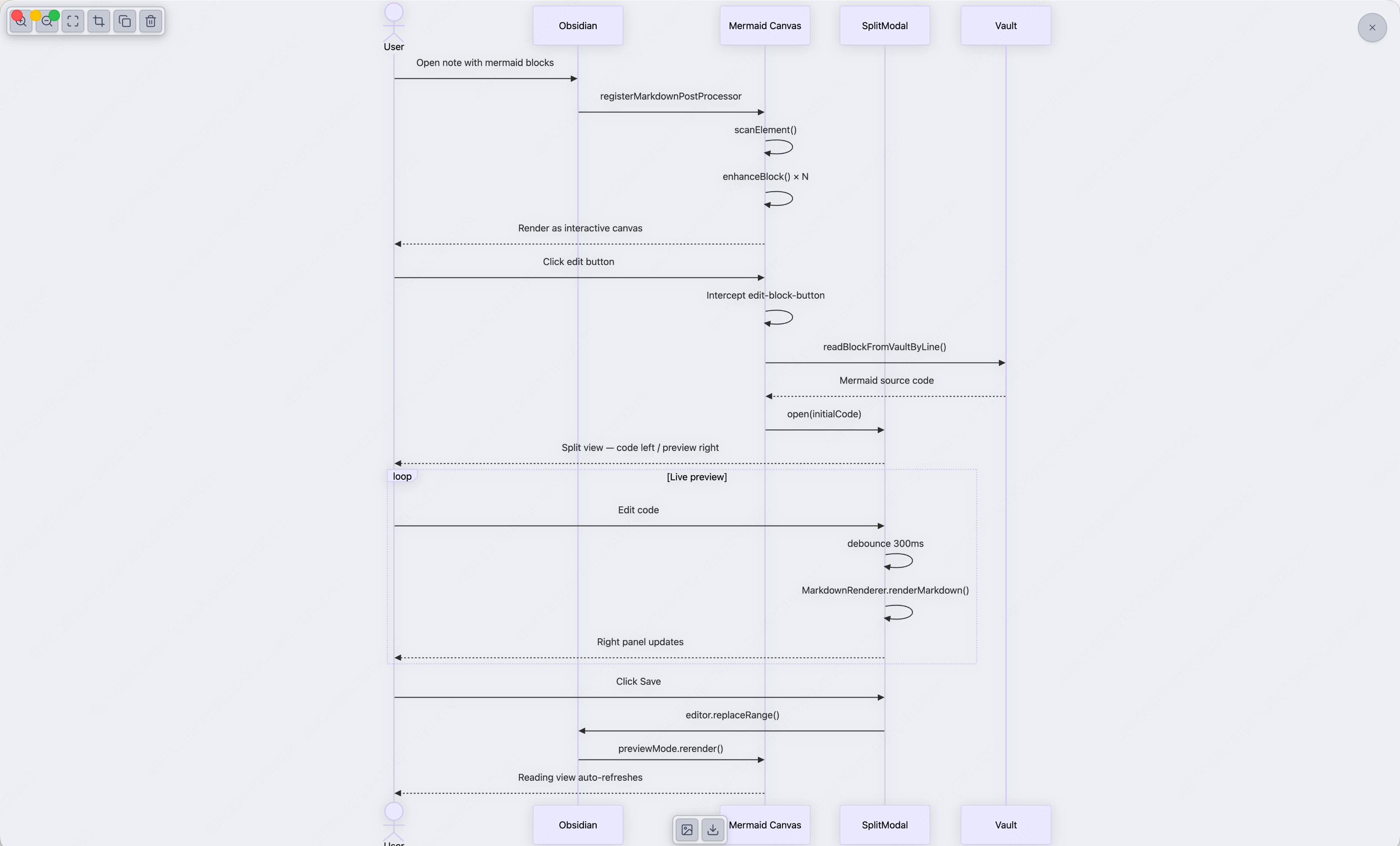
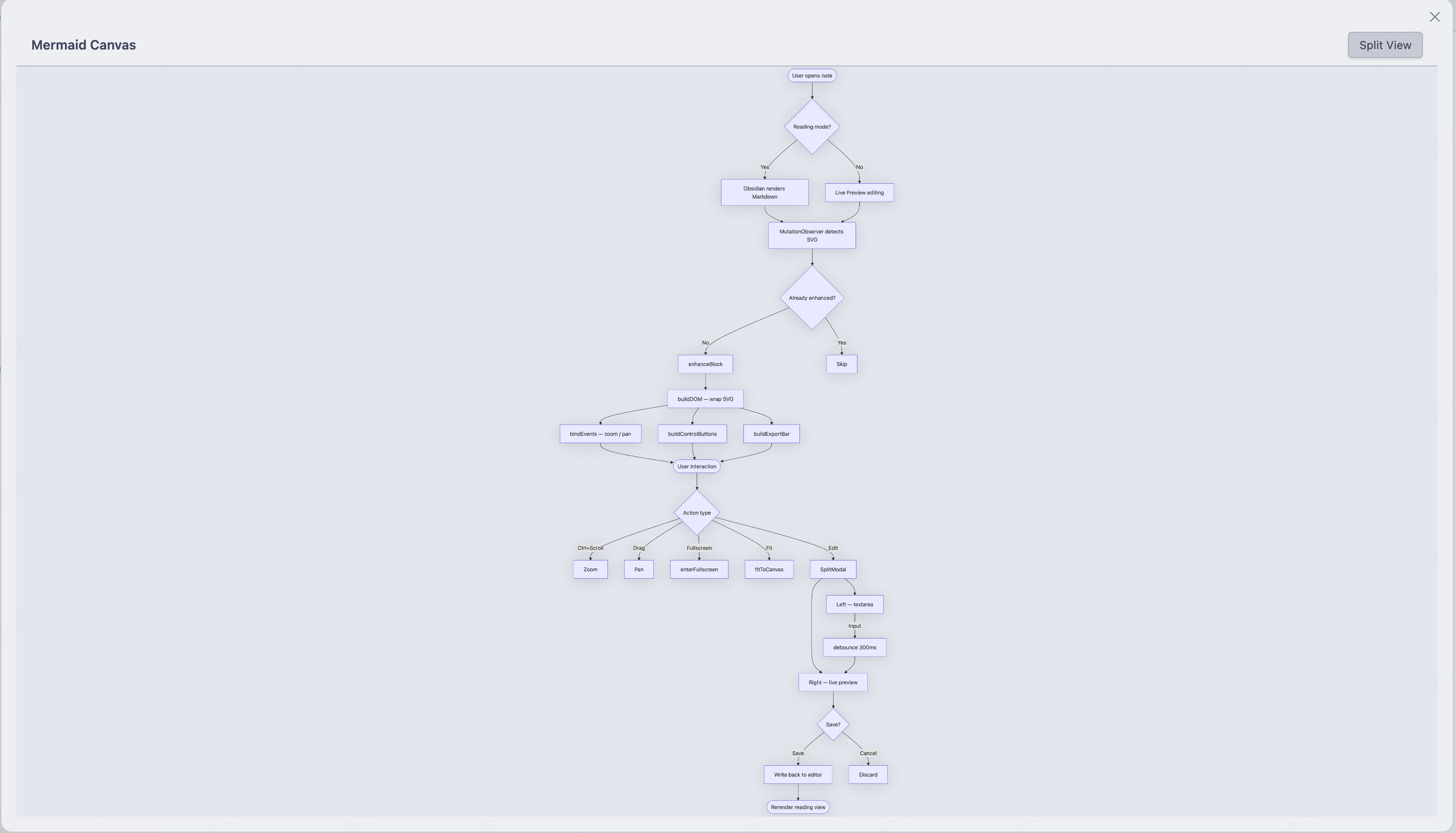
Split editor — code left, live preview right
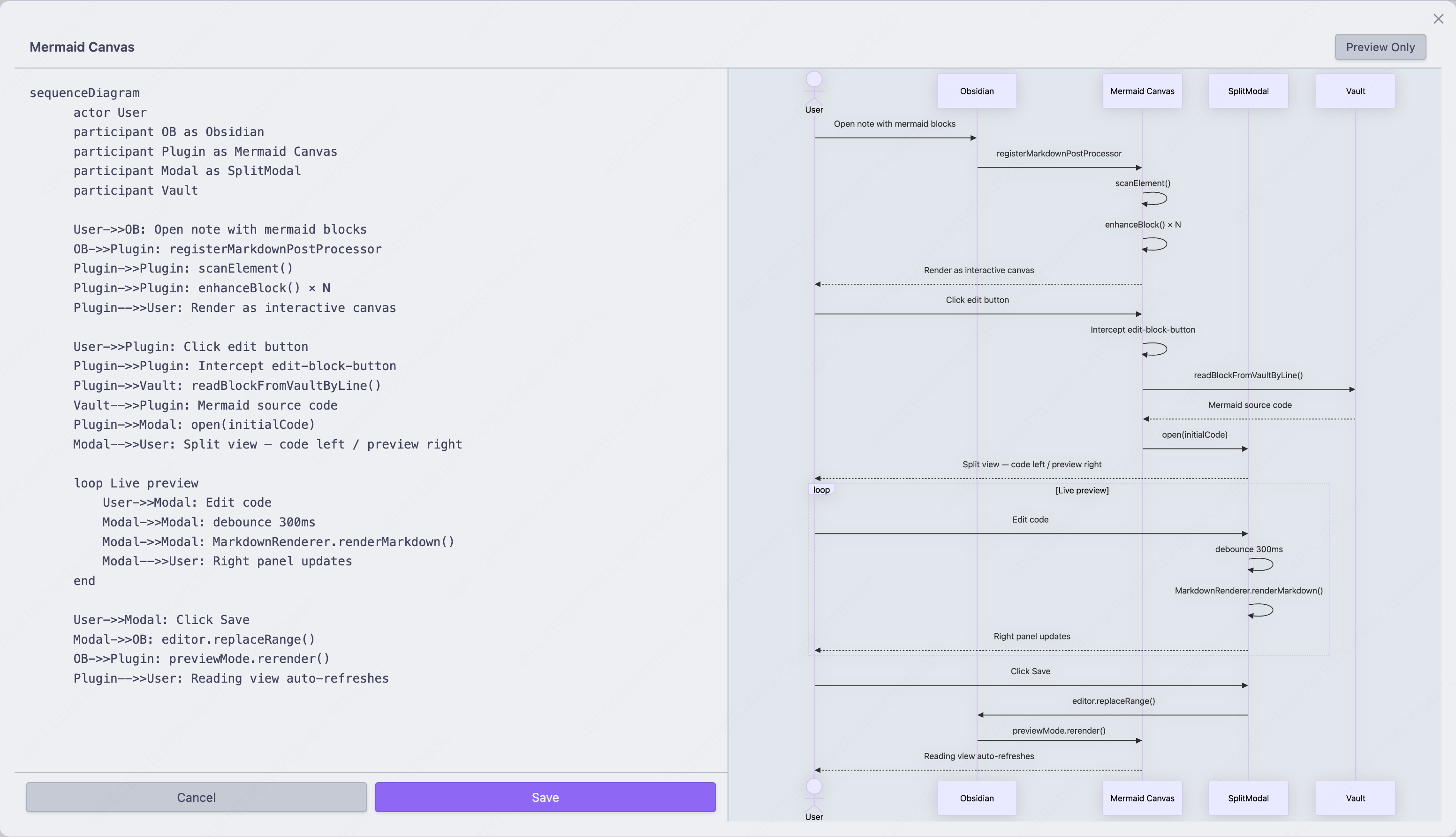
Features
- Adaptive canvas — SVG renders at natural size, fills available width, no hardcoded constraints
- Smooth zoom & pan —
Ctrl/Cmd+ scroll wheel to zoom toward cursor, drag to pan - Control bar — hover to reveal Zoom In / Zoom Out / Fullscreen / Fit / Copy / Delete
- Export bar — hover bottom-center to export as PNG or SVG
- Fullscreen mode — expand any diagram to fill the viewport, Esc to exit
- Fit to canvas — one click to auto-scale the diagram to fit the available space
- Copy code — copy the raw mermaid source to clipboard
- Export PNG / SVG — download the diagram directly from the canvas
- Delete block — remove the entire code block with one click (available in editing mode only)
- Split editor — use the
Mermaid Canvascommand (or type/and search for it) to insert a block and open a live split-view editor - Edit interception — click Obsidian's native edit button on any mermaid block to open the split editor pre-loaded with the correct code
- Auto-refresh — saving in the split editor immediately updates the reading view
- Error resilience — invalid or empty blocks are gracefully skipped
Usage
| Action | How |
|---|---|
| Insert + edit | Mermaid Canvas command (Command Palette or / search) |
| Edit existing | Click the ✏️ edit button on any rendered mermaid block |
| Zoom | Ctrl/Cmd + scroll wheel (or two-finger pinch on trackpad) |
| Pan | Click and drag the diagram |
| Fullscreen | Hover → click Maximize button, Esc to exit |
| Fit to canvas | Hover → click Fit button |
| Copy code | Hover → click Copy button |
| Export PNG | Hover bottom-center → click Image button |
| Export SVG | Hover bottom-center → click Download button |
| Delete block | Hover → click Trash button (editing mode only) |
Installation
Manual
- Download the latest
main.js,styles.css, andmanifest.jsonfrom Releases - Copy them into
your-vault/.obsidian/plugins/mermaid-canvas/ - Reload Obsidian and enable the plugin in Settings → Community Plugins
From Source
git clone https://github.com/cheney12138/mermaid-canvas-plugin.git
cd mermaid-canvas-plugin
npm install
npm run build
# Then copy main.js, styles.css, manifest.json to your vault's plugins folder
Settings
- Zoom sensitivity (1–10) — how fast the scroll wheel zooms
License
MIT
HealthExcellent
ReviewCaution
About
Turn every mermaid code block into an interactive, resizable SVG canvas with smooth zoom, pan, fullscreen, copy-source, and delete controls. Open a built-in split editor for live code/preview editing and skip invalid or empty blocks without noisy errors.Details
Current version
0.1.3
Last updated
3 months ago
Created
3 months ago
Updates
3 releases
Downloads
424
Compatible with
Obsidian 1.5.0+
Platforms
Desktop, Mobile
License
MIT