Search...Search plugins and themes...
⌘K
Sign in
  • Get started
  • Download
  • Pricing
  • Enterprise
  • Account
  • Obsidian
  • Overview
  • Sync
  • Publish
  • Canvas
  • Mobile
  • Web Clipper
  • CLI
  • Learn
  • Help
  • Developers
  • Changelog
  • About
  • Roadmap
  • Blog
  • Resources
  • System status
  • License overview
  • Terms of service
  • Privacy policy
  • Security
  • Community
  • Plugins
  • Themes
  • Discord
  • Forum / 中文论坛
  • Merch store
  • Brand guidelines
Follow us
DiscordTwitterBlueskyThreadsMastodonYouTubeGitHub
© 2026 Obsidian

Media Sync

fnyafnya6k downloads

Download images from the image URLs in notes and display the content.

Add to Obsidian
  • Overview
  • Scorecard
  • Updates15

Media Sync is a plugin for Obsidian that allows you to downloads media files(eg. images, PDFs) from the URLs in Obsidian documents and displays the content.

How to use

Caution!

When processing large numbers of files, please make backups before executing.

Click the Media sync icon in the left sidebar.
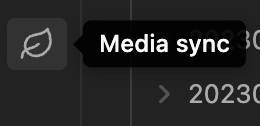
Then, the plugin will start downloading media files from the URLs in the documents.

Once an media file has been downloaded, the Markdown file will not be processed the next time.

The following media files with URLs starting with https.
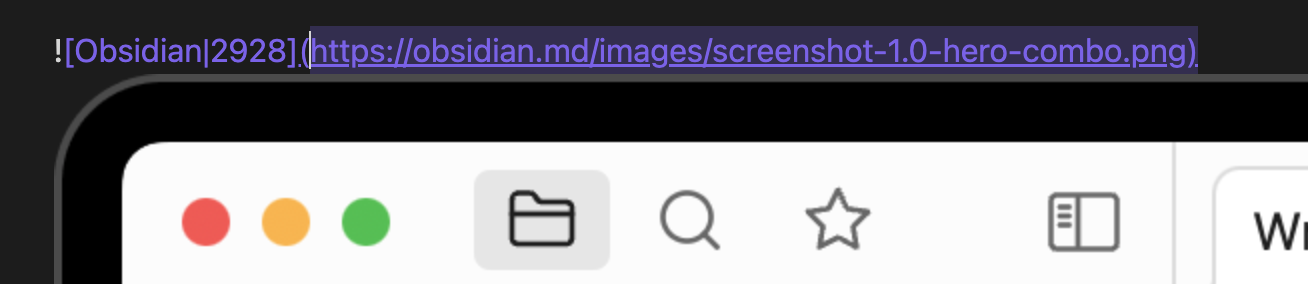
The media file is downloaded locally and the Markdown link is updated.
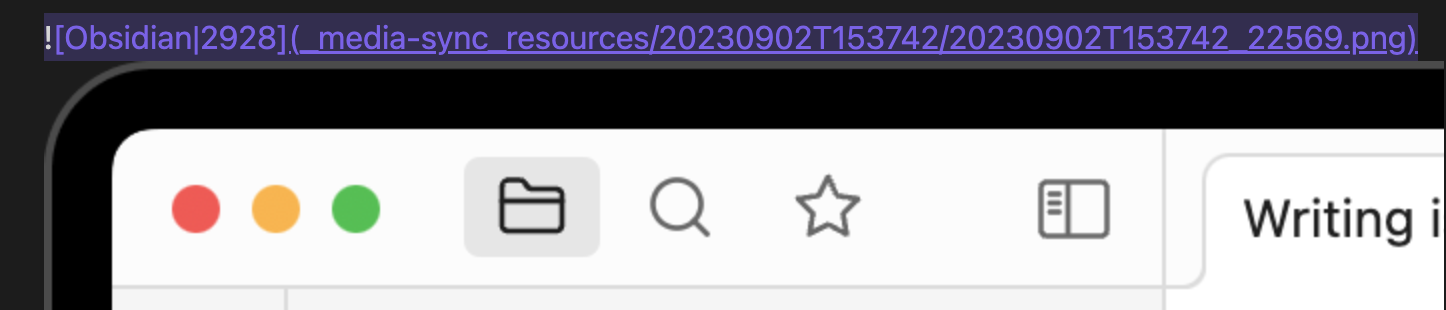
A directory named _media-sync_resouces is created and the media files are downloaded into that directory paths can be changed in the configuration.
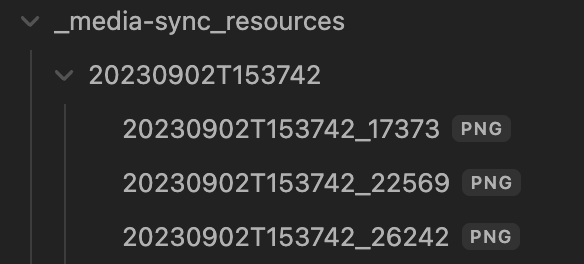
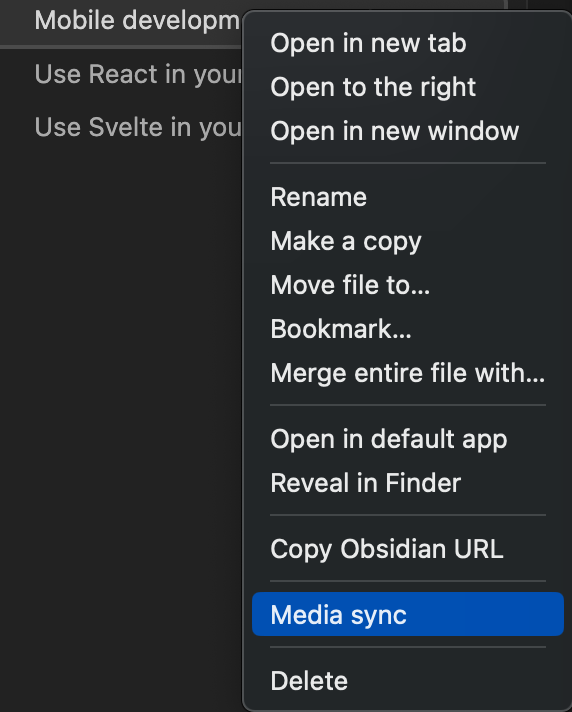
Right-click on the file and click Media sync to download the media files for the target note only.

When executed from the leaf icon, notes are cached and the media download process is skipped once the notes are executed, but right-click execution always downloads the media files.
69%
HealthFair
ReviewCaution
About
Download media files (images, PDFs, etc.) referenced by HTTPS URLs in your notes and save them locally. Update Markdown links to local copies, store files in a _media-sync_resouces folder, and run globally from the sidebar or per-note via right-click; already-downloaded notes are skipped on subsequent runs.
Markdown
Details
Current version
0.0.15
Last updated
2 years ago
Created
3 years ago
Updates
15 releases
Downloads
6k
Compatible with
Obsidian 0.0.0+
Platforms
Desktop only
License
MIT
Report bugRequest featureReport plugin
Author
fnyafnya
github.com/fnya
GitHubfnya
  1. Community
  2. Plugins
  3. Markdown
  4. Media Sync

Related plugins

Importer

Import data from Notion, Evernote, Apple Notes, Microsoft OneNote, Google Keep, Bear, Roam, and HTML files.

Outliner

Work with your lists like in Workflowy or Roam Research.

Various Complements

Complete words similar to auto-completion in an IDE.

Linter

Format and style your notes. Linter can be used to format YAML tags, aliases, arrays, and metadata; footnotes; headings; spacing; math blocks; regular Markdown contents like list, italics, and bold styles; and more with the use of custom rule options.

Fantasy Statblocks

Create, manage and view a Fantasy Bestiary with Dungeons and Dragons style statblocks.

Custom Frames

Turn web apps into panes using iframes with custom styling. Also comes with presets for Google Keep, Todoist and more.

Auto Link Title

Automatically fetches the titles of links from the web.

Chronos Timeline

Render interactive timelines inline in your notes from simple markdown

Consistent Attachments and Links

Move note attachments and update links automatically.

Automatic Table Of Contents

Create a table of contents in a note that updates itself when the note changes.