Search...Search plugins and themes...
⌘K
Sign in
  • Get started
  • Download
  • Pricing
  • Enterprise
  • Account
  • Obsidian
  • Overview
  • Sync
  • Publish
  • Canvas
  • Mobile
  • Web Clipper
  • CLI
  • Learn
  • Help
  • Developers
  • Changelog
  • About
  • Roadmap
  • Blog
  • Resources
  • System status
  • License overview
  • Terms of service
  • Privacy policy
  • Security
  • Community
  • Plugins
  • Themes
  • Discord
  • Forum / 中文论坛
  • Merch store
  • Brand guidelines
Follow us
DiscordTwitterBlueskyThreadsMastodonYouTubeGitHub
© 2026 Obsidian

JPEG XL

Jack SkipworthJack Skipworth9 downloads

Shrink the pictures in your vault. Convert PNG, JPEG, WebP and GIF to JPEG XL and view .jxl files in notes. Offline, links updated, originals kept unless you choose otherwise.

Add to Obsidian
JPEG XL screenshot
JPEG XL screenshot
  • Overview
  • Scorecard
  • Updates37

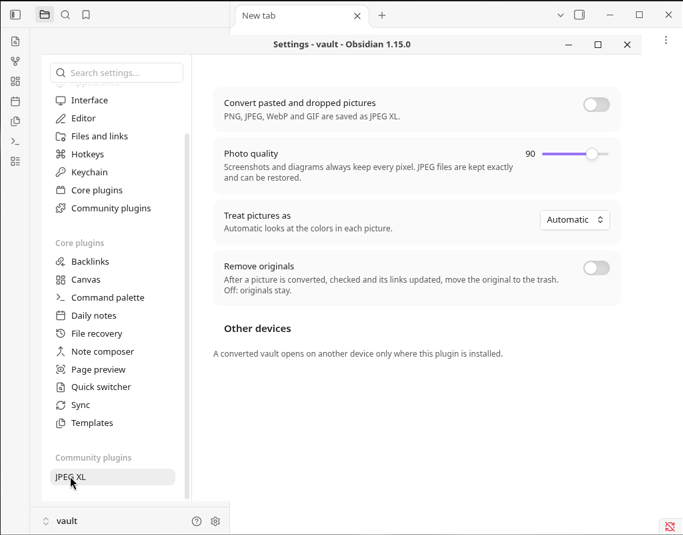
Open .jxl pictures in your notes, and convert PNG, JPEG, WebP and GIF files to smaller JPEG XL files, as you paste or across the vault.
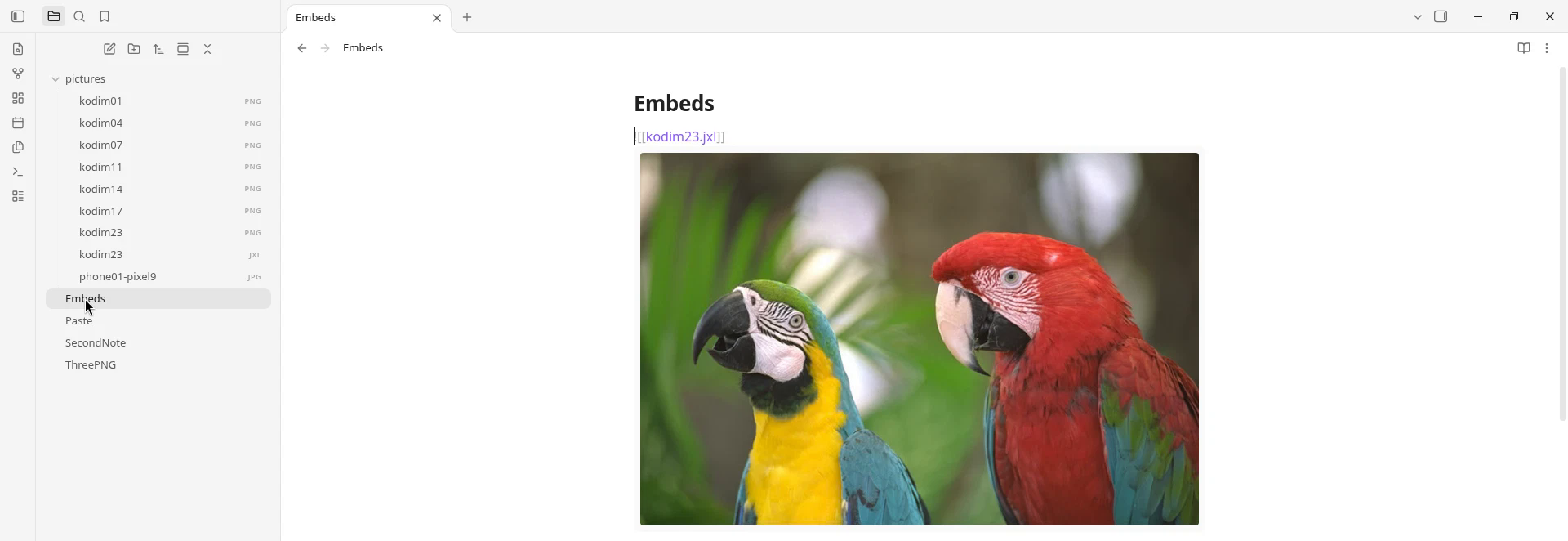
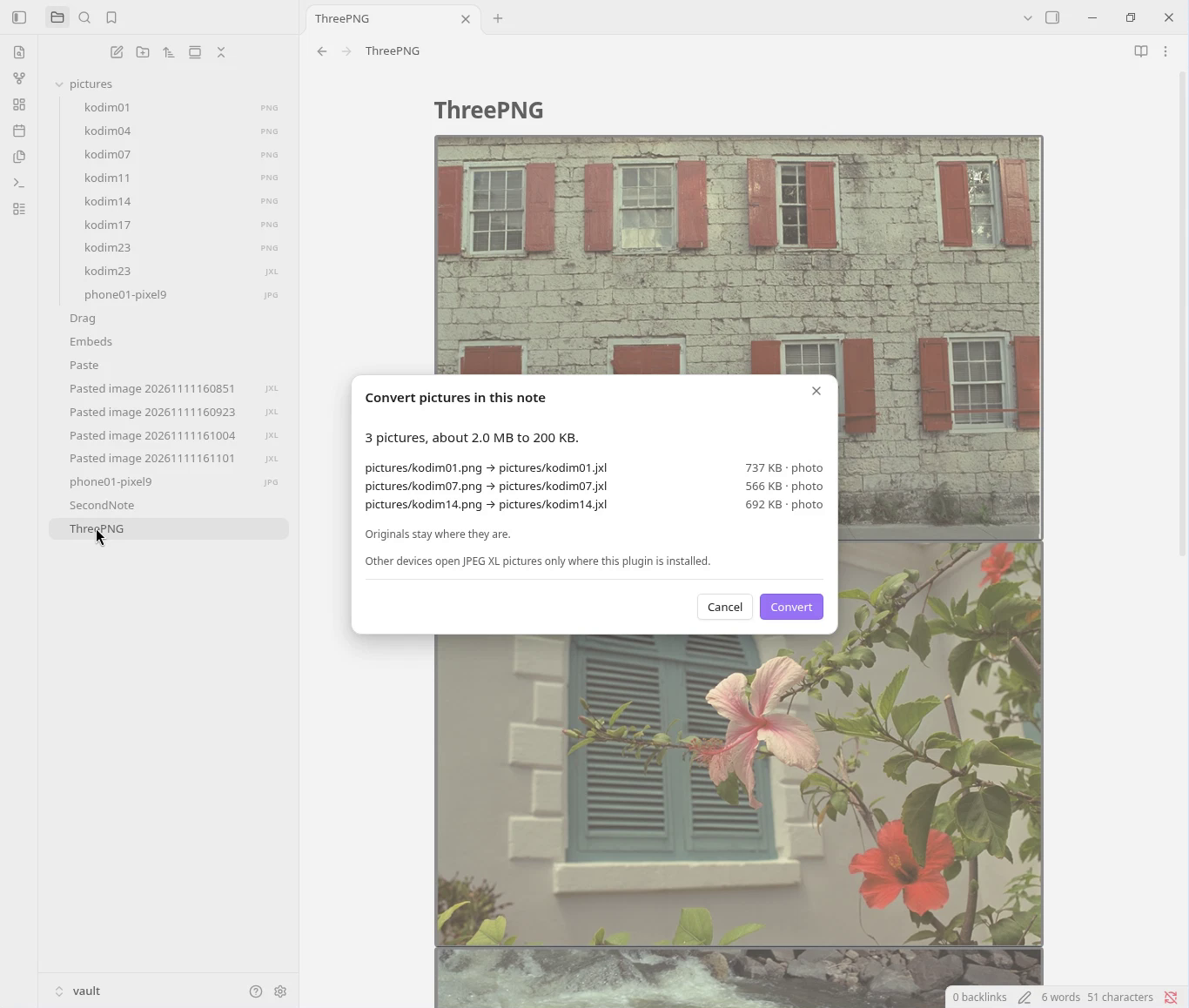
A .jxl picture embedded in a note Convert all pictures: the plan, before anything changes Plugin settings

Install

Settings, Community plugins, Browse, search for "JPEG XL", Install, Enable.

What it saves

One file each, converted by this plugin at its defaults (photo quality 90). WebP made with Pillow 12.3: lossless for screenshots and the animation, quality 90 for photographs. Not an average.

Picture Original WebP JPEG XL
Screenshot of a note, 2200 × 1520 PNG 192 KB 56 KB 36 KB, every pixel kept
Screenshot of code, 1960 × 840 PNG 175 KB 57 KB 39 KB, every pixel kept
Phone photo pasted as a 2560 × 1920 PNG 7.63 MB 893 KB 789 KB, quality 90
Phone photo, 12.5 MP JPEG 5.44 MB 1.83 MB, re-encoded with loss 4.85 MB, the JPEG restores exactly
Animated GIF, 24 frames, 360 × 160 77 KB 66 KB 37 KB, every pixel kept

A picture is replaced only if the new file is smaller.

Your files

  • Everything runs on your device. No network, no telemetry; no file leaves your vault.
  • Nothing is overwritten. Each new picture is read back and checked against the original before any link changes. Originals stay unless you turn on Remove originals, and then they go to Obsidian's trash.
  • Undo the last conversion puts the links back.
  • A converted vault opens on another device only where this plugin is installed.

Commands

Convert this picture · Convert all pictures in this note · Convert all pictures in the vault · Convert this picture back to PNG · Restore the original JPEG · Undo the last conversion

Made with rapier-jxl. The plugin is MIT-licensed: obsidian/LICENSE.


This repository also holds the files that Rapier (rapier.website) and its agent plugins load. Privacy and terms.

HealthExcellent
ReviewCaution
About
Open .jxl pictures in your notes and convert PNG, JPEG, WebP and GIF files to smaller JPEG XL files from paste or across the whole vault. Examples: A 192 KB screenshot becomes 36 KB with pixels kept exactly the same. A 5.4 MB phone JPEG becomes 4.9 MB and restores to the original file exactly. Offline, runs entirely on your device. Each new picture is checked against the original before any link changes. Originals stay unless you turn on Remove originals, and then they go to Obsidian’s trash. Undo on the last conversion restores the links. A picture is replaced only if the new file is smaller. JPEG XL is supported by Chrome, Firefox and Safari, and Apple devices open it natively. Obsidian does not display it yet, so converted pictures show only where this plugin is installed.
ImagesAttachmentsFormats
Details
Current version
1.0.1
Last updated
Yesterday
Created
2 months ago
Updates
37 releases
Downloads
9
Compatible with
Obsidian 1.6.6+
Platforms
Desktop, Mobile
License
AGPL-3.0
Report bugRequest featureReport plugin
Author
Jack SkipworthJack Skipworthrapier
rapier.website/jxl
GitHubjackskip22
  1. Community
  2. Plugins
  3. Images
  4. JPEG XL

Related plugins

Ink

Handwriting and drawing directly between paragraphs using a digital pen, stylus, or Apple pencil.

Paste image rename

Rename image after pasting, support name pattern and auto renaming.

Imagine

A comprehensive image management plugin for managing, inserting, resizing, viewing, and batch processing images.

Pixel Perfect Image

Pixel perfect 100% image resizing, copy to clipboard, show image in Finder/Explorer, and much more.

Image auto upload

Upload images from your clipboard by PicGo.

Supernote (Unofficial)

Sync and view Supernote notes and Atelier drawings in your vault

Advanced Audio Recorder

Advanced audio recording with input device and folder configuration.

Image Context Menus

Image context menus (mostly on right click): Copy to clipboard, Open in default app, Show in system explorer, Reveal file in navigation, Open in new tab.

Importer

Convert your data to Markdown files you can use in Obsidian. Works with Apple Notes, OneNote, Evernote, Notion, Google Keep, and many other formats.

Share Note

Instantly share/publish a note, with the full theme and content exactly like you see in Obsidian. Data is shared encrypted by default, and only you and the person you send it to have the key.