JokerType
 kannibalk1w1581 downloads
Game-like typing particles, special-key glyphs, and HyperType-style sounds for Obsidian.
- Overview
- Scorecard
- Updates6
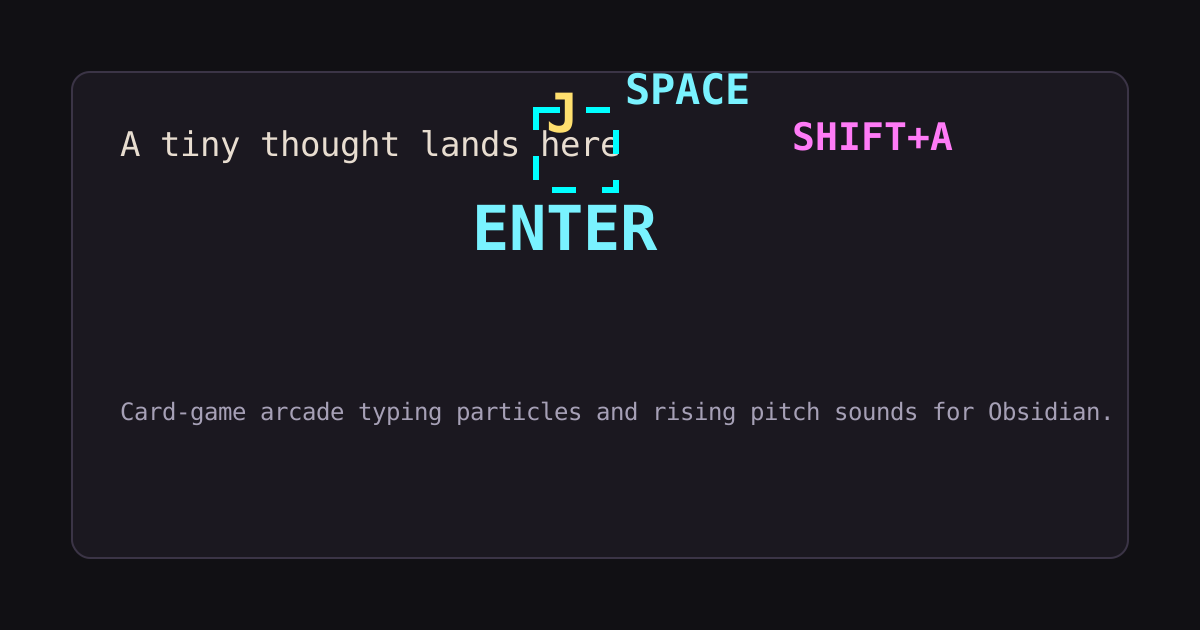
JokerType makes writing in Obsidian feel alive. It adds pixel glyph effects, responsive typing sounds, and optional Markdown Moments that celebrate meaningful structure in your notes—from headings and links to tasks, embeds, callouts, citations, and tables.
Install JokerType in Obsidian · View releases · Report an issue
Features
- Floating pixel text for typed characters,
SPACE,ENTER,TAB,BACKSPACE,DELETE, and paste. - HyperType-style sampled sounds with pitch rising during fast typing streaks.
- Visual themes: Arcade, Neon, Monochrome, Terminal, and Prism.
- Prism theme and preset: stable jewel colors per glyph, with clear special-key colors and no editor shake.
- Optional Markdown Moments celebrate meaningful note structure with card-style effects; choose Essentials, Full Deck, or a custom selection.
- Presets: Subtle, Classic, Chaotic, Prism, and Sound only.
- Fine-grained toggles for text glyphs, enter effects, delete effects, corner brackets, editor shake, and status combo counter.
- Controls for volume, sound style, effect intensity, glyph lifetime, reduced motion, and large paste throttling.
- Custom typing, Space, Enter, Backspace/Delete, and Paste sound uploads stored in Obsidian plugin data.
- Max pitch, pitch rise, and reset controls for tuning typing streaks.
- Command palette support for
Toggle JokerType, which can be assigned a hotkey in Obsidian's Hotkeys settings. - Test effect button for quick tuning.
Installation
Community plugins
Open Settings → Community plugins, search for JokerType, install it, then enable it.
Manual install
Copy the built plugin folder into:
<vault>/.obsidian/plugins/jokertype
Then enable Community plugins and turn on JokerType.
Settings
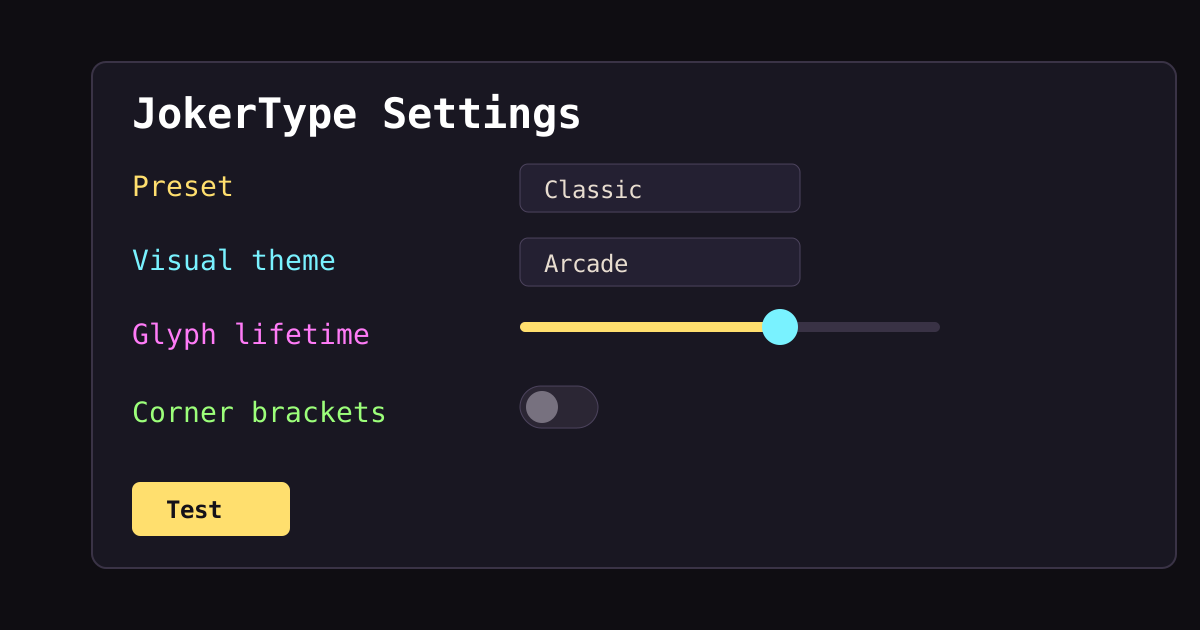
Start with Classic, then tune from there. Subtle is calmer for long writing sessions, Prism adds colorful but steady feedback, Chaotic is intentionally loud and flashy, and Sound only keeps the audio streak feel without visual particles.
Use Glyph lifetime to tune how long particles remain visible. Disable Corner brackets if the bracket bursts feel too busy.
Turn on Markdown Moments to celebrate note-making actions without tracking your vault. Essentials includes headings (TITLE!), wiki links (LINKED), new tasks (QUEST), and checked tasks (CLEARED). Full Deck adds note embeds, callouts, closed code blocks, footnotes, closed frontmatter, and table dividers; every Moment can be toggled individually. Pasted text stays quiet.
Privacy and permissions
JokerType does not use telemetry, ads, analytics, accounts, network requests, or external file access. It observes editor transactions inside Obsidian, stores plugin settings and optional uploaded custom sound data with Obsidian's plugin data API, and plays local embedded or user-provided audio assets.
Development
Install dependencies:
npm install
Run tests:
npm test
Build:
npm run build
Please see CONTRIBUTING.md before opening a pull request.
Credits
JokerType uses HyperType as an implementation reference and includes attributed HyperType font and sound assets. See THIRD_PARTY_NOTICES.md.
Changelog
See CHANGELOG.md.