Icon picker
 rocketBANG251 downloads
Preview and pick Lucide icons for the icon frontmatter property, as used by the Bases map view.
- Overview
- Scorecard
- Updates2
An Obsidian plugin for previewing and picking Lucide icons stored in a note's icon frontmatter property — the property that the Bases map view reads for marker icons.
Features
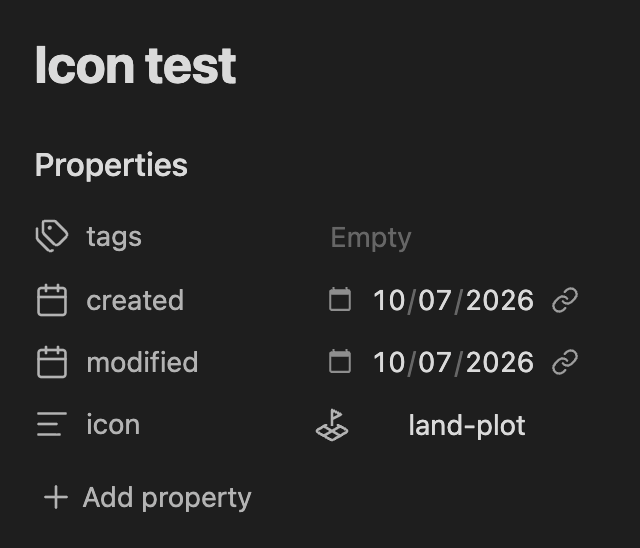
- Icon preview — notes with an
iconproperty show the rendered Lucide icon next to the property value in the Properties panel (Live Preview and Reading mode), and inline after the value in Source mode. If the value isn't a valid icon name, a dimmed placeholder is shown instead. - Click to change — the rendered preview is a button: click it to open the icon picker for that note.
- Commands:
- Set icon for current note — opens a fuzzy-search modal over the full Lucide icon set, with a live preview of every icon. Picking one writes it to the note's frontmatter.
- Remove icon from current note — deletes the property.
- Configurable property name — defaults to
icon(what the Bases map view expects), changeable in settings.
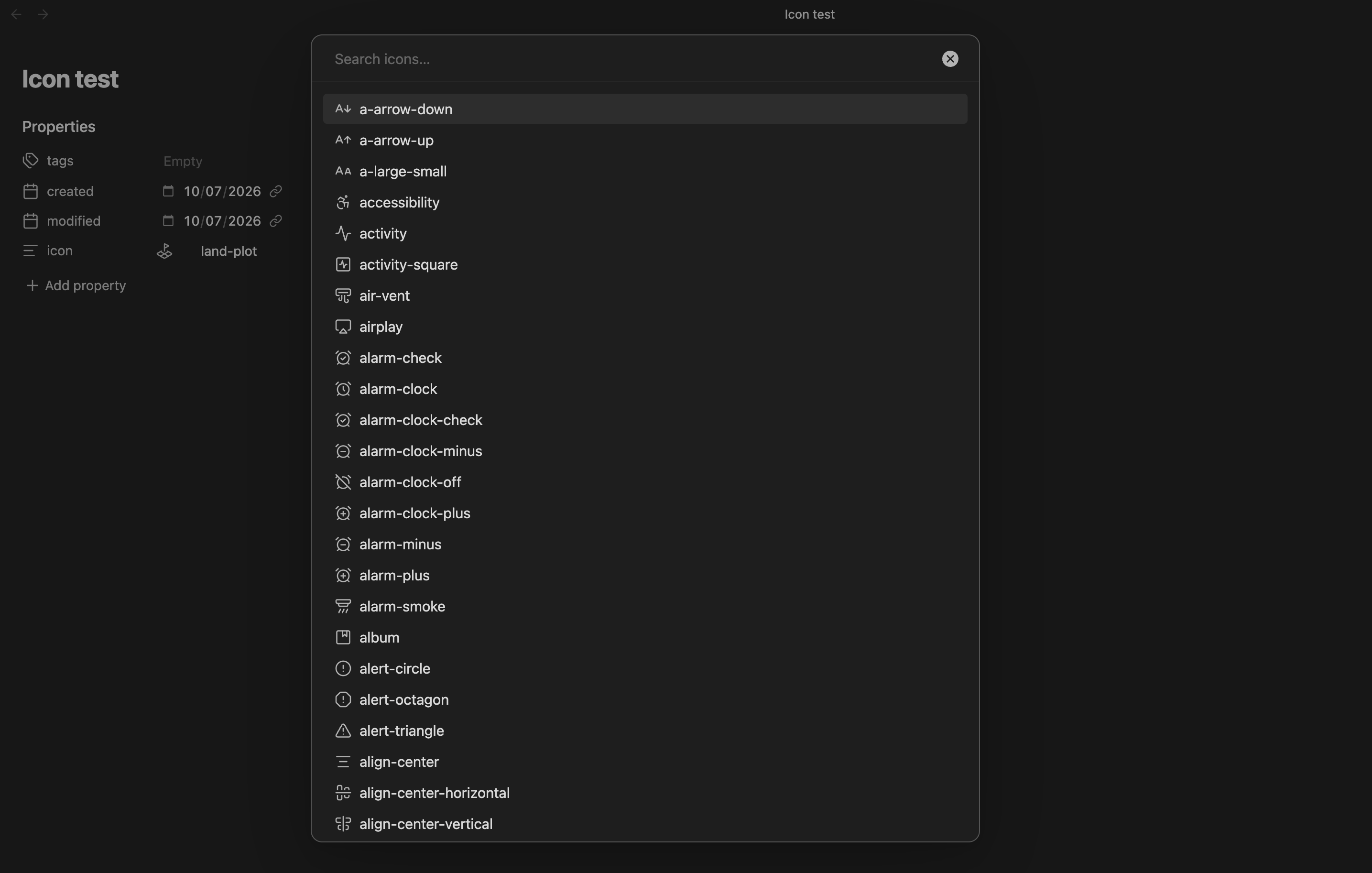
Icons are stored as plain Lucide names (e.g. map-pin, ice-cream), which is the format the Bases map view expects. Obsidian bundles the Lucide icon set natively, so the plugin has no runtime dependencies and works fully offline.
Usage
- Open any note and run Set icon for current note from the command palette.
- Search and pick an icon — it's written to the note's
iconfrontmatter property. - The icon now renders next to the property; click it any time to pick a different one.
To use the icons on a map, create a base with a map view and set the marker icons option to the icon property.
Installation
Manual
Copy main.js, manifest.json, and styles.css into:
<Vault>/.obsidian/plugins/icon-picker/
Then reload Obsidian and enable Icon picker in Settings → Community plugins.
Development
Requires Node.js (current LTS) and pnpm.
pnpm install    # install dependencies
pnpm dev        # compile in watch mode
pnpm build      # typecheck + production build
pnpm lint       # eslint with Obsidian plugin rules
Source lives in src/:
main.ts— plugin lifecycle, commandsiconPickerModal.ts— fuzzy-search picker modalpropertyDecorator.ts— Properties panel preview/buttoniconDecorator.ts— Source mode CodeMirror widgeticons.ts— Lucide icon helperssettings.ts— settings tab