Search...Search plugins and themes...
⌘K
Sign in
  • Get started
  • Download
  • Pricing
  • Enterprise
  • Account
  • Obsidian
  • Overview
  • Sync
  • Publish
  • Canvas
  • Mobile
  • Web Clipper
  • CLI
  • Learn
  • Help
  • Developers
  • Changelog
  • About
  • Roadmap
  • Blog
  • Resources
  • System status
  • License overview
  • Terms of service
  • Privacy policy
  • Security
  • Community
  • Plugins
  • Themes
  • Discord
  • Forum / 中文论坛
  • Merch store
  • Brand guidelines
Follow us
DiscordTwitterBlueskyThreadsMastodonYouTubeGitHub
© 2026 Obsidian

HTML Entity Renderer

Reggie FlukerReggie Fluker7 downloads

Renders HTML character entities such as `©` and `©` as characters in Live Preview while preserving the Markdown source.

Add to Obsidian
HTML Entity Renderer screenshot
  • Overview
  • Scorecard
  • Updates4

Renders HTML character entities in Live Preview without changing the Markdown source.

Examples:

  • © displays as ©
  • & displays as &
  • — displays as —
  • © displays as ©
  • © displays as ©

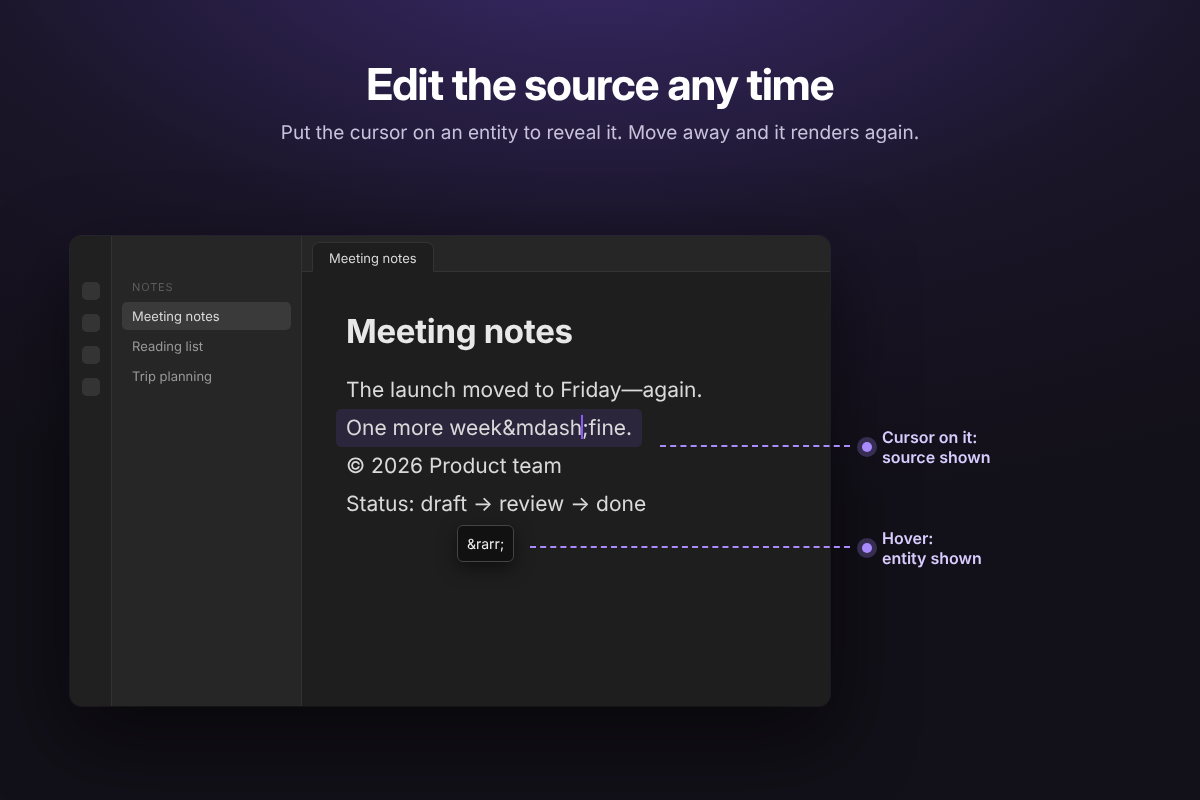
When the cursor enters an entity, the original source is revealed so it can be edited.

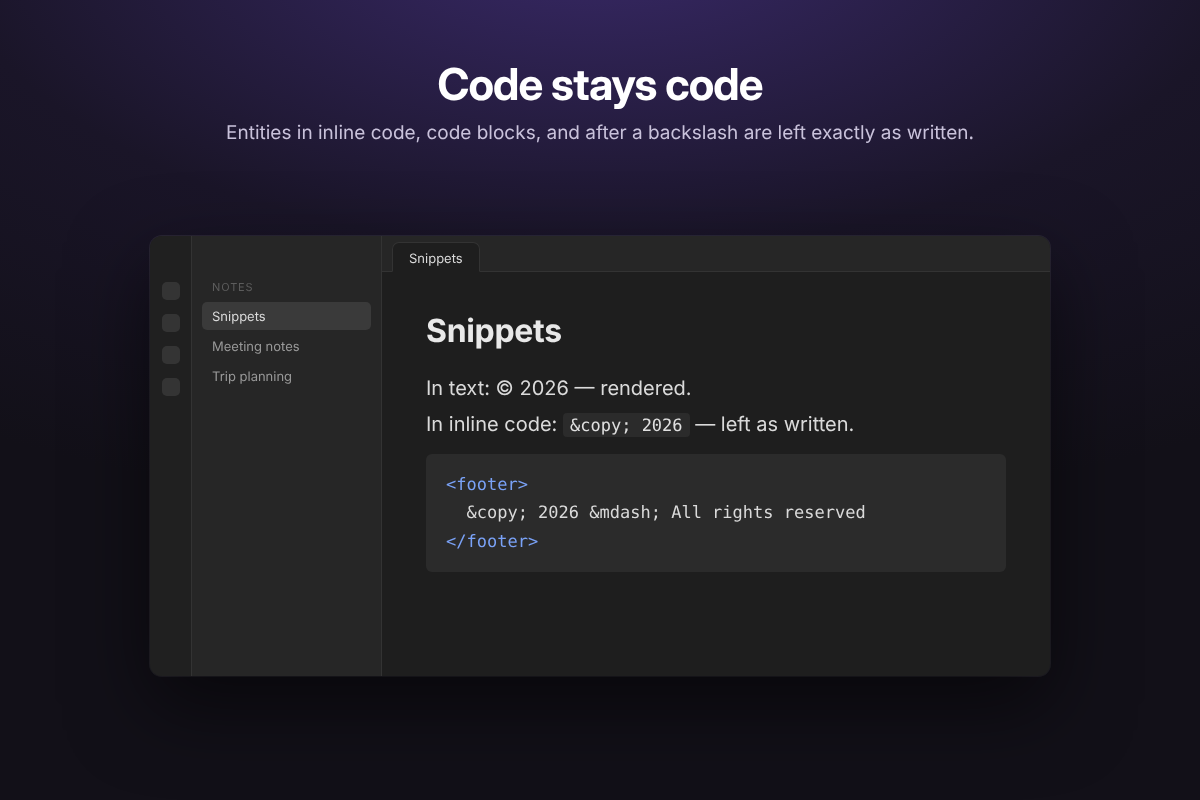
Entities are only rendered in Live Preview. Source mode, inline code, code blocks, and backslash-escaped entities (\©) are left as written, matching Reading view.

Entities that would display as nothing or as a line break (
, 	, ­, ‍, ​) and invalid numeric references (�, �) are also left as source, so they stay visible and editable.

Screenshots
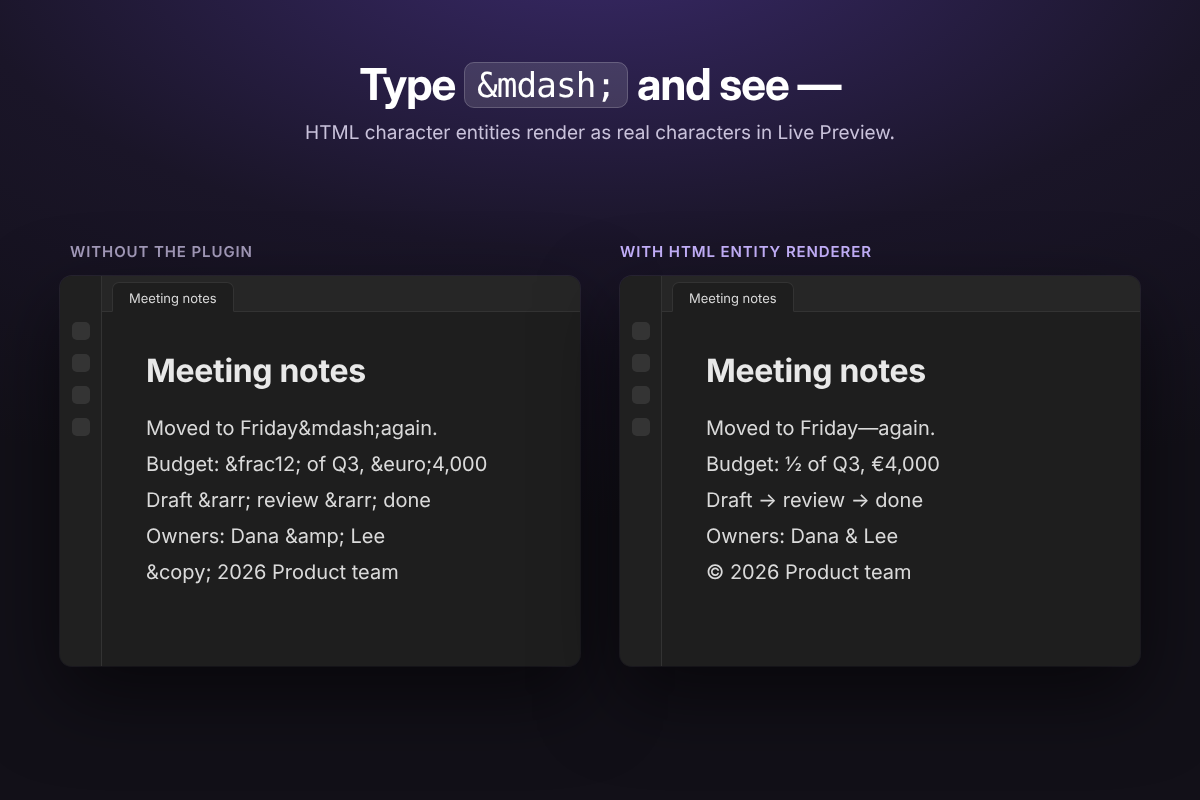
A note with HTML entities, shown before and after the plugin

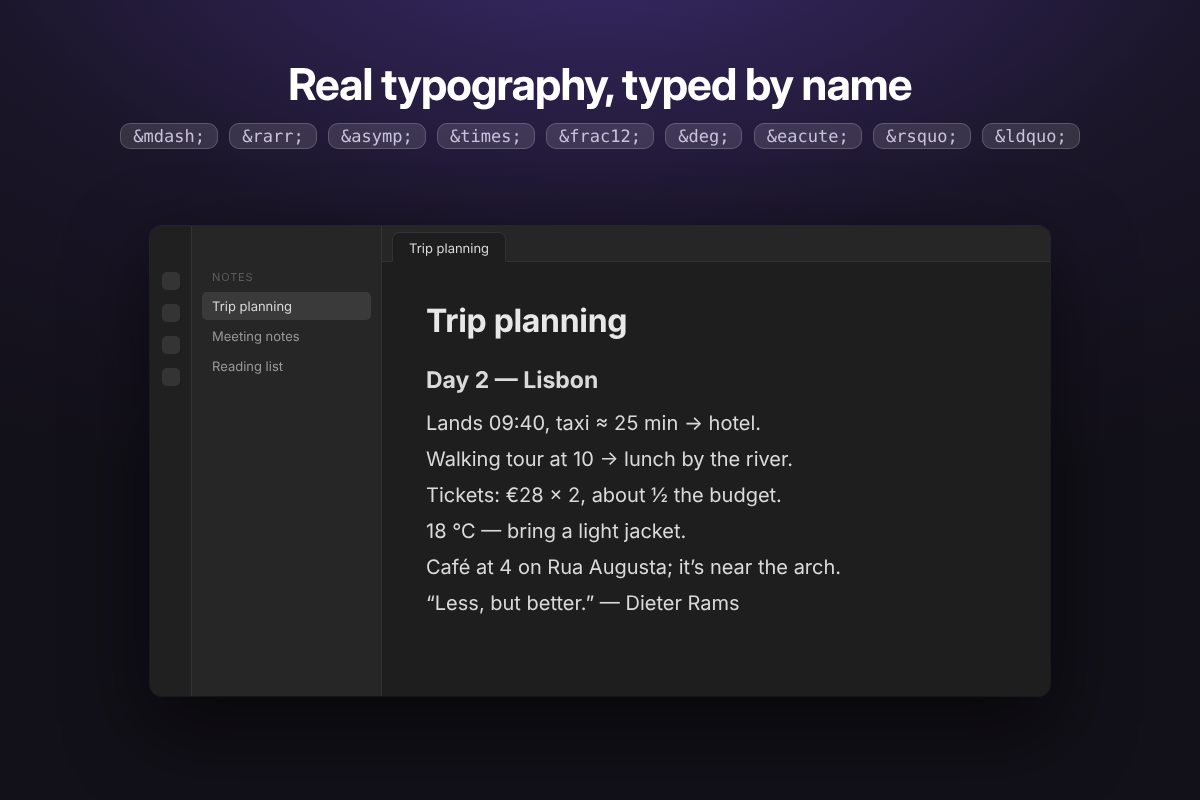
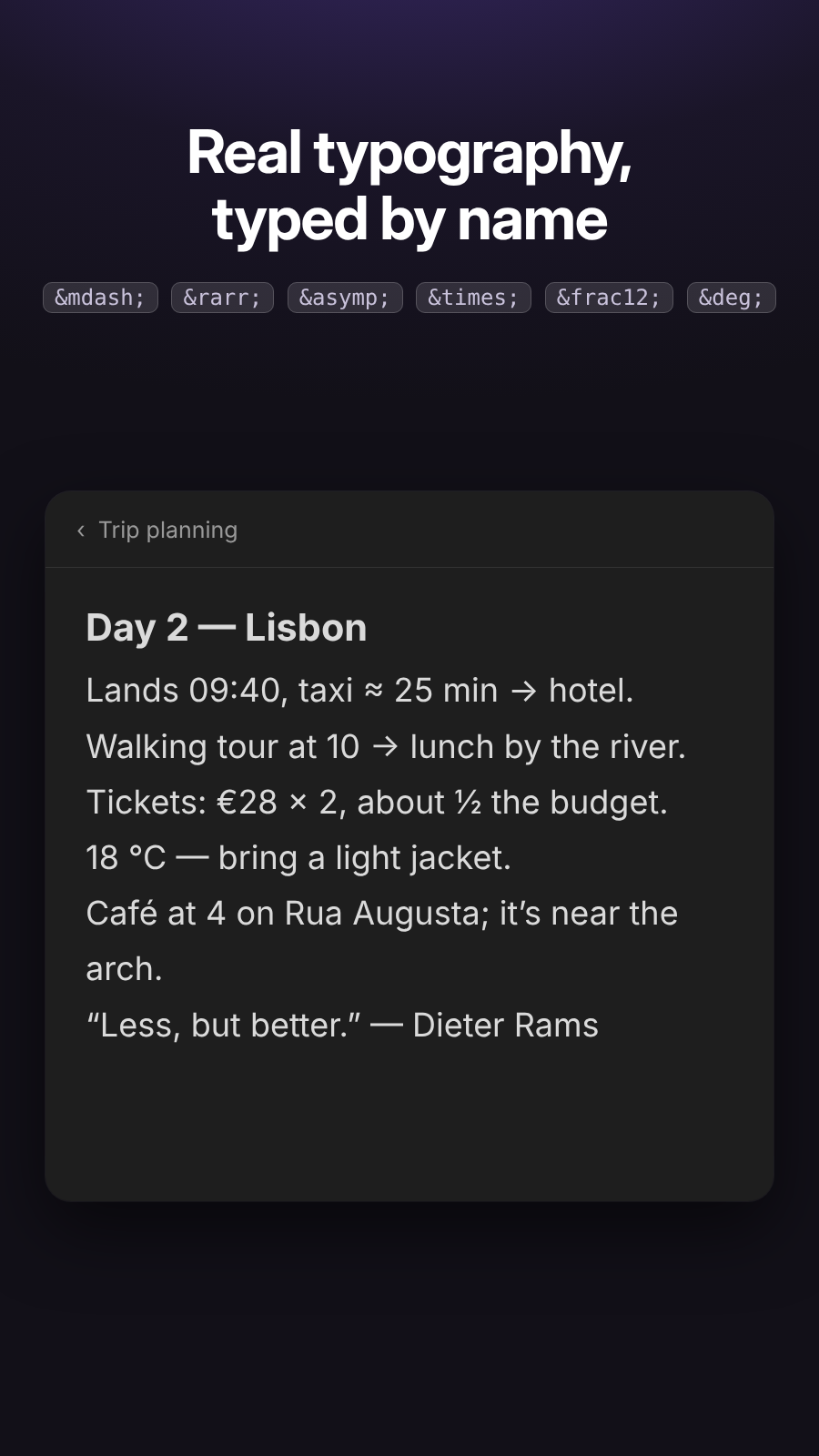
Moving the cursor into an entity reveals its source for editing A real note using named entities for typography
Entities inside inline code and code blocks stay as written Rendered entities in light and dark themes

Mobile

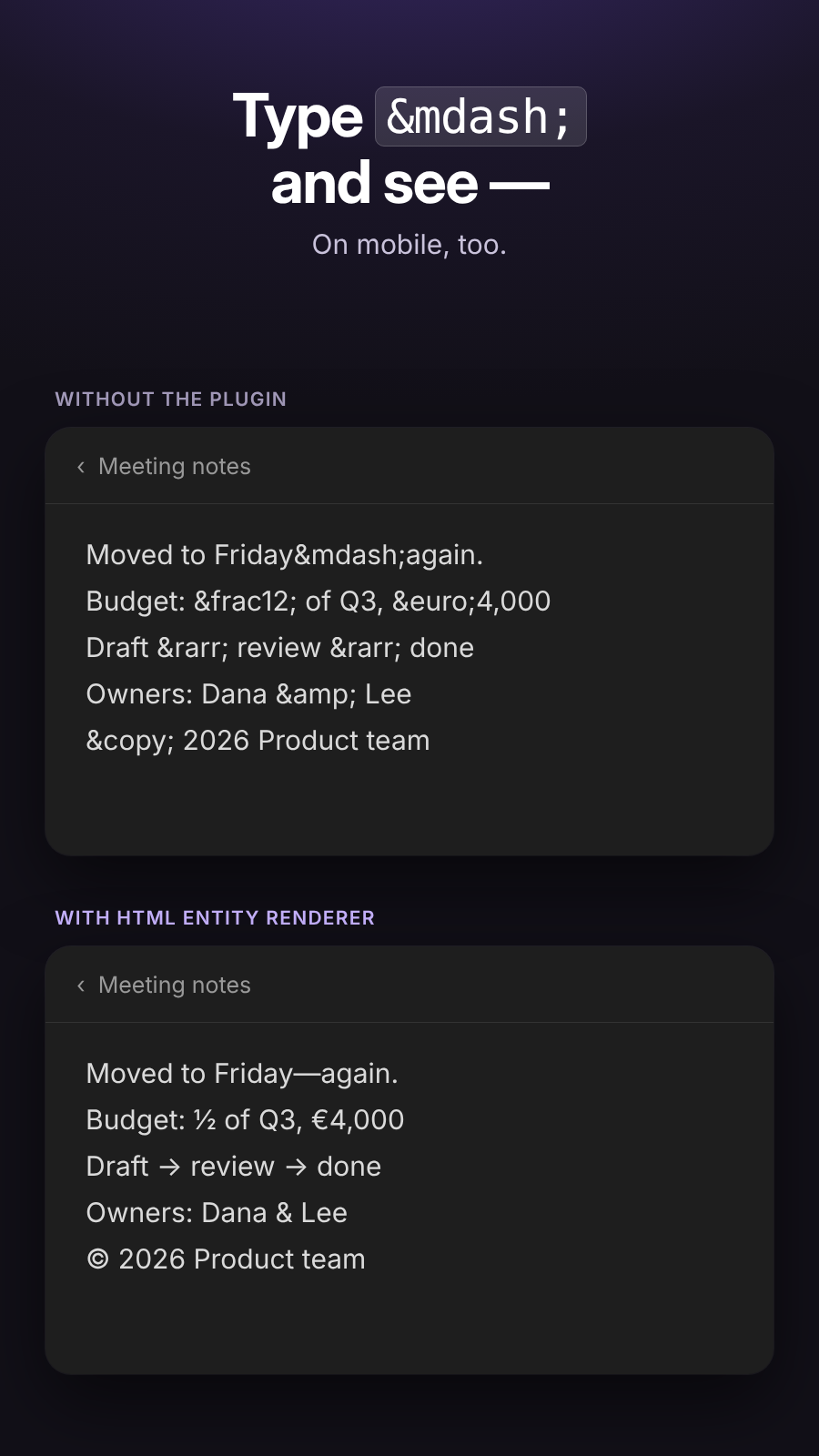
Before and after Real note
A note with HTML entities on mobile, shown before and after the plugin A real note on mobile using named entities for typography

Install

From Community plugins

  1. In Obsidian, open Settings → Community plugins.
  2. Turn off Restricted mode.
  3. Click Browse, search for HTML Entity Renderer, then select Install and Enable.

Manually

  1. Close Obsidian, or leave it open and reload after installation.
  2. Open your vault folder.
  3. Open .obsidian/plugins/.
  4. Create a folder named html-entity-renderer.
  5. Put main.js, manifest.json, and styles.css in that folder.
  6. In Obsidian, go to Settings → Community plugins.
  7. If prompted, turn off Restricted mode.
  8. Click the refresh/reload button if the plugin is not listed, or restart Obsidian.
  9. Enable HTML Entity Renderer.

Try it

Test with:

Copyright © 2026
Fish & Chips
A B
© and ©

The file itself remains unchanged; only the Live Preview display is decorated.

Development

package.json and tests/ are only needed for development; don't copy them into the vault. To run the unit tests (Node.js 18 or later):

npm install
npm test
HealthExcellent
ReviewPassed
About
Renders HTML entities such as `©` and `©` as characters in Live Preview; em dashes, arrows, non-breaking spaces, symbols and other special characters display as they do in Reading view. Entities in clipped and imported notes render too. The original source reappears when the cursor enters an entity, so you can still edit it. Source mode, inline code, code blocks, escaped entities, and entities that are invalid or render as nothing stay as written. Works on desktop and mobile. No settings to configure. Never rewrites your file: the entity stays in the text and only the display changes.
MarkdownEditingHTML
Details
Current version
0.1.3
Last updated
6 hours ago
Created
7 days ago
Updates
4 releases
Downloads
7
Compatible with
Obsidian 1.14.4+
Platforms
Desktop, Mobile
License
MIT
Report bugRequest featureReport plugin
Author
Reggie FlukerReggie Flukerrflukerii-dev
GitHubrflukerii-dev
reggieflukerii
  1. Community
  2. Plugins
  3. Markdown
  4. HTML Entity Renderer

Related plugins

Outliner

Work with your lists like in Workflowy or Roam Research.

Various Complements

Complete words similar to auto-completion in an IDE.

Heading Shifter

Easily Shift and Change Markdown headings.

Shortcuts extender

Use shortcuts for input special symbols without language switching.

Chord Sheets

Work with chord sheets (chords over lyrics or inline) in Live Preview and reading mode: Chord diagrams for guitar, ukulele, mandolin and piano, transpose, autoscroll, and more.

Easy Copy

Easily copy the text within inline code, bold text (and many other formats), or quickly generate an elegant link to a heading or block.

Linter

Format and style your notes. Linter can be used to format YAML tags, aliases, arrays, and metadata; footnotes; headings; spacing; math blocks; regular Markdown contents like list, italics, and bold styles; and more with the use of custom rule options.

LanguageTool Integration

Advanced grammar and spell checking, powered by LanguageTool.

Meta Bind

Make your notes interactive with inline input fields, metadata displays, and buttons.

Thino

Quickly capture memos and display them in the sidebar with a heatmap. (Closed source)