Search...Search plugins and themes...
⌘K
Sign in
  • Get started
  • Download
  • Pricing
  • Enterprise
  • Account
  • Obsidian
  • Overview
  • Sync
  • Publish
  • Canvas
  • Mobile
  • Web Clipper
  • CLI
  • Learn
  • Help
  • Developers
  • Changelog
  • About
  • Roadmap
  • Blog
  • Resources
  • System status
  • License overview
  • Terms of service
  • Privacy policy
  • Security
  • Community
  • Plugins
  • Themes
  • Discord
  • Forum / 中文论坛
  • Merch store
  • Brand guidelines
Follow us
DiscordTwitterBlueskyThreadsMastodonYouTubeGitHub
© 2026 Obsidian

Cursor History

abdelrahmanhafezabdelrahmanhafez96 downloads

Navigate back and forward through cursor position history across files, like VS Code.

Add to Obsidian
  • Overview
  • Scorecard
  • Updates1

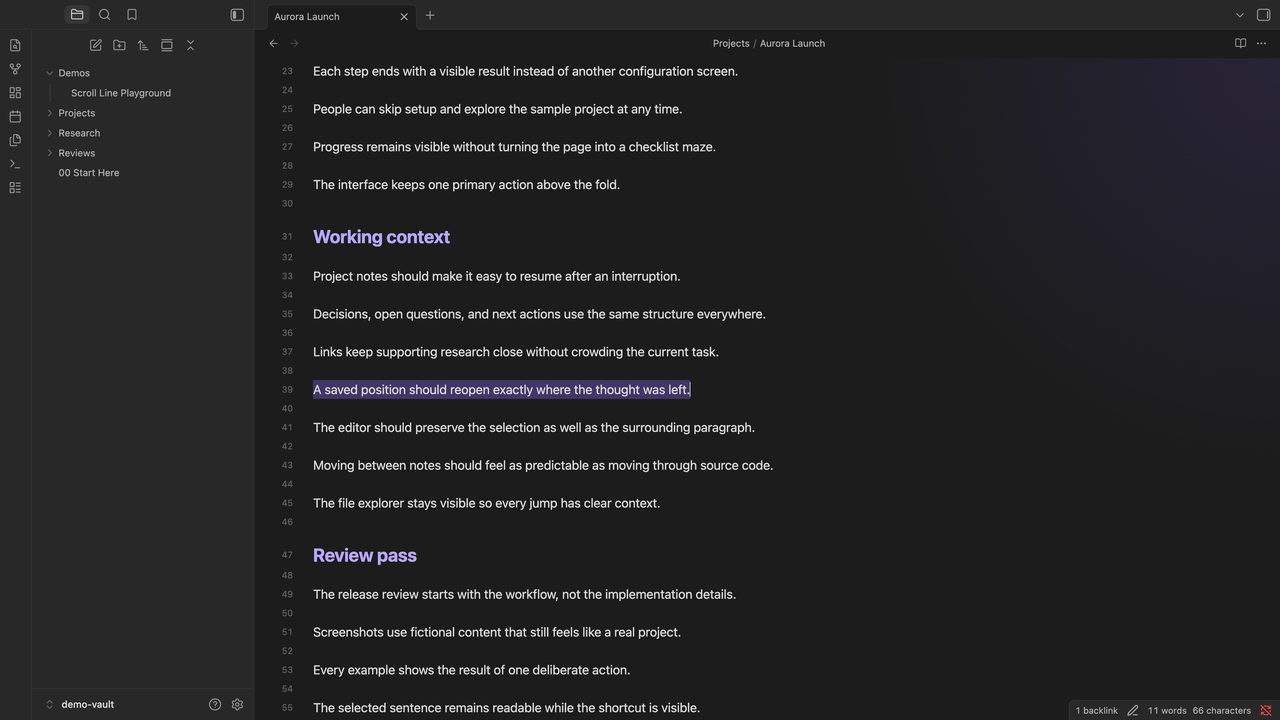
An Obsidian plugin that tracks cursor position history across files and lets you navigate back and forward, like VS Code's workbench.action.navigateBack / workbench.action.navigateForward.

Features

  • Tracks cursor positions across files with a 10-line threshold (small movements update the current entry, large jumps create new ones)
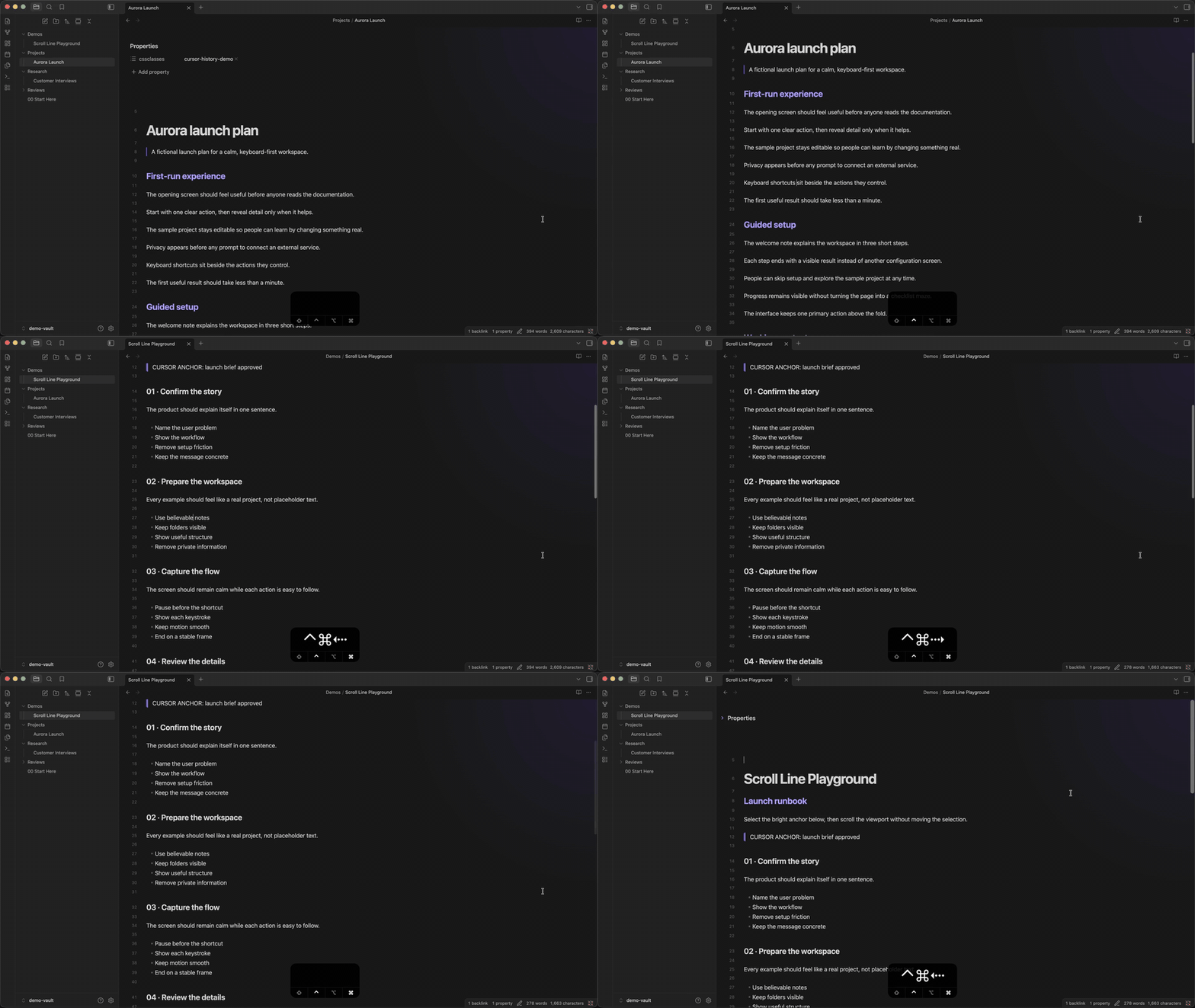
  • Navigate back and forward through your cursor history
  • Browser-style stack: going back then moving somewhere new clears the forward history
  • Session-based, max 50 entries

Installation

From Obsidian Community Plugins

  1. Open Settings > Community plugins
  2. Search for Cursor History
  3. Click Install, then Enable

Manual Installation

  1. Download main.js and manifest.json from the latest release
  2. Create a folder cursor-history inside your vault's .obsidian/plugins/ directory
  3. Place the downloaded files inside that folder
  4. Reload Obsidian and enable the plugin in Settings > Community plugins

Configuration

Default keybindings are set up automatically on first install:

Command Default Binding
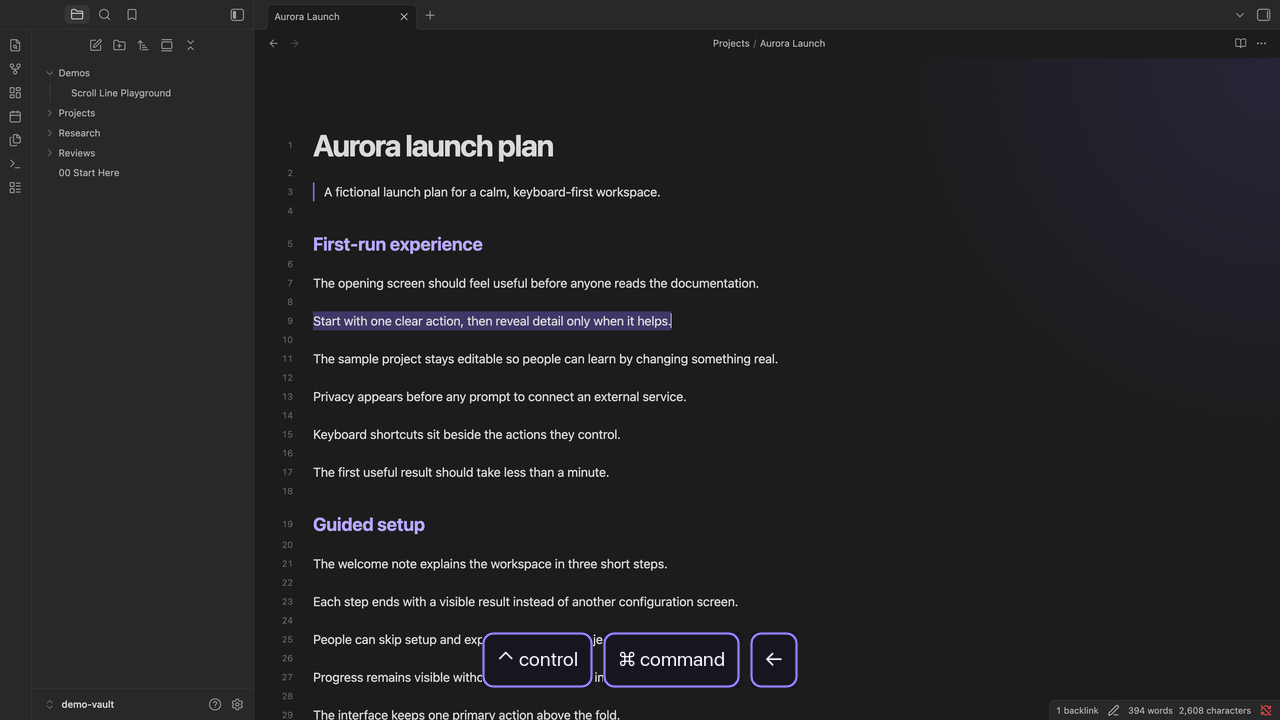
Cursor History: Go back Ctrl+Cmd+←
Cursor History: Go forward Ctrl+Cmd+→

To change them, open Settings > Hotkeys and search for "Cursor History".

How It Works

The plugin uses VS Code's position-based heuristic (not timer-based polling):

  • Same line: updates the current history entry (no new stop)
  • Within 10 lines: updates the current entry
  • 10+ lines apart: creates a new history entry
  • Different file: always creates a new entry
  • Going back then navigating: clears forward history (browser-style)

License

MIT

83%
HealthExcellent
ReviewSatisfactory
About
Track cursor positions across files and navigate back or forward with a browser-style stack. Use a position-based heuristic (same line or within 10 lines updates current entry; 10+ lines or a different file creates a new entry), keep up to 50 session entries, and clear forward history after navigating.
NavigationHotkeysCommands
Details
Current version
1.0.0
Last updated
2 months ago
Created
2 months ago
Updates
1 release
Downloads
96
Compatible with
Obsidian 1.0.0+
Platforms
Desktop, Mobile
License
MIT
Report bugRequest featureReport plugin
Sponsor
Support
Author
abdelrahmanhafezabdelrahmanhafez
github.com/AbdelrahmanHafez
GitHubabdelrahmanhafez
  1. Community
  2. Plugins
  3. Navigation
  4. Cursor History

Related plugins

Leader Hotkeys

Add leader hotkey support to any command (like tmux or vim).

Quick Switcher++

Enhanced Quick Switcher, search open panels, and symbols.

Tray

Run Obsidian from the system tray for customisable window management and global quick notes.

Code Editor Shortcuts

Add keyboard shortcuts (hotkeys) commonly found in code editors such as Visual Studio Code (VS Code) or Sublime Text.

Doubleshift

Open the command palette by pressing Shift (or any other key) twice like in IntelliJ and create your own shortcuts.

Insert Heading Link

Add a command to create a link to a heading.

Notebook Navigator

A better file browser and calendar inspired by Apple Notes, Bear, Evernote and Day One.

Homepage

Open a note, base, or workspace on startup, or set it for quick access later.

Recent Files

Display a list of recently opened files.

Vertical Tabs

Offer an alternative view that displays open tabs vertically, allowing users to group and organize tabs for a better navigation experience.