
- Overview
- Scorecard
- Updates33
This plugin lets you view BPMN diagrams interactively in your Obsidian notes with an bpmn
code-block.
Furthermore, a BPMN modeler lets you edit your BPMNs directly in Obsidian.
The plugin is based on the bpmn-js library.
NEW Feature: Token Simulation!
How to use (CodeBlock)
- Add a valid
*.bpmnfile to your vault - Add the BPMN diagram to your note:
```bpmn
url: [[my-diagram.bpmn]]
```
Parameter
You can customize the view with the following parameters:
| Parameter | Description | Values |
|---|---|---|
| url | The url of the *.bpmn file (required). | Relative/Absolute path, or as "[[*.bpmn]]" markdown link. |
| height | The height of the rendered canvas. | [200..1000] |
| opendiagram | Show a link to the *.bpmn file. | True/False |
| showzoom | Show the zoom buttons below the canvas. | True/False |
| enablepanzoom | Enable pan and zoom. | True/False |
| zoom | Set the zoom level. Default is 'fit-viewport'. | 0.0 - 10.0 |
| x | Set the x coordinate, if a zoom value is set. | 0 - ... (default: 0) |
| y | Set the y coordinate, if a zoom value is set. | 0 - ... (default: 0) |
| forcewhitebackground | Force a white background. | True/False |
While typing inside a bpmn code block, Obsidian autocompletes the parameter names (with a short value hint and the full description on hover).
Insert / Edit code block from a popup
You don't have to type the code block manually:
- Open a markdown note and put the cursor where the diagram should be inserted (or inside an existing
bpmncode block to edit it) - Run the command "Insert / Edit BPMN code block" from the command palette (it is only enabled while a markdown file is active)
- Pick the file with Browse... (all
*.bpmnfiles of the vault are listed) and adjust the other parameters - Click Insert — the code block is created at the cursor position (or the block the cursor was in gets replaced)
Create a new BPMN
The command "Create BPMN" creates a new *.bpmn file (in the folder of the active file) and opens it in the BPMN modeler.
The New BPMN ribbon icon does the same.
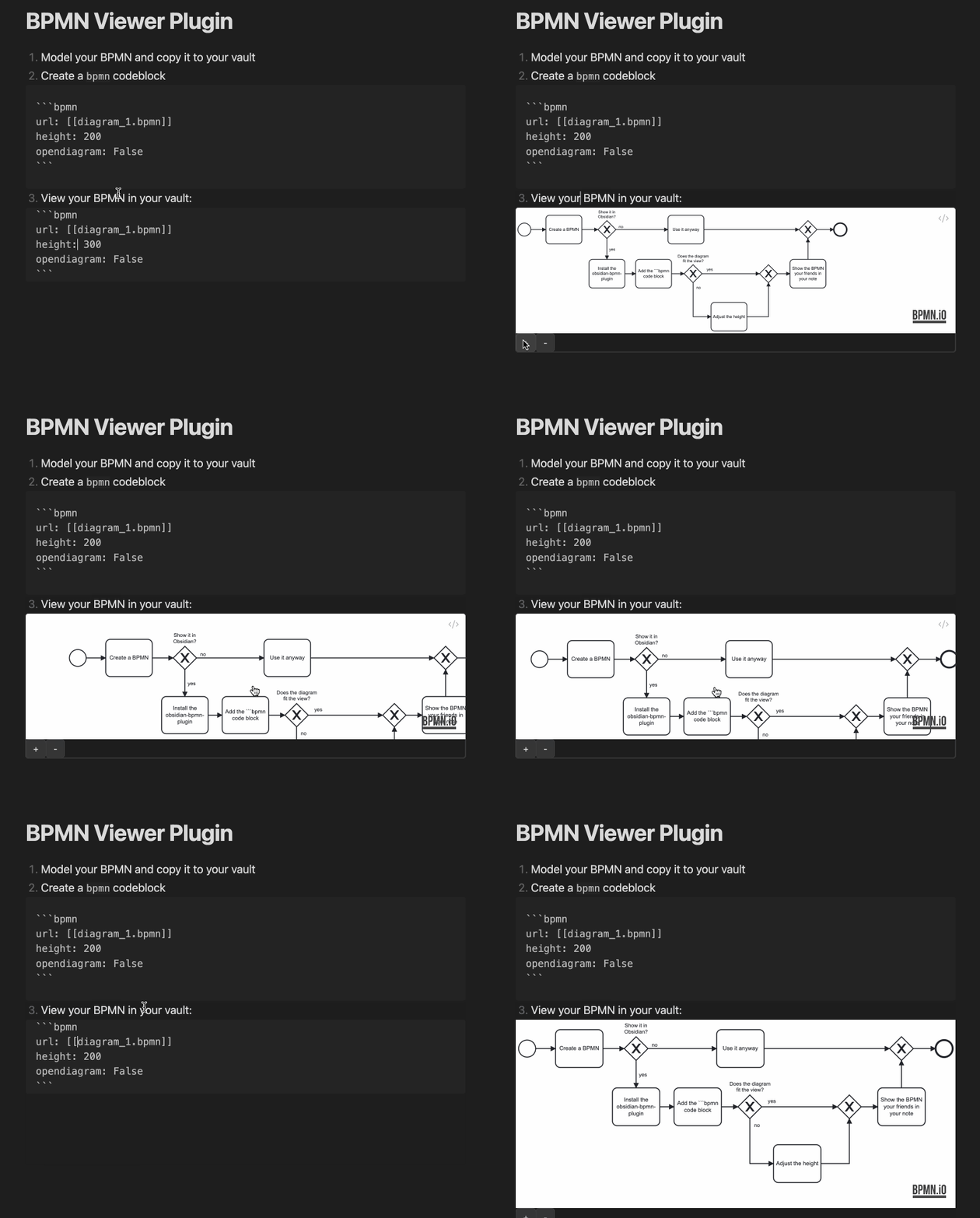
Example
How to edit the BPMN
Just open the BPMN file in your obsidian vault and the BPMN will be editable in fullscreen mode.
Features
- Token simulation
- Update properties
- Export SVG
Install
.. automatically in Obsidian
- Go to Community Plugins in your Obsidian Settings and disable Safe Mode
- Click on Browse and search for "BPMN"
- Click install
- Toggle the plugin on in the Community Plugins tab
How to dev
- Clone this repo into the plugin folder of a (non-productive) vault (
.obsidian/plugins/) npm inpm run dev- Toggle the plugin on in the Community Plugins tab