D2
 terrastruct19k downloads
A modern diagram scripting language that turns text to diagrams.
- Overview
- Scorecard
- Updates7
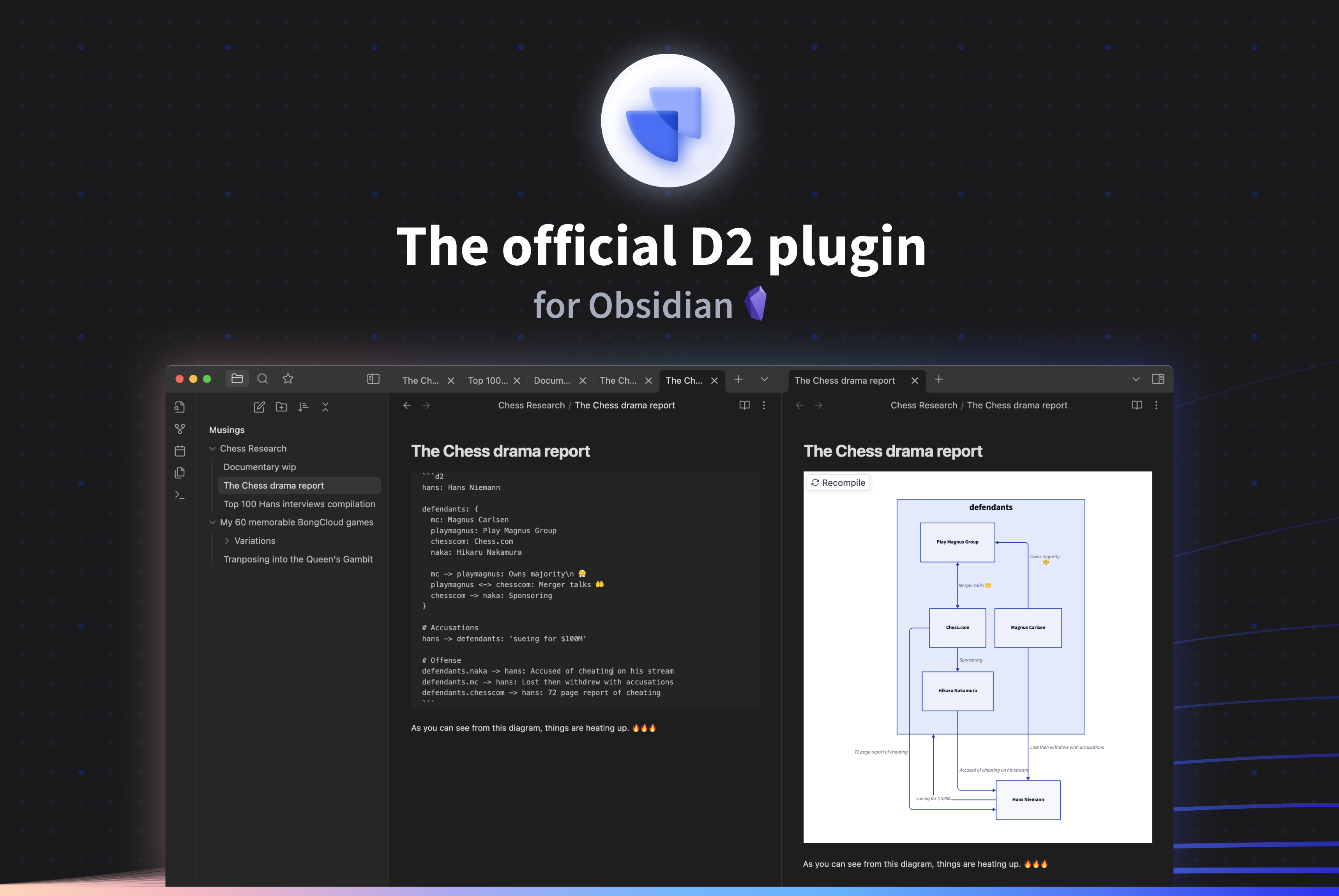
D2 Obsidian Plugin
D2 is a modern diagram scripting language thats turns text to diagrams. The source code for D2, as well as install instructions and all other information, can be found at https://github.com/d2lang/d2.
Installation
Settings > Community plugins > Browse > Search for "D2"
important: D2 must be installed for this plugin to work currently. We will later on introduce a remote API as an option, but currently this plugin calls your local installation of D2.
Configurations
Layout engine: D2 supports multiple layout engines, which can significantly affect the look of your diagram.Theme ID: For a list of available themes, visit the D2 repository.Pad: Number of pixels padded around the rendered diagram.Sketch mode: Render the diagram to look like it was sketched by hand.Container height: Diagram max render height in pixels (Requires d2 v0.2.2 and up).Debounce: Number of milliseconds to wait after a change has made to refresh the diagram (min 100).Path: Customize the path tod2(optional). We check common places D2 might be installed, along with your system path. However, your OS or setup may require you to input your path tod2manually. To do so, typewhere d2into your terminal, and copy everything in the path up until/d2and paste it into this configuration.
Usage
Create a fenced codeblock with d2 as the language tag:
Hello -> World
How to run this plugin locally
- Clone this repo.
- Run
yarnto install dependencies. - Run
yarn run devto start compilation in watch mode. - Copy over
main.js,styles.css,manifest.jsonto your vault[VaultFolder]/.obsidian/plugins/d2/.
FAQ
- I have D2 installed but I'm running into
D2 Compilation Error: d2: command not found- The Obsidian plugin may not be able to locate your D2 installation. Get the path to the D2 installation by executing
where d2in the command line, then copy that path minus the executable itself into thePathplugin setting (so if the path is/usr/local/bin/d2, then you want to copy/usr/local/bin).
- The Obsidian plugin may not be able to locate your D2 installation. Get the path to the D2 installation by executing
- I have a question or need help.
- The best way to get help is to ask on D2 Discord.
- I'd like to contribute.
- We welcome contributions! Please pick one from an existing Issue, or open one if none exists.
- I have a feature request, proposal, or bug report.
- Please open up a Github Issue. If it's D2-specific, please open it in the D2 repository. If it's specific to this plugin, please open it here.
- I have a private inquiry.
- Please reach out at [email protected].
HealthGood
ReviewSatisfactory
About
Render D2 fenced code blocks into inline diagrams using your local d2 installation. Support multiple layout engines and themes, sketch mode, padding and max height, and refresh renders automatically as diagrams change.Details
Official
Officially made by its original creators.
Current version
1.1.4
Last updated
3 years ago
Created
4 years ago
Updates
7 releases
Downloads
19k
Compatible with
Obsidian 0.15.0+
Platforms
Desktop only
License
MPL-2.0