draw.io
 somesanity51k downloads
Create and edit diagrams with draw.io (diagrams.net), locally and offline.
- Overview
- Scorecard
- Updates11
🚀 Features
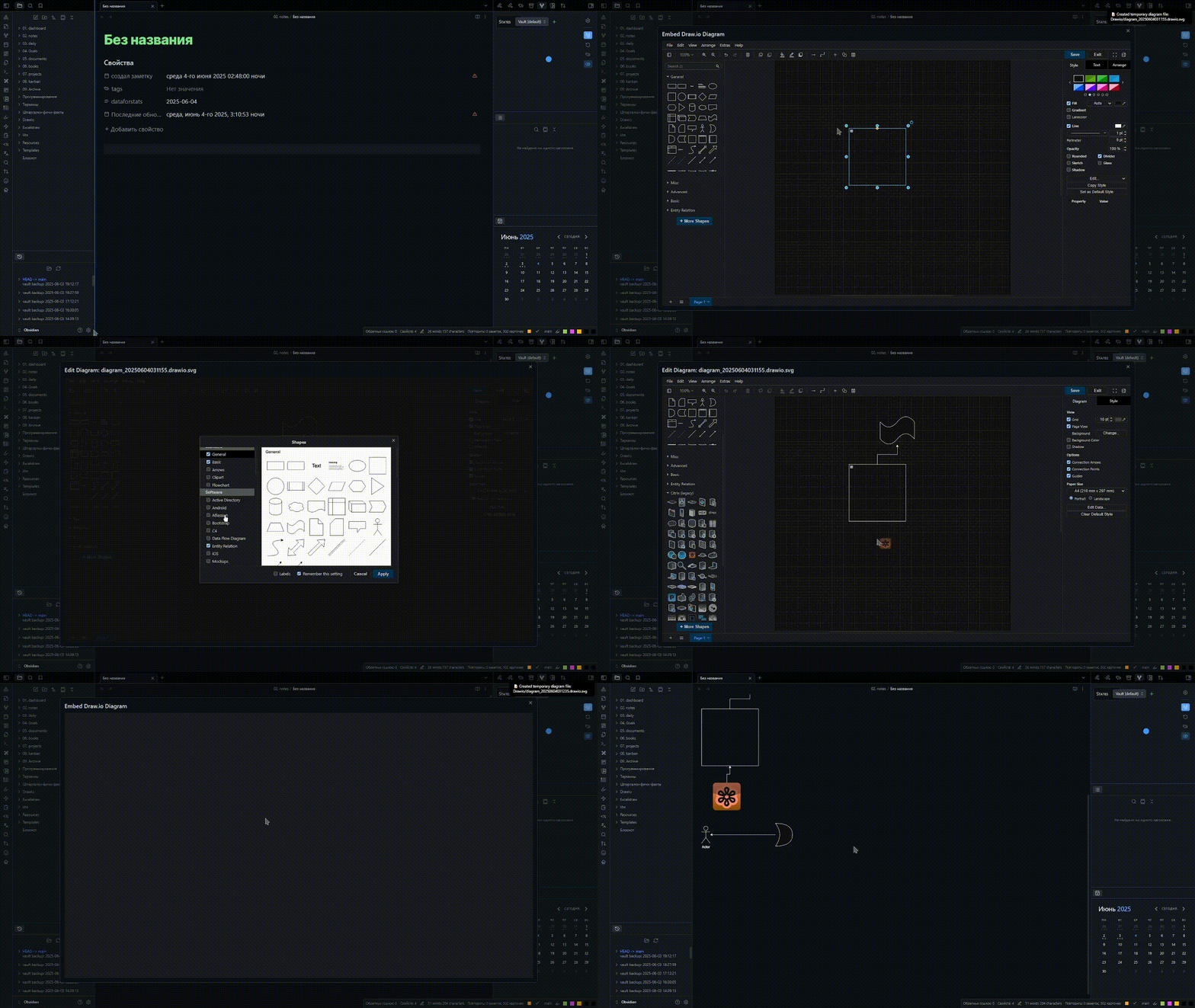
- 🧩 Interactivity – bind your note links to shapes, add external links, and insert markdown fragments!
- 🛜 Works 100% offline – No internet required!
- 🔐 Privacy-first – Runs a local server on your machine.
- 📐 Mermaid & LaTeX - the draw.io native support Mermaid and LaTeX.
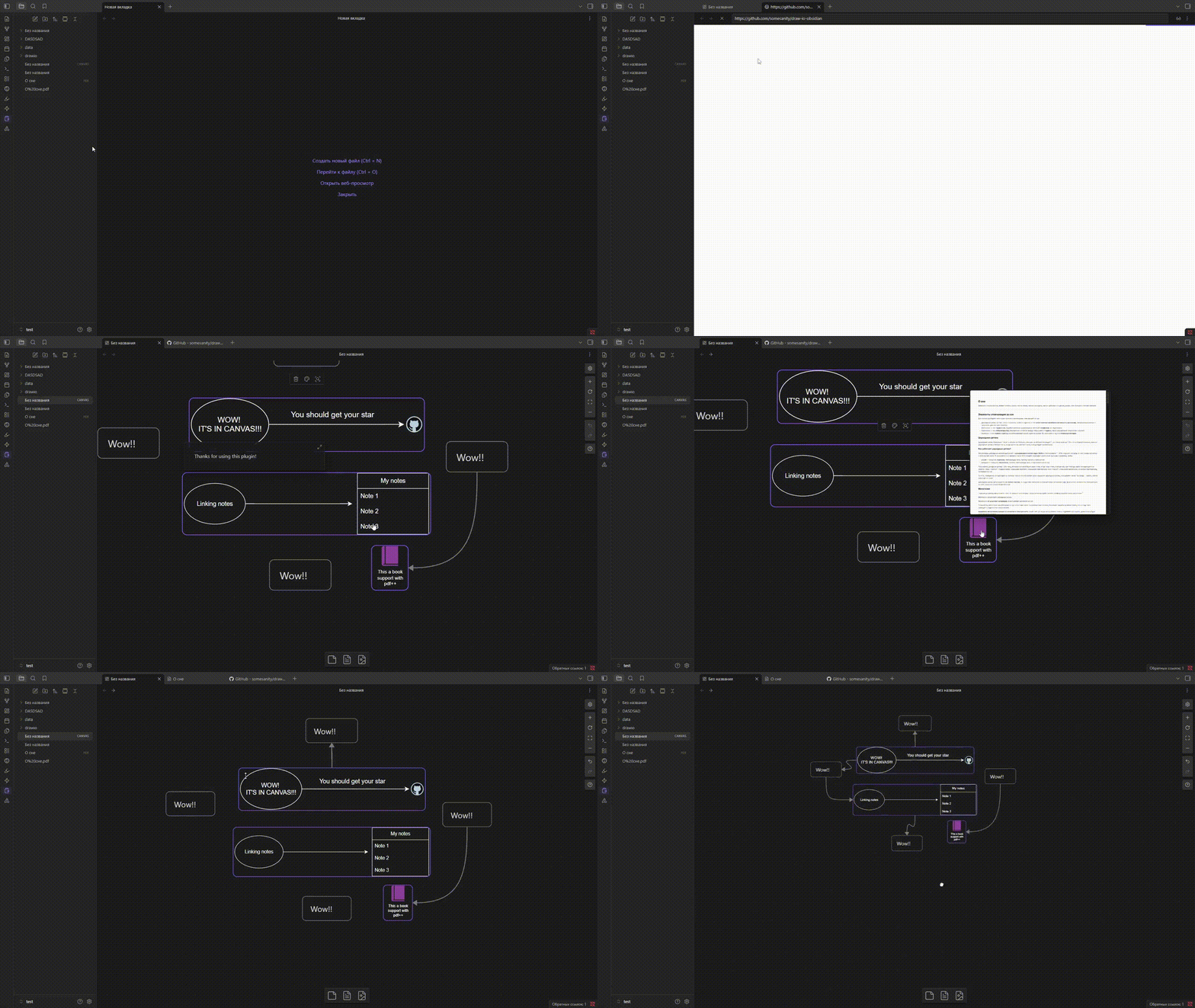
- 🖼️ Support Canvas - Use diagram in Canvas, linking notes, add external links!
✨ Interactive diagrams
⚠️ at the moment, work ONLY the reading mode
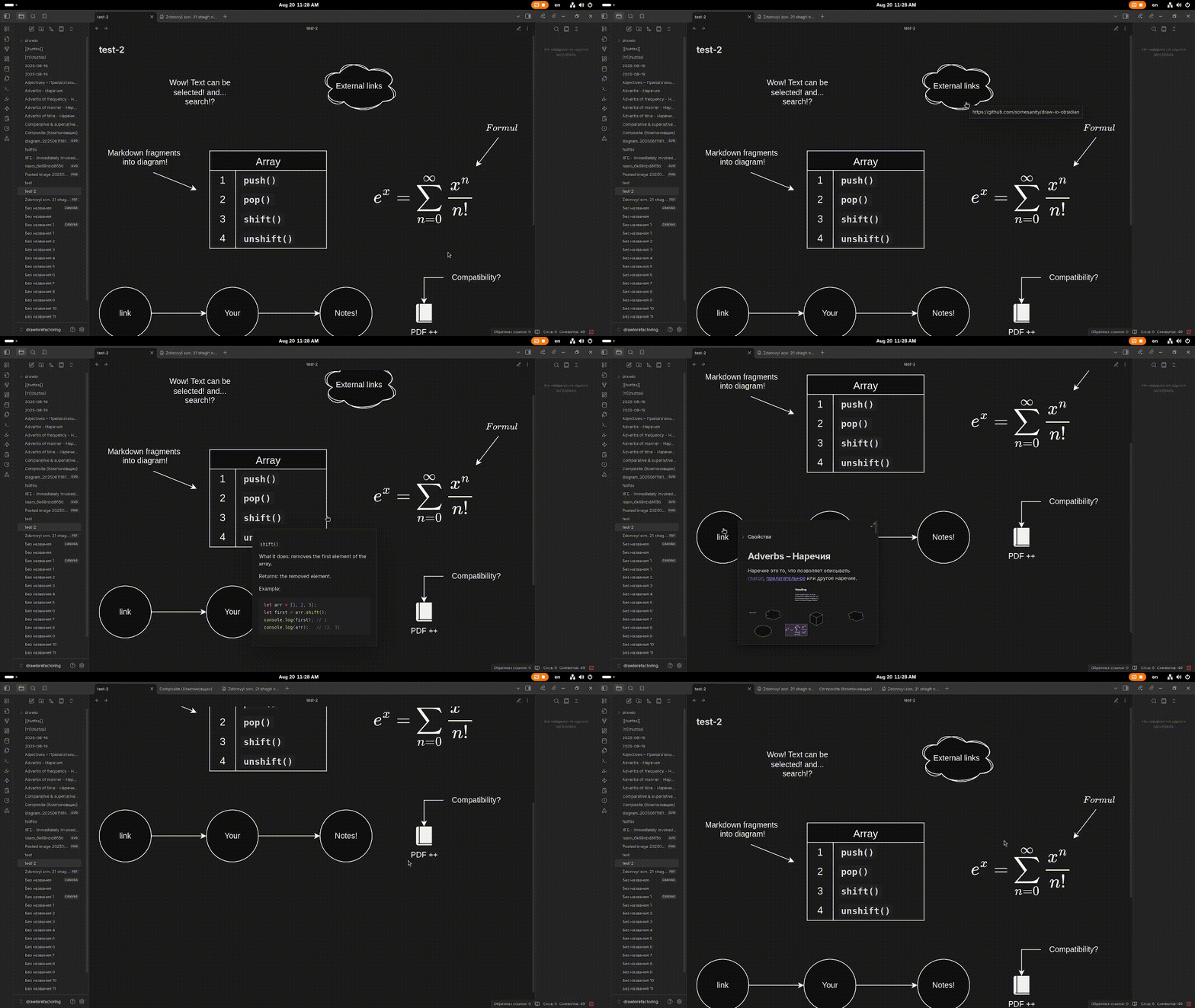
🖇️ Linking shapes with notes & external links
To link your notes or external resources to shapes, right-click on a shape in the editor and select Add link. Then, insert the link to your note or external resource.
🔗 linking notes demo:
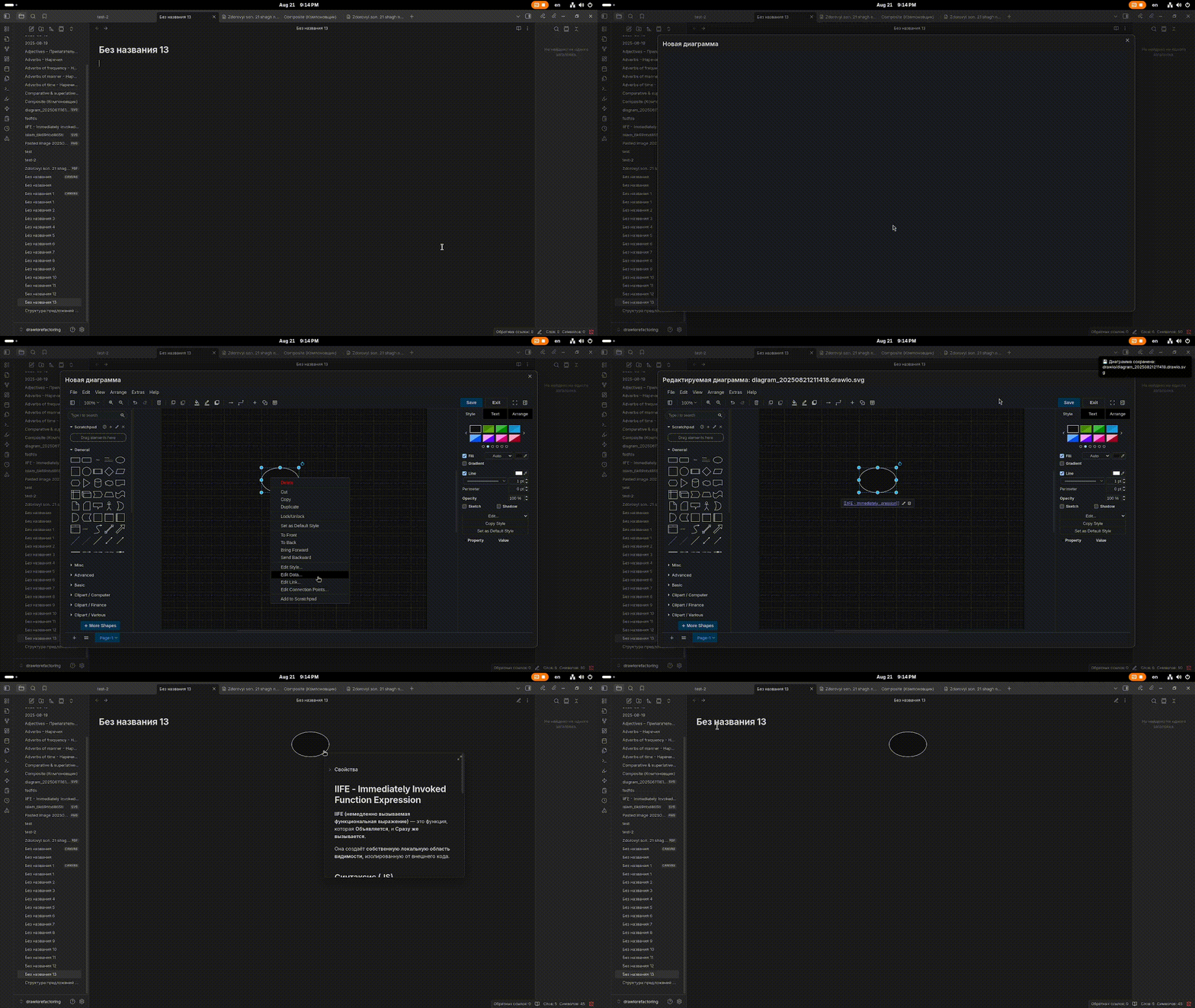
🌐 creating an external link demo:
📄 Markdown fragments
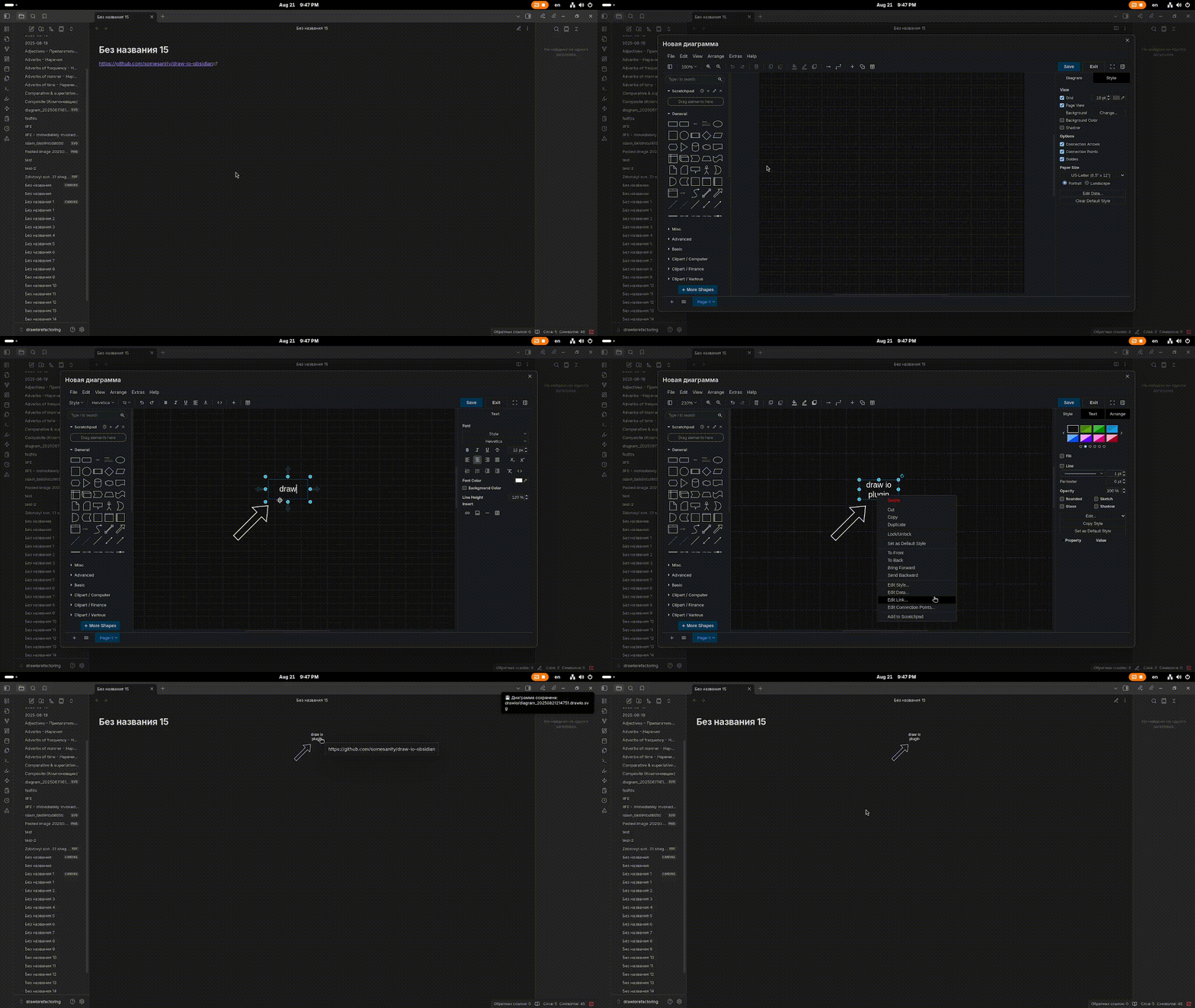
Markdown fragments are pieces of markdown that you can add to diagrams.
Right-click on the shape or element you want to bind a markdown fragment to, then select Add data....
The data name should follow the pattern md-number, for example: md-1, md-2.
Next, insert the markdown text into the property.
📜 Adding a markdown fragment demo:
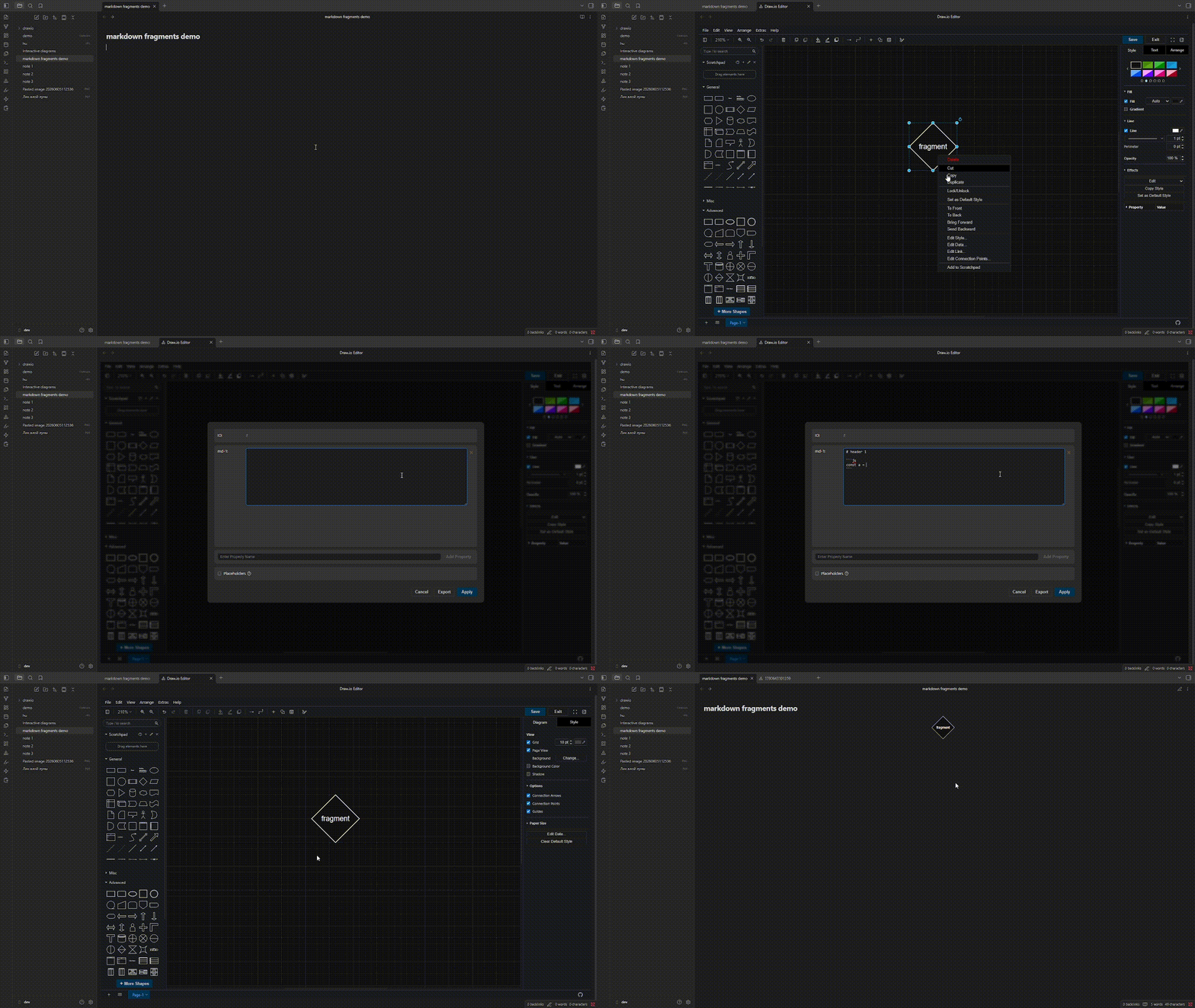
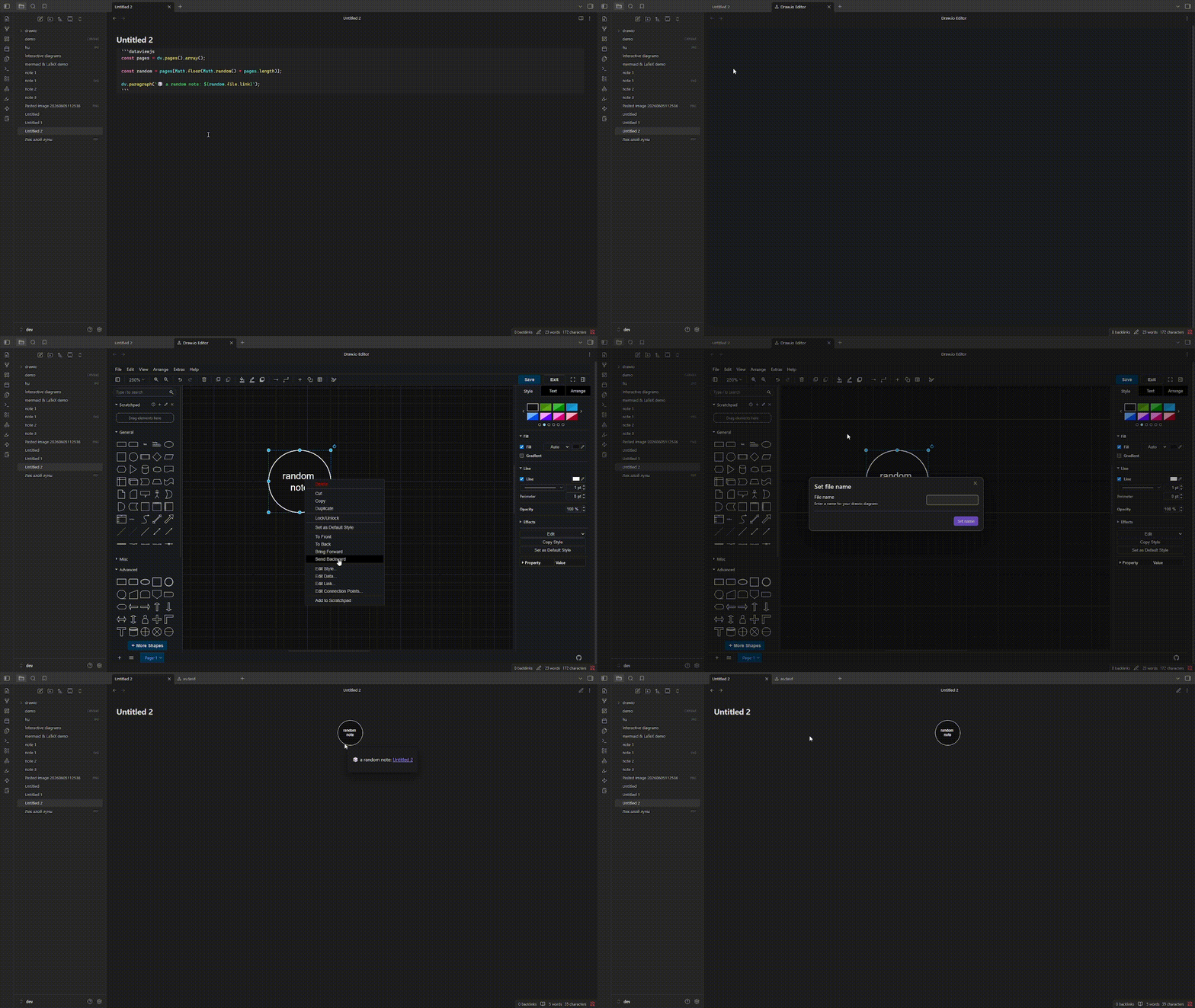
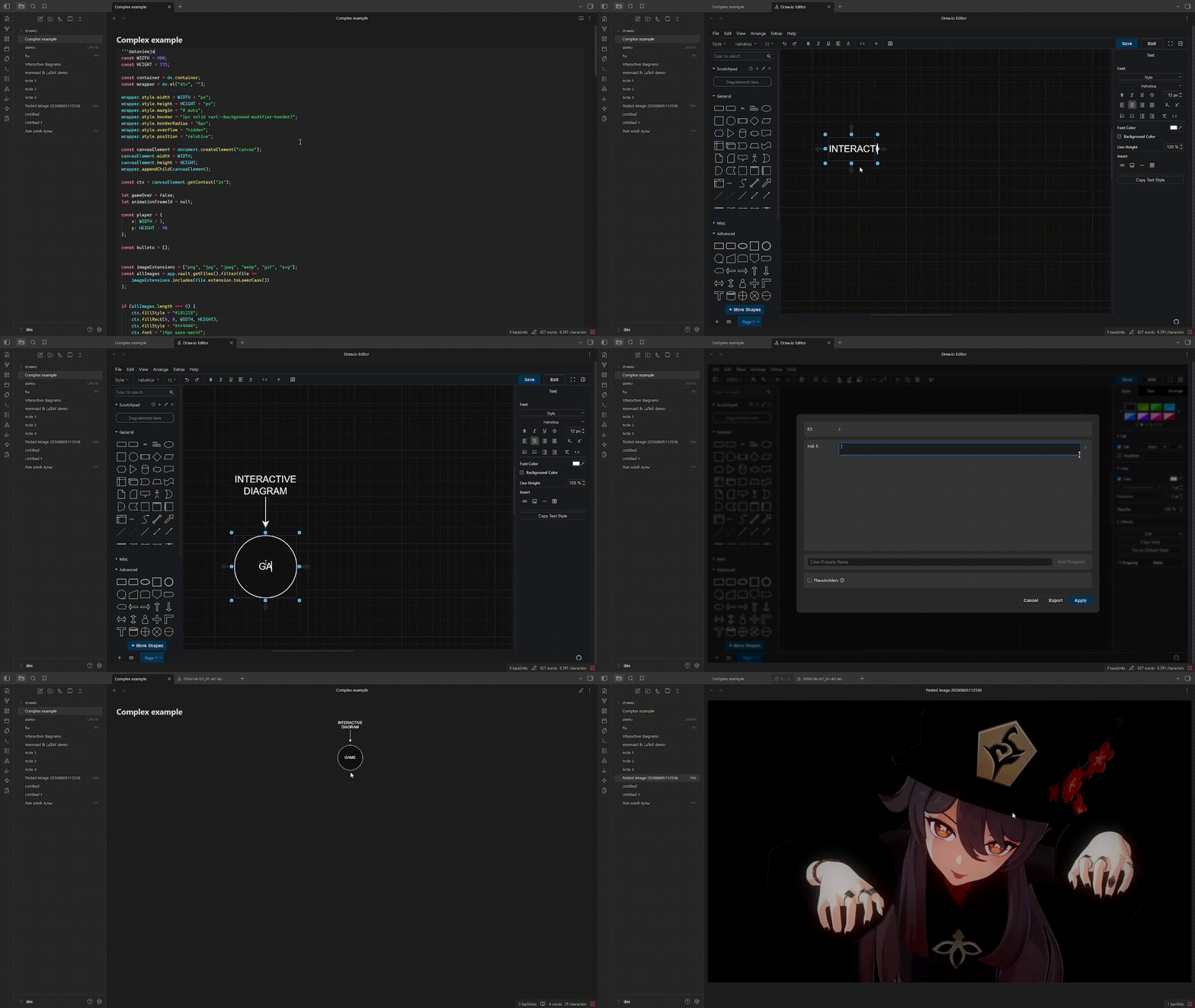
You can literally put anything into a diagram that Obsidian is capable of rendering, including rendering features added by plugins.
for example:
- random note
- complex dataviewjs scripts
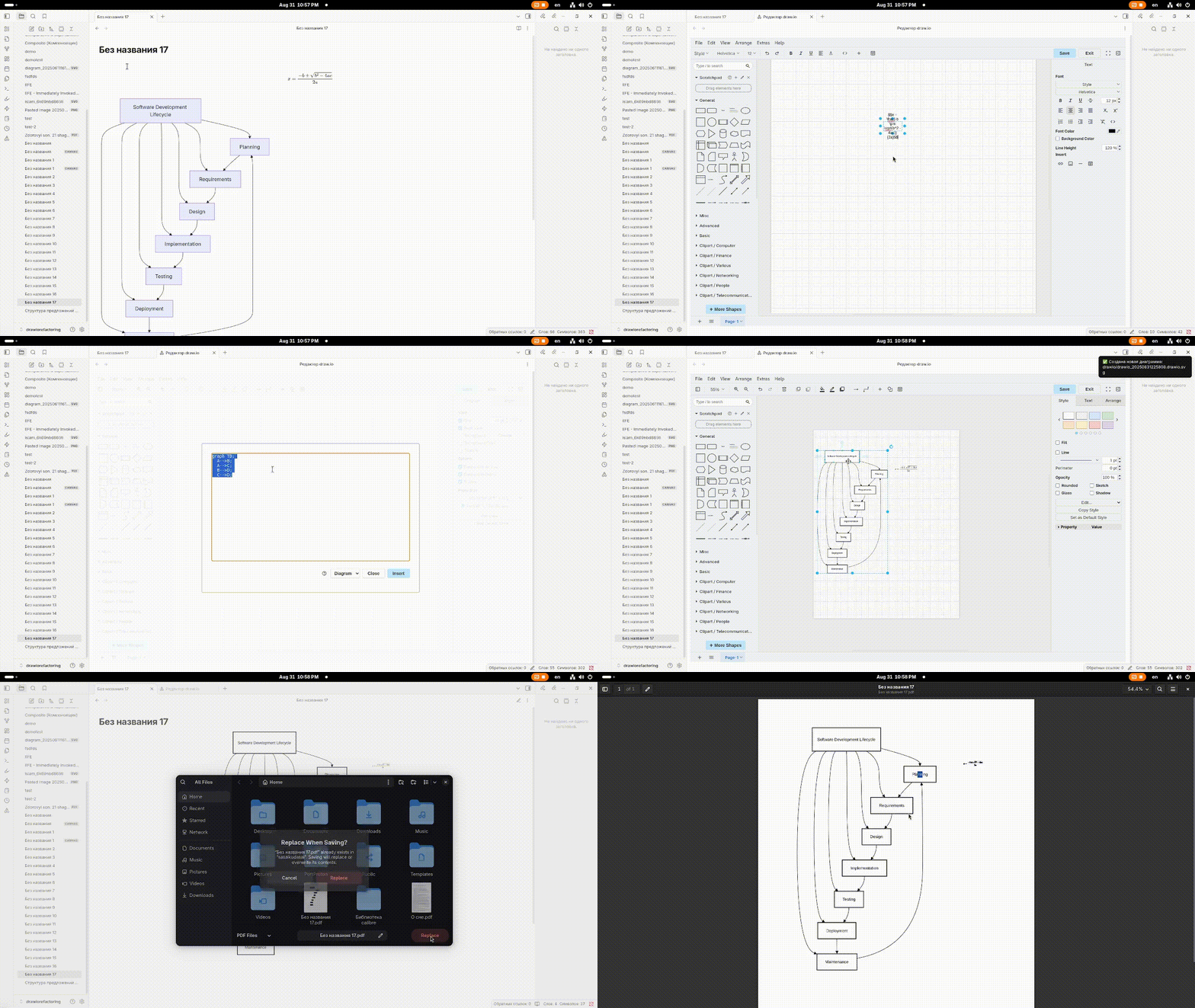
📐 Mermaid & LaTeX
You can use mermaid, plumt and LaTeX (native support draw.io)
🖼️ Canvas support
Use the diagrams in canvas! Link your notes, add external/internal links and markdown-fragments!
🖱️ How to Use
Diagrams created by the plugin use the .drawio.svg extension. The file is still a regular SVG file; the .drawio part is added so the plugin can recognize that the SVG was created by it.
diagram.drawio.svg— ✔️diagram.svg— ❌
If you remove the .drawio part, the plugin will no longer recognize the file as a draw.io diagram.
How to Open the Editor
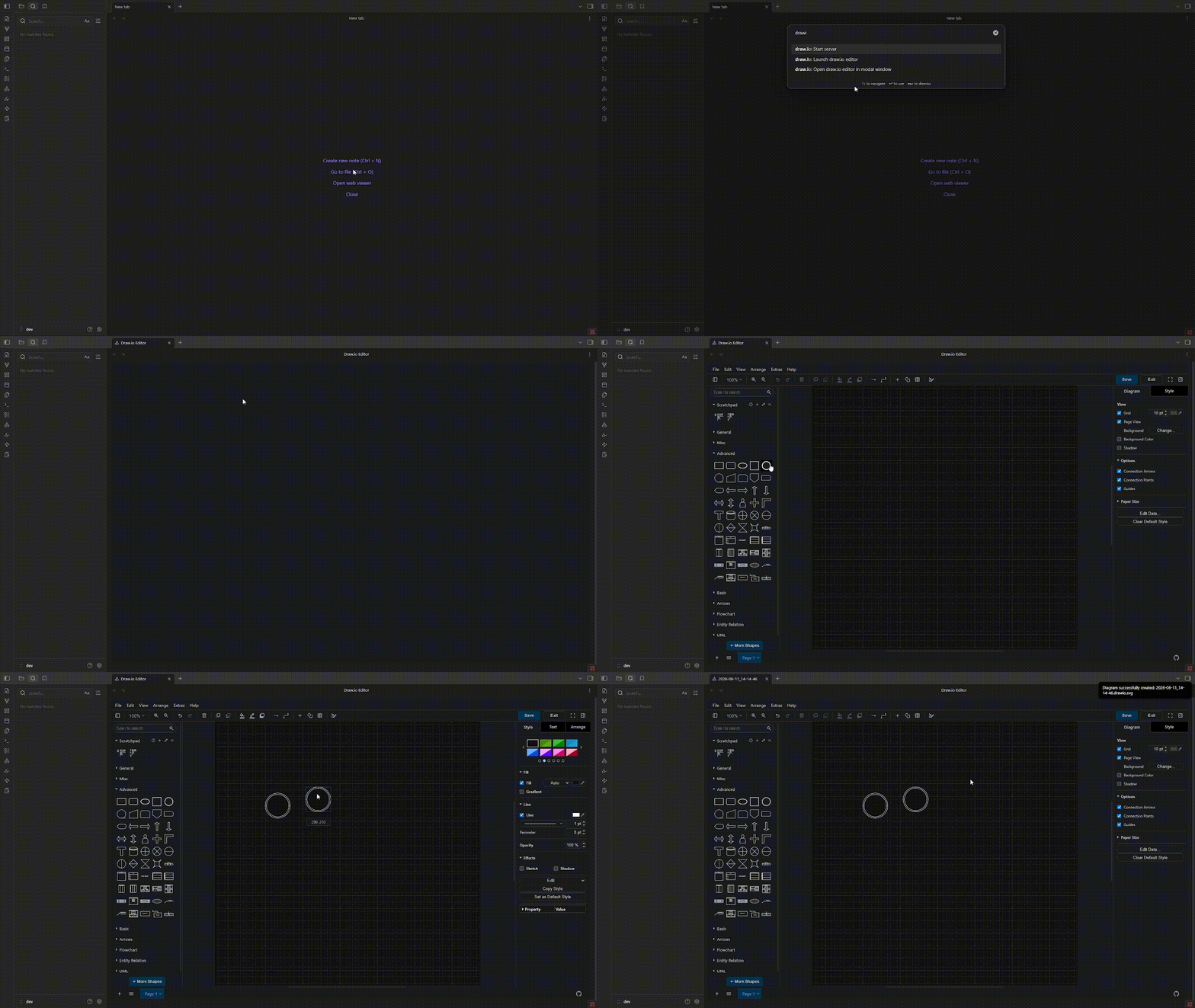
You can open the editor using a Command Palette command:
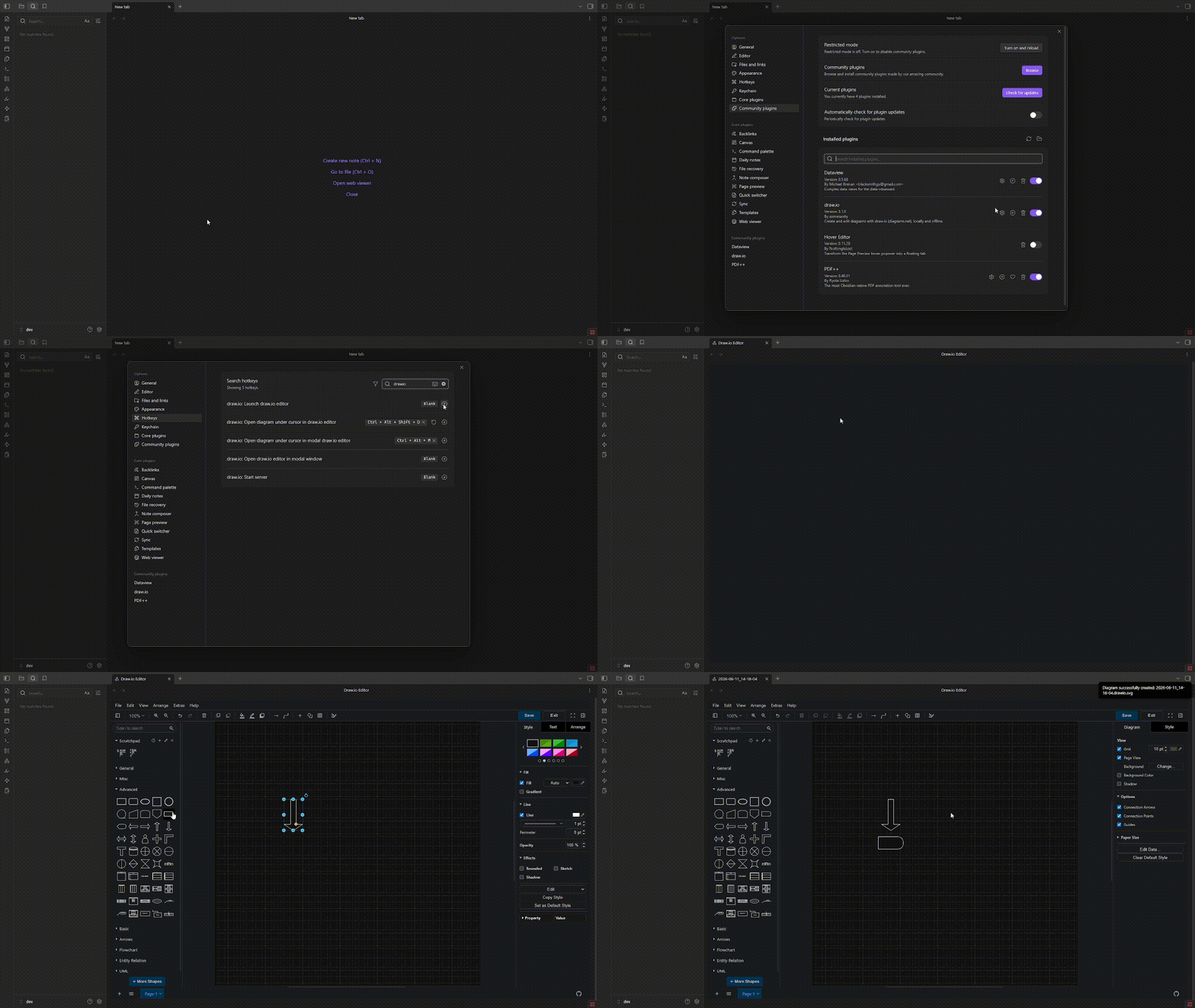
Or you can assign and use a keyboard shortcut:
How to Edit Diagrams
There are three ways to edit a diagram:
- Using the context menu — right-click the diagram link and select "Edit draw.io Diagram".
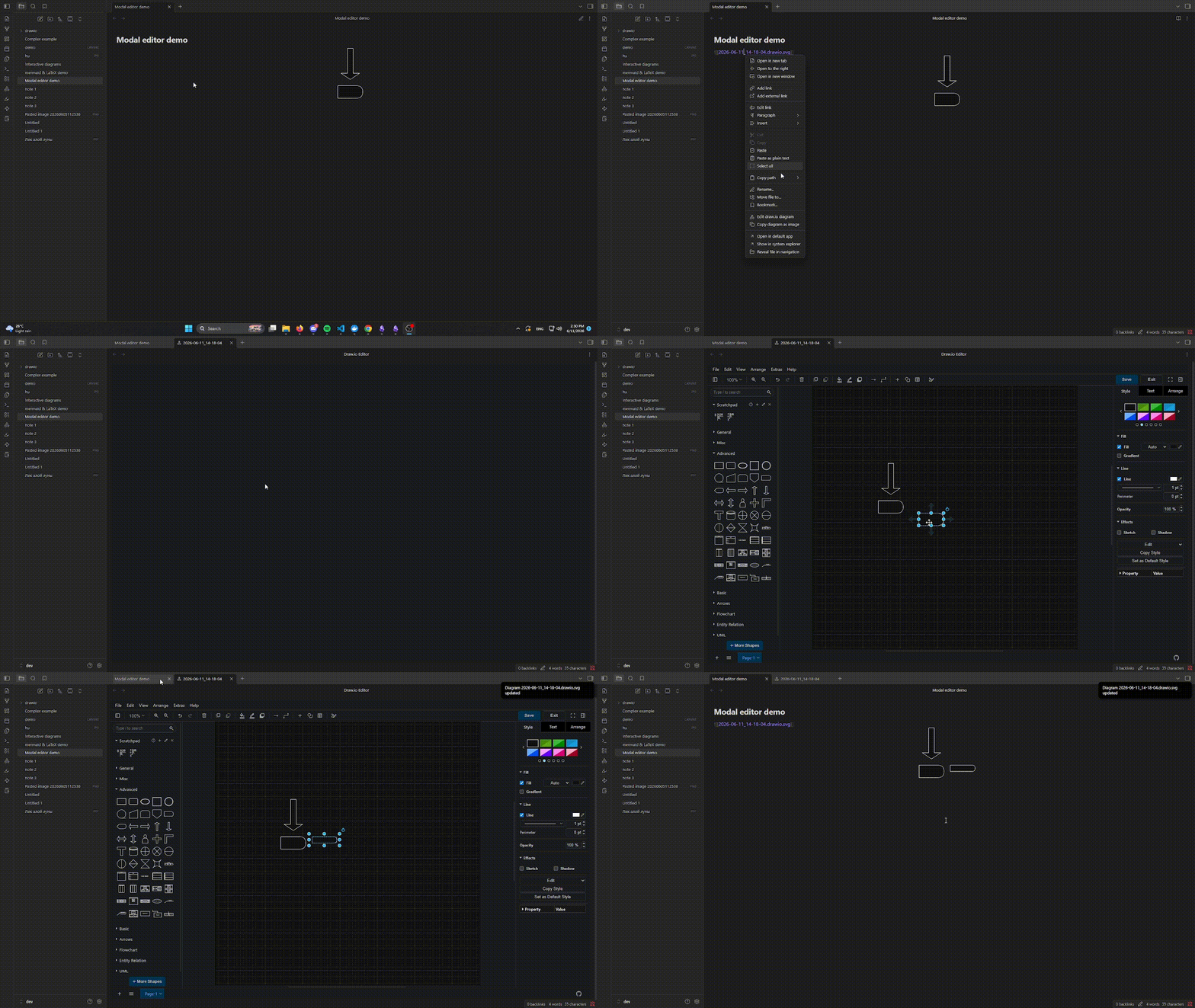
- Using a keyboard shortcut — place the cursor on the diagram link in editing mode and press the assigned shortcut.
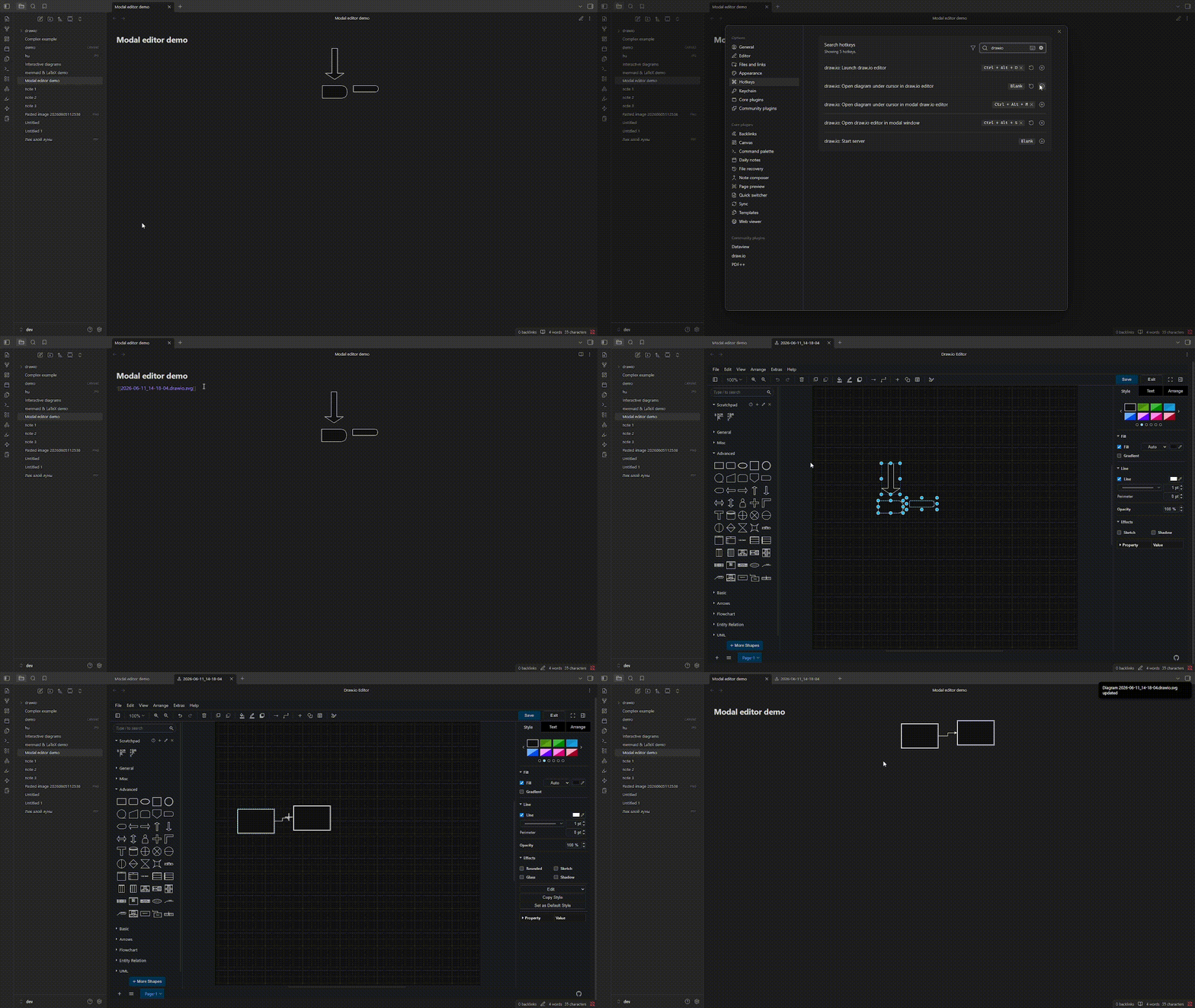
- Using the modal editor shortcut — place the cursor on the diagram link in editing mode and press the modal editor shortcut.
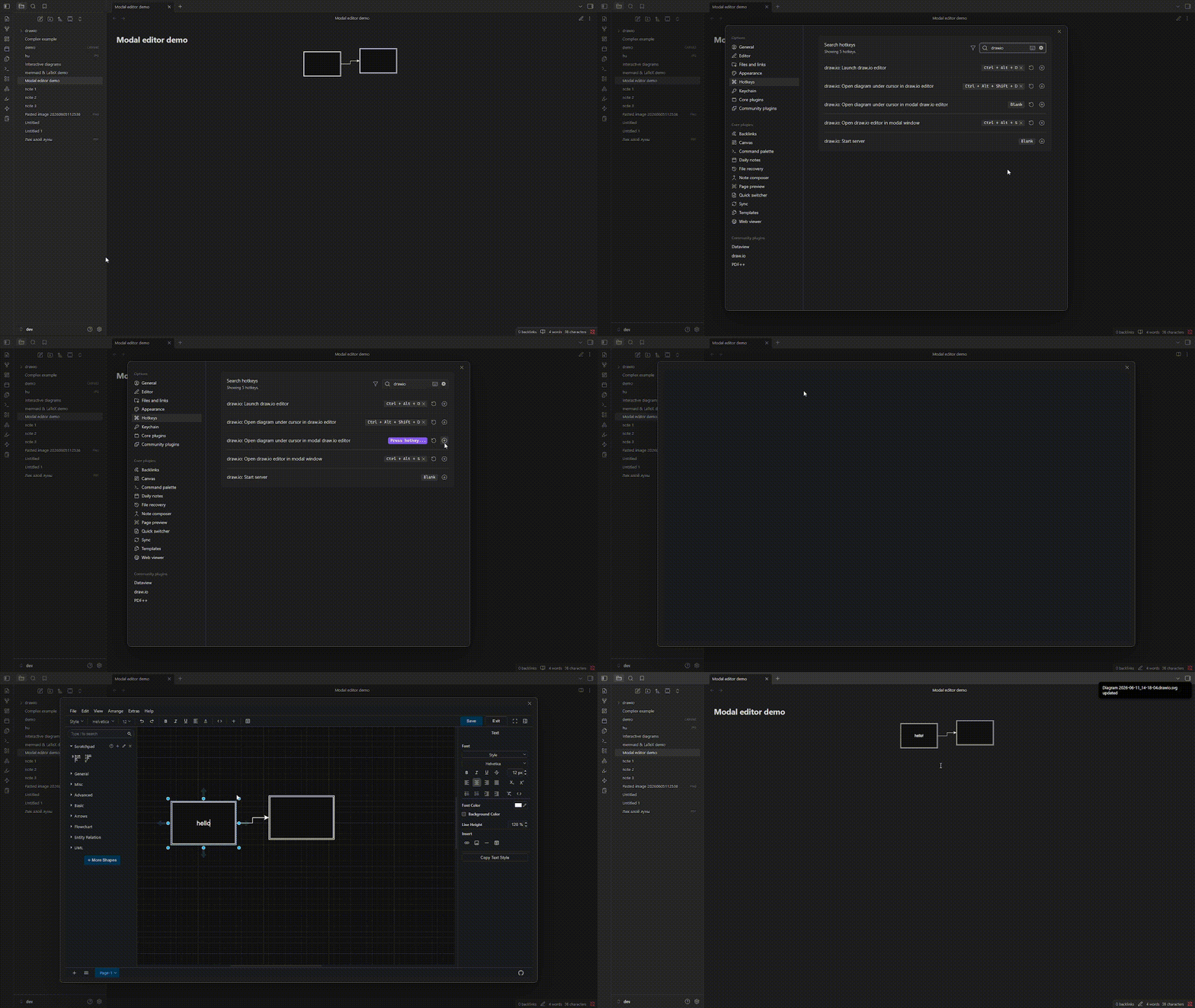
❓ How It Works
This plugin launches a local web server that serves the Draw.io web app directly from your machine.
- When you open your Obsidian vault and enable the plugin, it spins up the server automatically.
- You can then create, edit, and save diagrams directly within Obsidian — completely offline.
📦 Installation Guide
there are 2 ways:
install from the plugin page or open this link obsidian://show-plugin?id=drawio in new browser tab
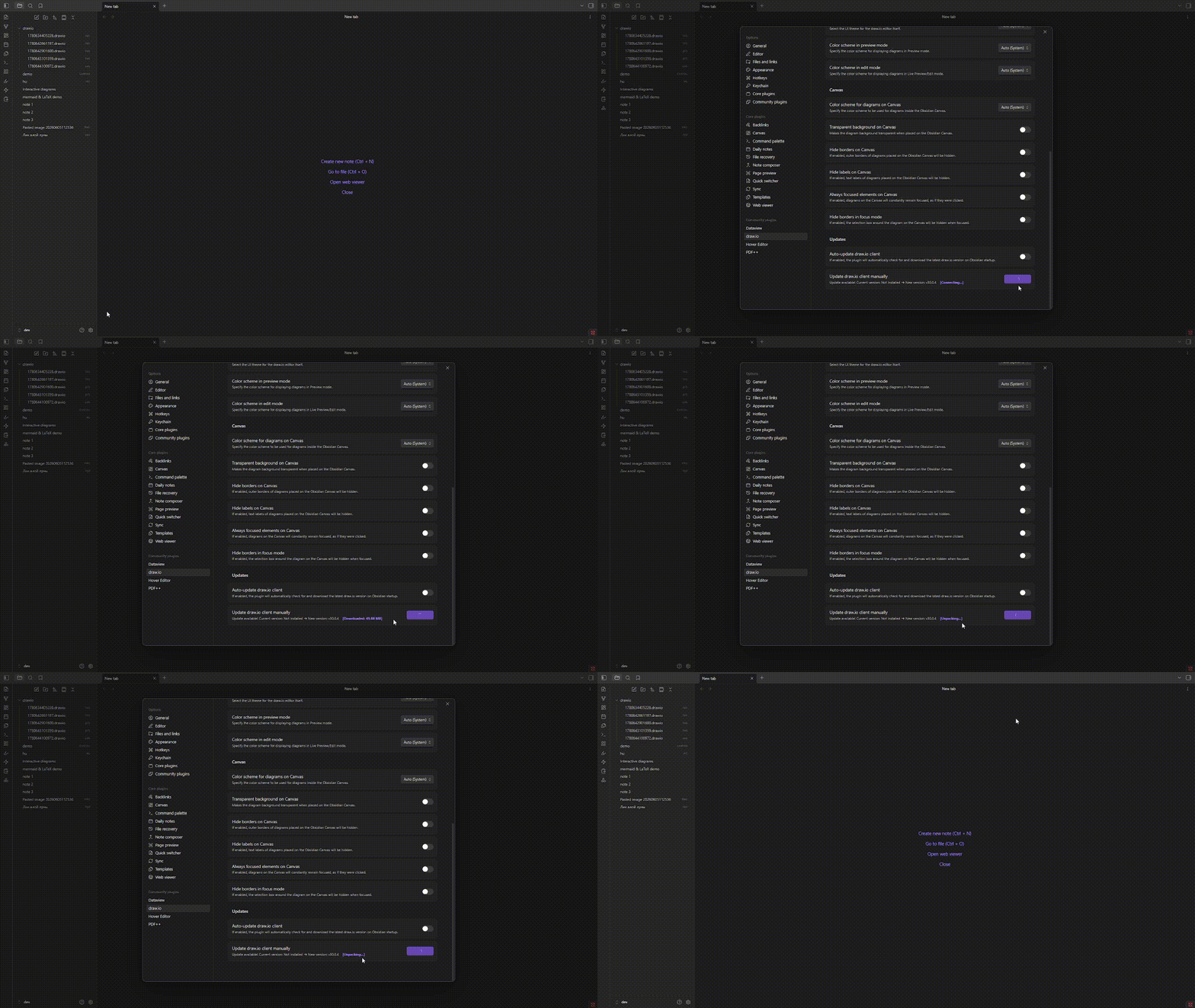
after downloading enable plugin, then go to settings, scroll down and click on the downlaod button draw.io client
manually install
after downloadingб
🙌 manually install
downlaod from Releases
main.jsmanifest.jsonstyle.css
create Folder in the .obsidian folder (where other plugin) and then move the file to the folder.
.obsidian/
└── plugins/
    └── draw-io/
        ├── manifest.json
        ├── main.js
        ├── styles.css
enable plugin, then go to settings, scroll down and click on the downlaod button draw.io client
License
This software is licensed under the GNU GPLv3.