Bookmark Indicator
 Keith Pieper1 downloads
Show a small blue bookmark marker beside bookmarked files in File Explorer.
- Overview
- Scorecard
- Updates1
Show a small blue bookmark marker beside files in Obsidian's core Bookmarks list. The marker appears in the File Explorer, making bookmarked notes easier to spot without opening the Bookmarks pane.
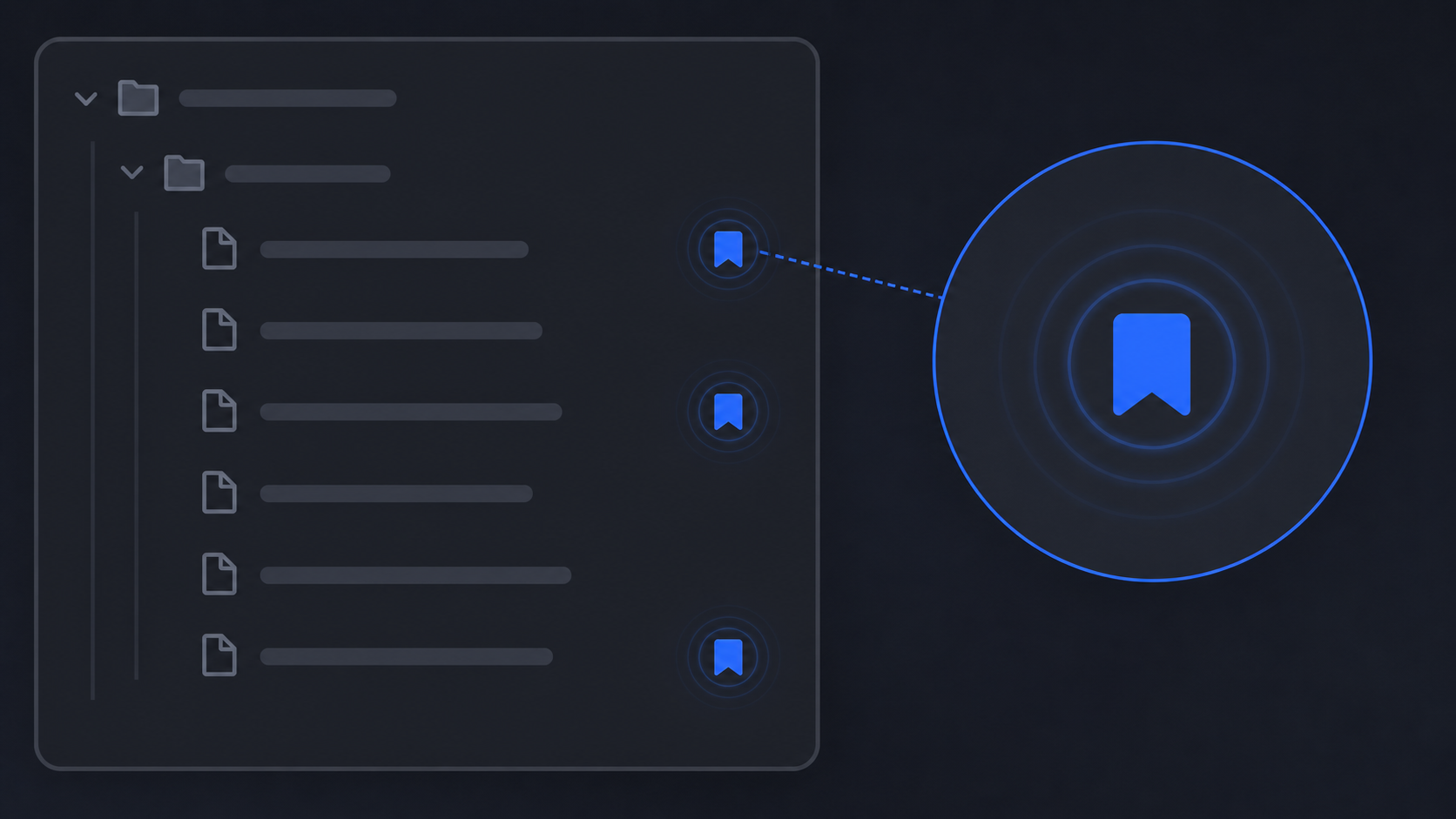
The image is an illustrative example of the workflow, not a screenshot of the plugin.
Install
- Copy this folder to /.obsidian/plugins/bookmark-indicator/.
- Ensure manifest.json, main.js, and styles.css are present.
- Enable the core Bookmarks plugin.
- Enable Bookmark Indicator under Settings → Community plugins.
- Bookmark at least one file and open the File Explorer.
No build step or npm installation is required.
How it works
- Reads Obsidian's .obsidian/bookmarks.json.
- Recursively extracts bookmarked file paths.
- Adds a blue marker to matching file rows.
- Refreshes on workspace and vault events, File Explorer changes, and a periodic bookmarks-file poll.
The indicator is intended for files, not folders or other bookmark item types.
Troubleshooting
- Confirm the core Bookmarks plugin is enabled.
- Confirm the file is bookmarked in Obsidian's Bookmarks pane.
- Reload Obsidian or disable and re-enable the plugin.
- Check whether a theme or another plugin removed the File Explorer row's data-path attribute.
Compatibility was tested with Obsidian 1.11.5; behavior may vary with future File Explorer DOM changes.
Uninstall
Disable the plugin, then remove its folder from .obsidian/plugins.
License
MIT. See LICENSE.
HealthExcellent
ReviewCaution
About
Display a small blue bookmark marker beside bookmarked notes in the File Explorer to spot bookmarks without opening the Bookmarks pane. Read .obsidian/bookmarks.json and update markers on workspace, explorer, and vault changes to keep indicators current.Details
Current version
1.11.6
Last updated
2 months ago
Created
2 months ago
Updates
1 release
Downloads
1
Compatible with
Obsidian 1.11.5+
Platforms
Desktop, Mobile
License
MIT