Better Search Views
 ivan-lednev49k downloads
Upgrade global search, backlinks and queries with outliner-like context trees.
- Overview
- Scorecard
- Updates7
Warning
- You need to reload Obsidian after you install/update/enable/disable the plugin
- The plugin reaches into Obsidian's internals, so it may break after an update. If you noticed that, please create an issue
How to use it
Just install it and reload Obsidian. Now Obsidian's built-in global search, backlinks and queries should be decorated with breadcrumbs.
What it does
Before 'Better Search Views', search results look like this:
After 'Better Search Views' they look like this:
A closer look
Let's open one of the files with matches, and see how the hierarchy in the search result matches the file:
But what does it do exactly?
The plugin brings more outliner goodness into Obsidian: it improves search views to create an outliner-like context around every match.
- It patches native search, backlinks view, embedded backlinks and embedded queries
- It renders markdown in the match to HTML
- It builds structural breadcrumbs to the match by chaining all the ancestor headings and list items above
- If the match is in a list item, it displays all the sub-list items below it
- If the match is in a heading, it displays the first section below the heading (you know, for context)
Backlinks in document look like this
Embedded queries look like this
Clicking on breadcrumbs works just as you might expect
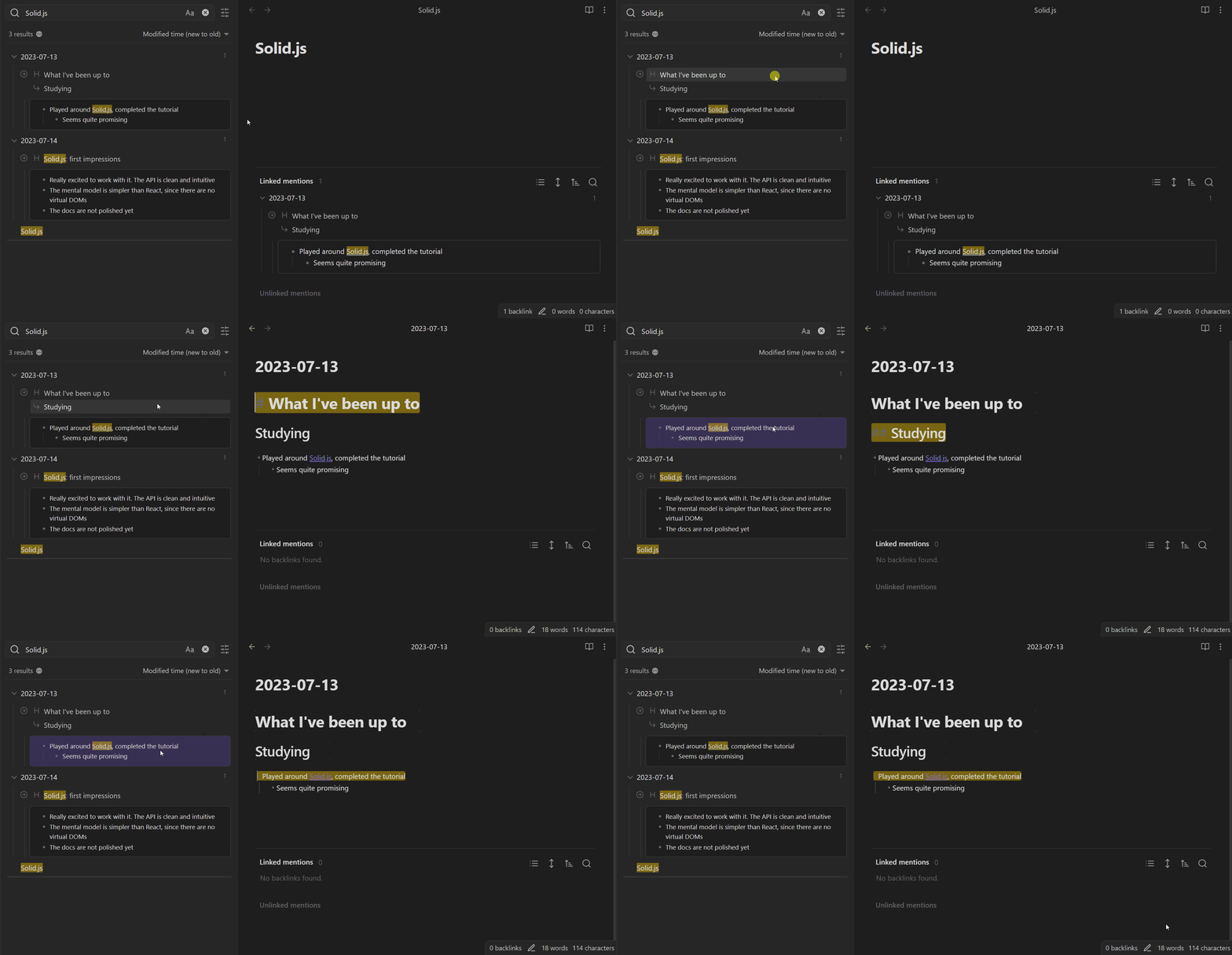
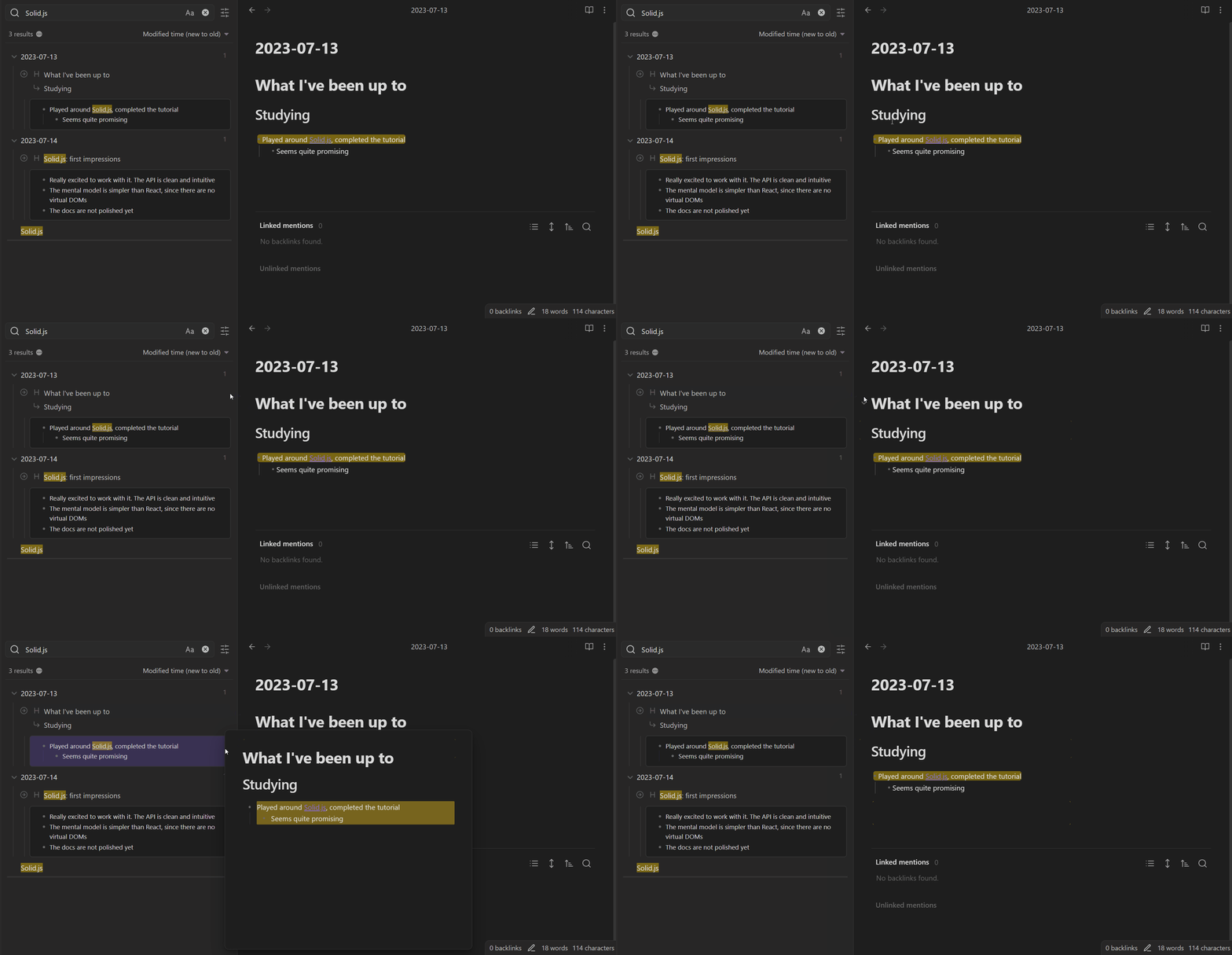
Hovering over any element with the control key pressed triggers a pop-up
Contribution
If you noticed a bug or have an improvement idea, please create an issue.
Pull-requests are welcome! If you want to contribute but don't know where to start, you can create an issue or write me an email: [email protected].
You can also support the development directly:
Acknowledgements
- Thanks to TFTHacker for his plugin, which helped me figure out how to implement a bunch of small improvements
- Thanks to NothingIsLost for his awesome plugins, that helped me figure out how to patch Obsidian internals
- Thanks to PJEby for his patching library
HealthFair
ReviewCaution
About
Decorate Obsidian's global search, backlinks and embedded queries with outliner-style context and clickable breadcrumbs for every match. Render matched Markdown to HTML, chain ancestor headings and list items into breadcrumbs, and display sub-list items or the first section below a matched heading for immediate context.Details
Current version
0.3.0
Last updated
2 years ago
Created
3 years ago
Updates
7 releases
Downloads
49k
Compatible with
Obsidian 0.16.0+
Platforms
Desktop, Mobile
License
MIT
Sponsor