Search...Search plugins and themes...
⌘K
Sign in
  • Get started
  • Download
  • Pricing
  • Enterprise
  • Account
  • Obsidian
  • Overview
  • Sync
  • Publish
  • Canvas
  • Mobile
  • Web Clipper
  • CLI
  • Learn
  • Help
  • Developers
  • Changelog
  • About
  • Roadmap
  • Blog
  • Resources
  • System status
  • License overview
  • Terms of service
  • Privacy policy
  • Security
  • Community
  • Plugins
  • Themes
  • Discord
  • Forum / 中文论坛
  • Merch store
  • Brand guidelines
Follow us
DiscordTwitterBlueskyThreadsMastodonYouTubeGitHub
© 2026 Obsidian

Better Comment Toggle

mrgvsvmrgvsv5k downloads

Improved comment toggling.

Add to Obsidian
  • Overview
  • Scorecard
  • Updates4

Improved comment toggling in Obsidian.

Features

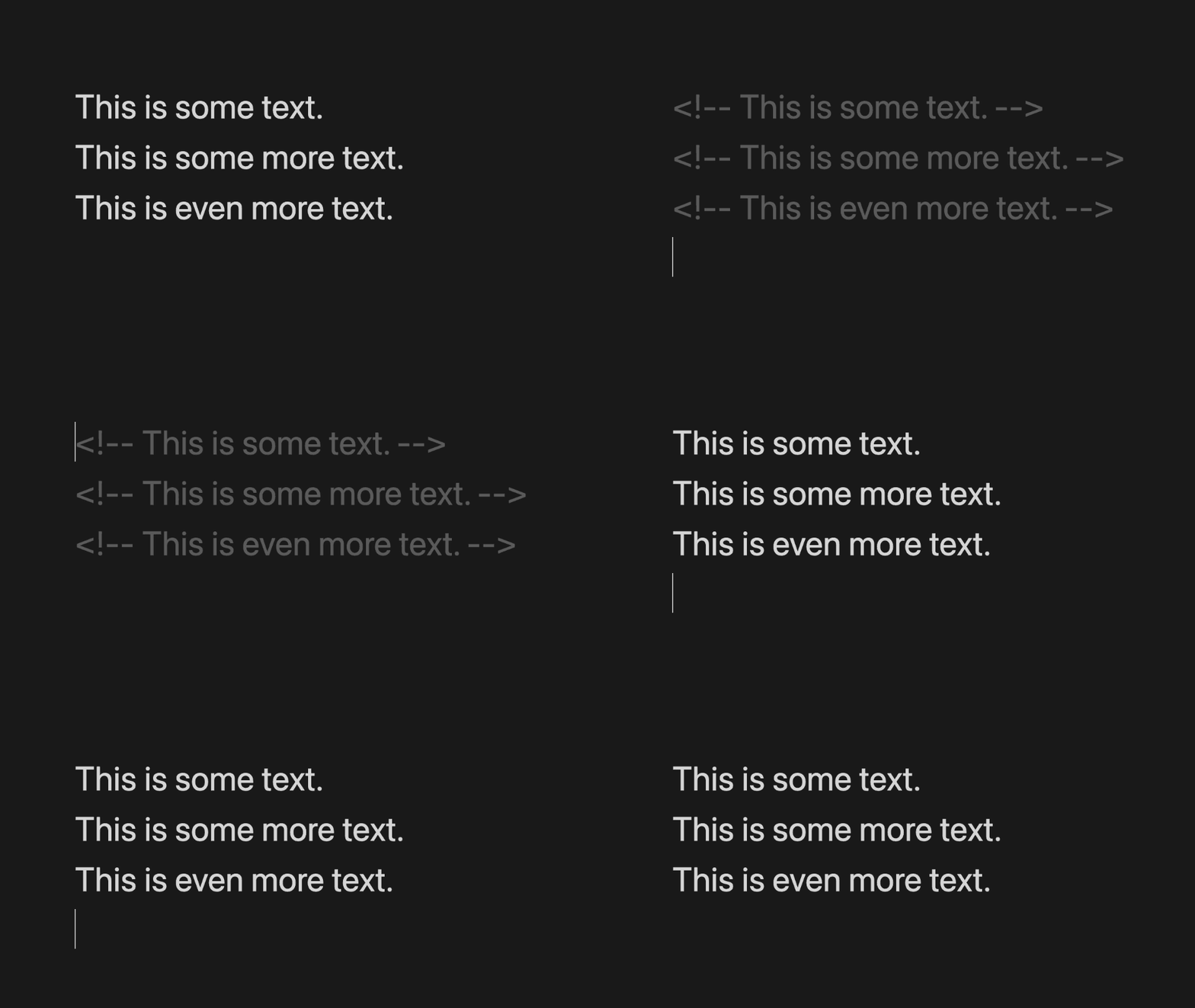
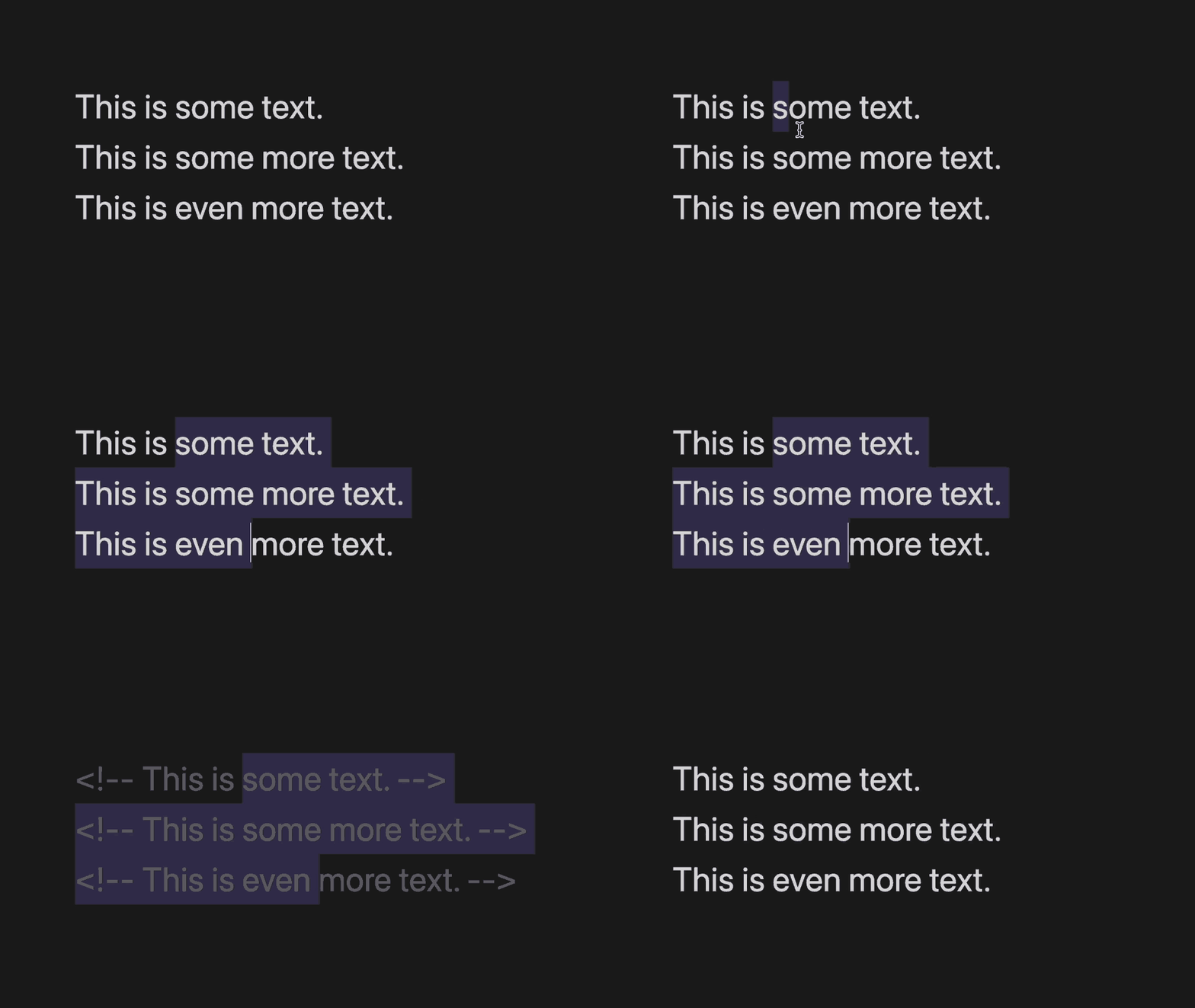
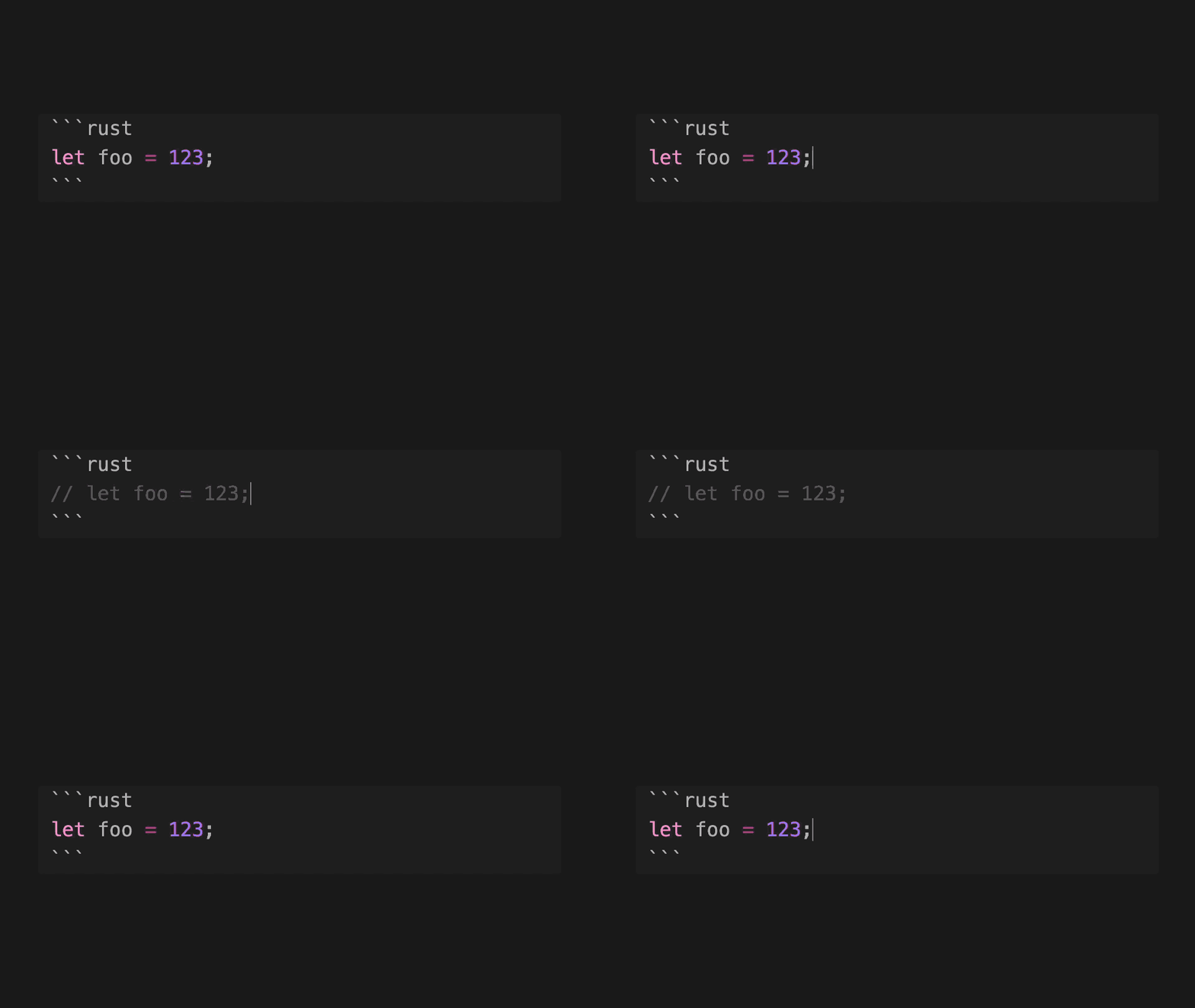
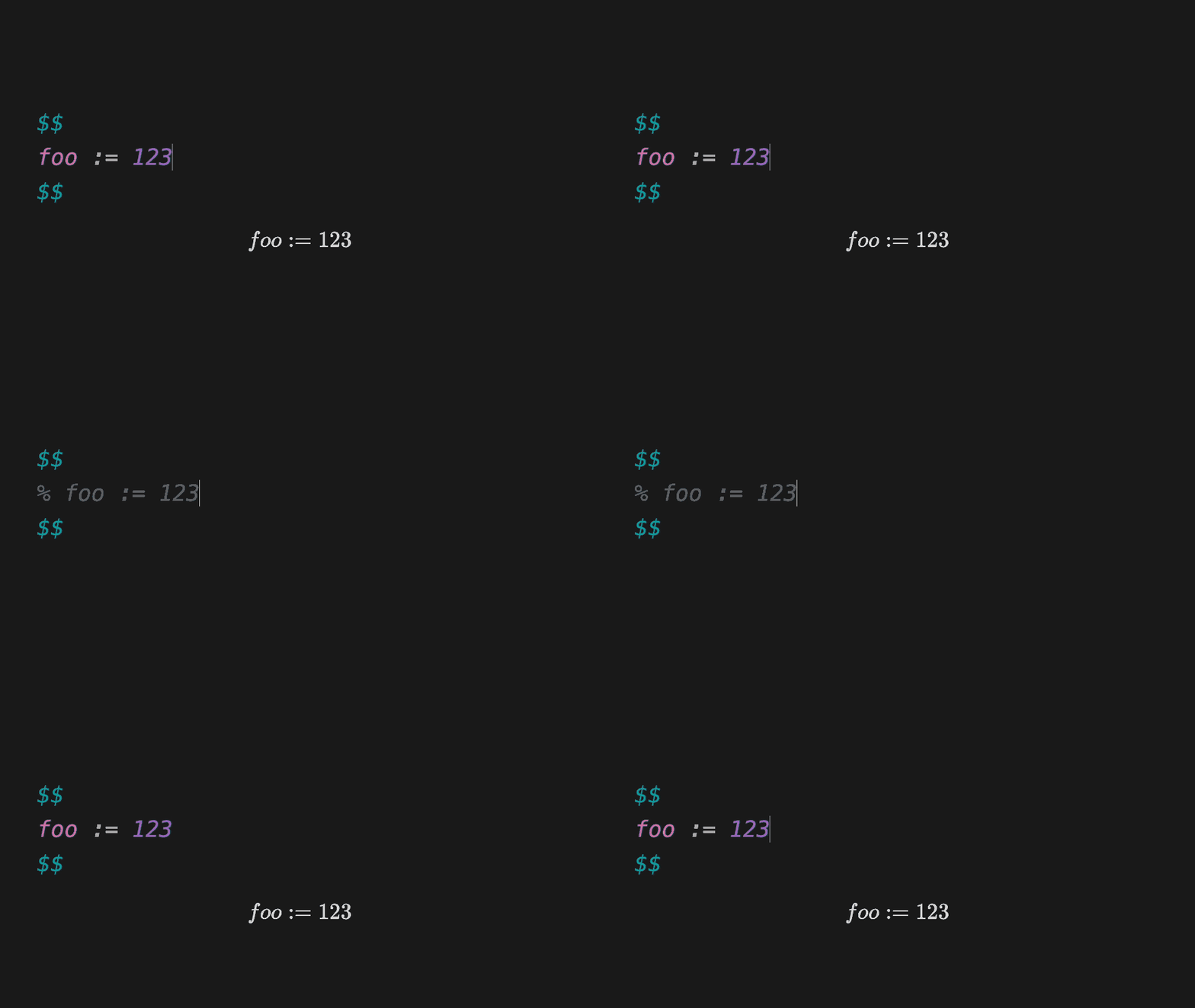
  • Easily toggle comments line-by-line or over a selected range of lines
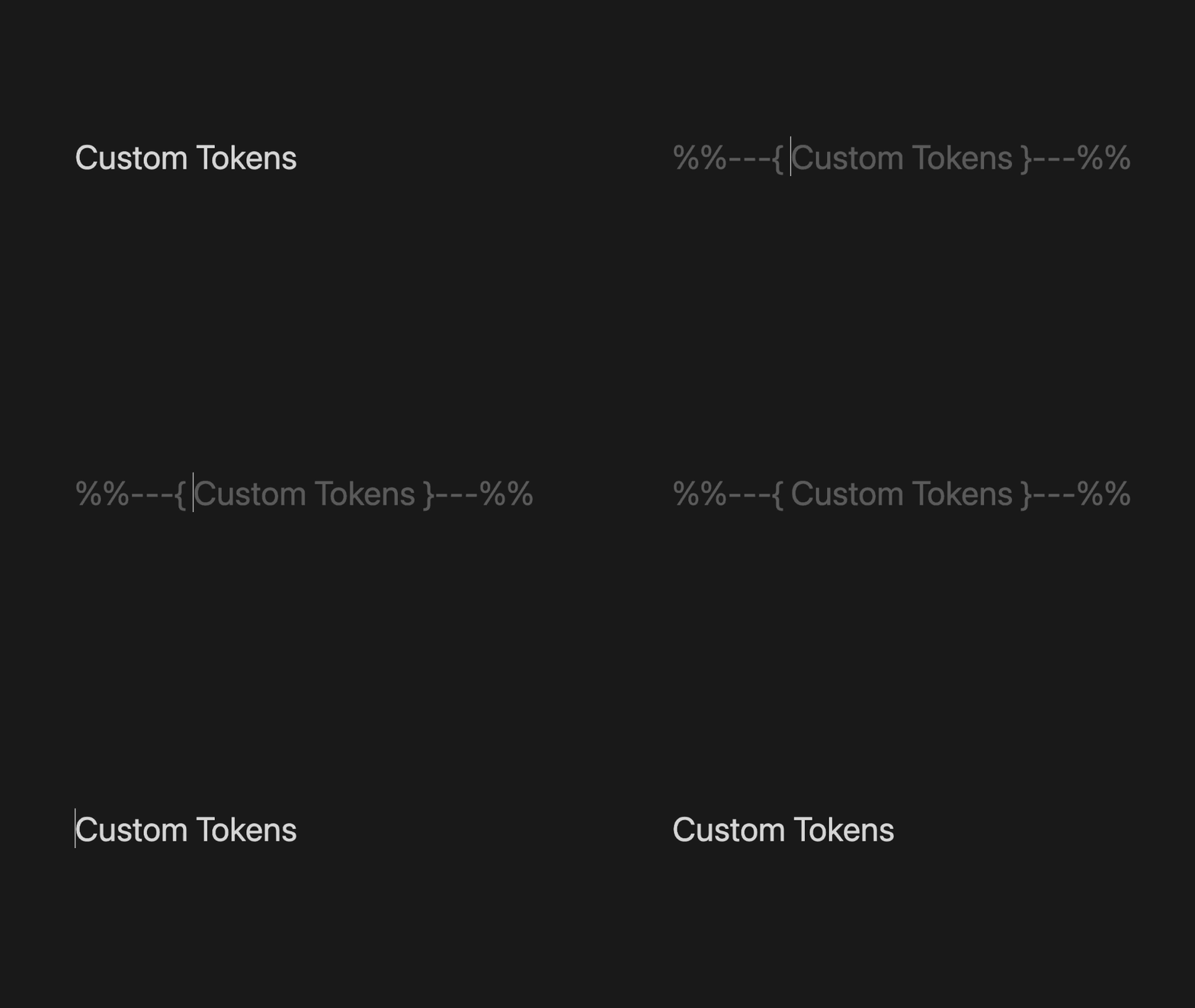
  • Configure the start and end tokens for toggled comments
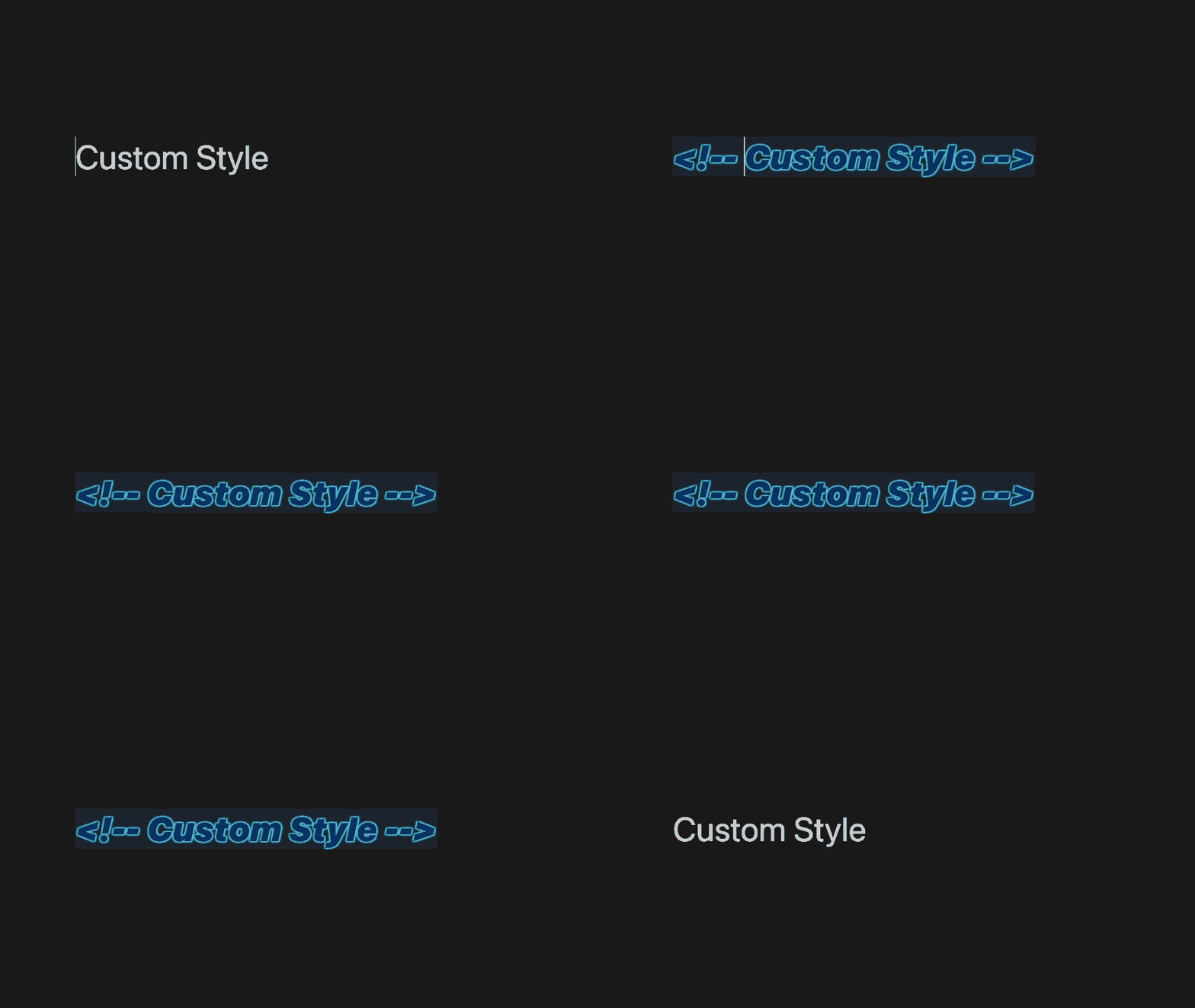
  • Change the appearance of commented lines
  • Support for both code and math blocks (including custom languages)
  • Maintains indentation

Demos

Toggling lines one-by-oneToggling a selected range of linesUsing custom comment tokensUsing a custom comment appearanceToggling a comment inside a code blockToggling a comment inside a math block

Details

This plugin is purely WYSWIG. That is, there are no hidden HTML tags or other metadata embedded into your notes. The comments exist as you see them in the notes. Any additional styling (e.g. font color) is purely cosmetic and exists only in the editor.

The default comment style is set to HTML (<!-- -->), which is the syntax specified by CommonMark. However, you can configure this plugin to use Obsidian-style comments (%% %%), or even define your own!

Tips

It's recommended to replace the existing keybinding for Obsidian's comment toggling command with the one provided by this plugin:

  • ⌘+/ (Mac)
  • Ctrl+/ (Windows)

Support

This plugin is totally free to use! I have a lot of fun making stuff like this, so I never expect any type of financial compensation. But if you enjoy the plugin and are feeling generous, I certainly won't say no to a cup of coffee!

67%
HealthFair
ReviewCaution
About
Toggle comments line-by-line or across a selected range, with configurable start and end tokens and preserved indentation. Apply comments inside code and math blocks (including custom languages) in a WYSIWYG way so no hidden tags are added to your files. Customize commented-line appearance in the editor without altering stored Markdown.
EditingCodeAppearance
Details
Current version
1.0.3
Last updated
2 years ago
Created
3 years ago
Updates
4 releases
Downloads
5k
Compatible with
Obsidian 0.15.0+
Platforms
Desktop, Mobile
License
MIT
Report bugRequest featureReport plugin
Sponsor
Buy Me a Coffee
GitHub Sponsors
Author
mrgvsvmrgvsv
github.com/MrGVSV
GitHubmrgvsv
  1. Community
  2. Plugins
  3. Editing
  4. Better Comment Toggle

Related plugins

Lapel

Show the heading levels in the gutter of the editor.

VSCode Editor

Edit Code Files like VSCode.

Code Space

Professional code file management with visual dashboard, syntax highlighting editor, and Markdown embedding.

Show Whitespace

CSS styles and CM6 extensions to highlight whitespace in Source and Live Preview modes.

Advanced Tables

Improved table navigation, formatting, and manipulation.

Minimal Theme Settings

Control the colors and fonts in Minimal Theme.

Templater

Create and use dynamic templates.

Hider

Hide interface elements such as tooltips, status bar, titlebar, and more.

Meta Bind

Make your notes interactive with inline input fields, metadata displays, and buttons.

Outliner

Work with your lists like in Workflowy or Roam Research.