AnySocket Sync
 lynxaegon1k downloads
Self-Hosted synchronization for you Vault using AnySocket
- Overview
- Scorecard
- Updates12
Securely synchronize your Vault on a self-hosted server
Built with: anysocket
Features
- E2E encrypted Sync (transport layer)
- Connect as many devices as you like
- Sync all types of files across any device (works on mobile)
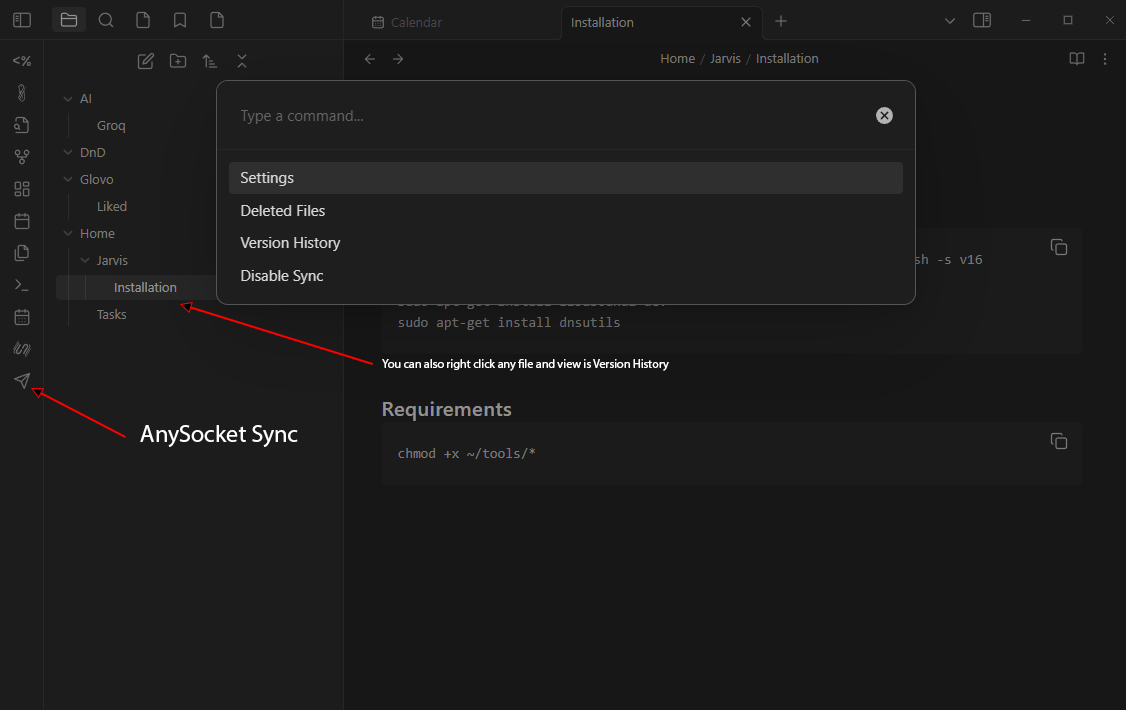
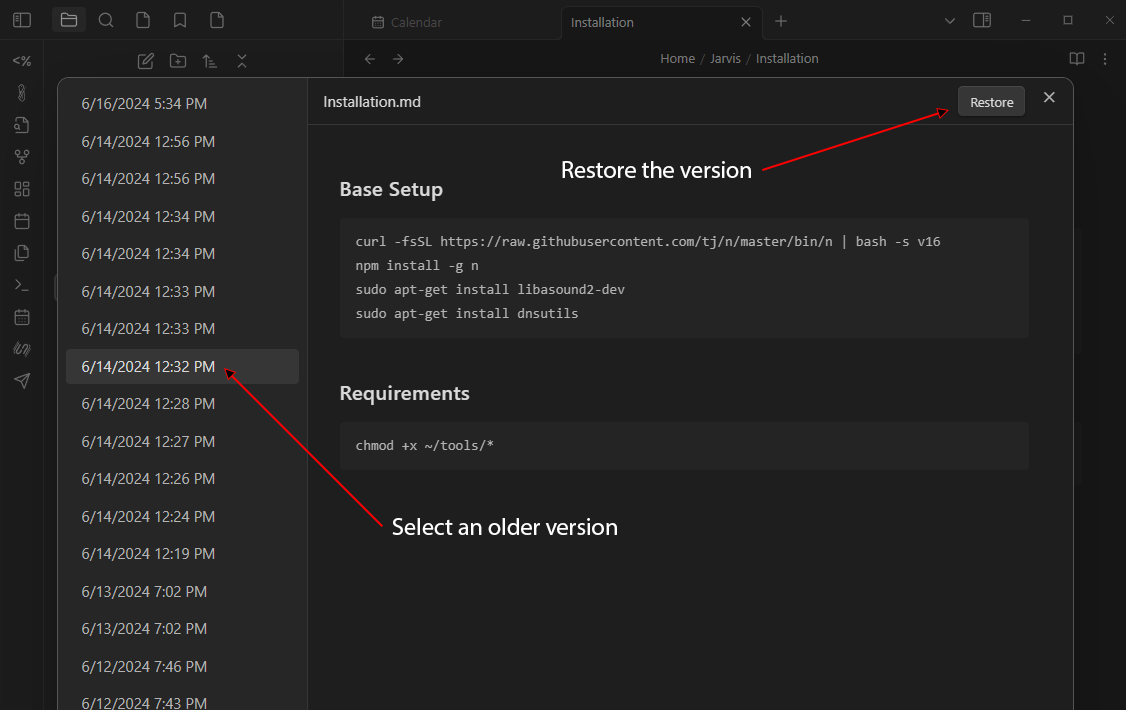
- Version History (customizable retention)
- Recover deleted files (customizable retention)
- Supports syncing on demand
- Works offline
- Auto updates when server is updated
Info: This is not a CRDT Sync (like GDocs), it's a file sync so conflicts can happen if you edit the same file on multiple devices at the same time. Conflict resolution is last write wins
Coming soon:
- Don't lose history on rename
- 2FA for allowing other devices (increased protection)
- Plugins sync
Known issues:
- History is lost on rename (WIP)
if you find others, please create an issue
Installation
Important: Always backup your vault!
- First install & configure the server
- Now install the plugin in Obsidian (Community Plugins ->
anysocket-sync) - Enable the plugin
- Go to settings and update the configuration
- Enable Sync
- Enjoy!
Screenshots
License
MIT
HealthGood
ReviewCaution
About
Sync your Vault to a self-hosted AnySocket server with end-to-end encrypted transport and unlimited device support. Preserve version history and deleted files with configurable retention, sync all file types (including mobile), work offline, and use on-demand or automatic updates. Expect last-write-wins conflicts because sync is file-based, not CRDT.Details
Current version
1.5.0
Last updated
11 months ago
Created
4 years ago
Updates
12 releases
Downloads
1k
Compatible with
Obsidian 0.15.0+
Platforms
Desktop, Mobile
License
MIT